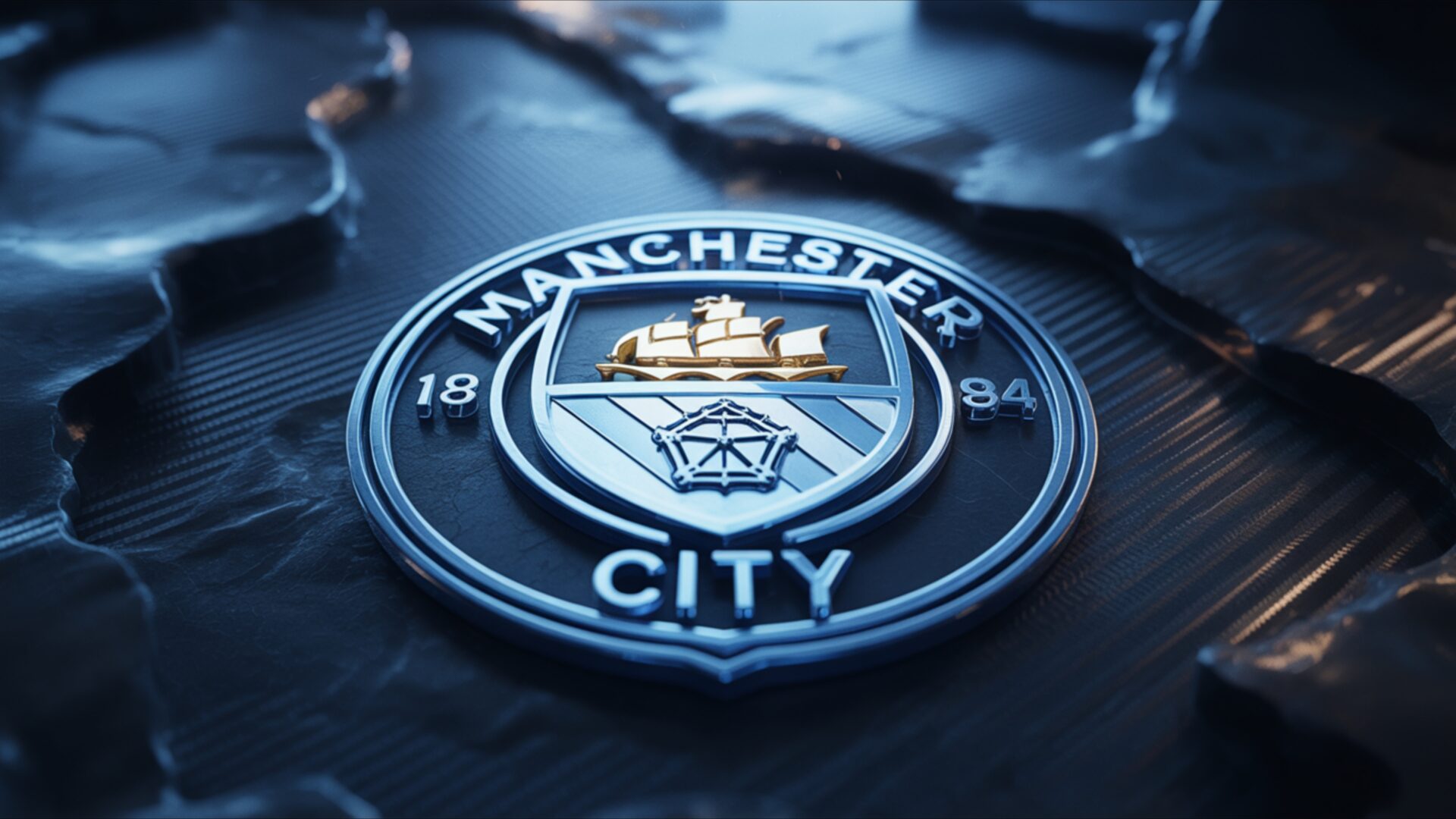
🕹️ Manchester City Sky Blue Crest Shine 4K UHD (3840x2160) Wallpaper


❤ Share this wallpaper:
WhatsApp Facebook Twitter / X Pinterest LinkedIn Copy Link for Instagram Telegram Reddit Email





💡 Below is relevant information on how to install wallpapers on different devices 👇


This 4K wallpaper is the best choice for testing your OLED professional display resolution. Compared to others, our high-performance tool provides a premium look for any high-end smartphone or desktop setup.


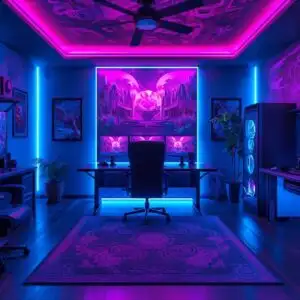
"Personalize this wallpaper or upload your own image to create the perfect mobile background 👇"
Customize Manchester City Sky Blue Crest Shine for Mobile Wallpapers
iPhone • Samsung • Xiaomi • Google Pixel • Android • Huawei • (Others)
720×1600 • 1080×1920 • 1080×2340 • 1080×2400 • 1284×2778 • 1440×3088Please use Portrait Mode for a better experience (Optional)
Overview – Manchester City Sky Blue Crest Shine
Manchester City Sky Blue Crest Shine captures the essence of the Gaming & Esports category with its vibrant representation of a celebrated football club. This desktop background presents the iconic Manchester City crest in a dynamic display of light and color. The sky blue hue, synonymous with the team, dominates the visual theme, creating a sense of energy and pride. The design emphasizes the texture and depth of the crest, giving it a three-dimensional feel that draws the eye.
The composition of the image focuses on the interplay between light and shadow, highlighting the intricate details of the football badge. The light source seems to emanate from behind the crest, creating a subtle glow that accentuates its shape and form. This lighting technique adds a layer of sophistication to the aesthetic layout, making it more than just a simple emblem. It’s a stylish HD artwork that embodies the spirit of the Etihad team and the Premier League.
For fans looking to personalize your desktop, this high-resolution image offers a visually striking option. The choice of a clean, uncluttered presentation ensures that the focus remains squarely on the sky blues crest. There are no distracting elements or competing colors to detract from the central subject. Instead, the design relies on subtle gradients and tonal variations to create a sense of depth and movement. This makes it an ideal computer screen background for those who want to show their support for Manchester City without overwhelming their workspace.
The 3840×2160 resolution ensures that every detail is rendered with clarity and precision, even on large displays. This 4k wallpaper is perfect for showcasing the intricate details of the crest, from the individual threads of the embroidery to the subtle variations in color. It’s a testament to the power of high-resolution imaging to capture the beauty and complexity of even the simplest designs. If you are looking for a new laptop wallpaper, this image will certainly enhance your visual experience.
This visual theme is available as a free wallpaper, offering fans an instant download to showcase their loyalty. Get it now and transform your monitor wallpaper into a tribute to your favorite team. Beyond the stunning 4K version, this Manchester City Sky Blue Crest Shine is also readily available in 2K and Full HD versions, ensuring compatibility and optimal display quality across a wide range of devices.
Wallpaper license: CC BY-NC-ND 4.0 · Credit: HDPeek.com
Remove Black Bars | Fit to Any Screen Size | CSS Fixer & Minifier | Compress Image Online | Image Converter Online | What Is My Screen Resolution? | Wallpaper Upscaler Online
Explore Categories
💡 How to Install Wallpaper on Different Devices
Windows PC:
Right-click on the wallpaper image. Select "Set as desktop background" or "Set as wallpaper". Adjust the fit (Fill, Fit, Stretch, Tile, Center) in Settings > Personalization > Background.Mac:
Right-click on the wallpaper image. Select "Set Desktop Picture". Alternatively, go to System Preferences > Desktop & Screen Saver and choose your image.iPhone / iPad (iOS):
Open the wallpaper image in Photos. Tap the Share button and select "Use as Wallpaper". Move and scale the image, then tap "Set" > Choose "Set Lock Screen", "Set Home Screen", or "Set Both".Android:
Open the wallpaper image in your Gallery app. Tap the Menu or Options button, then select "Set as wallpaper". Choose Home screen, Lock screen, or Both. Adjust the crop if needed and confirm.Linux (Ubuntu / others):
Right-click on the wallpaper image. Select "Set as Desktop Background" or "Set as Wallpaper". Adjust settings if your desktop environment allows multiple monitors.
Tips:
- For best quality, download the image in the resolution that matches your screen.
- Use 16:9 for widescreens, 1:1 for square displays.
- On mobile devices, choose "Set Both" for a consistent look on Home and Lock screens.
