🕹️ Esports Player Sitting at Pro Gaming PC 4K UHD (3840x2160) Wallpaper
❤ Share this wallpaper:
WhatsApp Facebook Twitter / X Pinterest LinkedIn Copy Link for Instagram Telegram Reddit Email



💡 Below is relevant information on how to install wallpapers on different devices 👇
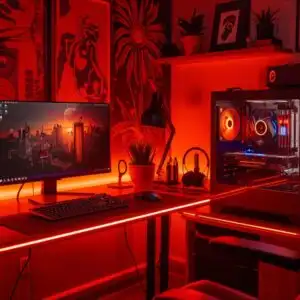
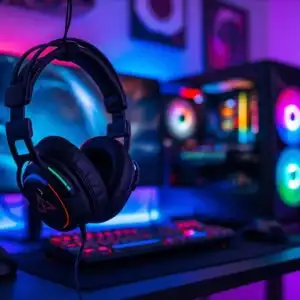
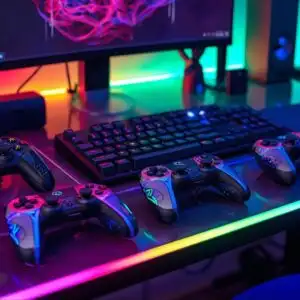
This 4K wallpaper is the best choice for testing your OLED professional display resolution. Compared to others, our high-performance tool provides a premium look for any high-end smartphone or desktop setup.
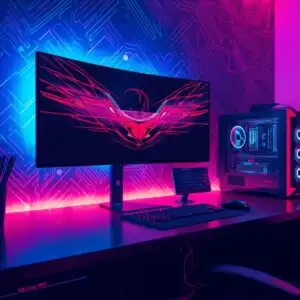
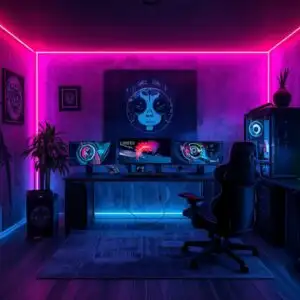
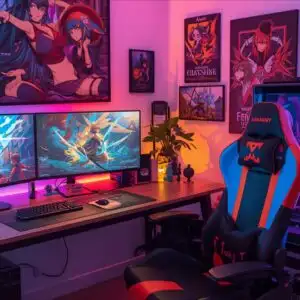
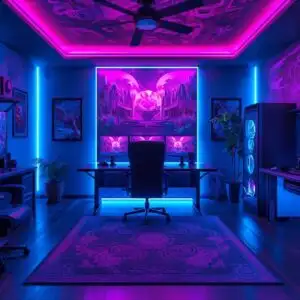
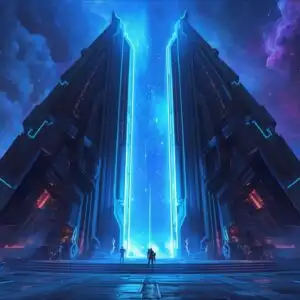
"Personalize this wallpaper or upload your own image to create the perfect mobile background 👇"
Customize Esports Player Sitting at Pro Gaming PC for Mobile Wallpapers
iPhone • Samsung • Xiaomi • Google Pixel • Android • Huawei • (Others)
720×1600 • 1080×1920 • 1080×2340 • 1080×2400 • 1284×2778 • 1440×3088Please use Portrait Mode for a better experience (Optional)
Overview – Esports Player Sitting at Pro Gaming PC
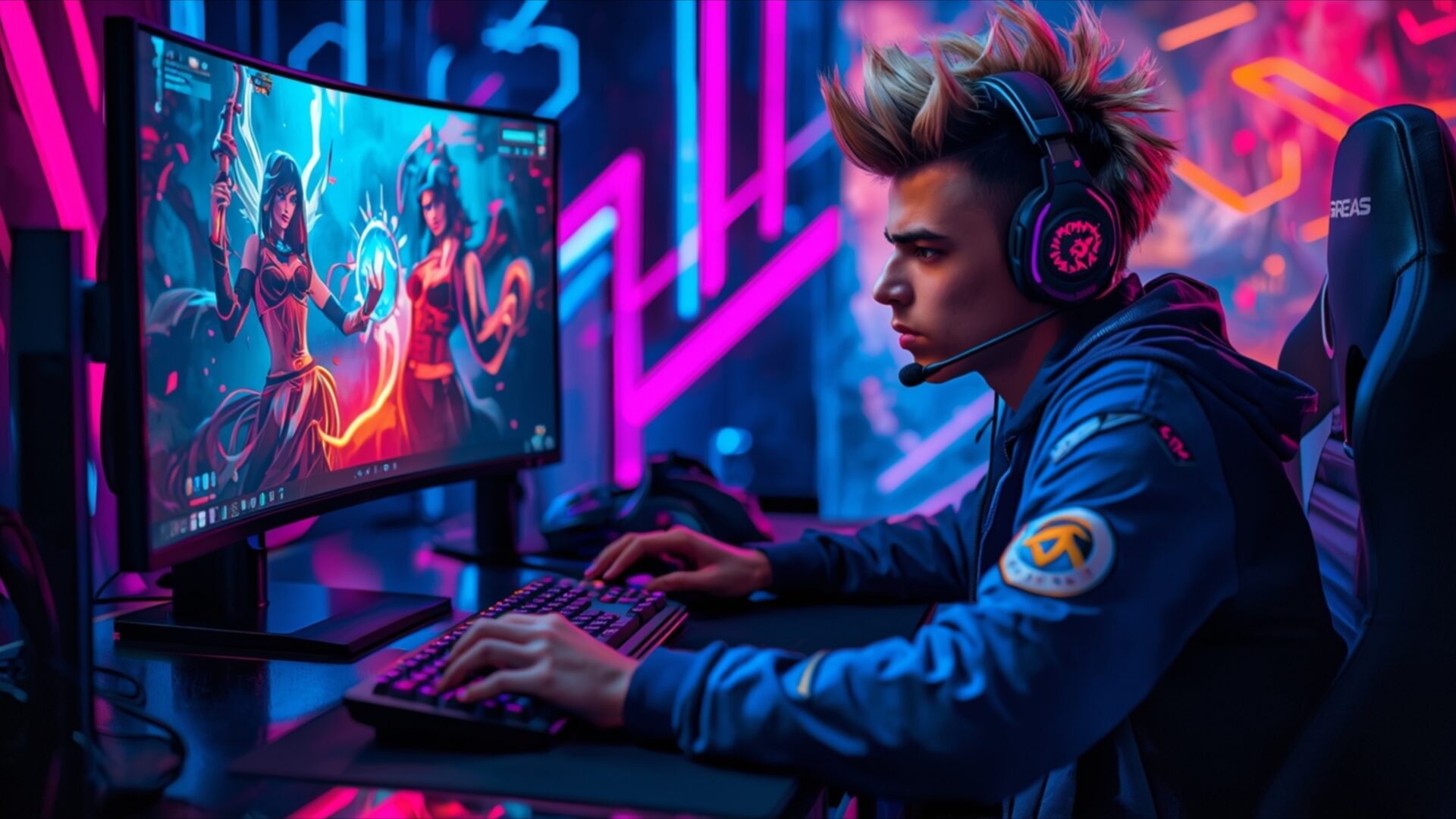
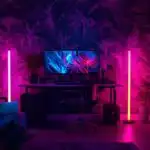
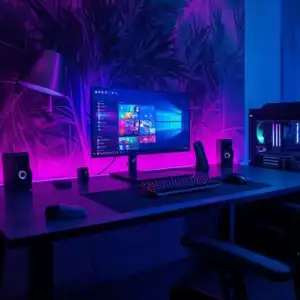
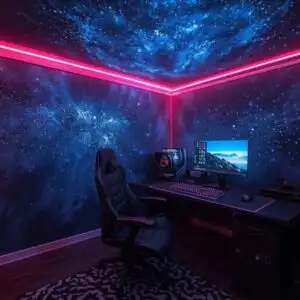
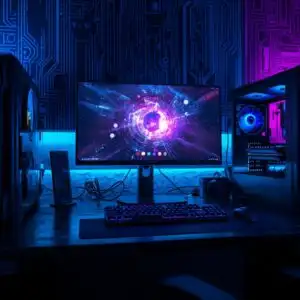
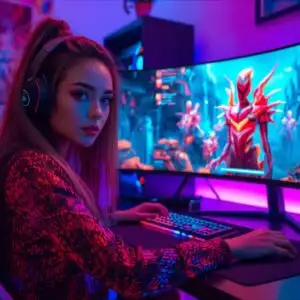
Esports Player Sitting at Pro Gaming PC captures the intense focus of a competitive gamer, a perfect visual theme for any gaming enthusiast. This image plunges you into a world illuminated by vibrant neon hues, primarily electric blues and hot pinks, casting a futuristic glow. The lighting is dramatic, with the monitor screen serving as a primary light source, reflecting subtly on the player’s face and the surrounding equipment. The player, seen in profile, is deeply engrossed in the game displayed on the monitor, their hands poised over the keyboard, ready for action. Their attire, a blue jacket with subtle detailing, complements the cool tones of the environment.
The composition draws the viewer’s eye directly to the player and their high-end gaming setup. The background is a blur of neon light streaks, suggesting a dynamic and energetic atmosphere, perhaps a dedicated gaming room or a virtual tournament arena. The texture of the player’s hair, styled with a spiky, modern look, and the details on their headset add a layer of realism to the scene. The overall mood is one of concentration and dedication, embodying the spirit of esports. This scene composition effectively conveys the solitary yet connected experience of a professional gamer.
The visual elements work together to create a compelling portrait of modern gaming culture. The sharp detail and rich color saturation make this a striking piece for any display. This 4k wallpaper, rendered in stunning 3840×2160 resolution, brings the electrifying world of competitive gaming right to your screen. You can download this wallpaper for your PC wallpaper to enhance your desktop. We offer this image in multiple resolutions, including 4K, 2K, and Full HD, ensuring a perfect fit for your viewing needs.
Wallpaper license: CC BY-NC-ND 4.0 · Credit: HDPeek.com
Remove Black Bars | Fit to Any Screen Size | CSS Fixer & Minifier | Compress Image Online | Image Converter Online | What Is My Screen Resolution? | Wallpaper Upscaler Online
Explore Categories
💡 How to Install Wallpaper on Different Devices
Windows PC:
Right-click on the wallpaper image. Select "Set as desktop background" or "Set as wallpaper". Adjust the fit (Fill, Fit, Stretch, Tile, Center) in Settings > Personalization > Background.Mac:
Right-click on the wallpaper image. Select "Set Desktop Picture". Alternatively, go to System Preferences > Desktop & Screen Saver and choose your image.iPhone / iPad (iOS):
Open the wallpaper image in Photos. Tap the Share button and select "Use as Wallpaper". Move and scale the image, then tap "Set" > Choose "Set Lock Screen", "Set Home Screen", or "Set Both".Android:
Open the wallpaper image in your Gallery app. Tap the Menu or Options button, then select "Set as wallpaper". Choose Home screen, Lock screen, or Both. Adjust the crop if needed and confirm.Linux (Ubuntu / others):
Right-click on the wallpaper image. Select "Set as Desktop Background" or "Set as Wallpaper". Adjust settings if your desktop environment allows multiple monitors.
Tips:
- For best quality, download the image in the resolution that matches your screen.
- Use 16:9 for widescreens, 1:1 for square displays.
- On mobile devices, choose "Set Both" for a consistent look on Home and Lock screens.
