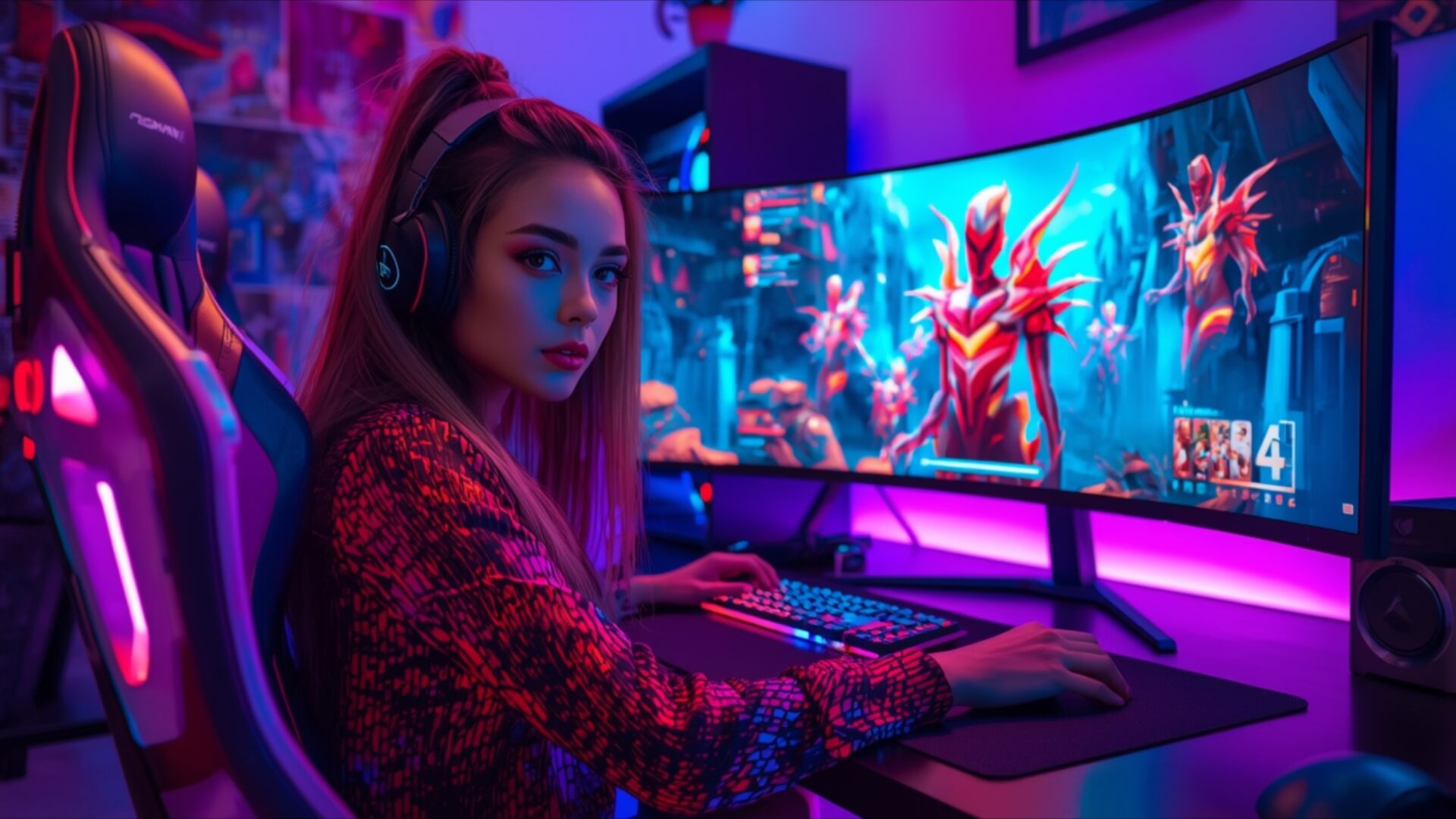
🕹️ Gaming Room With Large Ultrawide Monitor 4K UHD (3840x2160) Wallpaper

❤ Share this wallpaper:
WhatsApp Facebook Twitter / X Pinterest LinkedIn Copy Link for Instagram Telegram Reddit Email



💡 Below is relevant information on how to install wallpapers on different devices 👇
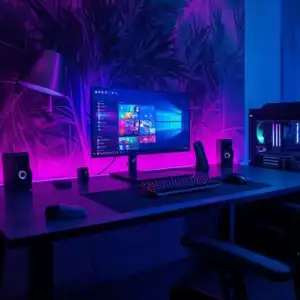
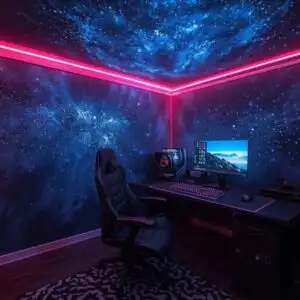
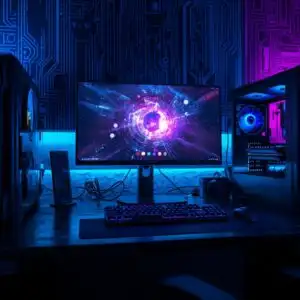
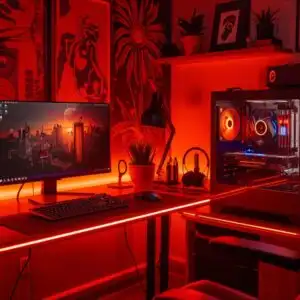
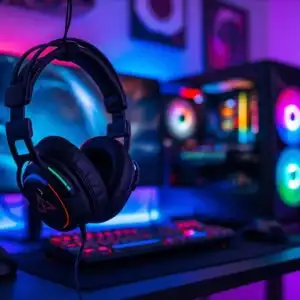
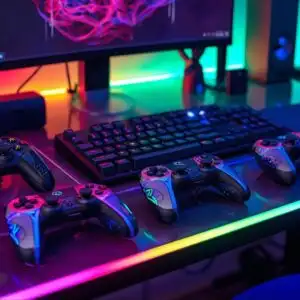
This 4K wallpaper is the best choice for testing your OLED professional display resolution. Compared to others, our high-performance tool provides a premium look for any high-end smartphone or desktop setup.
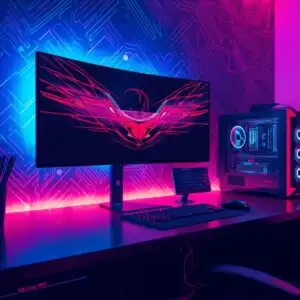
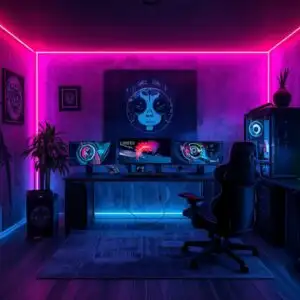
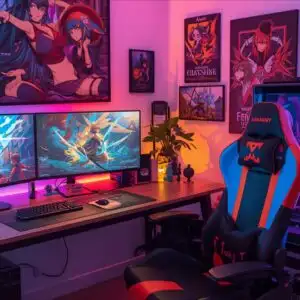

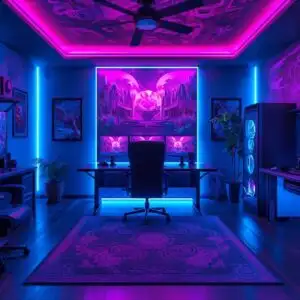

"Personalize this wallpaper or upload your own image to create the perfect mobile background 👇"
Customize Gaming Room With Large Ultrawide Monitor for Mobile Wallpapers
iPhone • Samsung • Xiaomi • Google Pixel • Android • Huawei • (Others)
720×1600 • 1080×1920 • 1080×2340 • 1080×2400 • 1284×2778 • 1440×3088Please use Portrait Mode for a better experience (Optional)
Overview – Gaming Room With Large Ultrawide Monitor
Gaming Room With Large Ultrawide Monitor captures the essence of a dedicated Gaming & Esports space, showcasing a vibrant and immersive setup. The scene is bathed in the cool glow of neon lighting, predominantly featuring shades of electric blue and deep magenta, which cast an atmospheric hue across the room. A young woman, wearing headphones and focused on her screen, is positioned at a sleek gaming desk. Her attire, a patterned jacket, reflects the ambient light, adding to the dynamic visual. The focal point is the expansive, curved ultrawide monitor, displaying a colorful in-game scene with stylized, dragon-like figures. The lighting is directional, emanating from behind the monitor and from the gaming chair, creating highlights and shadows that define the space and the subject. This visual theme emphasizes the modern aesthetic of a high-tech gaming environment.
The composition places the viewer directly into the experience, as if observing the gamer in her element. The details of the gaming chair, with its illuminated accents, and the keyboard and mouse on the desk, suggest a functional yet stylish setup. The background elements, though slightly blurred, hint at shelves or displays, contributing to the overall sense of a personalized gaming sanctuary. The interplay of light and shadow is crucial, with the bright screen serving as a primary light source, illuminating the gamer’s face and hands. The colors are rich and saturated, creating a lively and energetic mood, perfect for anyone who appreciates the cutting edge of gaming technology and its associated visual culture. This particular image is presented in 3840×2160 resolution.
This high-resolution visual theme is ideal for anyone looking to enhance their digital space with a touch of modern gaming flair. The scene composition offers a glimpse into a world where technology and personal passion converge. The vibrant color palette and the dramatic lighting create a captivating atmosphere that is both exciting and inviting. Whether you’re a seasoned gamer or simply appreciate a well-designed aesthetic, this wallpaper brings a dynamic energy to your screen. You can download this wallpaper to transform your desktop. We offer this stunning visual in 4K, 2K, and Full HD versions, ensuring compatibility with a wide range of devices.
Wallpaper license: CC BY-NC-ND 4.0 · Credit: HDPeek.com
Remove Black Bars | Fit to Any Screen Size | CSS Fixer & Minifier | Compress Image Online | Image Converter Online | What Is My Screen Resolution? | Wallpaper Upscaler Online
Explore Categories
💡 How to Install Wallpaper on Different Devices
Windows PC:
Right-click on the wallpaper image. Select "Set as desktop background" or "Set as wallpaper". Adjust the fit (Fill, Fit, Stretch, Tile, Center) in Settings > Personalization > Background.Mac:
Right-click on the wallpaper image. Select "Set Desktop Picture". Alternatively, go to System Preferences > Desktop & Screen Saver and choose your image.iPhone / iPad (iOS):
Open the wallpaper image in Photos. Tap the Share button and select "Use as Wallpaper". Move and scale the image, then tap "Set" > Choose "Set Lock Screen", "Set Home Screen", or "Set Both".Android:
Open the wallpaper image in your Gallery app. Tap the Menu or Options button, then select "Set as wallpaper". Choose Home screen, Lock screen, or Both. Adjust the crop if needed and confirm.Linux (Ubuntu / others):
Right-click on the wallpaper image. Select "Set as Desktop Background" or "Set as Wallpaper". Adjust settings if your desktop environment allows multiple monitors.
Tips:
- For best quality, download the image in the resolution that matches your screen.
- Use 16:9 for widescreens, 1:1 for square displays.
- On mobile devices, choose "Set Both" for a consistent look on Home and Lock screens.
