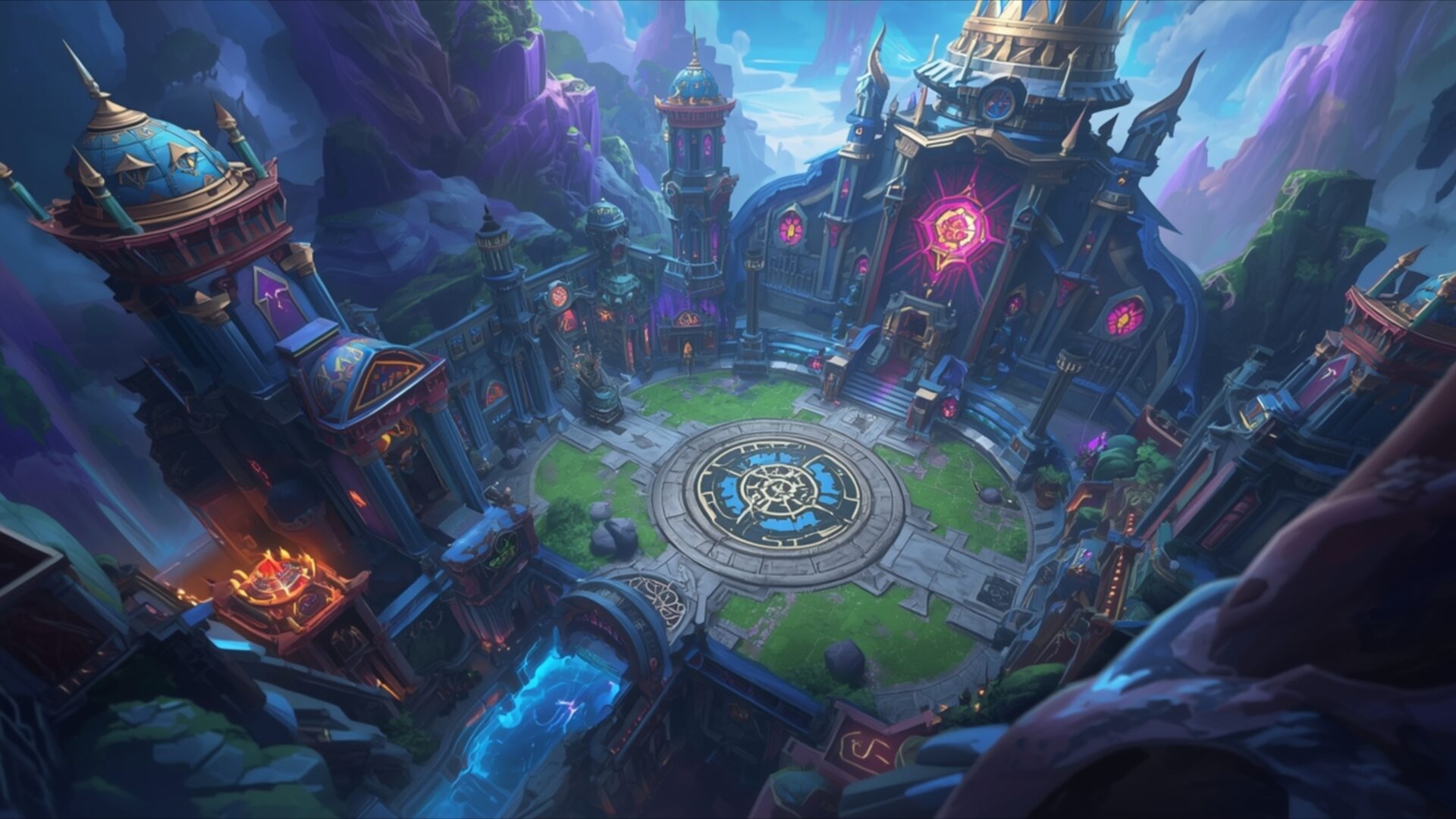
🕹️ League of Legends Rift Arena View 4K UHD (3840x2160) Wallpaper


❤ Share this wallpaper:
WhatsApp Facebook Twitter / X Pinterest LinkedIn Copy Link for Instagram Telegram Reddit Email



💡 Below is relevant information on how to install wallpapers on different devices 👇
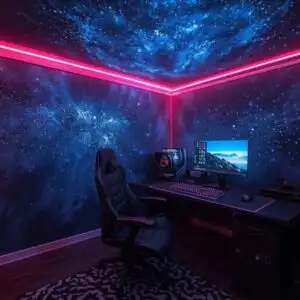
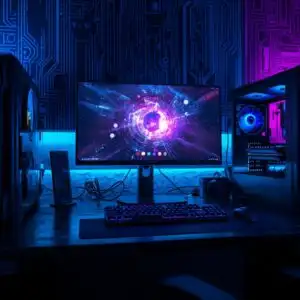
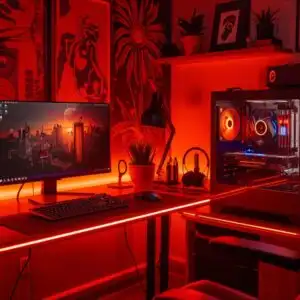
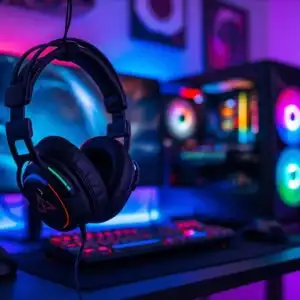
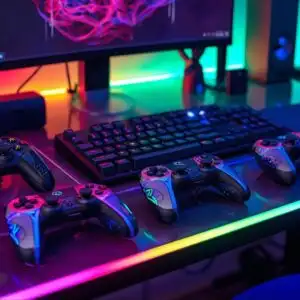
This 4K wallpaper is the best choice for testing your OLED professional display resolution. Compared to others, our high-performance tool provides a premium look for any high-end smartphone or desktop setup.


"Personalize this wallpaper or upload your own image to create the perfect mobile background 👇"
Customize League of Legends Rift Arena View for Mobile Wallpapers
iPhone • Samsung • Xiaomi • Google Pixel • Android • Huawei • (Others)
720×1600 • 1080×1920 • 1080×2340 • 1080×2400 • 1284×2778 • 1440×3088Please use Portrait Mode for a better experience (Optional)
Overview – League of Legends Rift Arena View
League of Legends Rift Arena View offers a captivating glimpse into the heart of a beloved gaming universe, presented as a stunning visual theme for your digital space. This Gaming & Esports artwork captures the iconic Summoner’s Rift arena from a high vantage point, showcasing its intricate architectural details and vibrant, otherworldly landscape. The lighting in the image is dramatic, with a cool, ethereal glow emanating from magical elements and structures, contrasting with warmer, fiery accents on some of the buildings. This interplay of light and shadow creates a sense of depth and mystery, drawing the viewer into the scene.
The color palette is rich and varied, dominated by deep blues, purples, and greens, interspersed with pops of vibrant pink and orange. These colors contribute to the fantasy atmosphere, suggesting a world brimming with magic and ancient power. The composition is balanced, with the central arena acting as the focal point, surrounded by towering, fantastical structures and rugged, mountainous terrain. The sense of scale is impressive, making the viewer feel like they are observing the arena from a great height, overlooking a significant battleground. This particular image is rendered in 3840×2160 resolution, providing exceptional clarity.
The artistic style leans towards a detailed, illustrative fantasy aesthetic, common in high-quality digital art. Textures appear varied, from the smooth, polished surfaces of the central circular platform to the rough, rocky outcrops of the surrounding cliffs. The overall mood is one of anticipation and epic confrontation, fitting for a competitive gaming environment. This high-resolution visual theme is perfect for anyone who appreciates the artistry and lore of League of Legends, offering a dynamic and engaging desktop background. You can download this wallpaper for your PC.
This scene composition invites contemplation of the strategic battles that unfold within its digital confines. The intricate design of the towers and the glowing magical symbols hint at the complex gameplay and lore that define the experience. It’s a piece that resonates with players and fans alike, bringing a piece of the game’s world directly to your screen. We offer this 4k wallpaper, along with 2K and Full HD versions, for your immediate download.
Wallpaper license: CC BY-NC-ND 4.0 · Credit: HDPeek.com
Remove Black Bars | Fit to Any Screen Size | CSS Fixer & Minifier | Compress Image Online | Image Converter Online | What Is My Screen Resolution? | Wallpaper Upscaler Online
Explore Categories
💡 How to Install Wallpaper on Different Devices
Windows PC:
Right-click on the wallpaper image. Select "Set as desktop background" or "Set as wallpaper". Adjust the fit (Fill, Fit, Stretch, Tile, Center) in Settings > Personalization > Background.Mac:
Right-click on the wallpaper image. Select "Set Desktop Picture". Alternatively, go to System Preferences > Desktop & Screen Saver and choose your image.iPhone / iPad (iOS):
Open the wallpaper image in Photos. Tap the Share button and select "Use as Wallpaper". Move and scale the image, then tap "Set" > Choose "Set Lock Screen", "Set Home Screen", or "Set Both".Android:
Open the wallpaper image in your Gallery app. Tap the Menu or Options button, then select "Set as wallpaper". Choose Home screen, Lock screen, or Both. Adjust the crop if needed and confirm.Linux (Ubuntu / others):
Right-click on the wallpaper image. Select "Set as Desktop Background" or "Set as Wallpaper". Adjust settings if your desktop environment allows multiple monitors.
Tips:
- For best quality, download the image in the resolution that matches your screen.
- Use 16:9 for widescreens, 1:1 for square displays.
- On mobile devices, choose "Set Both" for a consistent look on Home and Lock screens.
