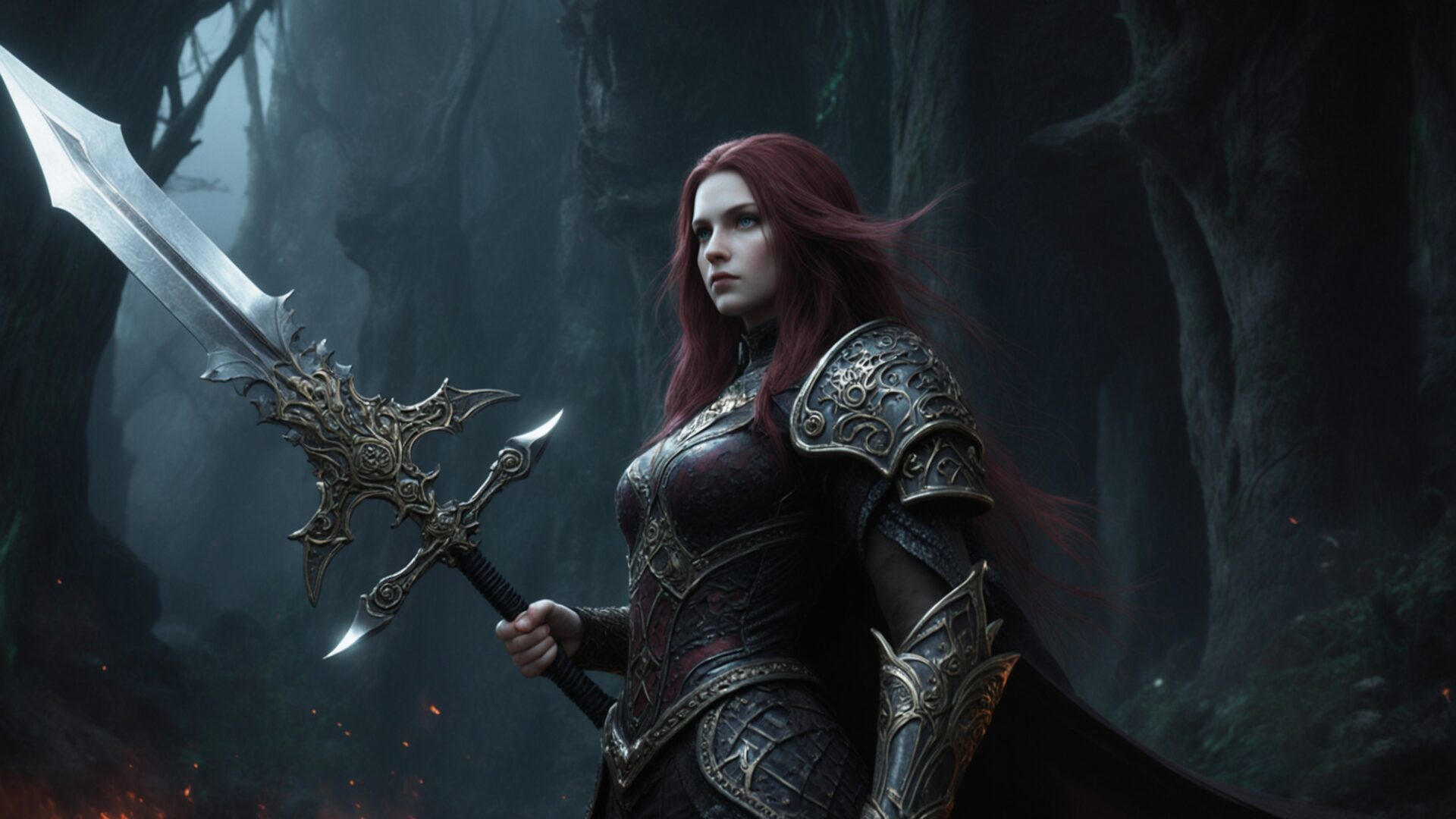
🕹️ Elden Ring Malenia Blade of Miquella Boss 4K UHD (3840x2160) Wallpaper


❤ Share this wallpaper:
WhatsApp Facebook Twitter / X Pinterest LinkedIn Copy Link for Instagram Telegram Reddit Email


💡 Below is relevant information on how to install wallpapers on different devices 👇
This 4K wallpaper is the best choice for testing your OLED professional display resolution. Compared to others, our high-performance tool provides a premium look for any high-end smartphone or desktop setup.
"Personalize this wallpaper or upload your own image to create the perfect mobile background 👇"
Customize Elden Ring Malenia Blade of Miquella Boss for Mobile Wallpapers
iPhone • Samsung • Xiaomi • Google Pixel • Android • Huawei • (Others)
720×1600 • 1080×1920 • 1080×2340 • 1080×2400 • 1284×2778 • 1440×3088Please use Portrait Mode for a better experience (Optional)
Overview – Elden Ring Malenia Blade of Miquella Boss
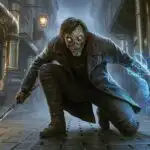
“Elden Ring Malenia Blade of Miquella Boss” captures the intensity of the Gaming & Esports category, presenting a striking visual of one of the game’s most formidable adversaries. This desktop wallpaper plunges viewers into the heart of a dark fantasy world, showcasing Malenia in a dynamic pose, hinting at the epic battles that define Elden Ring. The composition emphasizes the character’s imposing presence, with careful attention to the textures of her armor and the details of her blade.
It is a striking image that brings the essence of the game to your screen. The lighting casts long shadows, enhancing the sense of drama and highlighting the intricate design of the character. For fans seeking to personalize your desktop with stylish HD artwork, this wallpaper offers a captivating glimpse into the world of Elden Ring. The high resolution ensures every detail is crisp and clear, allowing you to fully appreciate the artistry behind the game’s design. It is a great wallpaper pc option.
The overall aesthetic leans towards a gritty realism, reflecting the challenging nature of the souls-like genre. The color palette is dominated by muted tones, with splashes of vibrant color accentuating key elements of the character’s design. This laptop wallpaper captures the essence of the boss fight, conveying a sense of tension and anticipation. It is a desktop wallpaper that resonates with players who appreciate the depth and complexity of Elden Ring’s lore.
For those looking to download wallpaper and showcase their love for the game, this “Elden Ring Malenia Blade of Miquella Boss” hd wallpaper is available in stunning 4K resolution (3840×2160), ensuring a visually immersive experience. Additionally, 2K and Full HD versions are readily available, providing options for various screen sizes and preferences, making this a free wallpaper choice for any fan.
Wallpaper license: CC BY-NC-ND 4.0 · Credit: HDPeek.com
Remove Black Bars | Fit to Any Screen Size | CSS Fixer & Minifier | Compress Image Online | Image Converter Online | What Is My Screen Resolution? | Wallpaper Upscaler Online
Explore Categories
💡 How to Install Wallpaper on Different Devices
Windows PC:
Right-click on the wallpaper image. Select "Set as desktop background" or "Set as wallpaper". Adjust the fit (Fill, Fit, Stretch, Tile, Center) in Settings > Personalization > Background.Mac:
Right-click on the wallpaper image. Select "Set Desktop Picture". Alternatively, go to System Preferences > Desktop & Screen Saver and choose your image.iPhone / iPad (iOS):
Open the wallpaper image in Photos. Tap the Share button and select "Use as Wallpaper". Move and scale the image, then tap "Set" > Choose "Set Lock Screen", "Set Home Screen", or "Set Both".Android:
Open the wallpaper image in your Gallery app. Tap the Menu or Options button, then select "Set as wallpaper". Choose Home screen, Lock screen, or Both. Adjust the crop if needed and confirm.Linux (Ubuntu / others):
Right-click on the wallpaper image. Select "Set as Desktop Background" or "Set as Wallpaper". Adjust settings if your desktop environment allows multiple monitors.
Tips:
- For best quality, download the image in the resolution that matches your screen.
- Use 16:9 for widescreens, 1:1 for square displays.
- On mobile devices, choose "Set Both" for a consistent look on Home and Lock screens.
