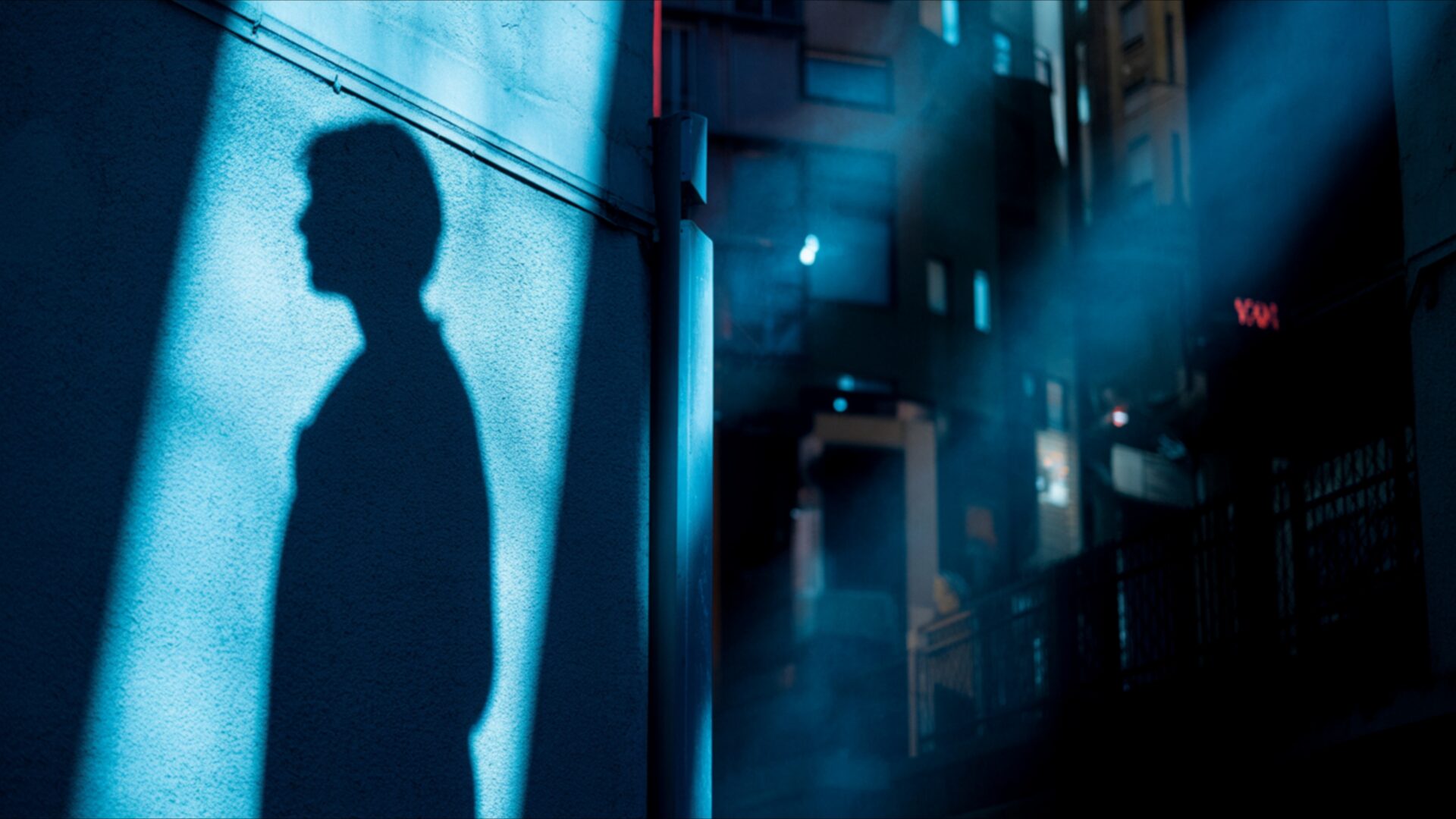
🌑 Shadow on Wall Under Neon Blue Light 4K UHD (3840x2160) Wallpaper

❤ Share this wallpaper:
WhatsApp Facebook Twitter / X Pinterest LinkedIn Copy Link for Instagram Telegram Reddit Email




💡 Below is relevant information on how to install wallpapers on different devices 👇
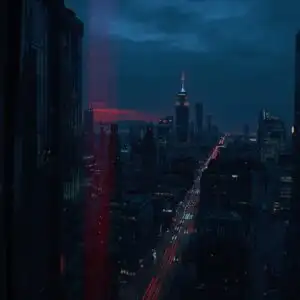
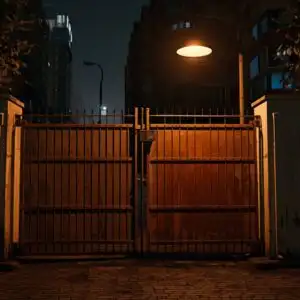
This 4K wallpaper is the best choice for testing your OLED professional display resolution. Compared to others, our high-performance tool provides a premium look for any high-end smartphone or desktop setup.


"Personalize this wallpaper or upload your own image to create the perfect mobile background 👇"
Customize Shadow on Wall Under Neon Blue Light for Mobile Wallpapers
iPhone • Samsung • Xiaomi • Google Pixel • Android • Huawei • (Others)
720×1600 • 1080×1920 • 1080×2340 • 1080×2400 • 1284×2778 • 1440×3088Please use Portrait Mode for a better experience (Optional)
Overview – Shadow on Wall Under Neon Blue Light
Shadow on Wall Under Neon Blue Light captures the essence of the Dark & Moody category with its stark contrasts and evocative atmosphere. The interplay of light and shadow defines this 4k wallpaper, creating a compelling scene composition that draws the viewer in. A solitary shadow cast against a textured wall becomes the focal point, bathed in the cool glow of neon blue. This desktop background evokes a sense of mystery and introspection, perfect for those who appreciate a touch of urban grit and emotional depth in their digital spaces.
The aesthetic layout is carefully constructed to maximize the impact of the limited color palette. The neon blue light, the dominant element, spills across the wall, highlighting its imperfections and adding to the overall sense of realism. It’s a stylish HD artwork that transforms a simple wall into a canvas of emotions. The high-resolution detail ensures that every nuance of texture and shadow is rendered with clarity, making it a visually stunning addition to any computer screen background.
Consider the visual theme as an exploration of urban solitude. The absence of people amplifies the feeling of isolation, while the neon blue light suggests a hidden energy beneath the surface. The image is not just a pretty picture; it’s a mood, a feeling, a story waiting to be told. The composition emphasizes vertical lines, drawing the eye upward and creating a sense of height and confinement. This laptop wallpaper is ideal for those who seek a free wallpaper that reflects their own inner world.
The monitor wallpaper is more than just decoration; it’s a way to personalize your desktop and express your individual style. The dark light and moody cool tones create a calming yet intriguing atmosphere, perfect for focusing on tasks or simply escaping the everyday. The phone background version maintains the same level of detail and impact, ensuring that your mobile device is just as visually striking as your computer. You can download wallpaper and instantly transform your digital environment.
If you are looking to get it now, this notebook wallpaper is available for quick download and free of charge. The design is optimized for various screen sizes, ensuring a seamless fit on your device. Beyond the stunning 3840×2160 4K version, this Shadow on Wall Under Neon Blue Light is also available in 2K and Full HD versions, providing options for different display capabilities and ensuring everyone can enjoy this captivating visual theme.
Wallpaper license: CC BY-NC-ND 4.0 · Credit: HDPeek.com
Remove Black Bars | Fit to Any Screen Size | CSS Fixer & Minifier | Compress Image Online | Image Converter Online | What Is My Screen Resolution? | Wallpaper Upscaler Online
Explore Categories
💡 How to Install Wallpaper on Different Devices
Windows PC:
Right-click on the wallpaper image. Select "Set as desktop background" or "Set as wallpaper". Adjust the fit (Fill, Fit, Stretch, Tile, Center) in Settings > Personalization > Background.Mac:
Right-click on the wallpaper image. Select "Set Desktop Picture". Alternatively, go to System Preferences > Desktop & Screen Saver and choose your image.iPhone / iPad (iOS):
Open the wallpaper image in Photos. Tap the Share button and select "Use as Wallpaper". Move and scale the image, then tap "Set" > Choose "Set Lock Screen", "Set Home Screen", or "Set Both".Android:
Open the wallpaper image in your Gallery app. Tap the Menu or Options button, then select "Set as wallpaper". Choose Home screen, Lock screen, or Both. Adjust the crop if needed and confirm.Linux (Ubuntu / others):
Right-click on the wallpaper image. Select "Set as Desktop Background" or "Set as Wallpaper". Adjust settings if your desktop environment allows multiple monitors.
Tips:
- For best quality, download the image in the resolution that matches your screen.
- Use 16:9 for widescreens, 1:1 for square displays.
- On mobile devices, choose "Set Both" for a consistent look on Home and Lock screens.
