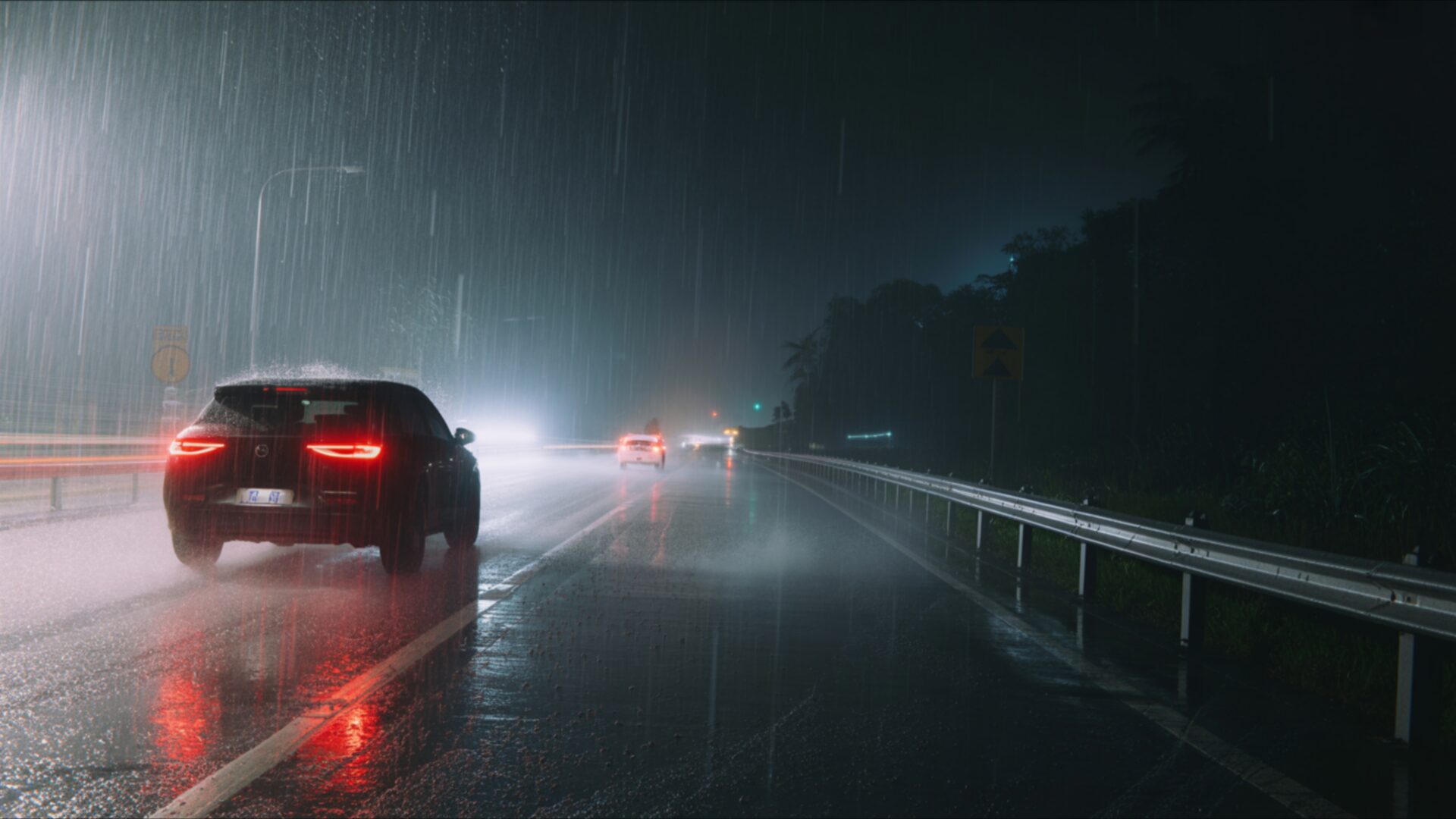
🌑 Rainy Highway With Car Lights Fading 4K UHD (3840x2160) Wallpaper


❤ Share this wallpaper:
WhatsApp Facebook Twitter / X Pinterest LinkedIn Copy Link for Instagram Telegram Reddit Email





💡 Below is relevant information on how to install wallpapers on different devices 👇



This 4K wallpaper is the best choice for testing your OLED professional display resolution. Compared to others, our high-performance tool provides a premium look for any high-end smartphone or desktop setup.
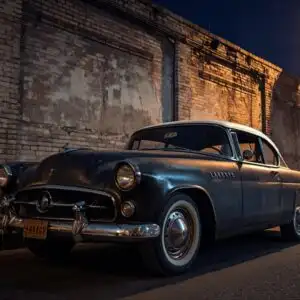


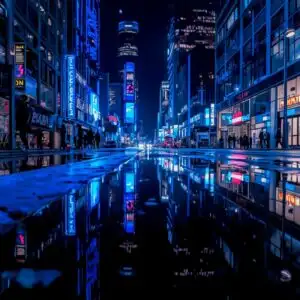
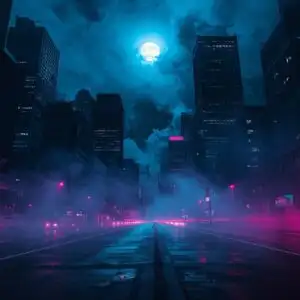

"Personalize this wallpaper or upload your own image to create the perfect mobile background 👇"
Customize Rainy Highway With Car Lights Fading for Mobile Wallpapers
iPhone • Samsung • Xiaomi • Google Pixel • Android • Huawei • (Others)
720×1600 • 1080×1920 • 1080×2340 • 1080×2400 • 1284×2778 • 1440×3088Please use Portrait Mode for a better experience (Optional)
Overview – Rainy Highway With Car Lights Fading
Rainy Highway With Car Lights Fading captures the essence of the Dark & Moody category, presenting a scene steeped in atmosphere and feeling. The image focuses on a rain-slicked highway at night, where the blurred lights of passing cars create an ethereal, almost dreamlike quality. It’s a study in contrasts, with the sharp reflections on the wet asphalt playing against the soft blur of the distant lights. The composition draws the eye into the vanishing point, suggesting a journey into the unknown.
The emotional tone of the scene is palpable. There’s a sense of solitude and introspection evoked by the combination of the dark mood and the fading lights. The highway rain adds a layer of melancholy, creating a visual experience that resonates with anyone who has ever felt the pull of the open road at night. The moody vibe is enhanced by the subtle gradations of light and shadow, giving the scene a depth and complexity that invites contemplation. This 4k wallpaper is more than just a pretty picture; it’s a window into a state of mind.
The visual theme emphasizes the interplay between light and darkness, with the bright streaks of car headlights cutting through the gloom. The high-resolution detail allows you to appreciate the texture of the rain-soaked road and the subtle nuances of the light. It’s a stylish HD artwork that can personalize your desktop, transforming your computer screen background into a captivating work of art. The scene composition is carefully balanced, with the elements arranged to create a sense of depth and perspective.
Consider this aesthetic layout as a way to bring a touch of cinematic drama to your everyday life. This desktop background offers a unique way to express your personal style. The soft blur of the lights adds a touch of mystery, inviting you to imagine the stories of the drivers passing by. It’s a scene that is both familiar and otherworldly, capturing the beauty of the ordinary in an extraordinary way. The availability of this image as a free wallpaper means you can get it now and instantly transform your laptop wallpaper or notebook wallpaper.
If you are looking to personalize your desktop with a striking visual theme, this is a great choice. The 3840×2160 resolution ensures that every detail is crisp and clear, even on the largest monitors. This is a great phone background or tablet background. Quick download options are available so you can enjoy this scene on your devices. The Rainy Highway With Car Lights Fading is available in a range of resolutions to suit different devices, including a stunning 4K version for the ultimate visual experience, as well as 2K and Full HD versions for optimal performance on various screens.
Wallpaper license: CC BY-NC-ND 4.0 · Credit: HDPeek.com
Remove Black Bars | Fit to Any Screen Size | CSS Fixer & Minifier | Compress Image Online | Image Converter Online | What Is My Screen Resolution? | Wallpaper Upscaler Online
Explore Categories
💡 How to Install Wallpaper on Different Devices
Windows PC:
Right-click on the wallpaper image. Select "Set as desktop background" or "Set as wallpaper". Adjust the fit (Fill, Fit, Stretch, Tile, Center) in Settings > Personalization > Background.Mac:
Right-click on the wallpaper image. Select "Set Desktop Picture". Alternatively, go to System Preferences > Desktop & Screen Saver and choose your image.iPhone / iPad (iOS):
Open the wallpaper image in Photos. Tap the Share button and select "Use as Wallpaper". Move and scale the image, then tap "Set" > Choose "Set Lock Screen", "Set Home Screen", or "Set Both".Android:
Open the wallpaper image in your Gallery app. Tap the Menu or Options button, then select "Set as wallpaper". Choose Home screen, Lock screen, or Both. Adjust the crop if needed and confirm.Linux (Ubuntu / others):
Right-click on the wallpaper image. Select "Set as Desktop Background" or "Set as Wallpaper". Adjust settings if your desktop environment allows multiple monitors.
Tips:
- For best quality, download the image in the resolution that matches your screen.
- Use 16:9 for widescreens, 1:1 for square displays.
- On mobile devices, choose "Set Both" for a consistent look on Home and Lock screens.
