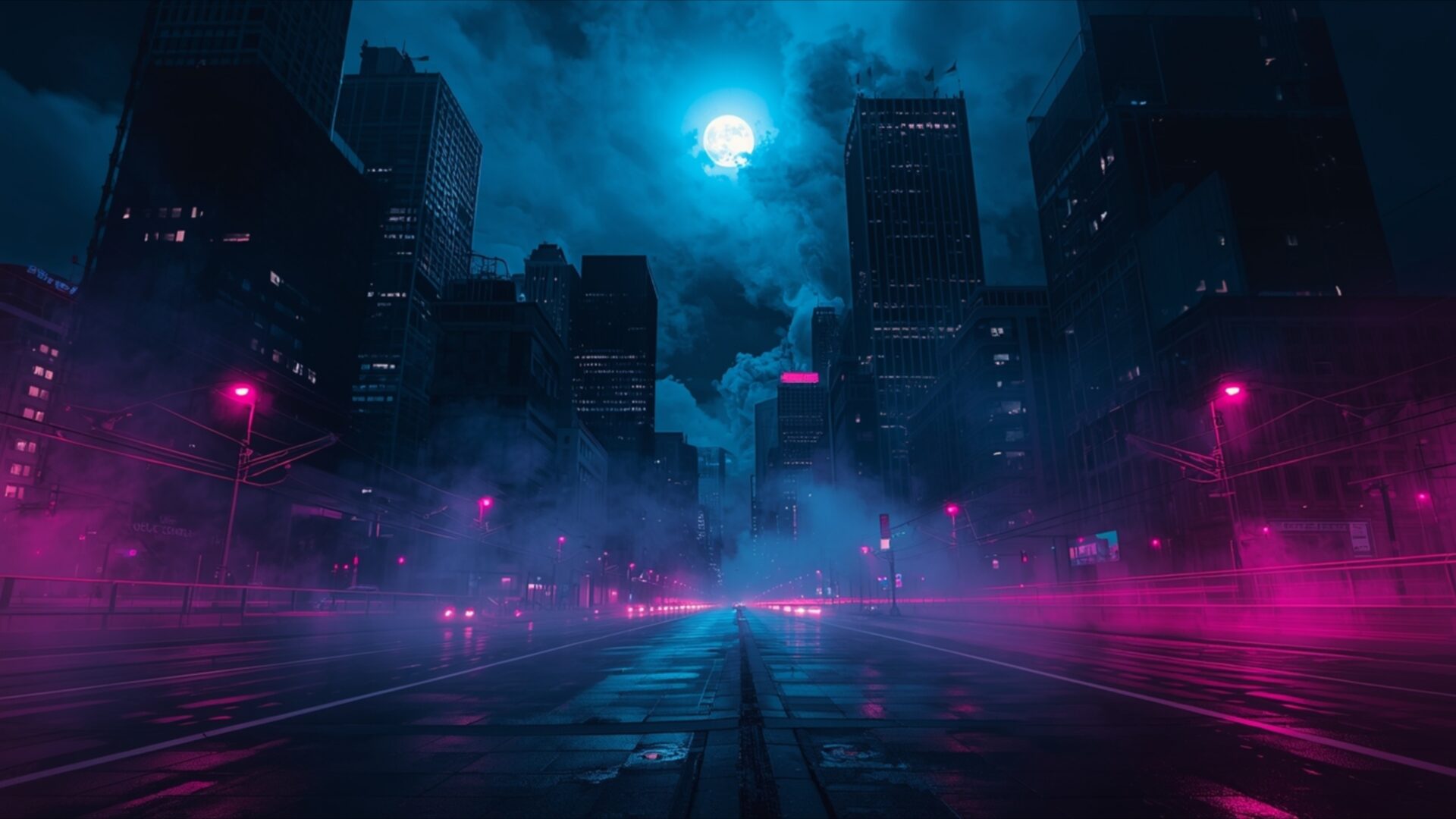
🌑 Moonlight Through City Smoke 4K UHD (3840x2160) Wallpaper
❤ Share this wallpaper:
WhatsApp Facebook Twitter / X Pinterest LinkedIn Copy Link for Instagram Telegram Reddit Email



💡 Below is relevant information on how to install wallpapers on different devices 👇
This 4K wallpaper is the best choice for testing your OLED professional display resolution. Compared to others, our high-performance tool provides a premium look for any high-end smartphone or desktop setup.


"Personalize this wallpaper or upload your own image to create the perfect mobile background 👇"
Customize Moonlight Through City Smoke for Mobile Wallpapers
iPhone • Samsung • Xiaomi • Google Pixel • Android • Huawei • (Others)
720×1600 • 1080×1920 • 1080×2340 • 1080×2400 • 1284×2778 • 1440×3088Please use Portrait Mode for a better experience (Optional)
Overview – Moonlight Through City Smoke
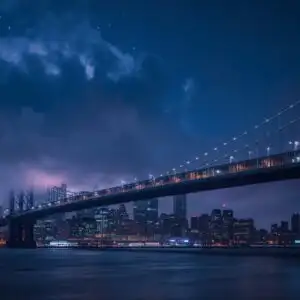
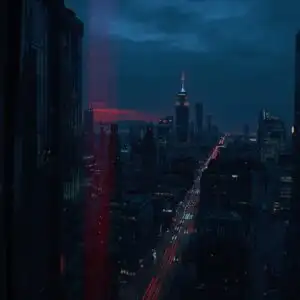
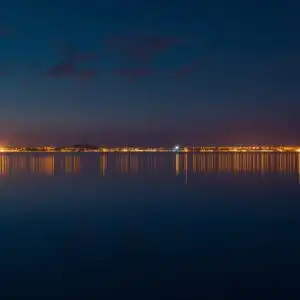
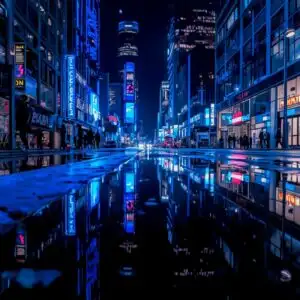
Moonlight Through City Smoke invites you into a Dark & Moody urban landscape, a visual theme that captures the essence of a city veiled in night and mystery. The scene is dominated by a deep, atmospheric blue that bleeds into vibrant magenta and electric pink, emanating from streetlights and unseen sources. These colors create a striking contrast against the silhouetted forms of towering skyscrapers, their sharp edges softened by the pervasive, ethereal smoke. The moonlight, a bright, diffused orb in the upper center, casts a cool, almost otherworldly glow, illuminating the swirling tendrils of vapor that drift through the empty streets.
The lighting in this image is a key element, with the primary light source being the moon, its luminescence diffused by atmospheric conditions. Secondary light sources, the neon pinks and magentas, punctuate the darkness, reflecting off the wet pavement and the low-lying fog. This creates a sense of depth and a slightly surreal, almost cyberpunk aesthetic. The composition draws the viewer down a central road, leading the eye towards the heart of the city, where the smoke seems thickest and the lights most intense. The overall mood is one of quiet contemplation, a solitary journey through a city that feels both familiar and alien. This particular visual theme is perfect for anyone seeking a desktop background that evokes a sense of intrigue and urban exploration.
The textures are implied rather than explicit, with the smooth, reflective surfaces of the wet street contrasting with the soft, billowy nature of the smoke. The architectural elements of the buildings are suggested through their dark silhouettes, allowing the atmospheric effects to take center stage. This is a scene that speaks of the quiet hours, the moments when a city transforms under the cloak of night and artificial illumination. It’s a powerful visual statement, a snapshot of urban life reimagined through a lens of dramatic color and atmospheric density. This is a truly captivating scene composition.
For those looking to enhance their digital space, this 4k wallpaper offers a unique aesthetic. The image is presented in its native 3840×2160 resolution, ensuring incredible detail and clarity. You can download wallpaper of this stunning scene to transform your PC wallpaper. We also offer this visual theme in 2K and Full HD versions, making it accessible for a wide range of devices and preferences. Moonlight Through City Smoke is ready for you to download.
Wallpaper license: CC BY-NC-ND 4.0 · Credit: HDPeek.com
Remove Black Bars | Fit to Any Screen Size | CSS Fixer & Minifier | Compress Image Online | Image Converter Online | What Is My Screen Resolution? | Wallpaper Upscaler Online
Explore Categories
💡 How to Install Wallpaper on Different Devices
Windows PC:
Right-click on the wallpaper image. Select "Set as desktop background" or "Set as wallpaper". Adjust the fit (Fill, Fit, Stretch, Tile, Center) in Settings > Personalization > Background.Mac:
Right-click on the wallpaper image. Select "Set Desktop Picture". Alternatively, go to System Preferences > Desktop & Screen Saver and choose your image.iPhone / iPad (iOS):
Open the wallpaper image in Photos. Tap the Share button and select "Use as Wallpaper". Move and scale the image, then tap "Set" > Choose "Set Lock Screen", "Set Home Screen", or "Set Both".Android:
Open the wallpaper image in your Gallery app. Tap the Menu or Options button, then select "Set as wallpaper". Choose Home screen, Lock screen, or Both. Adjust the crop if needed and confirm.Linux (Ubuntu / others):
Right-click on the wallpaper image. Select "Set as Desktop Background" or "Set as Wallpaper". Adjust settings if your desktop environment allows multiple monitors.
Tips:
- For best quality, download the image in the resolution that matches your screen.
- Use 16:9 for widescreens, 1:1 for square displays.
- On mobile devices, choose "Set Both" for a consistent look on Home and Lock screens.
