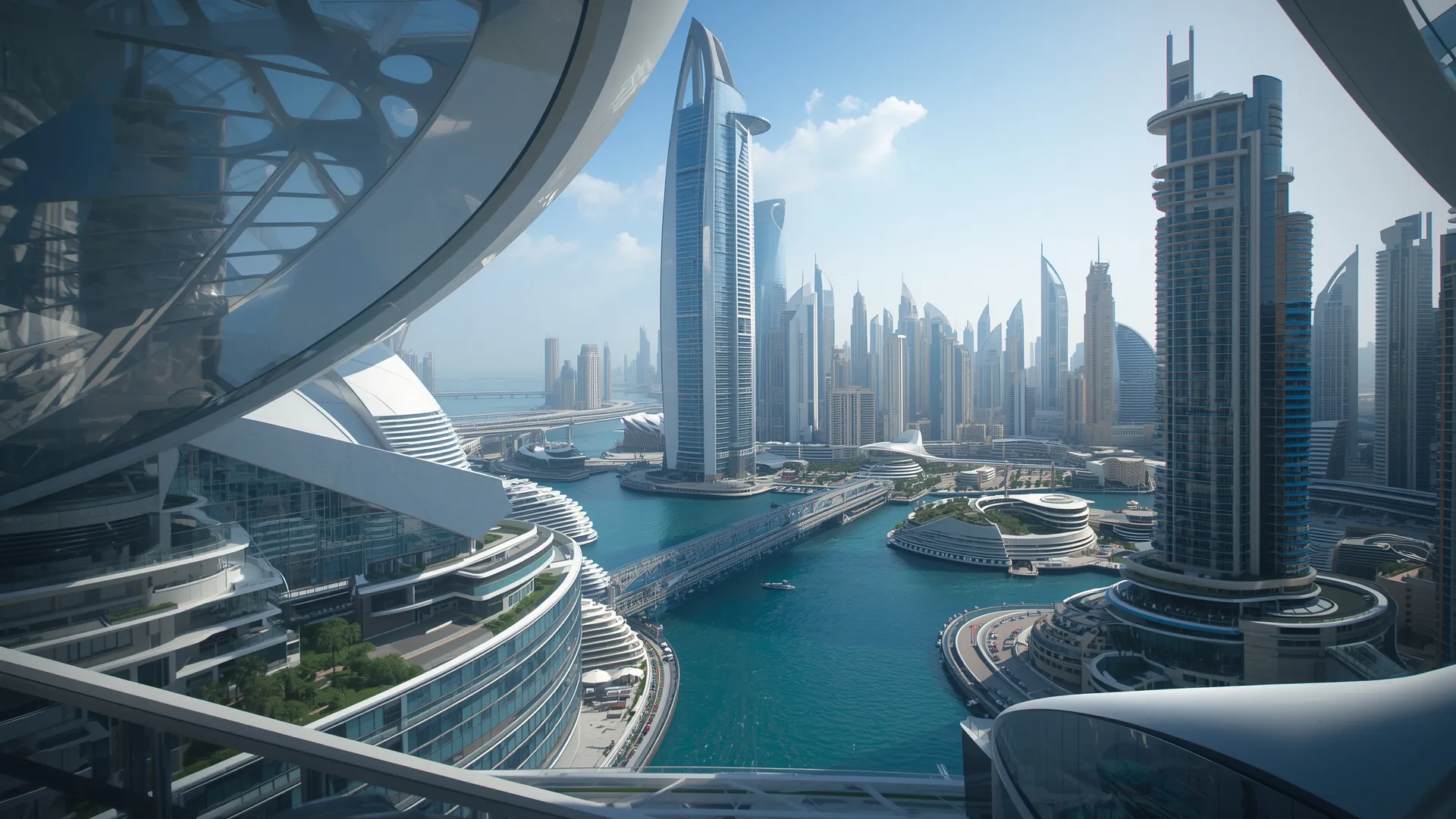
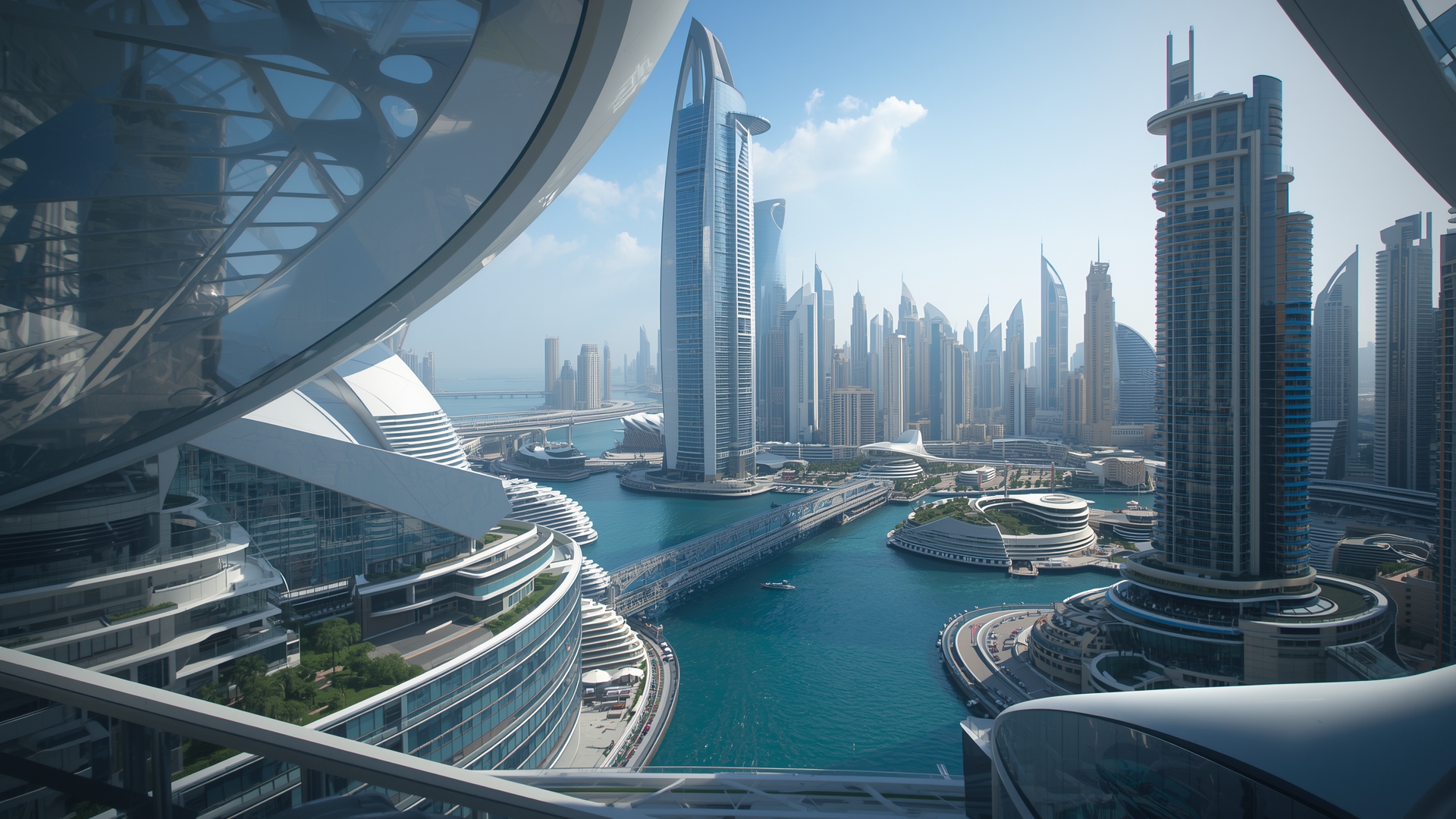
🌃️ Dubai Marina Futuristic Modern Architecture 1920x1080 (Full HD) Wallpaper

❤ Share this wallpaper:
WhatsApp Facebook Twitter / X Pinterest LinkedIn Copy Link for Instagram Telegram Reddit Email




💡 Below is relevant information on how to install wallpapers on different devices 👇
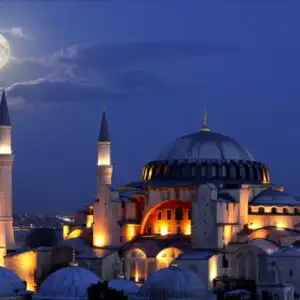
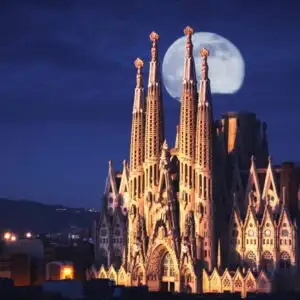
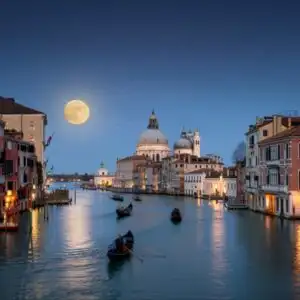
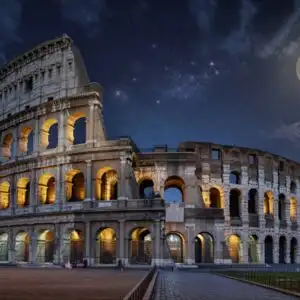
This 4K wallpaper is the best choice for testing your OLED professional display resolution. Compared to others, our high-performance tool provides a premium look for any high-end smartphone or desktop setup.
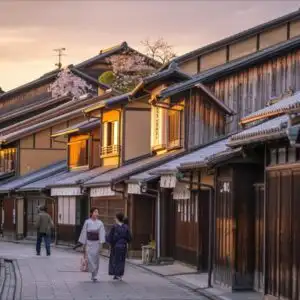
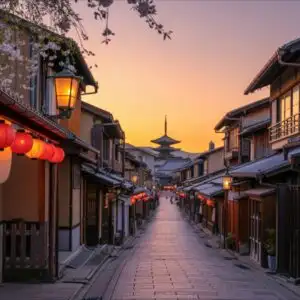
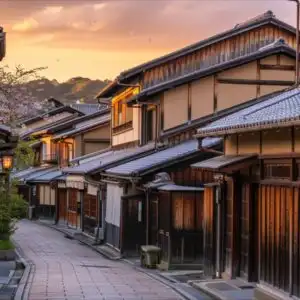
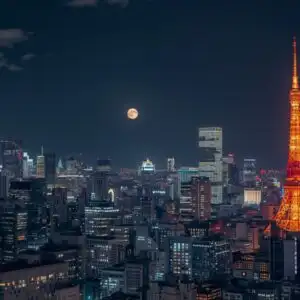
"Personalize this wallpaper or upload your own image to create the perfect mobile background 👇"
Customize Dubai Marina Futuristic Modern Architecture for Mobile Wallpapers
iPhone • Samsung • Xiaomi • Google Pixel • Android • Huawei • (Others)
720×1600 • 1080×1920 • 1080×2340 • 1080×2400 • 1284×2778 • 1440×3088Please use Portrait Mode for a better experience (Optional)
Overview – Dubai Marina Futuristic Modern Architecture
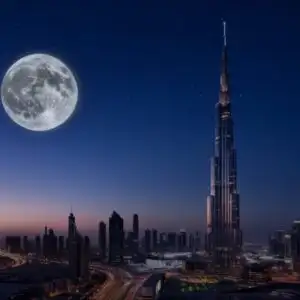
Looking for a fresh look for your screen? This cityscape image brings the vibrant energy of Dubai right to you. You’ll find the iconic marina, a testament to modern architecture, rendered in stunning detail. It’s a fantastic choice for anyone who loves travel and futuristic design. This HD image captures the essence of a bustling metropolis, blending innovation with breathtaking views. It’s more than just a picture; it’s a window into a world of advanced urban planning and sleek aesthetics. We’ve curated this collection to offer something special for every taste, ensuring your digital space feels inspired and current.
Dubai Marina Futuristic Modern Architecture – HD
This HD Photo showcases the impressive scale and forward-thinking design of the Dubai Marina. The clarity of the image makes every detail pop, from the gleaming skyscrapers to the intricate waterways. It’s an ideal background for your desktop, offering a sophisticated and inspiring visual. You might notice the interplay of light and shadow, adding depth to the scene. This HD Artwork is perfect for anyone who appreciates cutting-edge urban landscapes and the ambition behind them. It’s a high-quality image that transforms your device into a portal to this dynamic city.
Consider this image for your next digital refresh; it’s a truly striking piece of modern architecture. The Dubai Marina Futuristic Modern Architecture is a wallpaper that speaks volumes about progress and vision.
Wallpaper license: CC BY-NC-ND 4.0 · Credit: HDPeek.com
Remove Black Bars | Fit to Any Screen Size | CSS Fixer & Minifier | Compress Image Online | Image Converter Online | What Is My Screen Resolution? | Wallpaper Upscaler Online
Explore Categories
💡 How to Install Wallpaper on Different Devices
Windows PC:
Right-click on the wallpaper image. Select "Set as desktop background" or "Set as wallpaper". Adjust the fit (Fill, Fit, Stretch, Tile, Center) in Settings > Personalization > Background.Mac:
Right-click on the wallpaper image. Select "Set Desktop Picture". Alternatively, go to System Preferences > Desktop & Screen Saver and choose your image.iPhone / iPad (iOS):
Open the wallpaper image in Photos. Tap the Share button and select "Use as Wallpaper". Move and scale the image, then tap "Set" > Choose "Set Lock Screen", "Set Home Screen", or "Set Both".Android:
Open the wallpaper image in your Gallery app. Tap the Menu or Options button, then select "Set as wallpaper". Choose Home screen, Lock screen, or Both. Adjust the crop if needed and confirm.Linux (Ubuntu / others):
Right-click on the wallpaper image. Select "Set as Desktop Background" or "Set as Wallpaper". Adjust settings if your desktop environment allows multiple monitors.
Tips:
- For best quality, download the image in the resolution that matches your screen.
- Use 16:9 for widescreens, 1:1 for square displays.
- On mobile devices, choose "Set Both" for a consistent look on Home and Lock screens.