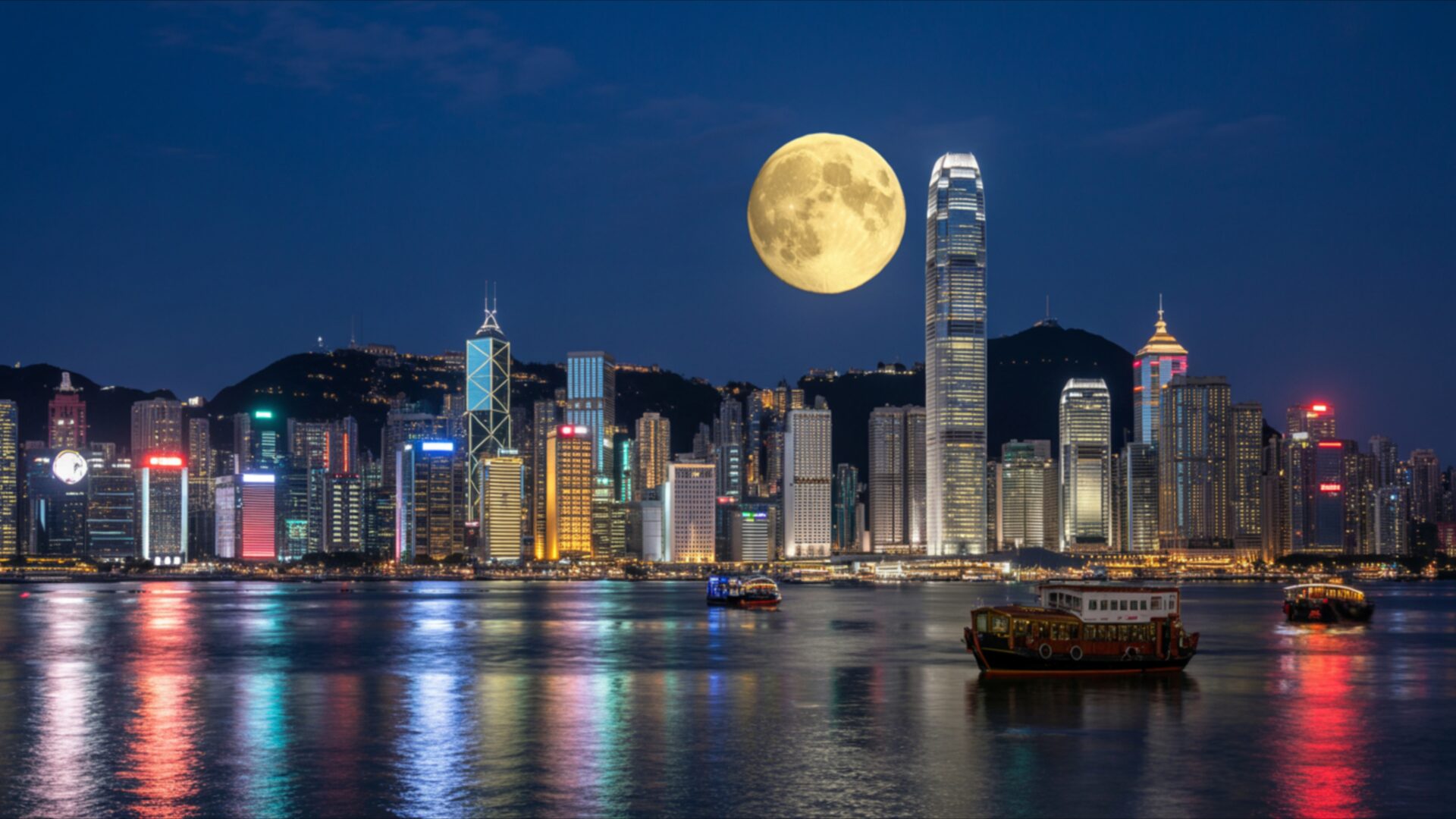
🌃️ Hong Kong Skyline Full Moon Harbor 4K UHD (3840x2160) Wallpaper
❤ Share this wallpaper:
WhatsApp Facebook Twitter / X Pinterest LinkedIn Copy Link for Instagram Telegram Reddit Email
💡 Below is relevant information on how to install wallpapers on different devices 👇
This 4K wallpaper is the best choice for testing your OLED professional display resolution. Compared to others, our high-performance tool provides a premium look for any high-end smartphone or desktop setup.
"Personalize this wallpaper or upload your own image to create the perfect mobile background 👇"
Customize Hong Kong Skyline Full Moon Harbor for Mobile Wallpapers
iPhone • Samsung • Xiaomi • Google Pixel • Android • Huawei • (Others)
720×1600 • 1080×1920 • 1080×2340 • 1080×2400 • 1284×2778 • 1440×3088Please use Portrait Mode for a better experience (Optional)
Overview – Hong Kong Skyline Full Moon Harbor
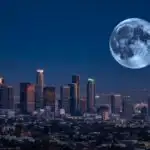
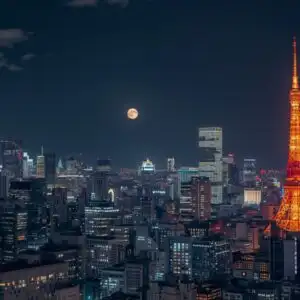
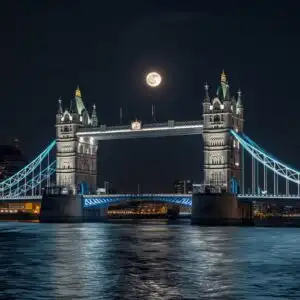
Hong Kong Skyline Full Moon Harbor captures a breathtaking Cities & Architecture scene, presenting the iconic Hong Kong skyline under a luminous full moon. This high-resolution image showcases the vibrant energy of the city at night, with towering skyscrapers piercing the deep blue twilight sky. The moon, a prominent golden orb, hangs large and bright, casting a soft glow that reflects on the calm waters of Victoria Harbour. The city lights twinkle like scattered jewels, a testament to the bustling urban life unfolding below. The composition is balanced, with the expansive water in the foreground leading the eye towards the impressive architectural display.
The color palette is dominated by the rich blues of the night sky and the water, contrasted by the warm yellows and oranges of the moon and the varied hues of the illuminated buildings. Subtle hints of red and other colors from distant lights add depth and visual interest. The lighting is dramatic yet serene, with the moonlight providing a natural illumination that softens the sharp edges of the modern architecture. This visual theme evokes a sense of wonder and tranquility, a moment of stillness amidst the dynamic urban environment. The reflections on the water are particularly striking, mirroring the city’s glow in a shimmering, abstract pattern.
This particular image, rendered in 3840×2160, offers incredible detail, allowing you to appreciate every illuminated window and the subtle textures of the water’s surface. It’s an ideal visual theme for anyone who appreciates cityscapes, nocturnal beauty, or the grandeur of architectural marvels. The scene composition is expertly framed, drawing you into the heart of this global metropolis. You can download this wallpaper for your PC wallpaper to transform your desktop into a window overlooking this spectacular view. We also offer this stunning scene in 4K, 2K, and Full HD resolutions, ensuring a perfect fit for your display.
Wallpaper license: CC BY-NC-ND 4.0 · Credit: HDPeek.com
Remove Black Bars | Fit to Any Screen Size | CSS Fixer & Minifier | Compress Image Online | Image Converter Online | What Is My Screen Resolution? | Wallpaper Upscaler Online
Explore Categories
💡 How to Install Wallpaper on Different Devices
Windows PC:
Right-click on the wallpaper image. Select "Set as desktop background" or "Set as wallpaper". Adjust the fit (Fill, Fit, Stretch, Tile, Center) in Settings > Personalization > Background.Mac:
Right-click on the wallpaper image. Select "Set Desktop Picture". Alternatively, go to System Preferences > Desktop & Screen Saver and choose your image.iPhone / iPad (iOS):
Open the wallpaper image in Photos. Tap the Share button and select "Use as Wallpaper". Move and scale the image, then tap "Set" > Choose "Set Lock Screen", "Set Home Screen", or "Set Both".Android:
Open the wallpaper image in your Gallery app. Tap the Menu or Options button, then select "Set as wallpaper". Choose Home screen, Lock screen, or Both. Adjust the crop if needed and confirm.Linux (Ubuntu / others):
Right-click on the wallpaper image. Select "Set as Desktop Background" or "Set as Wallpaper". Adjust settings if your desktop environment allows multiple monitors.
Tips:
- For best quality, download the image in the resolution that matches your screen.
- Use 16:9 for widescreens, 1:1 for square displays.
- On mobile devices, choose "Set Both" for a consistent look on Home and Lock screens.
