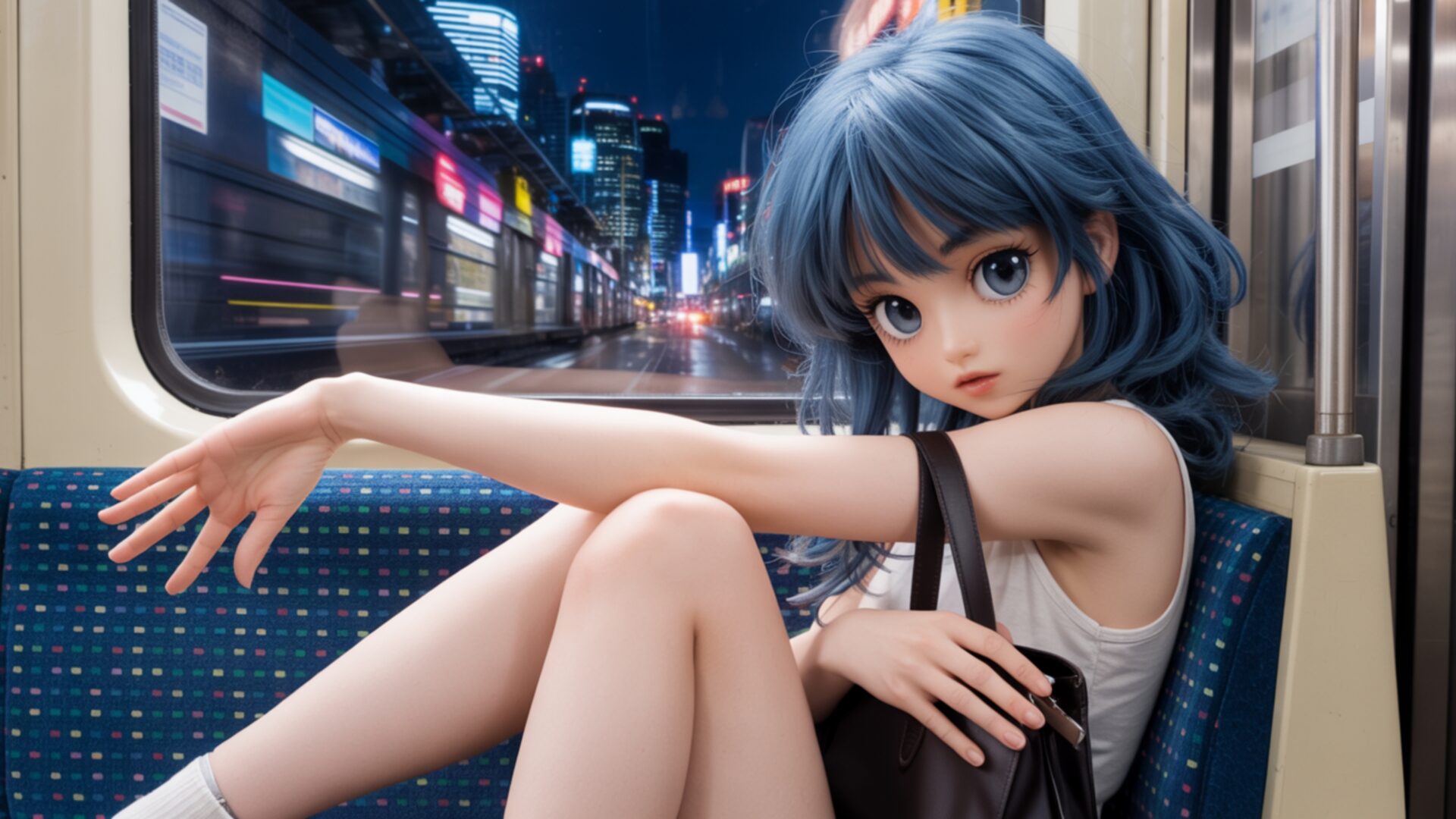
😺 Anime Girl Sitting on Train at Night With City Motion Blur 4K UHD (3840x2160) Wallpaper
 Lonely Anime Girl Sitting on Train at Night Cityscape
 Manga Boy Sitting on Rooftop Under Starry Sky
❤ Share this wallpaper:
WhatsApp Facebook Twitter / X Pinterest LinkedIn Copy Link for Instagram Telegram Reddit Email





💡 Below is relevant information on how to install wallpapers on different devices 👇


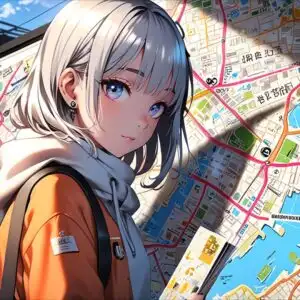
This 4K wallpaper is the best choice for testing your OLED professional display resolution. Compared to others, our high-performance tool provides a premium look for any high-end smartphone or desktop setup.

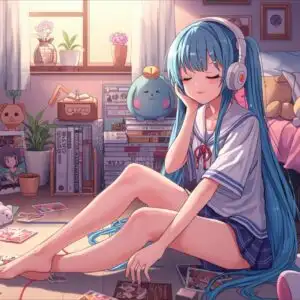

"Personalize this wallpaper or upload your own image to create the perfect mobile background 👇"
Customize Anime Girl Sitting on Train at Night With City Motion Blur for Mobile Wallpapers
iPhone • Samsung • Xiaomi • Google Pixel • Android • Huawei • (Others)
720×1600 • 1080×1920 • 1080×2340 • 1080×2400 • 1284×2778 • 1440×3088Please use Portrait Mode for a better experience (Optional)
Overview – Anime Girl Sitting on Train at Night With City Motion Blur
Anime Girl Sitting on Train at Night With City Motion Blur captures a serene moment within a dynamic urban landscape, presented as a beautiful manga illustration. The scene draws you into the quiet contemplation of an anime character as she travels through a city after dark. The lighting is a key element, with the cool blues of her hair and eyes contrasting with the warm, vibrant streaks of light from the passing cityscape. This interplay of light and shadow creates a sense of depth and atmosphere, suggesting the speed of the train and the bustling world outside.
The composition places the anime girl as the central focus, her gaze directed slightly away, inviting speculation about her thoughts. Her posture is relaxed yet thoughtful, her limbs gracefully positioned. The texture of the train seat beneath her, with its subtle pattern, adds a tactile quality to the visual. The window beside her acts as a frame for the external environment, where the city lights are rendered with a distinct motion blur. This artistic choice effectively conveys movement and the transient nature of the journey. The overall mood is one of peaceful solitude amidst urban energy.
This high-resolution image is perfect for anyone who appreciates the aesthetic of anime and the allure of city nights. The detailed rendering of the character and the stylized depiction of the urban environment make it a compelling visual theme. It’s a scene that speaks to quiet journeys and the beauty found in everyday travel, elevated by artistic interpretation. The careful attention to detail in the character’s design and the background elements contribute to its immersive quality.
The visual theme offers a unique perspective on urban travel, blending character-driven narrative with environmental storytelling. The soft focus on the city lights outside the train window, achieved through motion blur, adds a cinematic feel to the entire image. This particular visual theme is ideal for enhancing your desktop background, offering a touch of artistic flair and a narrative element to your digital space. You can download this wallpaper in 3840×2160 resolution, with 4K, 2K, and Full HD versions also available for your convenience.
Wallpaper license: CC BY-NC-ND 4.0 · Credit: HDPeek.com
Remove Black Bars | Fit to Any Screen Size | CSS Fixer & Minifier | Compress Image Online | Image Converter Online | What Is My Screen Resolution? | Wallpaper Upscaler Online
Explore Categories
💡 How to Install Wallpaper on Different Devices
Windows PC:
Right-click on the wallpaper image. Select "Set as desktop background" or "Set as wallpaper". Adjust the fit (Fill, Fit, Stretch, Tile, Center) in Settings > Personalization > Background.Mac:
Right-click on the wallpaper image. Select "Set Desktop Picture". Alternatively, go to System Preferences > Desktop & Screen Saver and choose your image.iPhone / iPad (iOS):
Open the wallpaper image in Photos. Tap the Share button and select "Use as Wallpaper". Move and scale the image, then tap "Set" > Choose "Set Lock Screen", "Set Home Screen", or "Set Both".Android:
Open the wallpaper image in your Gallery app. Tap the Menu or Options button, then select "Set as wallpaper". Choose Home screen, Lock screen, or Both. Adjust the crop if needed and confirm.Linux (Ubuntu / others):
Right-click on the wallpaper image. Select "Set as Desktop Background" or "Set as Wallpaper". Adjust settings if your desktop environment allows multiple monitors.
Tips:
- For best quality, download the image in the resolution that matches your screen.
- Use 16:9 for widescreens, 1:1 for square displays.
- On mobile devices, choose "Set Both" for a consistent look on Home and Lock screens.
