😺 Anime Girl Under Cherry Blossoms Moonlight 4K UHD (3840x2160) Wallpaper

❤ Share this wallpaper:
WhatsApp Facebook Twitter / X Pinterest LinkedIn Copy Link for Instagram Telegram Reddit Email





💡 Below is relevant information on how to install wallpapers on different devices 👇
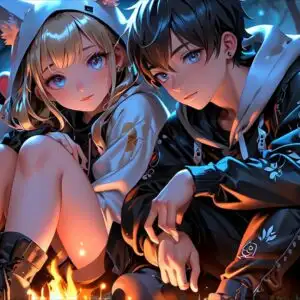
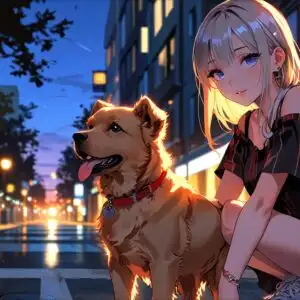
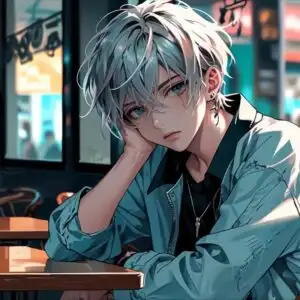
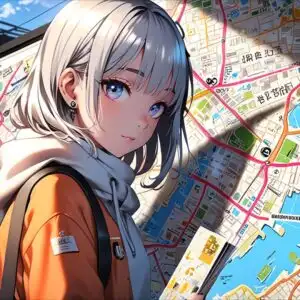
This 4K wallpaper is the best choice for testing your OLED professional display resolution. Compared to others, our high-performance tool provides a premium look for any high-end smartphone or desktop setup.


"Personalize this wallpaper or upload your own image to create the perfect mobile background 👇"
Customize Anime Girl Under Cherry Blossoms Moonlight for Mobile Wallpapers
iPhone • Samsung • Xiaomi • Google Pixel • Android • Huawei • (Others)
720×1600 • 1080×1920 • 1080×2340 • 1080×2400 • 1284×2778 • 1440×3088Please use Portrait Mode for a better experience (Optional)
Overview – Anime Girl Under Cherry Blossoms Moonlight
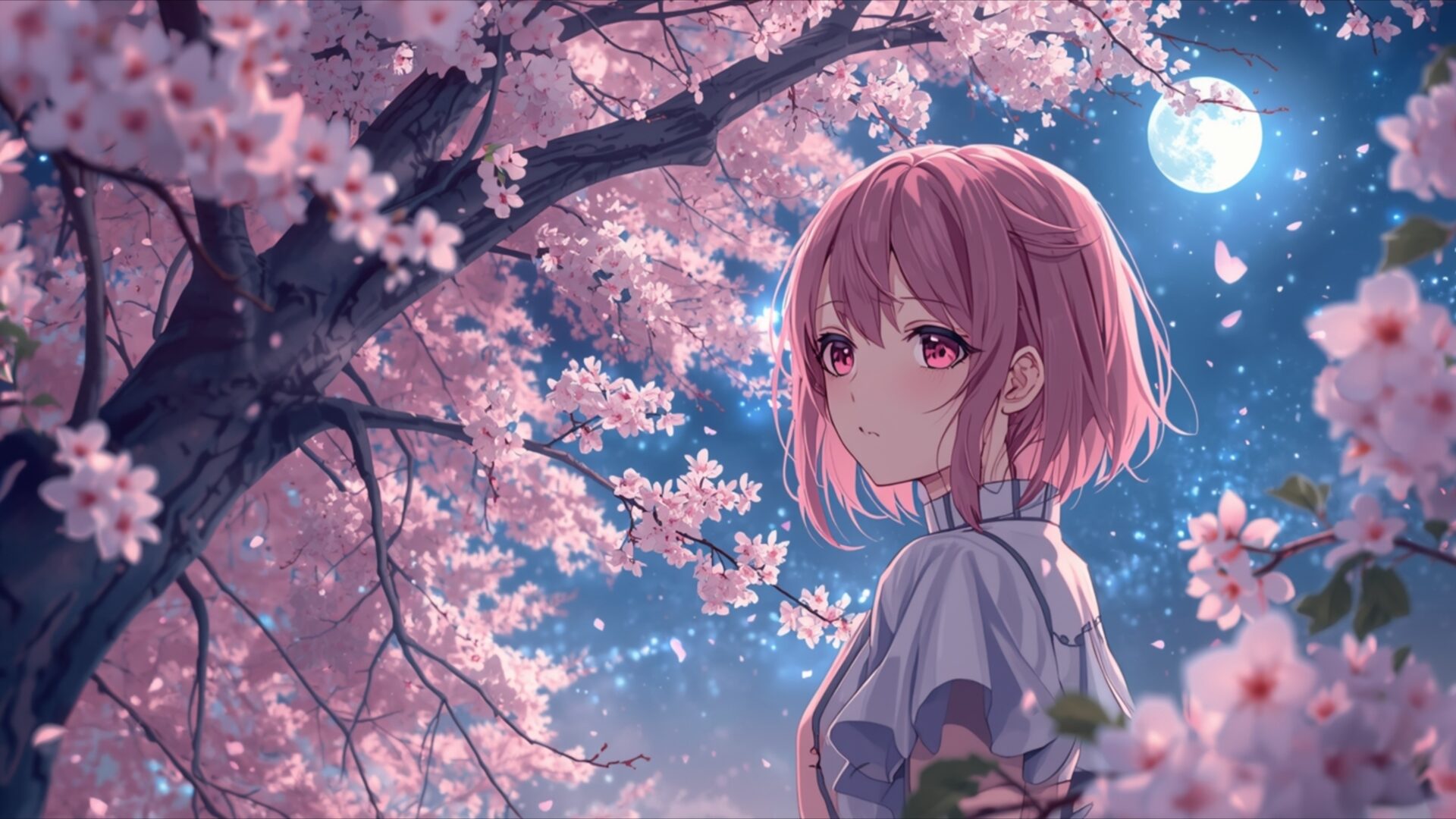
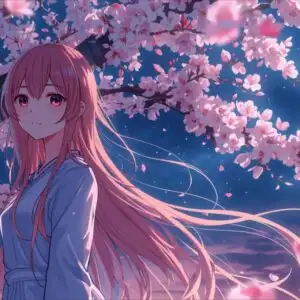
Anime Girl Under Cherry Blossoms Moonlight invites you into a serene Manga scene, a visual theme that captures the quiet beauty of a spring night. The artwork presents a young anime girl with short, soft pink hair, her gaze directed slightly away from the viewer, suggesting a moment of gentle contemplation. She is positioned amidst a profusion of cherry blossoms, their delicate pink petals creating a soft, ethereal glow. The lighting in the image is particularly striking; a full moon hangs in the deep blue, star-dusted sky, casting a cool, diffused light that illuminates the blossoms and the girl’s features with a subtle luminescence. This moonlight creates a dreamlike atmosphere, enhancing the romantic and peaceful mood of the composition.
The branches of the cherry blossom trees frame the scene, their intricate forms contrasting with the soft focus of the falling petals. The color palette is dominated by shades of pink, soft blues, and deep indigos, evoking the tranquility of nighttime in Japan during sakura season. Tiny, glowing specks, perhaps fireflies or distant stars, add a touch of magic to the night sky. The overall aesthetic layout is one of delicate balance, with the central figure of the girl harmoniously integrated into the natural splendor surrounding her. This visual theme is perfect for anyone seeking a calming and aesthetically pleasing addition to their digital space.
The detail in the rendering of the blossoms, from the individual petals to the textured bark of the trees, contributes to the immersive quality of this artwork. The gentle flow of the petals caught in the moonlight adds a dynamic element to the otherwise still scene. This particular image, rendered in 3840×2160, offers exceptional clarity and depth, allowing you to appreciate every nuance of the artist’s work. For those looking to enhance their digital experience, this wallpaper is available for download, offering a touch of serene beauty. You can get it now to transform your screen. We also offer this stunning visual in 4K, 2K, and Full HD resolutions, ensuring a perfect fit for your device.
Wallpaper license: CC BY-NC-ND 4.0 · Credit: HDPeek.com
Remove Black Bars | Fit to Any Screen Size | CSS Fixer & Minifier | Compress Image Online | Image Converter Online | What Is My Screen Resolution? | Wallpaper Upscaler Online
Explore Categories
💡 How to Install Wallpaper on Different Devices
Windows PC:
Right-click on the wallpaper image. Select "Set as desktop background" or "Set as wallpaper". Adjust the fit (Fill, Fit, Stretch, Tile, Center) in Settings > Personalization > Background.Mac:
Right-click on the wallpaper image. Select "Set Desktop Picture". Alternatively, go to System Preferences > Desktop & Screen Saver and choose your image.iPhone / iPad (iOS):
Open the wallpaper image in Photos. Tap the Share button and select "Use as Wallpaper". Move and scale the image, then tap "Set" > Choose "Set Lock Screen", "Set Home Screen", or "Set Both".Android:
Open the wallpaper image in your Gallery app. Tap the Menu or Options button, then select "Set as wallpaper". Choose Home screen, Lock screen, or Both. Adjust the crop if needed and confirm.Linux (Ubuntu / others):
Right-click on the wallpaper image. Select "Set as Desktop Background" or "Set as Wallpaper". Adjust settings if your desktop environment allows multiple monitors.
Tips:
- For best quality, download the image in the resolution that matches your screen.
- Use 16:9 for widescreens, 1:1 for square displays.
- On mobile devices, choose "Set Both" for a consistent look on Home and Lock screens.
