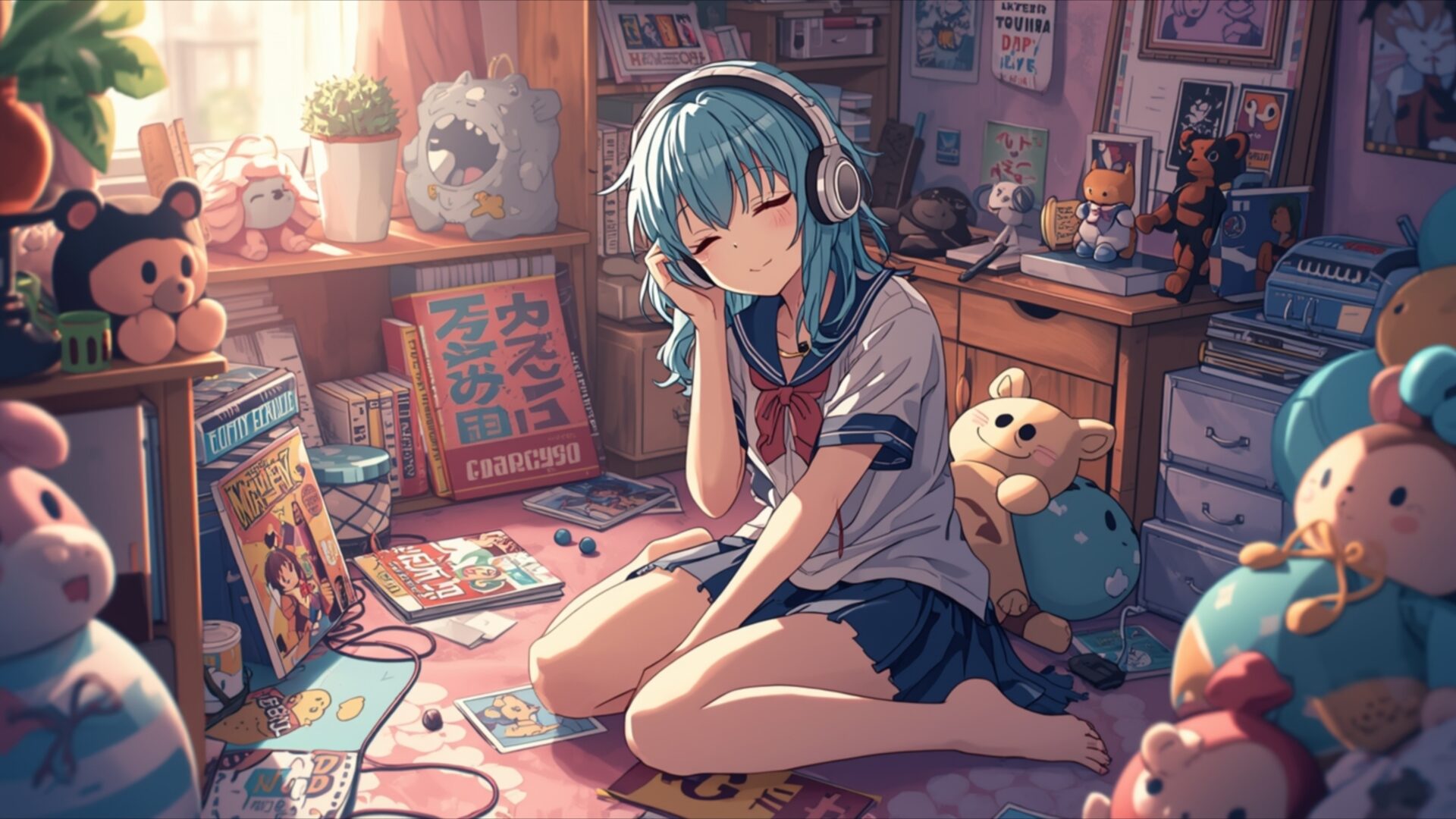
😺 Blue Hair Anime Girl Relaxing with Headphones 4K UHD (3840x2160) Wallpaper

❤ Share this wallpaper:
WhatsApp Facebook Twitter / X Pinterest LinkedIn Copy Link for Instagram Telegram Reddit Email





💡 Below is relevant information on how to install wallpapers on different devices 👇
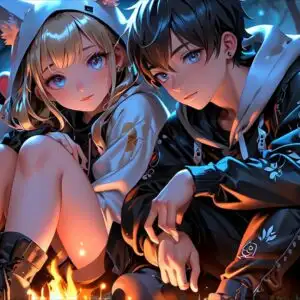
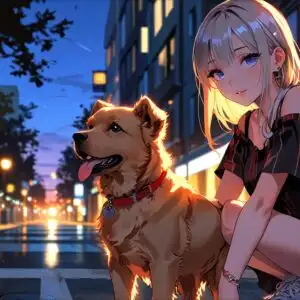
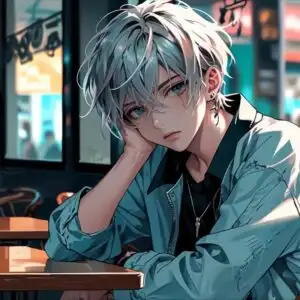
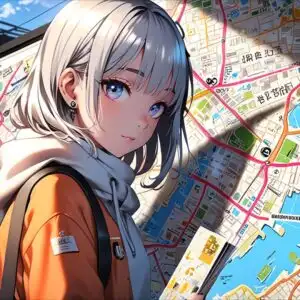
This 4K wallpaper is the best choice for testing your OLED professional display resolution. Compared to others, our high-performance tool provides a premium look for any high-end smartphone or desktop setup.

"Personalize this wallpaper or upload your own image to create the perfect mobile background 👇"
Customize Blue Hair Anime Girl Relaxing with Headphones for Mobile Wallpapers
iPhone • Samsung • Xiaomi • Google Pixel • Android • Huawei • (Others)
720×1600 • 1080×1920 • 1080×2340 • 1080×2400 • 1284×2778 • 1440×3088Please use Portrait Mode for a better experience (Optional)
Overview – Blue Hair Anime Girl Relaxing with Headphones
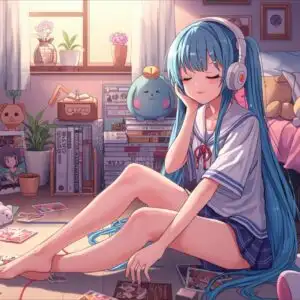
Blue Hair Anime Girl Relaxing with Headphones captures a serene Manga scene, perfect for anyone seeking a peaceful visual theme for their digital space. The image depicts a young anime girl with striking blue hair, her eyes closed as she immerses herself in music through a pair of white headphones. Sunlight streams in from a window to the left, casting a warm, gentle glow across the room and highlighting the soft textures of the plush toys scattered around her. The lighting creates a cozy, inviting atmosphere, with subtle shadows adding depth to the composition.
The color palette is dominated by soft pastels, with pinks, light blues, and warm yellows creating a calming and dreamy environment. The girl is dressed in a school uniform, adding a touch of familiar innocence to the scene. Her posture is relaxed, knees drawn up as she sits on a pink rug, surrounded by various stuffed animals and what appear to be manga books or magazines. The details in the room, from the posters on the wall to the organized shelves, suggest a personal and cherished space, contributing to the overall feeling of tranquility. This visual theme is ideal for a desktop background, offering a moment of calm in a busy day.
The artistic style leans towards a modern anime aesthetic, with clean lines and expressive character design. The focus is clearly on the girl’s peaceful state, enhanced by the ambient light and the surrounding clutter that feels more comforting than chaotic. This image evokes a sense of quiet enjoyment and personal escape, making it a wonderful addition to any collection of digital art. The careful arrangement of elements within the frame draws the viewer into the girl’s world, inviting them to share in her moment of relaxation.
For those looking to enhance their PC wallpaper, this piece offers a delightful visual experience. The intricate details and the soothing mood make it a standout choice. You can download this wallpaper to bring a touch of this peaceful anime aesthetic to your computer screen. The original image is presented in 3840×2160 resolution, with 4K, 2K, and Full HD versions also available for your convenience. Blue Hair Anime Girl Relaxing with Headphones is ready for you to enjoy.
Wallpaper license: CC BY-NC-ND 4.0 · Credit: HDPeek.com
Remove Black Bars | Fit to Any Screen Size | CSS Fixer & Minifier | Compress Image Online | Image Converter Online | What Is My Screen Resolution? | Wallpaper Upscaler Online
Explore Categories
💡 How to Install Wallpaper on Different Devices
Windows PC:
Right-click on the wallpaper image. Select "Set as desktop background" or "Set as wallpaper". Adjust the fit (Fill, Fit, Stretch, Tile, Center) in Settings > Personalization > Background.Mac:
Right-click on the wallpaper image. Select "Set Desktop Picture". Alternatively, go to System Preferences > Desktop & Screen Saver and choose your image.iPhone / iPad (iOS):
Open the wallpaper image in Photos. Tap the Share button and select "Use as Wallpaper". Move and scale the image, then tap "Set" > Choose "Set Lock Screen", "Set Home Screen", or "Set Both".Android:
Open the wallpaper image in your Gallery app. Tap the Menu or Options button, then select "Set as wallpaper". Choose Home screen, Lock screen, or Both. Adjust the crop if needed and confirm.Linux (Ubuntu / others):
Right-click on the wallpaper image. Select "Set as Desktop Background" or "Set as Wallpaper". Adjust settings if your desktop environment allows multiple monitors.
Tips:
- For best quality, download the image in the resolution that matches your screen.
- Use 16:9 for widescreens, 1:1 for square displays.
- On mobile devices, choose "Set Both" for a consistent look on Home and Lock screens.
