🕹️ Dark Purple Gaming Setup With Glass Desk 4K UHD (3840x2160) Wallpaper
❤ Share this wallpaper:
WhatsApp Facebook Twitter / X Pinterest LinkedIn Copy Link for Instagram Telegram Reddit Email



💡 Below is relevant information on how to install wallpapers on different devices 👇
This 4K wallpaper is the best choice for testing your OLED professional display resolution. Compared to others, our high-performance tool provides a premium look for any high-end smartphone or desktop setup.



"Personalize this wallpaper or upload your own image to create the perfect mobile background 👇"
Customize Dark Purple Gaming Setup With Glass Desk for Mobile Wallpapers
iPhone • Samsung • Xiaomi • Google Pixel • Android • Huawei • (Others)
720×1600 • 1080×1920 • 1080×2340 • 1080×2400 • 1284×2778 • 1440×3088Please use Portrait Mode for a better experience (Optional)
Overview – Dark Purple Gaming Setup With Glass Desk
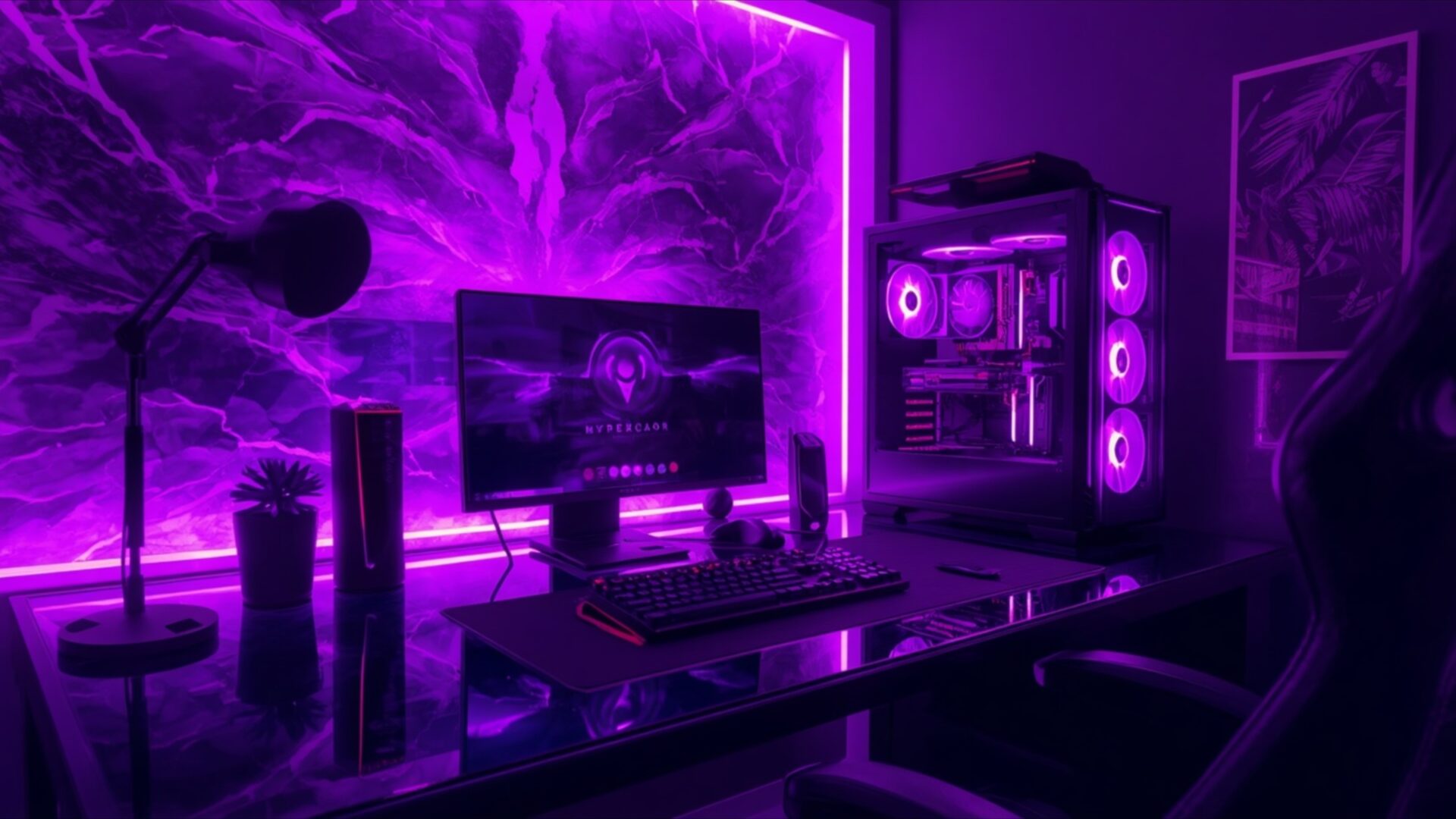
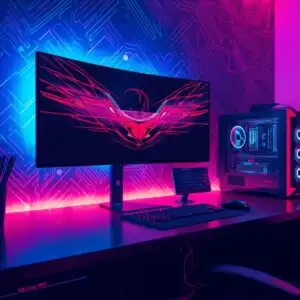
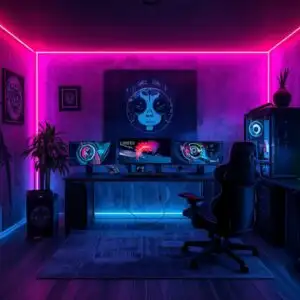
Dark Purple Gaming Setup With Glass Desk offers a stunning visual theme for any Gaming & Esports enthusiast. This high-resolution image plunges you into a world bathed in deep, vibrant purples, creating an immersive atmosphere. The primary light source emanates from behind the monitor and along the edges of the room, casting a soft, diffused glow that highlights the textures and forms within the scene. A striking feature is the electric, almost stormy pattern on the wall, rendered in shades of violet and indigo, which adds a dynamic and energetic feel. The sleek glass desk reflects the ambient light, subtly mirroring the glowing components of the PC tower and the monitor’s display.
The composition centers on a modern gaming setup. A large, illuminated PC tower sits to the right, its internal components visible through a clear panel, with fans emitting a soft purple light. In front of it, a monitor displays a dark, possibly fantasy-themed image, its screen contributing to the overall purple luminescence. A keyboard and mouse rest on the desk, their outlines softened by the surrounding glow. To the left, a tall, slender plant in a dark pot stands beside a microphone, adding a touch of organic contrast to the otherwise technological environment. The chair, partially visible on the right, appears to be a gaming chair, its dark fabric absorbing some of the light.
The overall mood is one of focused intensity and sophisticated ambiance. The deep purple palette, accented by brighter violet highlights, evokes a sense of calm yet powerful energy, perfect for late-night gaming sessions. The lighting is carefully managed, avoiding harsh shadows and instead creating a cohesive, enveloping radiance. This visual theme is ideal for anyone looking to enhance their PC wallpaper with a touch of futuristic elegance and a strong, consistent color scheme. The image captures the essence of a dedicated gaming space, where technology and atmosphere merge seamlessly.
This 3840×2160 image is available for download, offering a free wallpaper that transforms your desktop. You can get it now to experience the full detail and vibrant color. We also provide this stunning visual in 4K, 2K, and Full HD resolutions, ensuring it looks exceptional on any screen. Dark Purple Gaming Setup With Glass Desk is a perfect choice for a desktop background.
Wallpaper license: CC BY-NC-ND 4.0 · Credit: HDPeek.com
Remove Black Bars | Fit to Any Screen Size | CSS Fixer & Minifier | Compress Image Online | Image Converter Online | What Is My Screen Resolution? | Wallpaper Upscaler Online
Explore Categories
💡 How to Install Wallpaper on Different Devices
Windows PC:
Right-click on the wallpaper image. Select "Set as desktop background" or "Set as wallpaper". Adjust the fit (Fill, Fit, Stretch, Tile, Center) in Settings > Personalization > Background.Mac:
Right-click on the wallpaper image. Select "Set Desktop Picture". Alternatively, go to System Preferences > Desktop & Screen Saver and choose your image.iPhone / iPad (iOS):
Open the wallpaper image in Photos. Tap the Share button and select "Use as Wallpaper". Move and scale the image, then tap "Set" > Choose "Set Lock Screen", "Set Home Screen", or "Set Both".Android:
Open the wallpaper image in your Gallery app. Tap the Menu or Options button, then select "Set as wallpaper". Choose Home screen, Lock screen, or Both. Adjust the crop if needed and confirm.Linux (Ubuntu / others):
Right-click on the wallpaper image. Select "Set as Desktop Background" or "Set as Wallpaper". Adjust settings if your desktop environment allows multiple monitors.
Tips:
- For best quality, download the image in the resolution that matches your screen.
- Use 16:9 for widescreens, 1:1 for square displays.
- On mobile devices, choose "Set Both" for a consistent look on Home and Lock screens.
