🕹️ Battle Station With Dual PC Towers 4K UHD (3840x2160) Wallpaper
❤ Share this wallpaper:
WhatsApp Facebook Twitter / X Pinterest LinkedIn Copy Link for Instagram Telegram Reddit Email



💡 Below is relevant information on how to install wallpapers on different devices 👇
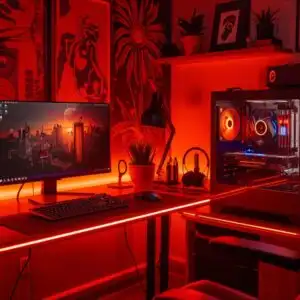
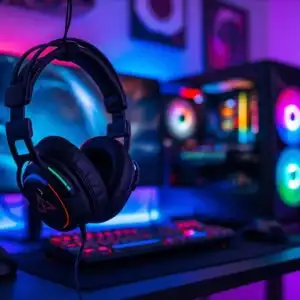
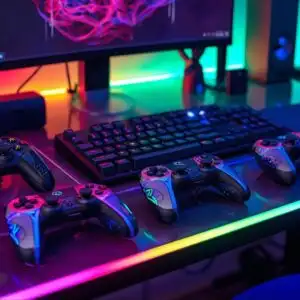
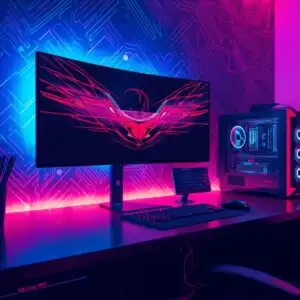
This 4K wallpaper is the best choice for testing your OLED professional display resolution. Compared to others, our high-performance tool provides a premium look for any high-end smartphone or desktop setup.


"Personalize this wallpaper or upload your own image to create the perfect mobile background 👇"
Customize Battle Station With Dual PC Towers for Mobile Wallpapers
iPhone • Samsung • Xiaomi • Google Pixel • Android • Huawei • (Others)
720×1600 • 1080×1920 • 1080×2340 • 1080×2400 • 1284×2778 • 1440×3088Please use Portrait Mode for a better experience (Optional)
Overview – Battle Station With Dual PC Towers
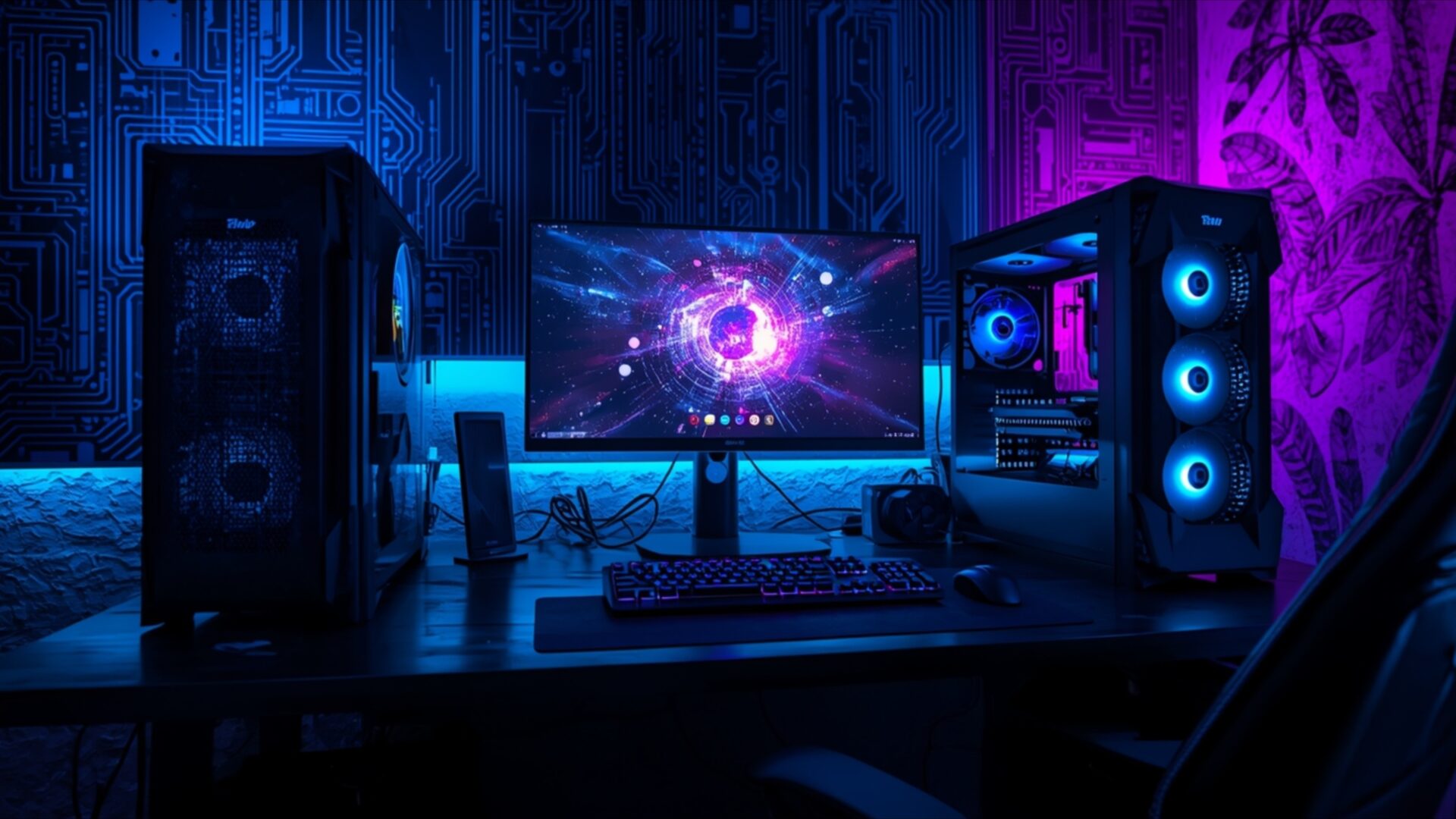
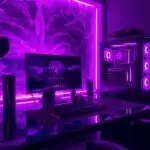
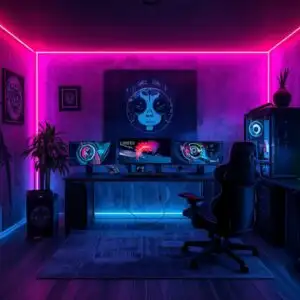
Battle Station With Dual PC Towers presents a striking visual theme for any Gaming & Esports enthusiast. This 4k wallpaper captures a meticulously arranged gaming setup, dominated by the cool glow of neon lighting. The scene is illuminated by a vibrant palette of deep blues and electric purples, casting an atmospheric ambiance across the desk. Two imposing PC towers flank a central monitor, each featuring illuminated fans that contribute to the overall futuristic aesthetic. The lighting is directional, emanating from beneath the desk and from within the PC cases, creating a sense of depth and highlighting the intricate details of the hardware.
The composition focuses on the powerful technology at the heart of a gamer’s domain. The monitor displays a complex, abstract graphic with a luminous, central core, adding another layer of visual interest to the scene. Cables are neatly managed, suggesting a clean and organized approach to building a high-performance rig. The overall mood is one of focused intensity, perfect for a workspace that demands concentration and immersion. This desktop background is designed to inspire and energize, reflecting the dedication of serious gamers and tech enthusiasts. The image itself is a testament to the blend of form and function in modern computing.
The detailed rendering of the PC towers, with their visible internal components and glowing RGB elements, speaks to the power and sophistication of the setup. The subtle textures of the desk surface and the surrounding environment are rendered with clarity, enhancing the realism of the scene. This visual theme is ideal for anyone looking to elevate their computer screen background with a touch of cutting-edge technology and vibrant color. The interplay of light and shadow is expertly handled, drawing the viewer’s eye to the key elements of the battle station.
For those seeking to enhance their digital space, this high-resolution image offers an unparalleled visual experience. The intricate details and the dynamic lighting make it a compelling choice for any gamer’s setup. You can download wallpaper in its native 3840×2160 resolution, with additional 4K, 2K, and Full HD versions also available for your convenience. Battle Station With Dual PC Towers is ready for your immediate download.
Wallpaper license: CC BY-NC-ND 4.0 · Credit: HDPeek.com
Remove Black Bars | Fit to Any Screen Size | CSS Fixer & Minifier | Compress Image Online | Image Converter Online | What Is My Screen Resolution? | Wallpaper Upscaler Online
Explore Categories
💡 How to Install Wallpaper on Different Devices
Windows PC:
Right-click on the wallpaper image. Select "Set as desktop background" or "Set as wallpaper". Adjust the fit (Fill, Fit, Stretch, Tile, Center) in Settings > Personalization > Background.Mac:
Right-click on the wallpaper image. Select "Set Desktop Picture". Alternatively, go to System Preferences > Desktop & Screen Saver and choose your image.iPhone / iPad (iOS):
Open the wallpaper image in Photos. Tap the Share button and select "Use as Wallpaper". Move and scale the image, then tap "Set" > Choose "Set Lock Screen", "Set Home Screen", or "Set Both".Android:
Open the wallpaper image in your Gallery app. Tap the Menu or Options button, then select "Set as wallpaper". Choose Home screen, Lock screen, or Both. Adjust the crop if needed and confirm.Linux (Ubuntu / others):
Right-click on the wallpaper image. Select "Set as Desktop Background" or "Set as Wallpaper". Adjust settings if your desktop environment allows multiple monitors.
Tips:
- For best quality, download the image in the resolution that matches your screen.
- Use 16:9 for widescreens, 1:1 for square displays.
- On mobile devices, choose "Set Both" for a consistent look on Home and Lock screens.
