👽️ Advanced Combat Drone Repairing Futuristic Battle Mech 4K UHD (3840x2160) Wallpaper

❤ Share this wallpaper:
WhatsApp Facebook Twitter / X Pinterest LinkedIn Copy Link for Instagram Telegram Reddit Email



💡 Below is relevant information on how to install wallpapers on different devices 👇


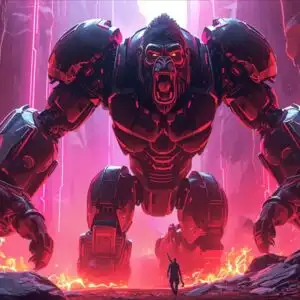
This 4K wallpaper is the best choice for testing your OLED professional display resolution. Compared to others, our high-performance tool provides a premium look for any high-end smartphone or desktop setup.
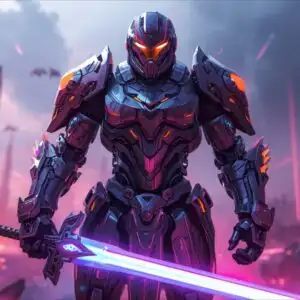
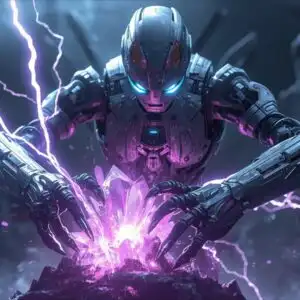
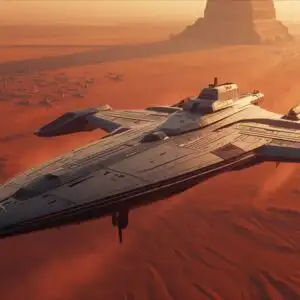
"Personalize this wallpaper or upload your own image to create the perfect mobile background 👇"
Customize Advanced Combat Drone Repairing Futuristic Battle Mech for Mobile Wallpapers
iPhone • Samsung • Xiaomi • Google Pixel • Android • Huawei • (Others)
720×1600 • 1080×1920 • 1080×2340 • 1080×2400 • 1284×2778 • 1440×3088Please use Portrait Mode for a better experience (Optional)
Overview – Advanced Combat Drone Repairing Futuristic Battle Mech
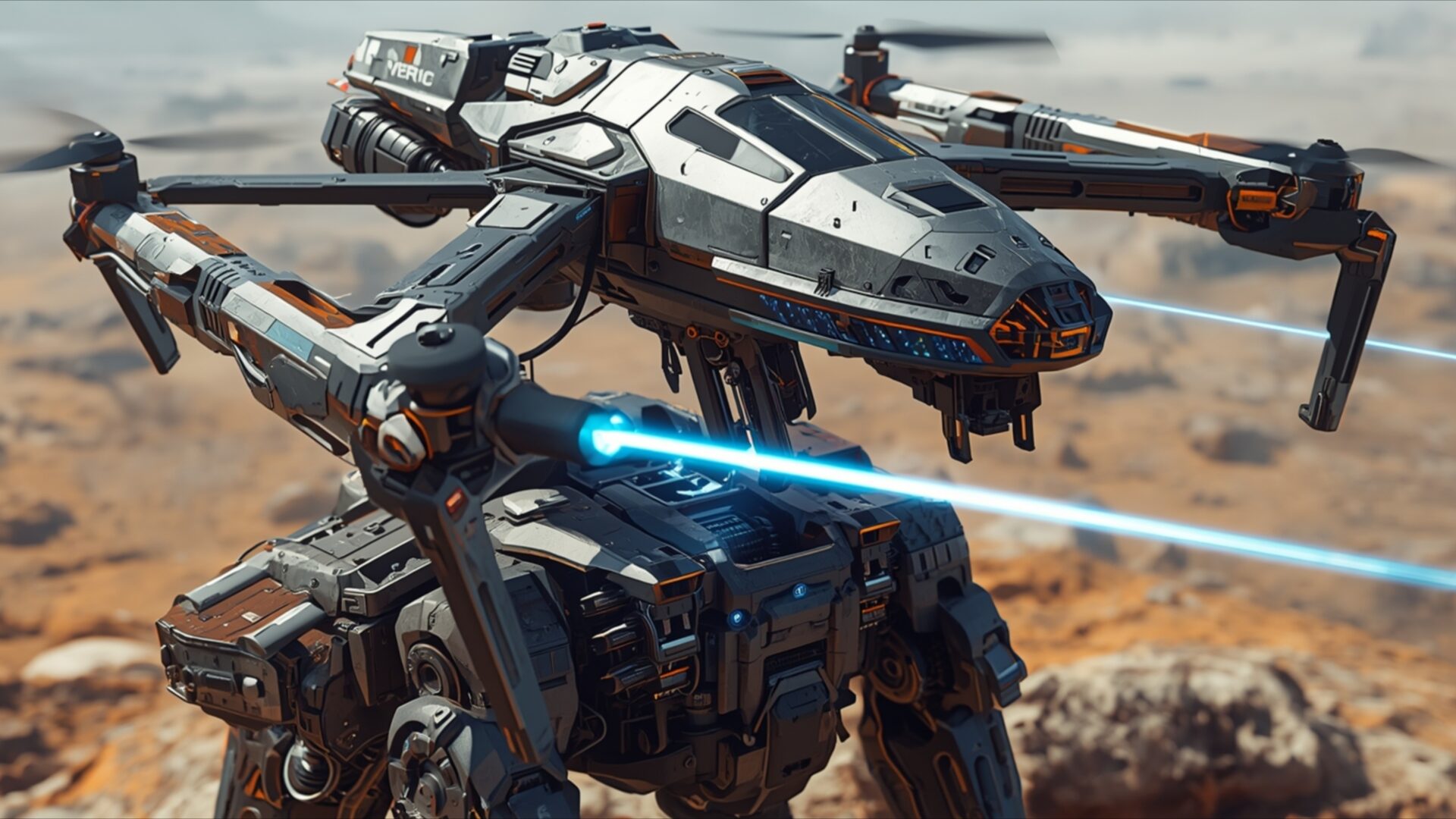
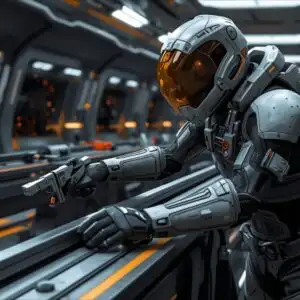
Advanced Combat Drone Repairing Futuristic Battle Mech invites you into a scene of intricate mechanical operations within the science fiction realm. This high-resolution image captures a moment of focused activity, where a sophisticated combat drone is actively engaged in repairing a larger, futuristic battle mech. The lighting in the image is naturalistic, with the sun casting a warm, diffused glow across the arid, rocky terrain. This illumination highlights the metallic textures and complex paneling of both machines, emphasizing their advanced construction.
The color palette is dominated by muted earth tones – sandy browns, grays, and metallic silvers – punctuated by the vibrant, electric blue of the laser beams emanating from the drone. These beams are precisely directed, suggesting a delicate and critical repair process underway. The composition places the two robotic entities at the center of the frame, drawing the viewer’s attention to the interaction between them. The drone, with its articulated arms and focused energy, appears to be performing intricate work on the mech’s chassis, hinting at a narrative of ongoing conflict or maintenance in a harsh environment.
The overall mood is one of quiet efficiency and technological prowess. There’s a sense of purpose in the scene, a testament to the advanced engineering depicted. The visual theme leans into the gritty realism of future warfare, showcasing the support systems that keep these formidable machines operational. This particular visual theme offers a compelling glimpse into the operational logistics of advanced robotic units.
The detailed rendering of the machinery, from the smallest panel lines to the glowing energy conduits, makes this a striking piece for any display. It’s a scene that speaks to the resilience and adaptability of future military technology. The intricate details and the dynamic interaction between the drone and the mech create a compelling visual narrative. This image is perfect for anyone who appreciates detailed science fiction aesthetics and the concept of advanced robotics. You can download this wallpaper for your PC wallpaper.
We offer this stunning visual in multiple resolutions, including the original 3840×2160. You can also find 4K, 2K, and Full HD versions available for download, ensuring a perfect fit for your screen.
Wallpaper license: CC BY-NC-ND 4.0 · Credit: HDPeek.com
Remove Black Bars | Fit to Any Screen Size | CSS Fixer & Minifier | Compress Image Online | Image Converter Online | What Is My Screen Resolution? | Wallpaper Upscaler Online
Explore Categories
💡 How to Install Wallpaper on Different Devices
Windows PC:
Right-click on the wallpaper image. Select "Set as desktop background" or "Set as wallpaper". Adjust the fit (Fill, Fit, Stretch, Tile, Center) in Settings > Personalization > Background.Mac:
Right-click on the wallpaper image. Select "Set Desktop Picture". Alternatively, go to System Preferences > Desktop & Screen Saver and choose your image.iPhone / iPad (iOS):
Open the wallpaper image in Photos. Tap the Share button and select "Use as Wallpaper". Move and scale the image, then tap "Set" > Choose "Set Lock Screen", "Set Home Screen", or "Set Both".Android:
Open the wallpaper image in your Gallery app. Tap the Menu or Options button, then select "Set as wallpaper". Choose Home screen, Lock screen, or Both. Adjust the crop if needed and confirm.Linux (Ubuntu / others):
Right-click on the wallpaper image. Select "Set as Desktop Background" or "Set as Wallpaper". Adjust settings if your desktop environment allows multiple monitors.
Tips:
- For best quality, download the image in the resolution that matches your screen.
- Use 16:9 for widescreens, 1:1 for square displays.
- On mobile devices, choose "Set Both" for a consistent look on Home and Lock screens.
