👽️ Tactical Mech Sniper Hidden on Blue Rooftops 4K UHD (3840x2160) Wallpaper
❤ Share this wallpaper:
WhatsApp Facebook Twitter / X Pinterest LinkedIn Copy Link for Instagram Telegram Reddit Email





💡 Below is relevant information on how to install wallpapers on different devices 👇



This 4K wallpaper is the best choice for testing your OLED professional display resolution. Compared to others, our high-performance tool provides a premium look for any high-end smartphone or desktop setup.

"Personalize this wallpaper or upload your own image to create the perfect mobile background 👇"
Customize Tactical Mech Sniper Hidden on Blue Rooftops for Mobile Wallpapers
iPhone • Samsung • Xiaomi • Google Pixel • Android • Huawei • (Others)
720×1600 • 1080×1920 • 1080×2340 • 1080×2400 • 1284×2778 • 1440×3088Please use Portrait Mode for a better experience (Optional)
Overview – Tactical Mech Sniper Hidden on Blue Rooftops
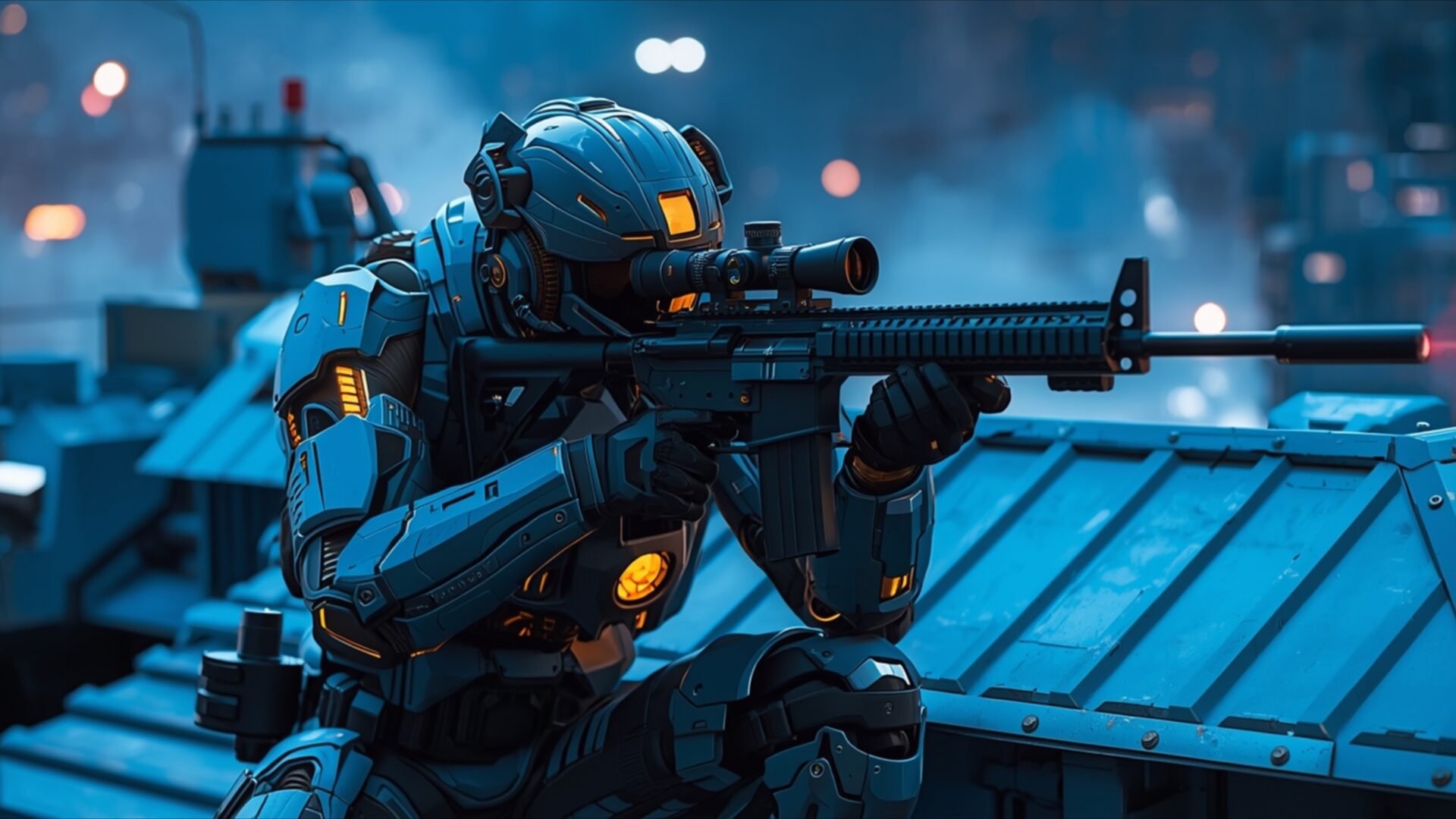
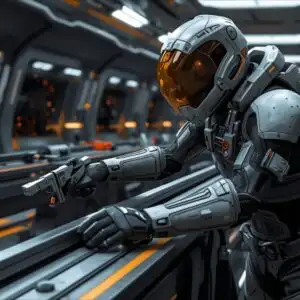
Tactical Mech Sniper Hidden on Blue Rooftops presents a striking science fiction scene, focusing on a lone mech sniper positioned on a series of blue-toned rooftops. The lighting is predominantly cool, with deep blues and subtle oranges emanating from the mech’s armor and the distant city lights, creating a nocturnal, atmospheric mood. The mech itself is depicted in a crouched, tactical pose, its rifle held steady, suggesting a moment of intense focus and readiness. The texture of the mech’s armor appears smooth and segmented, hinting at advanced engineering, while the rooftops offer a contrasting rougher surface. The composition draws the viewer’s eye directly to the central figure, with the blurred urban landscape in the background providing context without distracting from the main subject. This visual theme is perfect for anyone appreciating detailed sci-fi aesthetics.
The overall impression is one of quiet vigilance. The cool color palette, dominated by blues and punctuated by the warm glow of the mech’s internal lights and the distant urban illumination, evokes a sense of technological sophistication and a slightly melancholic urban environment. A faint mist or atmospheric haze softens the distant lights, adding depth to the scene and reinforcing the feeling of a clandestine operation. The sharp detail of the mech’s rifle, complete with a visible laser scope, underscores its purpose. This image captures a moment of stillness before action, a common trope in science fiction narratives that this visual theme effectively embodies.
The meticulous rendering of the mech’s design, from its helmet visor to the articulated joints of its limbs, speaks to a high level of detail. The way the light catches the edges of its armor and the subtle reflections on its surfaces contribute to its realistic portrayal. The scene composition is carefully balanced, with the mech occupying a significant portion of the frame, yet leaving enough negative space to allow the viewer’s gaze to wander over the details of the environment. This desktop background is an excellent choice for those who enjoy detailed, atmospheric science fiction art. You can download this wallpaper in 3840×2160 resolution, with 4K, 2K, and Full HD versions also available for your convenience.
Wallpaper license: CC BY-NC-ND 4.0 · Credit: HDPeek.com
Remove Black Bars | Fit to Any Screen Size | CSS Fixer & Minifier | Compress Image Online | Image Converter Online | What Is My Screen Resolution? | Wallpaper Upscaler Online
Explore Categories
💡 How to Install Wallpaper on Different Devices
Windows PC:
Right-click on the wallpaper image. Select "Set as desktop background" or "Set as wallpaper". Adjust the fit (Fill, Fit, Stretch, Tile, Center) in Settings > Personalization > Background.Mac:
Right-click on the wallpaper image. Select "Set Desktop Picture". Alternatively, go to System Preferences > Desktop & Screen Saver and choose your image.iPhone / iPad (iOS):
Open the wallpaper image in Photos. Tap the Share button and select "Use as Wallpaper". Move and scale the image, then tap "Set" > Choose "Set Lock Screen", "Set Home Screen", or "Set Both".Android:
Open the wallpaper image in your Gallery app. Tap the Menu or Options button, then select "Set as wallpaper". Choose Home screen, Lock screen, or Both. Adjust the crop if needed and confirm.Linux (Ubuntu / others):
Right-click on the wallpaper image. Select "Set as Desktop Background" or "Set as Wallpaper". Adjust settings if your desktop environment allows multiple monitors.
Tips:
- For best quality, download the image in the resolution that matches your screen.
- Use 16:9 for widescreens, 1:1 for square displays.
- On mobile devices, choose "Set Both" for a consistent look on Home and Lock screens.
