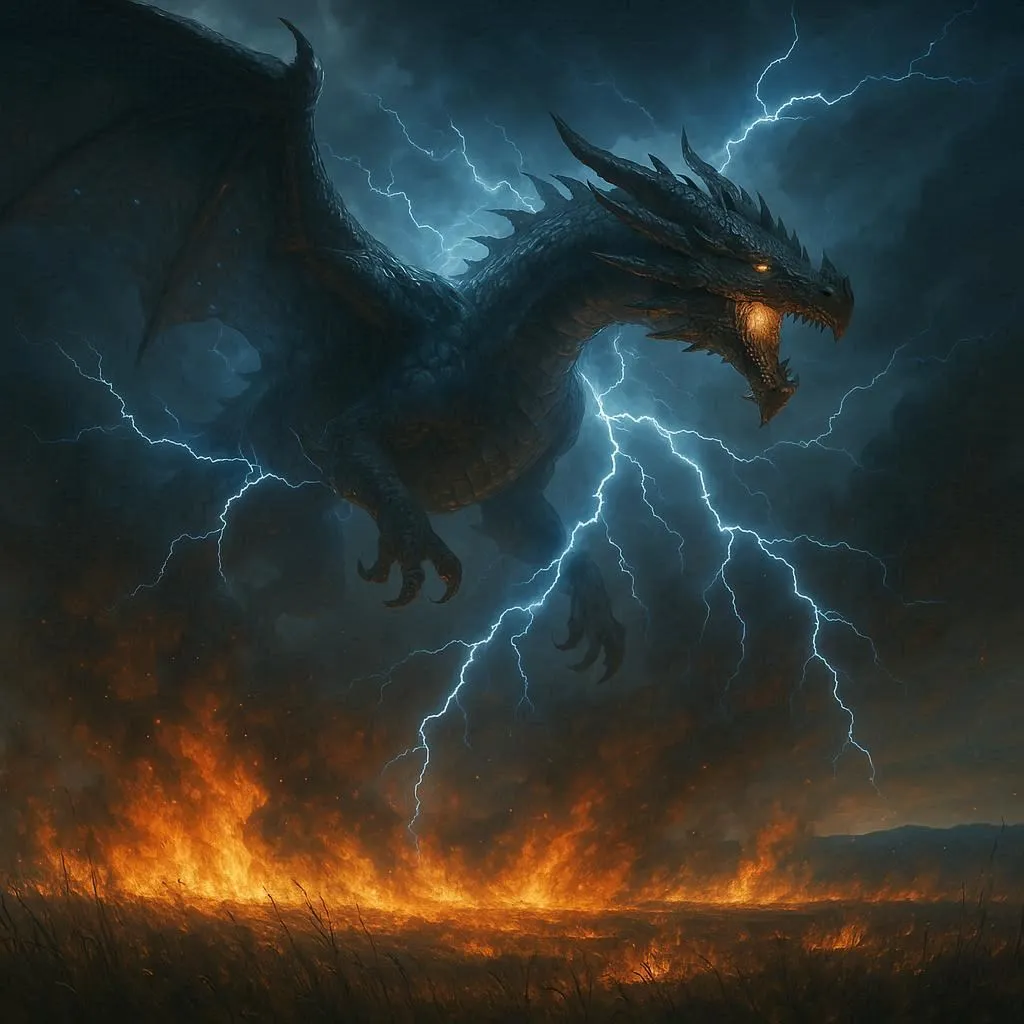
🐉 Thunder Dragon Above Burning Fields 1024x1024 Wallpaper
❤ Share this wallpaper:
WhatsApp Facebook Twitter / X Pinterest LinkedIn Copy Link for Instagram Telegram Reddit Email





💡 Below is relevant information on how to install wallpapers on different devices 👇

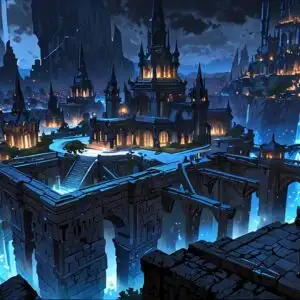
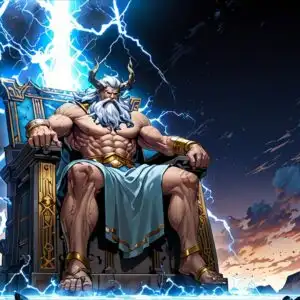
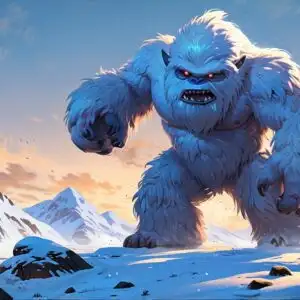


This 4K wallpaper is the best choice for testing your OLED professional display resolution. Compared to others, our high-performance tool provides a premium look for any high-end smartphone or desktop setup.





"Personalize this wallpaper or upload your own image to create the perfect mobile background 👇"
Customize Thunder Dragon Above Burning Fields for Mobile Wallpapers
iPhone • Samsung • Xiaomi • Google Pixel • Android • Huawei • (Others)
720×1600 • 1080×1920 • 1080×2340 • 1080×2400 • 1284×2778 • 1440×3088Please use Portrait Mode for a better experience (Optional)
Overview – Thunder Dragon Above Burning Fields
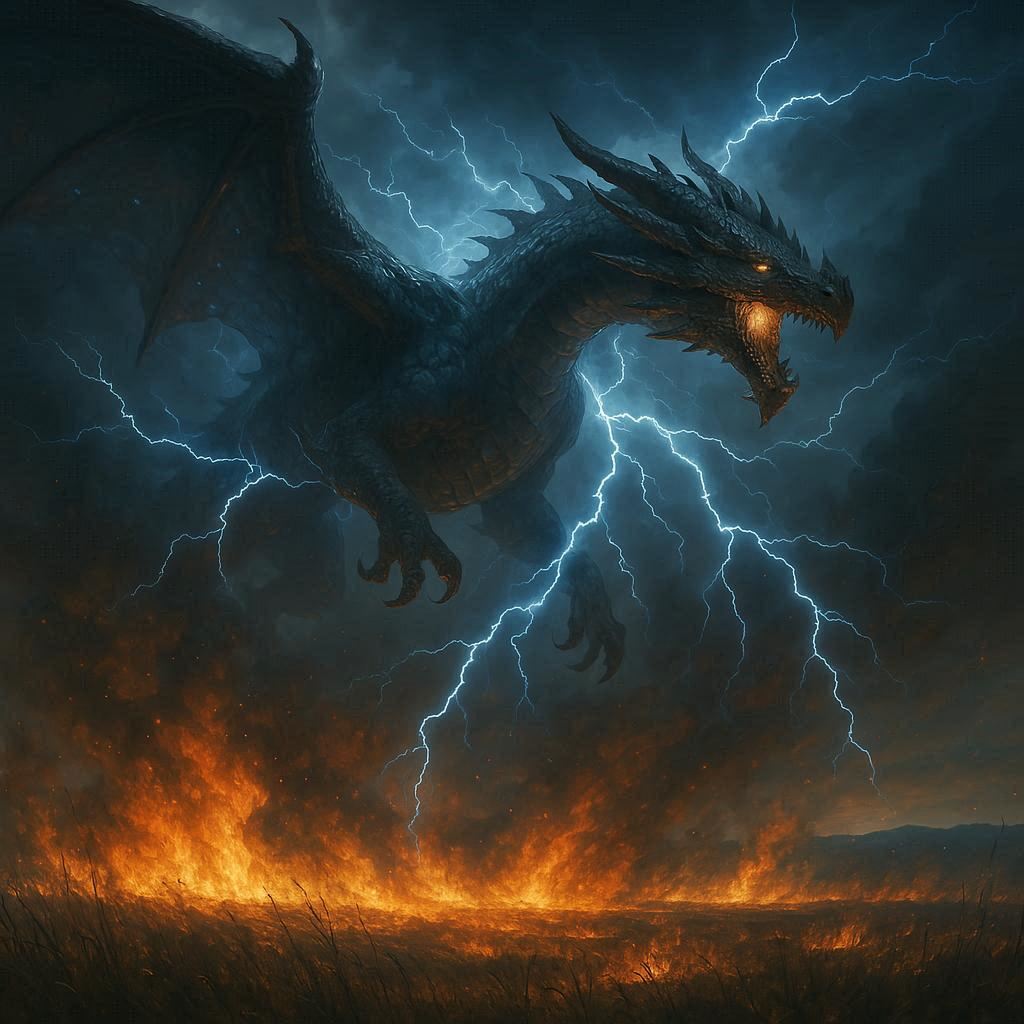
Hey everyone! So, I just finished working on this new wallpaper, “Thunder Dragon Above Burning Fields,” and I’m seriously excited about it. It’s a fantasy piece, and I think it really captures that epic, dramatic feel. The image itself is a pretty high-resolution HD Photo, so it’ll look amazing on your desktop, no matter what size your screen is. You’ll see this massive thunder dragon, you know, the kind you only see in legends, soaring above a landscape consumed by fire. The burning fields are detailed, almost painfully so; you might notice the individual flames flickering here and there. It’s a bit chaotic, but in a beautiful way. The colors are intense – fiery oranges and reds contrasted against the deep blues and purples of the stormy sky. It’s a really striking contrast, I think. The whole scene is incredibly detailed, from the texture of the dragon’s scales to the smoke billowing from the burning fields. It’s a really immersive piece, kind of like stepping into a painting. It’s perfect for anyone who loves epic fantasy art, mythical creatures, or just stunning visuals in general. The storm beast itself is majestic, powerful, and a little terrifying, all at once. It really brings the whole scene to life. The scale of the dragon is impressive, it dominates the entire desktop image. I spent a lot of time perfecting the lighting and shadows to give it that truly epic feel. I think it’s a wallpaper that you’ll want to keep looking at, discovering new details each time. It’s got that “wow” factor, you know? The level of detail in the burning fields is incredible; you can almost feel the heat radiating off the screen. This “Thunder Dragon Above Burning Fields” wallpaper is a real showstopper. Seriously, you have to see it. Go ahead and download it – you won’t regret it!
Wallpaper license: CC BY-NC-ND 4.0 · Credit: HDPeek.com
Remove Black Bars | Fit to Any Screen Size | CSS Fixer & Minifier | Compress Image Online | Image Converter Online | What Is My Screen Resolution? | Wallpaper Upscaler Online
Explore Categories
💡 How to Install Wallpaper on Different Devices
Windows PC:
Right-click on the wallpaper image. Select "Set as desktop background" or "Set as wallpaper". Adjust the fit (Fill, Fit, Stretch, Tile, Center) in Settings > Personalization > Background.Mac:
Right-click on the wallpaper image. Select "Set Desktop Picture". Alternatively, go to System Preferences > Desktop & Screen Saver and choose your image.iPhone / iPad (iOS):
Open the wallpaper image in Photos. Tap the Share button and select "Use as Wallpaper". Move and scale the image, then tap "Set" > Choose "Set Lock Screen", "Set Home Screen", or "Set Both".Android:
Open the wallpaper image in your Gallery app. Tap the Menu or Options button, then select "Set as wallpaper". Choose Home screen, Lock screen, or Both. Adjust the crop if needed and confirm.Linux (Ubuntu / others):
Right-click on the wallpaper image. Select "Set as Desktop Background" or "Set as Wallpaper". Adjust settings if your desktop environment allows multiple monitors.
Tips:
- For best quality, download the image in the resolution that matches your screen.
- Use 16:9 for widescreens, 1:1 for square displays.
- On mobile devices, choose "Set Both" for a consistent look on Home and Lock screens.