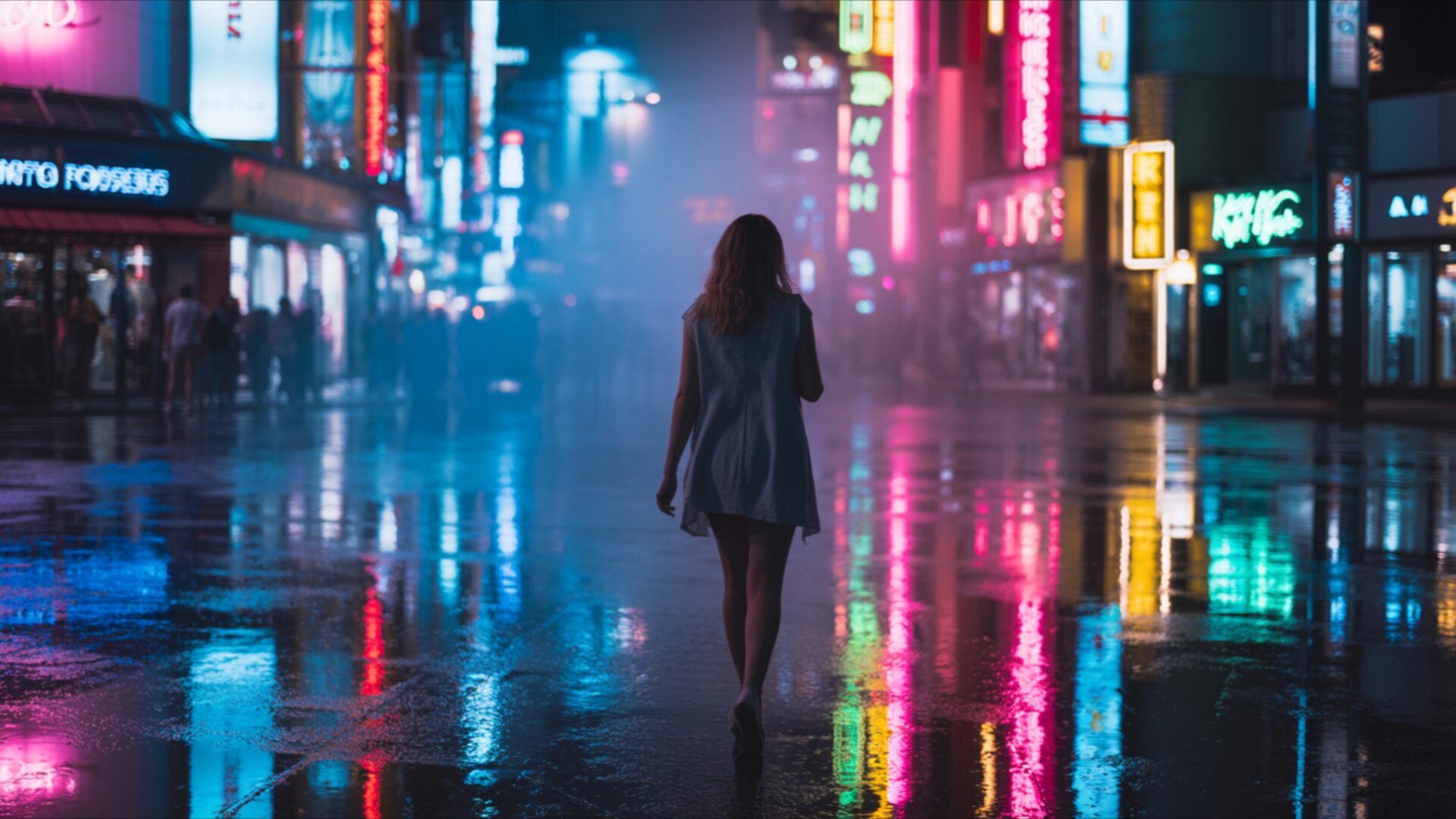
🌑 Lone Figure Under Neon Light 4K UHD (3840x2160) Wallpaper

❤ Share this wallpaper:
WhatsApp Facebook Twitter / X Pinterest LinkedIn Copy Link for Instagram Telegram Reddit Email

💡 Below is relevant information on how to install wallpapers on different devices 👇
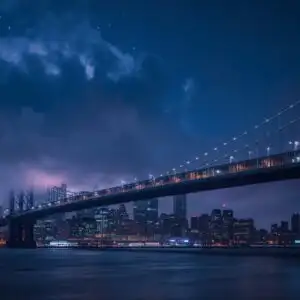
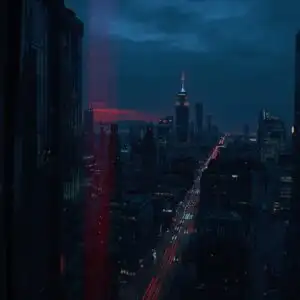
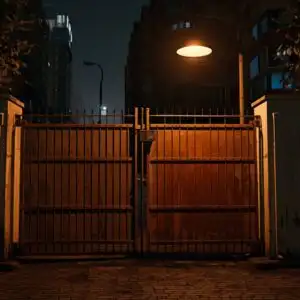
This 4K wallpaper is the best choice for testing your OLED professional display resolution. Compared to others, our high-performance tool provides a premium look for any high-end smartphone or desktop setup.
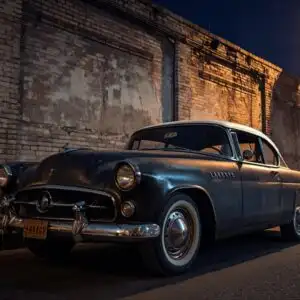
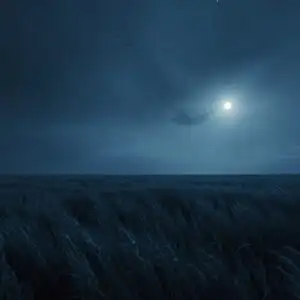
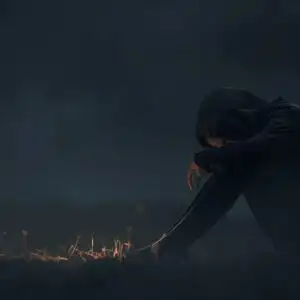
"Personalize this wallpaper or upload your own image to create the perfect mobile background 👇"
Customize Lone Figure Under Neon Light for Mobile Wallpapers
iPhone • Samsung • Xiaomi • Google Pixel • Android • Huawei • (Others)
720×1600 • 1080×1920 • 1080×2340 • 1080×2400 • 1284×2778 • 1440×3088Please use Portrait Mode for a better experience (Optional)
Overview – Lone Figure Under Neon Light
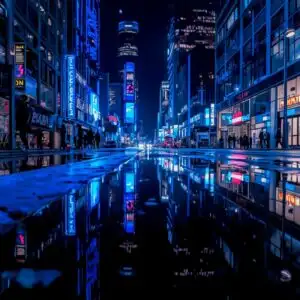
Lone Figure Under Neon Light captures a striking scene from the Dark & Moody category, presenting a solitary individual walking away from the viewer down a rain-slicked street. The composition draws the eye towards the figure, silhouetted against a vibrant backdrop of glowing neon signs. The light source is predominantly from these signs, casting a diffused, colorful glow that reflects intensely off the wet pavement, creating a mirror-like surface. This interplay of light and shadow establishes a contemplative and slightly mysterious atmosphere. The color palette is dominated by electric blues, deep purples, and vivid pinks, punctuated by occasional yellows and greens from the signage. These colors bleed into each other, enhanced by the atmospheric haze and moisture in the air, giving the image a dreamlike quality. The texture of the wet street, the subtle details of the buildings lining the street, and the soft focus of the distant lights all contribute to the visual depth. This particular visual theme is perfect for anyone seeking a desktop background that evokes a sense of urban solitude and vibrant, nocturnal energy.
The scene is rendered with a high level of detail, making it an excellent choice for a PC wallpaper. The way the light refracts and reflects off the wet surfaces adds a dynamic element to the static image. Notice how the neon lights create distinct pools of color on the ground, each reflection a miniature artwork in itself. The figure’s posture suggests a quiet journey, a moment of introspection amidst the bustling, albeit unseen, city life. The overall mood is one of quiet observation, a pause in the flow of the urban environment. This aesthetic layout offers a sophisticated visual experience, transforming your screen into a window onto a captivating nocturnal landscape. The contrast between the dark, wet environment and the bright, artificial lights is a key element that defines the mood and visual appeal of this piece.
The image is presented in a stunning 3840×2160 resolution, offering exceptional clarity and detail for your monitor. This high-resolution format ensures that every nuance of the lighting and color is preserved, making it a truly immersive experience. For those who prefer different display options, this visual theme is also available for download in 4K, 2K, and Full HD resolutions, ensuring a perfect fit for your device. You can get it now to enhance your digital space with this captivating urban scene. Lone Figure Under Neon Light is ready for your immediate download.
Wallpaper license: CC BY-NC-ND 4.0 · Credit: HDPeek.com
Remove Black Bars | Fit to Any Screen Size | CSS Fixer & Minifier | Compress Image Online | Image Converter Online | What Is My Screen Resolution? | Wallpaper Upscaler Online
Explore Categories
💡 How to Install Wallpaper on Different Devices
Windows PC:
Right-click on the wallpaper image. Select "Set as desktop background" or "Set as wallpaper". Adjust the fit (Fill, Fit, Stretch, Tile, Center) in Settings > Personalization > Background.Mac:
Right-click on the wallpaper image. Select "Set Desktop Picture". Alternatively, go to System Preferences > Desktop & Screen Saver and choose your image.iPhone / iPad (iOS):
Open the wallpaper image in Photos. Tap the Share button and select "Use as Wallpaper". Move and scale the image, then tap "Set" > Choose "Set Lock Screen", "Set Home Screen", or "Set Both".Android:
Open the wallpaper image in your Gallery app. Tap the Menu or Options button, then select "Set as wallpaper". Choose Home screen, Lock screen, or Both. Adjust the crop if needed and confirm.Linux (Ubuntu / others):
Right-click on the wallpaper image. Select "Set as Desktop Background" or "Set as Wallpaper". Adjust settings if your desktop environment allows multiple monitors.
Tips:
- For best quality, download the image in the resolution that matches your screen.
- Use 16:9 for widescreens, 1:1 for square displays.
- On mobile devices, choose "Set Both" for a consistent look on Home and Lock screens.
