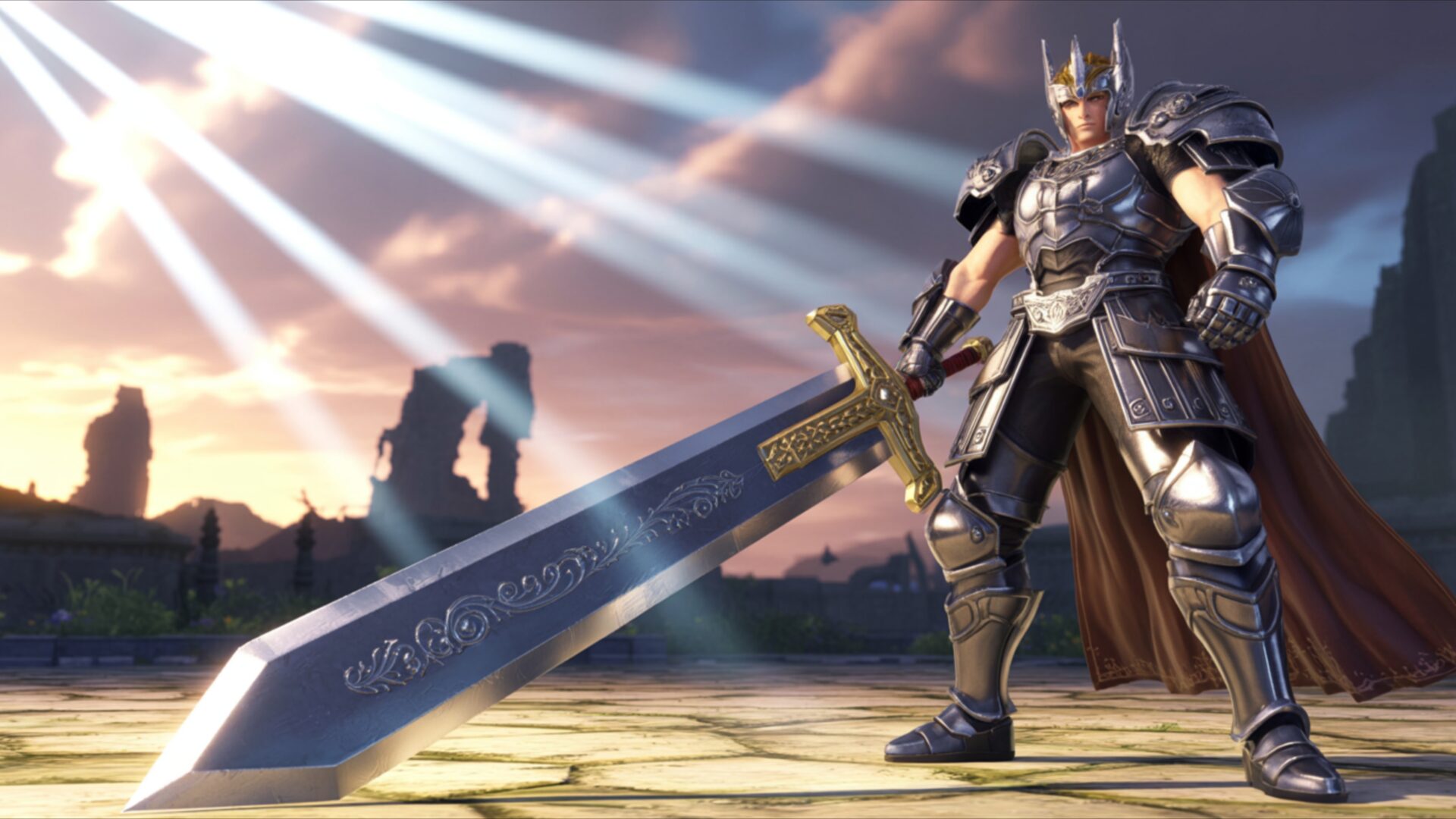
🔮 Legendary Knight Wielding Sword in Ancient Ruins 4K UHD (3840x2160) Wallpaper
 Epic Fantasy Warrior with Giant Sword Under Rays of Light
 Fantasy Angel Warrior with Golden Wings and Sword
❤ Share this wallpaper:
WhatsApp Facebook Twitter / X Pinterest LinkedIn Copy Link for Instagram Telegram Reddit Email




💡 Below is relevant information on how to install wallpapers on different devices 👇

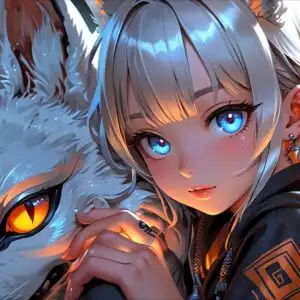

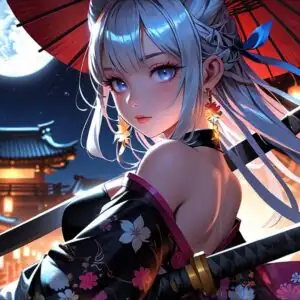


This 4K wallpaper is the best choice for testing your OLED professional display resolution. Compared to others, our high-performance tool provides a premium look for any high-end smartphone or desktop setup.




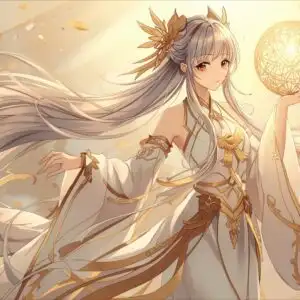
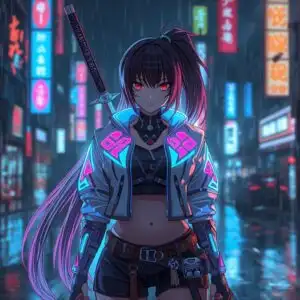
"Personalize this wallpaper or upload your own image to create the perfect mobile background 👇"
Customize Legendary Knight Wielding Sword in Ancient Ruins for Mobile Wallpapers
iPhone • Samsung • Xiaomi • Google Pixel • Android • Huawei • (Others)
720×1600 • 1080×1920 • 1080×2340 • 1080×2400 • 1284×2778 • 1440×3088Please use Portrait Mode for a better experience (Optional)
Overview – Legendary Knight Wielding Sword in Ancient Ruins
Legendary Knight Wielding Sword in Ancient Ruins introduces a striking visual theme from the Anime & Games Fantasy realm. This 4k wallpaper captures a formidable warrior standing amidst crumbling stone structures, bathed in dramatic, angled sunlight. The light source appears to be high and to the left, casting long, sharp rays that pierce through a hazy atmosphere, illuminating dust motes and highlighting the textures of the environment. The knight himself is clad in ornate, dark metallic armor, detailed with intricate engravings and a flowing crimson cape. His stance is resolute, one hand resting on the hilt of an enormous, two-handed sword that rests on the ground before him. The sword’s blade is broad and imposing, featuring subtle decorative elements that suggest ancient craftsmanship.
The color palette is dominated by earthy tones and muted grays for the ruins and armor, contrasted by the warm, golden hues of the sunlight. This interplay of light and shadow creates a sense of depth and gravitas, imbuing the scene with a heroic and somewhat somber mood. The artistic style leans towards realistic rendering within a fantasy context, giving the character and his surroundings a tangible presence. The composition places the knight centrally, drawing the viewer’s eye directly to his powerful figure and the immense weapon he commands. The background elements, though somewhat blurred, suggest a vast, ancient landscape with hints of distant structures, further emphasizing the scale of the scene. This image is ideal for anyone seeking a powerful desktop background.
The overall impression is one of enduring strength and a solitary vigil. The detailed rendering of the armor and the atmospheric lighting contribute significantly to the epic feel of this scene composition. It’s a moment frozen in time, hinting at past battles and future challenges. This particular image is presented in 3840×2160 resolution, offering exceptional clarity. You can download wallpaper in various resolutions, including 4K, 2K, and Full HD, to suit your needs.
Wallpaper license: CC BY-NC-ND 4.0 · Credit: HDPeek.com
Remove Black Bars | Fit to Any Screen Size | CSS Fixer & Minifier | Compress Image Online | Image Converter Online | What Is My Screen Resolution? | Wallpaper Upscaler Online
Explore Categories
💡 How to Install Wallpaper on Different Devices
Windows PC:
Right-click on the wallpaper image. Select "Set as desktop background" or "Set as wallpaper". Adjust the fit (Fill, Fit, Stretch, Tile, Center) in Settings > Personalization > Background.Mac:
Right-click on the wallpaper image. Select "Set Desktop Picture". Alternatively, go to System Preferences > Desktop & Screen Saver and choose your image.iPhone / iPad (iOS):
Open the wallpaper image in Photos. Tap the Share button and select "Use as Wallpaper". Move and scale the image, then tap "Set" > Choose "Set Lock Screen", "Set Home Screen", or "Set Both".Android:
Open the wallpaper image in your Gallery app. Tap the Menu or Options button, then select "Set as wallpaper". Choose Home screen, Lock screen, or Both. Adjust the crop if needed and confirm.Linux (Ubuntu / others):
Right-click on the wallpaper image. Select "Set as Desktop Background" or "Set as Wallpaper". Adjust settings if your desktop environment allows multiple monitors.
Tips:
- For best quality, download the image in the resolution that matches your screen.
- Use 16:9 for widescreens, 1:1 for square displays.
- On mobile devices, choose "Set Both" for a consistent look on Home and Lock screens.
