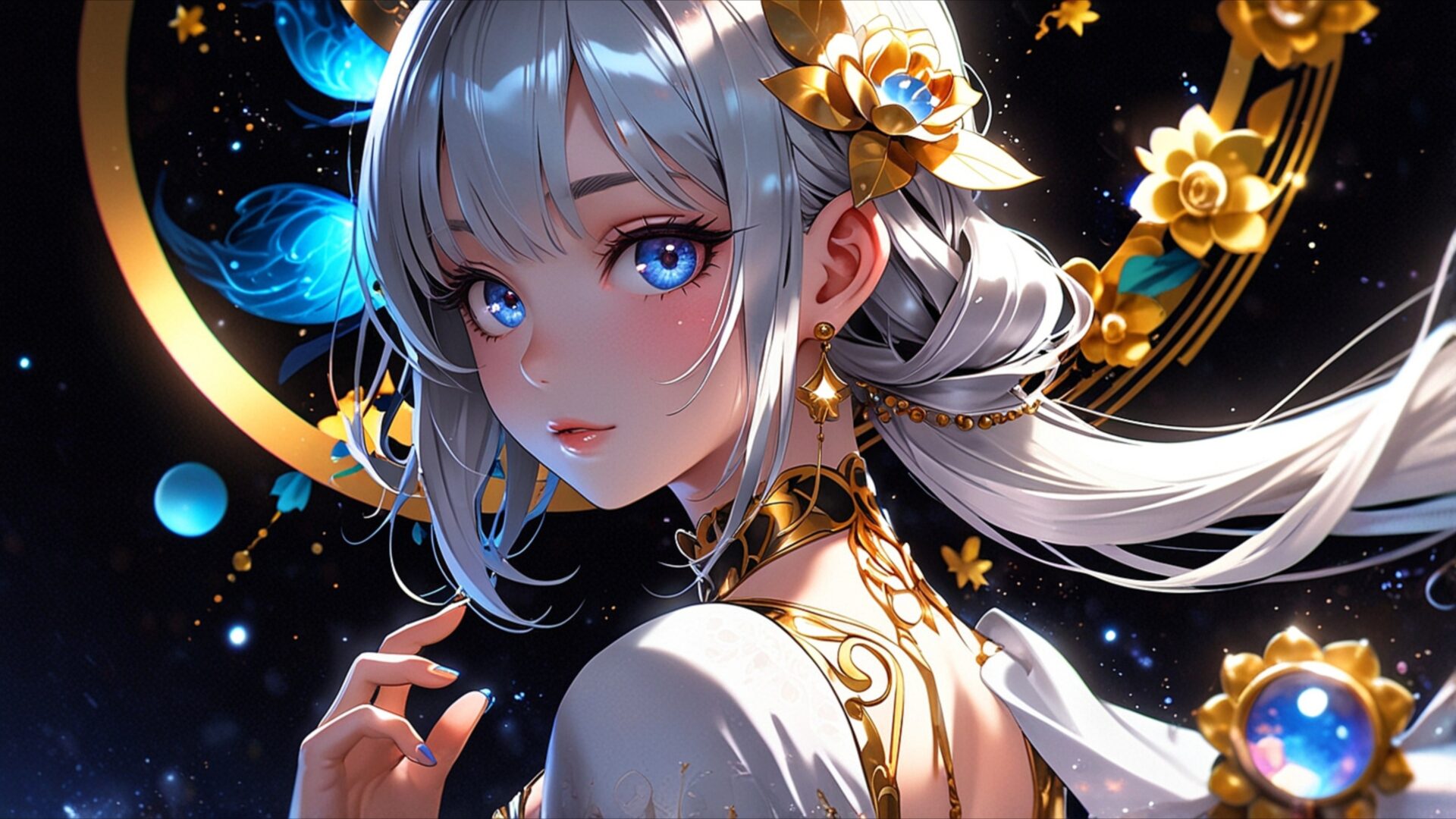
🔮 Anime Girl Lunar Bloom 4K UHD (3840x2160) Wallpaper


❤ Share this wallpaper:
WhatsApp Facebook Twitter / X Pinterest LinkedIn Copy Link for Instagram Telegram Reddit Email




💡 Below is relevant information on how to install wallpapers on different devices 👇


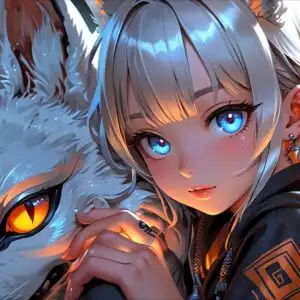
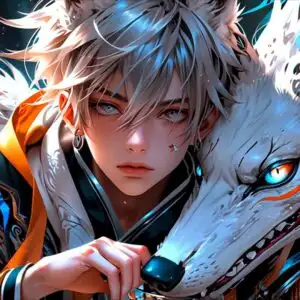
This 4K wallpaper is the best choice for testing your OLED professional display resolution. Compared to others, our high-performance tool provides a premium look for any high-end smartphone or desktop setup.
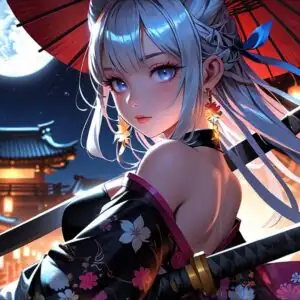
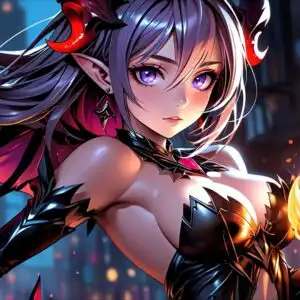




"Personalize this wallpaper or upload your own image to create the perfect mobile background 👇"
Customize Anime Girl Lunar Bloom for Mobile Wallpapers
iPhone • Samsung • Xiaomi • Google Pixel • Android • Huawei • (Others)
720×1600 • 1080×1920 • 1080×2340 • 1080×2400 • 1284×2778 • 1440×3088Please use Portrait Mode for a better experience (Optional)
Overview – Anime Girl Lunar Bloom
Anime Girl Lunar Bloom presents a captivating visual theme from the Anime & Games Fantasy realm. This 4k wallpaper showcases a young anime character with striking silver hair that cascades down her shoulders, adorned with delicate golden floral accents and shimmering blue embellishments that echo the celestial elements surrounding her. Her large, expressive eyes are a vibrant sapphire blue, reflecting a sense of wonder and perhaps a touch of melancholy. The lighting in the image is soft and diffused, emanating from the surrounding cosmic dust and glowing orbs, casting a gentle luminescence on her features and highlighting the intricate details of her attire.
The color palette is a rich tapestry of deep blues, purples, and blacks, punctuated by the warm glow of gold and the ethereal shimmer of light. This creates a dreamlike atmosphere, evoking a sense of mystery and enchantment. The character’s clothing is ornate, featuring white fabric with golden embroidery and jeweled accents, suggesting a regal or magical persona. The composition draws the viewer’s attention directly to the character’s face, with the swirling cosmic patterns and golden circular motifs framing her in a way that emphasizes her presence within this fantastical setting. The overall aesthetic is one of refined fantasy, blending delicate artistry with a cosmic backdrop.
The intricate details in the artwork, from the individual strands of hair to the subtle blush on her cheeks, contribute to the high-resolution quality of this piece. The artist has skillfully rendered a scene that feels both serene and full of hidden magic. This visual theme is perfect for anyone who appreciates detailed anime art and fantasy aesthetics. The image captures a moment of quiet contemplation, inviting viewers to imagine the story behind this celestial maiden. It’s a beautiful depiction that adds a touch of otherworldly charm to any screen.
For those seeking to enhance their digital space, this artwork offers a unique visual experience. The detailed rendering and atmospheric lighting make it a standout choice for display. You can download wallpaper of this quality to bring this enchanting scene to your device. The original image is presented in 3840×2160 resolution, ensuring exceptional clarity and detail. Additionally, versions in 4K, 2K, and Full HD are available, allowing you to enjoy this Anime Girl Lunar Bloom at your preferred resolution.
Wallpaper license: CC BY-NC-ND 4.0 · Credit: HDPeek.com
Remove Black Bars | Fit to Any Screen Size | CSS Fixer & Minifier | Compress Image Online | Image Converter Online | What Is My Screen Resolution? | Wallpaper Upscaler Online
Explore Categories
💡 How to Install Wallpaper on Different Devices
Windows PC:
Right-click on the wallpaper image. Select "Set as desktop background" or "Set as wallpaper". Adjust the fit (Fill, Fit, Stretch, Tile, Center) in Settings > Personalization > Background.Mac:
Right-click on the wallpaper image. Select "Set Desktop Picture". Alternatively, go to System Preferences > Desktop & Screen Saver and choose your image.iPhone / iPad (iOS):
Open the wallpaper image in Photos. Tap the Share button and select "Use as Wallpaper". Move and scale the image, then tap "Set" > Choose "Set Lock Screen", "Set Home Screen", or "Set Both".Android:
Open the wallpaper image in your Gallery app. Tap the Menu or Options button, then select "Set as wallpaper". Choose Home screen, Lock screen, or Both. Adjust the crop if needed and confirm.Linux (Ubuntu / others):
Right-click on the wallpaper image. Select "Set as Desktop Background" or "Set as Wallpaper". Adjust settings if your desktop environment allows multiple monitors.
Tips:
- For best quality, download the image in the resolution that matches your screen.
- Use 16:9 for widescreens, 1:1 for square displays.
- On mobile devices, choose "Set Both" for a consistent look on Home and Lock screens.
