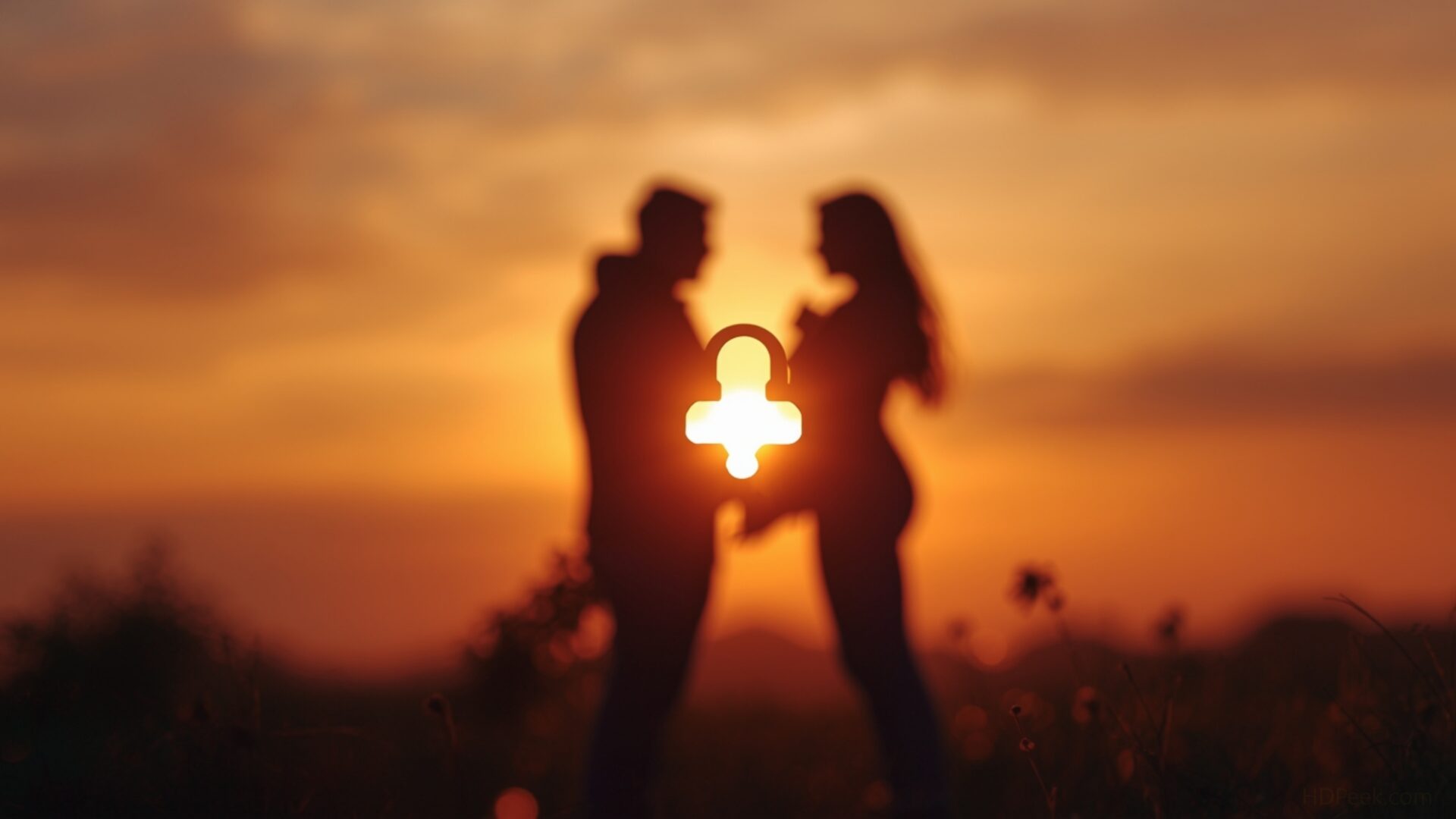
💕 Key and Lock Symbol Interlocking Puzzle Solution 4K UHD (3840x2160) Wallpaper


❤ Share this wallpaper:
WhatsApp Facebook Twitter / X Pinterest LinkedIn Copy Link for Instagram Telegram Reddit Email





💡 Below is relevant information on how to install wallpapers on different devices 👇






This 4K wallpaper is the best choice for testing your OLED professional display resolution. Compared to others, our high-performance tool provides a premium look for any high-end smartphone or desktop setup.






"Personalize this wallpaper or upload your own image to create the perfect mobile background 👇"
Customize Key and Lock Symbol Interlocking Puzzle Solution for Mobile Wallpapers
iPhone • Samsung • Xiaomi • Google Pixel • Android • Huawei • (Others)
720×1600 • 1080×1920 • 1080×2340 • 1080×2400 • 1284×2778 • 1440×3088Please use Portrait Mode for a better experience (Optional)
Overview – Key and Lock Symbol Interlocking Puzzle Solution
“Key and Lock Symbol Interlocking Puzzle Solution” evokes the essence of the Love & Couples category through its symbolic representation of connection and resolution. The interlocking design immediately draws the eye, presenting a visual metaphor for relationships and the complexities of finding a “solution.” This 4k wallpaper presents a stylized key and lock symbol, intricately woven together as a puzzle, rendered with a clean, modern aesthetic. The interplay of light and shadow across the metallic surfaces gives the image depth and dimension, enhancing the sense of mystery inherent in the interlocking forms.
The composition is carefully balanced, drawing the viewer’s attention to the central point where the key and lock meet. It is a stylish HD artwork that invites contemplation on themes of security, trust, and the process of understanding another person. The cool tones of the metal are offset by subtle gradients, preventing the image from feeling sterile and adding a touch of warmth. The smooth, polished textures of the key and lock contrast with the sharp edges of the puzzle pieces, creating a visually engaging experience. The high-resolution detail allows for a close examination of the intricate design, revealing the precision and care that went into its creation.
This PC wallpaper offers more than just a pretty picture; it provides a visual representation of complex ideas. The interlocking puzzle serves as a reminder that relationships require effort, understanding, and a willingness to find common ground. It is a desktop background that can spark reflection and inspire a sense of hope. Consider this digital background as a subtle yet powerful statement about the importance of connection and the pursuit of resolution in all aspects of life. The image is designed to be visually appealing without being distracting, making it suitable for use as a computer screen background in a variety of settings.
It is easy to personalize your desktop with this thought-provoking design. This laptop wallpaper is perfect for those who appreciate symbolism and enjoy having visually stimulating artwork on their screens. The clean lines and balanced composition make it a versatile choice for any mobile background or tablet background. The availability of this design as a smartphone wallpaper ensures that you can carry this symbol of connection with you wherever you go.
You can download wallpaper of this “Key and Lock Symbol Interlocking Puzzle Solution” for free of charge and instantly enhance your digital space. The 3840×2160 resolution ensures a crisp and detailed display on even the largest monitors. In addition to the stunning 4K version, this desktop wallpaper is also available in 2K and Full HD versions, ensuring optimal display quality across a wide range of devices.
Wallpaper license: CC BY-NC-ND 4.0 · Credit: HDPeek.com
Remove Black Bars | Fit to Any Screen Size | CSS Fixer & Minifier | Compress Image Online | Image Converter Online | What Is My Screen Resolution? | Wallpaper Upscaler Online
Explore Categories
💡 How to Install Wallpaper on Different Devices
Windows PC:
Right-click on the wallpaper image. Select "Set as desktop background" or "Set as wallpaper". Adjust the fit (Fill, Fit, Stretch, Tile, Center) in Settings > Personalization > Background.Mac:
Right-click on the wallpaper image. Select "Set Desktop Picture". Alternatively, go to System Preferences > Desktop & Screen Saver and choose your image.iPhone / iPad (iOS):
Open the wallpaper image in Photos. Tap the Share button and select "Use as Wallpaper". Move and scale the image, then tap "Set" > Choose "Set Lock Screen", "Set Home Screen", or "Set Both".Android:
Open the wallpaper image in your Gallery app. Tap the Menu or Options button, then select "Set as wallpaper". Choose Home screen, Lock screen, or Both. Adjust the crop if needed and confirm.Linux (Ubuntu / others):
Right-click on the wallpaper image. Select "Set as Desktop Background" or "Set as Wallpaper". Adjust settings if your desktop environment allows multiple monitors.
Tips:
- For best quality, download the image in the resolution that matches your screen.
- Use 16:9 for widescreens, 1:1 for square displays.
- On mobile devices, choose "Set Both" for a consistent look on Home and Lock screens.
