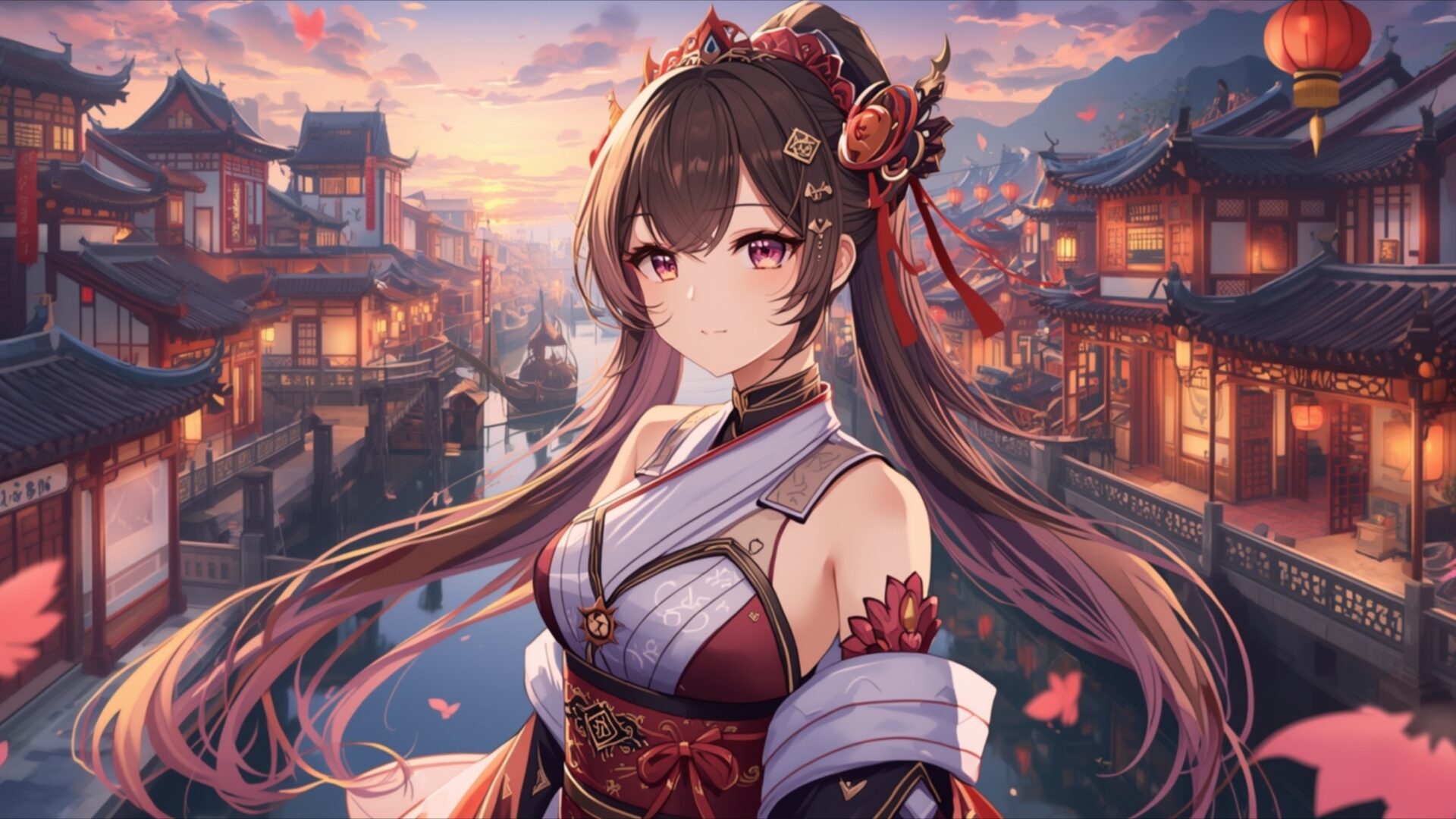
🔮 Genshin Style Anime Girl In Liyue Harbor 4K UHD (3840x2160) Wallpaper
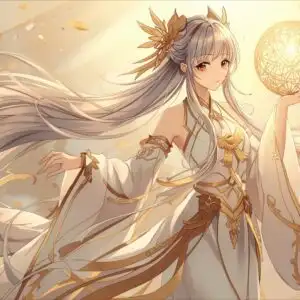
 Mystic Forest Spirit Girl With Antlers
 Fantasy Anime Girl with Blue Hair in Ancient Eastern City
❤ Share this wallpaper:
WhatsApp Facebook Twitter / X Pinterest LinkedIn Copy Link for Instagram Telegram Reddit Email




💡 Below is relevant information on how to install wallpapers on different devices 👇

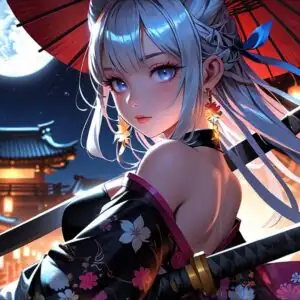


This 4K wallpaper is the best choice for testing your OLED professional display resolution. Compared to others, our high-performance tool provides a premium look for any high-end smartphone or desktop setup.




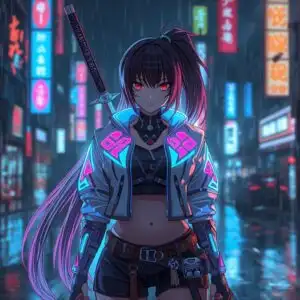
"Personalize this wallpaper or upload your own image to create the perfect mobile background 👇"
Customize Genshin Style Anime Girl In Liyue Harbor for Mobile Wallpapers
iPhone • Samsung • Xiaomi • Google Pixel • Android • Huawei • (Others)
720×1600 • 1080×1920 • 1080×2340 • 1080×2400 • 1284×2778 • 1440×3088Please use Portrait Mode for a better experience (Optional)
Overview – Genshin Style Anime Girl In Liyue Harbor
Genshin Style Anime Girl In Liyue Harbor captures the essence of the Anime & Games Fantasy category, presenting a vibrant and detailed scene that blends elements of Chinese culture with the fantastical world of Genshin Impact. The image showcases a stylized anime girl amidst the iconic architecture and breathtaking scenery of Liyue Harbor. The composition draws the eye with its careful arrangement of elements, balancing the character’s presence with the expansive environment.
The visual theme is rich in detail, from the intricate patterns on the girl’s clothing to the meticulously rendered buildings and landscape. The color palette is vibrant and harmonious, employing a range of warm and cool tones to create depth and visual interest. Sunlight glints off the water, adding a sense of realism to the fantasy setting. The artist has skillfully captured the unique atmosphere of Liyue, making it a captivating desktop background.
This 4k wallpaper offers a stunning level of detail, making it ideal for larger screens where every nuance can be appreciated. The high-resolution quality ensures that the image remains crisp and clear, even when viewed up close. It’s a stylish HD artwork that will personalize your desktop with a touch of anime charm and fantasy adventure. The scene composition invites the viewer to step into the world of Genshin Impact, experiencing the beauty and wonder of Liyue Harbor firsthand.
Imagine this scene as your computer screen background, transporting you to a world of adventure every time you glance at your screen. The blend of Chinese-inspired architecture and anime aesthetics creates a unique and visually appealing aesthetic layout. The girl, rendered in a distinctive Genshin style, adds a focal point to the image, drawing the viewer’s attention and inviting them to explore the surrounding environment. The fantasy elements are seamlessly integrated into the scene, creating a sense of wonder and enchantment.
This wallpaper for pc is available for quick download, allowing you to instantly transform your digital space. The 3840×2160 resolution ensures that the image looks its best on any display, showcasing the artist’s skill and attention to detail. You can get it now and personalize your desktop with this stunning piece of art. It is also available in 2K and Full HD versions, ensuring optimal display quality across a range of devices, including laptop wallpaper and mobile background. Experience the beauty of Genshin Style Anime Girl In Liyue Harbor in its highest quality.
Wallpaper license: CC BY-NC-ND 4.0 · Credit: HDPeek.com
Remove Black Bars | Fit to Any Screen Size | CSS Fixer & Minifier | Compress Image Online | Image Converter Online | What Is My Screen Resolution? | Wallpaper Upscaler Online
Explore Categories
💡 How to Install Wallpaper on Different Devices
Windows PC:
Right-click on the wallpaper image. Select "Set as desktop background" or "Set as wallpaper". Adjust the fit (Fill, Fit, Stretch, Tile, Center) in Settings > Personalization > Background.Mac:
Right-click on the wallpaper image. Select "Set Desktop Picture". Alternatively, go to System Preferences > Desktop & Screen Saver and choose your image.iPhone / iPad (iOS):
Open the wallpaper image in Photos. Tap the Share button and select "Use as Wallpaper". Move and scale the image, then tap "Set" > Choose "Set Lock Screen", "Set Home Screen", or "Set Both".Android:
Open the wallpaper image in your Gallery app. Tap the Menu or Options button, then select "Set as wallpaper". Choose Home screen, Lock screen, or Both. Adjust the crop if needed and confirm.Linux (Ubuntu / others):
Right-click on the wallpaper image. Select "Set as Desktop Background" or "Set as Wallpaper". Adjust settings if your desktop environment allows multiple monitors.
Tips:
- For best quality, download the image in the resolution that matches your screen.
- Use 16:9 for widescreens, 1:1 for square displays.
- On mobile devices, choose "Set Both" for a consistent look on Home and Lock screens.
