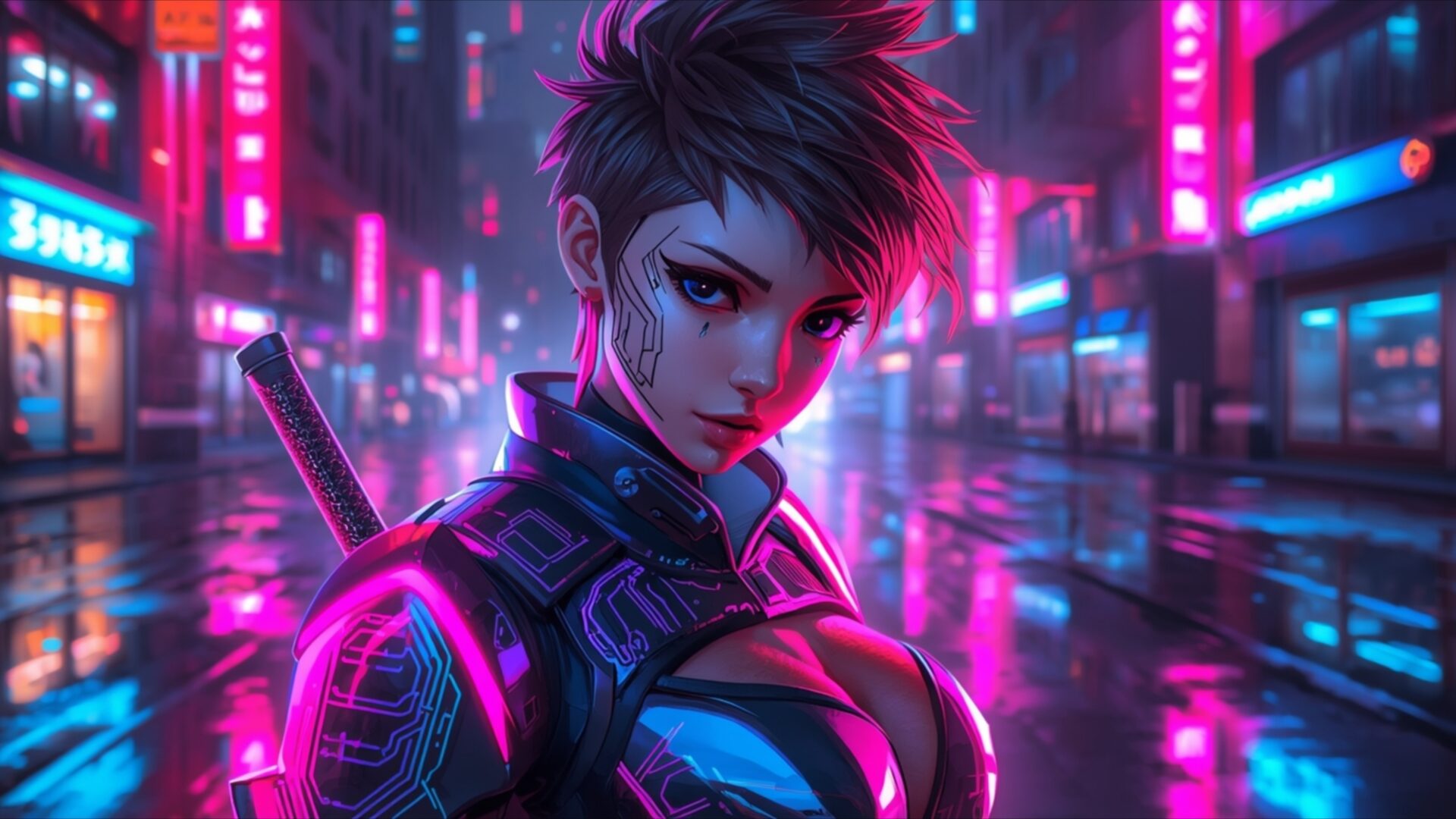
🔮 Futuristic Neon Warrior Girl with Katana in Cyberpunk Street 4K UHD (3840x2160) Wallpaper

❤ Share this wallpaper:
WhatsApp Facebook Twitter / X Pinterest LinkedIn Copy Link for Instagram Telegram Reddit Email





💡 Below is relevant information on how to install wallpapers on different devices 👇

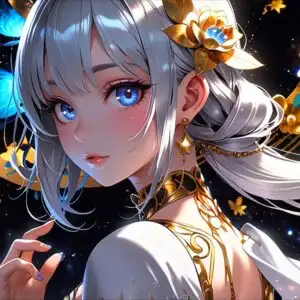

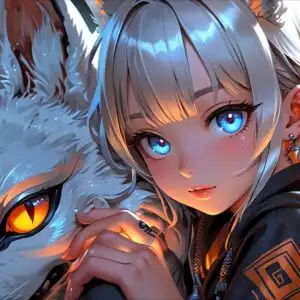
This 4K wallpaper is the best choice for testing your OLED professional display resolution. Compared to others, our high-performance tool provides a premium look for any high-end smartphone or desktop setup.
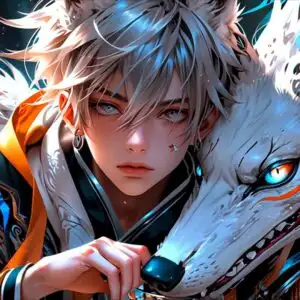
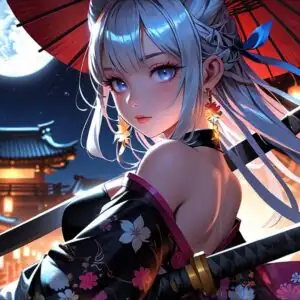




"Personalize this wallpaper or upload your own image to create the perfect mobile background 👇"
Customize Futuristic Neon Warrior Girl with Katana in Cyberpunk Street for Mobile Wallpapers
iPhone • Samsung • Xiaomi • Google Pixel • Android • Huawei • (Others)
720×1600 • 1080×1920 • 1080×2340 • 1080×2400 • 1284×2778 • 1440×3088Please use Portrait Mode for a better experience (Optional)
Overview – Futuristic Neon Warrior Girl with Katana in Cyberpunk Street
Futuristic Neon Warrior Girl with Katana in Cyberpunk Street captures a striking anime and games fantasy visual theme. This image plunges you into a rain-slicked cyberpunk metropolis, where neon lights paint the scene in vibrant hues of electric pink and cool cyan. The lighting is dramatic, with strong, saturated colors reflecting off the wet pavement, creating a sense of depth and atmosphere. The central figure, a warrior girl with a distinctive short haircut and piercing gaze, is illuminated by the ambient glow, her features sharp and defined. Her attire appears to be a blend of futuristic armor and tactical gear, accented with glowing elements that complement the surrounding cityscape.
The composition places the warrior girl prominently in the foreground, her katana sheathed and resting on her back, hinting at her readiness. Behind her, the city stretches out, a labyrinth of towering buildings adorned with holographic advertisements and glowing signs. The reflections on the wet street add a dynamic layer to the scene, mirroring the vibrant lights and the urban environment. The overall mood is one of intense, futuristic energy, balanced by the stoic presence of the warrior. The artistic style leans heavily into the cyberpunk aesthetic, characterized by its high-tech, low-life themes and the pervasive use of neon lighting to define the environment. This visual theme is perfect for anyone drawn to the allure of futuristic urban landscapes and strong, stylized characters.
The detail in this 4k wallpaper is exceptional, allowing for a truly immersive experience on any display. The interplay of light and shadow, the textures of the wet streets, and the intricate details of the character’s design are all rendered with clarity. This scene composition offers a compelling glimpse into a dystopian future, where technology and human resilience coexist. The image is a testament to the power of digital art to create vivid and engaging worlds. You can download this wallpaper in 3840×2160 resolution, with 4K, 2K, and Full HD versions also available for your convenience.
Wallpaper license: CC BY-NC-ND 4.0 · Credit: HDPeek.com
Remove Black Bars | Fit to Any Screen Size | CSS Fixer & Minifier | Compress Image Online | Image Converter Online | What Is My Screen Resolution? | Wallpaper Upscaler Online
Explore Categories
💡 How to Install Wallpaper on Different Devices
Windows PC:
Right-click on the wallpaper image. Select "Set as desktop background" or "Set as wallpaper". Adjust the fit (Fill, Fit, Stretch, Tile, Center) in Settings > Personalization > Background.Mac:
Right-click on the wallpaper image. Select "Set Desktop Picture". Alternatively, go to System Preferences > Desktop & Screen Saver and choose your image.iPhone / iPad (iOS):
Open the wallpaper image in Photos. Tap the Share button and select "Use as Wallpaper". Move and scale the image, then tap "Set" > Choose "Set Lock Screen", "Set Home Screen", or "Set Both".Android:
Open the wallpaper image in your Gallery app. Tap the Menu or Options button, then select "Set as wallpaper". Choose Home screen, Lock screen, or Both. Adjust the crop if needed and confirm.Linux (Ubuntu / others):
Right-click on the wallpaper image. Select "Set as Desktop Background" or "Set as Wallpaper". Adjust settings if your desktop environment allows multiple monitors.
Tips:
- For best quality, download the image in the resolution that matches your screen.
- Use 16:9 for widescreens, 1:1 for square displays.
- On mobile devices, choose "Set Both" for a consistent look on Home and Lock screens.
