🏎️ Futuristic Cyberpunk Hypercar Racing at Sunrise 4K UHD (3840x2160) Wallpaper

❤ Share this wallpaper:
WhatsApp Facebook Twitter / X Pinterest LinkedIn Copy Link for Instagram Telegram Reddit Email





💡 Below is relevant information on how to install wallpapers on different devices 👇




This 4K wallpaper is the best choice for testing your OLED professional display resolution. Compared to others, our high-performance tool provides a premium look for any high-end smartphone or desktop setup.

"Personalize this wallpaper or upload your own image to create the perfect mobile background 👇"
Customize Futuristic Cyberpunk Hypercar Racing at Sunrise for Mobile Wallpapers
iPhone • Samsung • Xiaomi • Google Pixel • Android • Huawei • (Others)
720×1600 • 1080×1920 • 1080×2340 • 1080×2400 • 1284×2778 • 1440×3088Please use Portrait Mode for a better experience (Optional)
Overview – Futuristic Cyberpunk Hypercar Racing at Sunrise
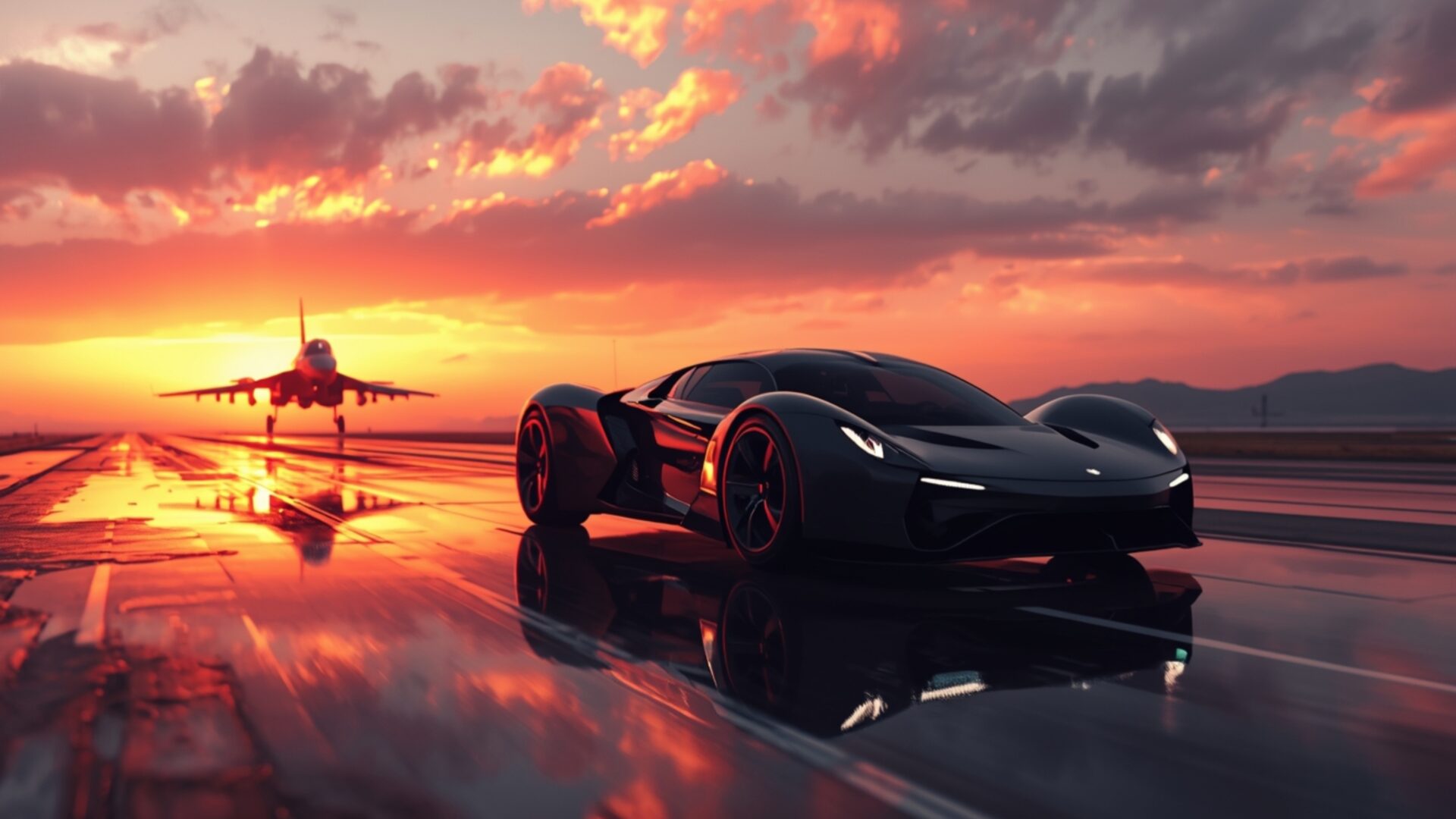
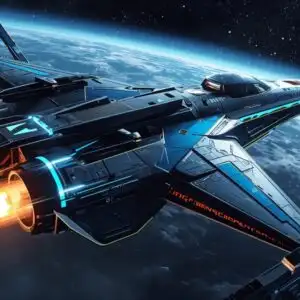
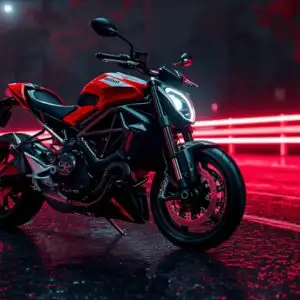
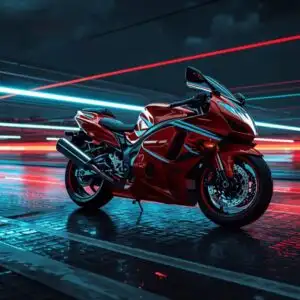
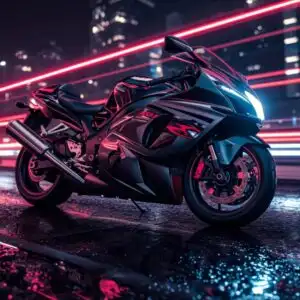
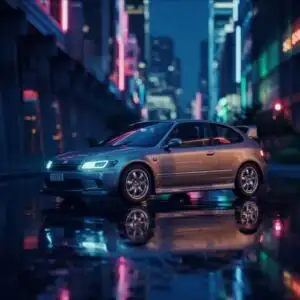
Futuristic Cyberpunk Hypercar Racing at Sunrise plunges into the heart of the Cars & Vehicles category, presenting a dynamic scene where advanced technology meets the thrill of high-speed competition. This image captures the essence of a neon-lit dawn, where a sleek, concept car tears down the track, embodying both luxury and cutting-edge design. The composition masterfully blends elements of cyberpunk with automotive excellence, creating a visual theme that is both captivating and forward-thinking.
The scene is set against the backdrop of a vibrant sunrise, casting long shadows and highlighting the car’s aerodynamic form. Notice how the neon accents illuminate the vehicle, adding a touch of futuristic flair to its already impressive silhouette. The sense of motion is palpable, as if the car is about to break the sound barrier, leaving a trail of light in its wake. The track itself is meticulously rendered, with every detail contributing to the overall sense of speed and excitement. This stylish HD artwork is more than just a pretty picture; it’s a statement of intent, a glimpse into a world where technology and performance converge.
The high-resolution detail of this 4k wallpaper ensures that every curve, every line, and every reflection is rendered with stunning clarity. It’s a feast for the eyes, inviting you to explore the intricate details of the vehicle and its surroundings. The color palette is carefully chosen, with bold neon hues contrasting against the softer tones of the sunrise, creating a visually striking effect. The aesthetic layout is designed to draw the viewer in, making them feel like they are right there on the track, experiencing the thrill of the race firsthand.
Imagine this scene as your desktop background, transforming your computer screen background into a portal to a world of speed and innovation. It’s a way to personalize your desktop and showcase your appreciation for automotive design and futuristic aesthetics. This desktop background is perfect for anyone who loves cars, technology, or simply appreciates a visually stunning scene. The availability of this image as a free wallpaper makes it accessible to everyone, allowing you to experience the thrill of Futuristic Cyberpunk Hypercar Racing at Sunrise without any cost.
With this instant download, you can quickly transform your laptop wallpaper or any other device into a showcase of automotive artistry. Get it now and experience the difference that a high-quality visual can make. The 3840×2160 resolution ensures that the image looks crisp and clear on even the largest displays. Furthermore, for those seeking options for different screen sizes, this stunning visual theme is also available in 2K and Full HD versions, ensuring a perfect fit and optimal viewing experience across a range of devices.
Wallpaper license: CC BY-NC-ND 4.0 · Credit: HDPeek.com
Remove Black Bars | Fit to Any Screen Size | CSS Fixer & Minifier | Compress Image Online | Image Converter Online | What Is My Screen Resolution? | Wallpaper Upscaler Online
Explore Categories
💡 How to Install Wallpaper on Different Devices
Windows PC:
Right-click on the wallpaper image. Select "Set as desktop background" or "Set as wallpaper". Adjust the fit (Fill, Fit, Stretch, Tile, Center) in Settings > Personalization > Background.Mac:
Right-click on the wallpaper image. Select "Set Desktop Picture". Alternatively, go to System Preferences > Desktop & Screen Saver and choose your image.iPhone / iPad (iOS):
Open the wallpaper image in Photos. Tap the Share button and select "Use as Wallpaper". Move and scale the image, then tap "Set" > Choose "Set Lock Screen", "Set Home Screen", or "Set Both".Android:
Open the wallpaper image in your Gallery app. Tap the Menu or Options button, then select "Set as wallpaper". Choose Home screen, Lock screen, or Both. Adjust the crop if needed and confirm.Linux (Ubuntu / others):
Right-click on the wallpaper image. Select "Set as Desktop Background" or "Set as Wallpaper". Adjust settings if your desktop environment allows multiple monitors.
Tips:
- For best quality, download the image in the resolution that matches your screen.
- Use 16:9 for widescreens, 1:1 for square displays.
- On mobile devices, choose "Set Both" for a consistent look on Home and Lock screens.
