🏎️ Ducati Streetfighter V4 S Naked Aggression 4K UHD (3840x2160) Wallpaper
❤ Share this wallpaper:
WhatsApp Facebook Twitter / X Pinterest LinkedIn Copy Link for Instagram Telegram Reddit Email





💡 Below is relevant information on how to install wallpapers on different devices 👇





This 4K wallpaper is the best choice for testing your OLED professional display resolution. Compared to others, our high-performance tool provides a premium look for any high-end smartphone or desktop setup.


"Personalize this wallpaper or upload your own image to create the perfect mobile background 👇"
Customize Ducati Streetfighter V4 S Naked Aggression for Mobile Wallpapers
iPhone • Samsung • Xiaomi • Google Pixel • Android • Huawei • (Others)
720×1600 • 1080×1920 • 1080×2340 • 1080×2400 • 1284×2778 • 1440×3088Please use Portrait Mode for a better experience (Optional)
Overview – Ducati Streetfighter V4 S Naked Aggression
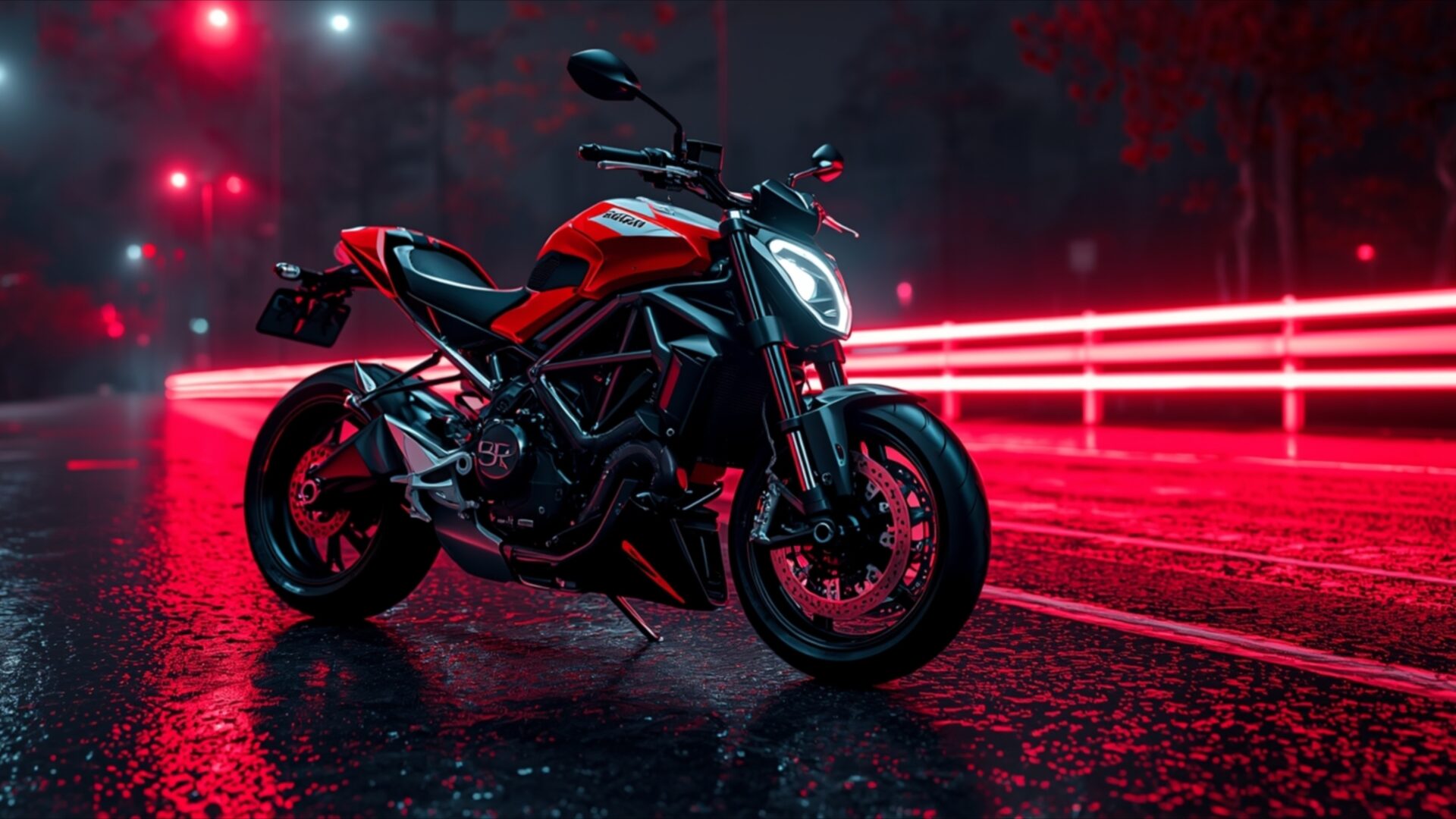
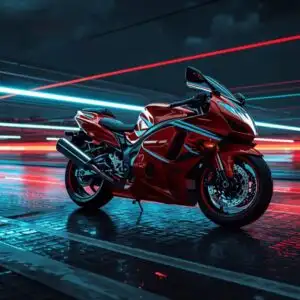
Ducati Streetfighter V4 S Naked Aggression captures the raw energy of this iconic Italian machine, presented as a striking Cars & Vehicles wallpaper. The scene is bathed in a dramatic, almost nocturnal glow, with vibrant crimson lights reflecting off the wet asphalt. This visual theme emphasizes the motorcycle’s aggressive stance and powerful presence. The lighting is directional, casting sharp highlights on the bike’s sculpted bodywork and creating deep shadows that add to the sense of depth and drama. The primary color palette is dominated by the fiery red of the Ducati, contrasted with the cool, electric blues and whites of the distant lights and the slick, dark road surface.
The composition places the Ducati Streetfighter V4 S centrally, its form clearly defined against the blurred streaks of light that suggest movement and speed. The wet road surface acts as a mirror, doubling the intensity of the red illumination and adding a layer of texture to the overall image. This is a scene that speaks of urban nights and untamed power, a perfect visual for anyone who appreciates high-performance engineering and bold design. The artistic style leans towards a hyper-realistic rendering, highlighting every curve and detail of the motorcycle with exceptional clarity.
This particular visual theme is ideal for enhancing any desktop background, bringing a dynamic and sophisticated element to your computer screen. The interplay of light and shadow, combined with the striking color contrast, creates a compelling visual narrative. It’s a piece that draws the viewer in, inviting contemplation of the machine’s inherent power and aesthetic appeal. The sharpness of the details, especially on the motorcycle itself, is a testament to the quality of the rendering.
For those seeking to elevate their digital space, this Ducati Streetfighter V4 S Naked Aggression offers a compelling aesthetic. The image is presented in 3840×2160 resolution, ensuring incredible detail and clarity. You can download this wallpaper for your PC wallpaper, and it is also available in 4K, 2K, and Full HD versions, making it suitable for a wide range of devices and screen sizes. This is a free wallpaper, available for instant download.
Wallpaper license: CC BY-NC-ND 4.0 · Credit: HDPeek.com
Remove Black Bars | Fit to Any Screen Size | CSS Fixer & Minifier | Compress Image Online | Image Converter Online | What Is My Screen Resolution? | Wallpaper Upscaler Online
Explore Categories
💡 How to Install Wallpaper on Different Devices
Windows PC:
Right-click on the wallpaper image. Select "Set as desktop background" or "Set as wallpaper". Adjust the fit (Fill, Fit, Stretch, Tile, Center) in Settings > Personalization > Background.Mac:
Right-click on the wallpaper image. Select "Set Desktop Picture". Alternatively, go to System Preferences > Desktop & Screen Saver and choose your image.iPhone / iPad (iOS):
Open the wallpaper image in Photos. Tap the Share button and select "Use as Wallpaper". Move and scale the image, then tap "Set" > Choose "Set Lock Screen", "Set Home Screen", or "Set Both".Android:
Open the wallpaper image in your Gallery app. Tap the Menu or Options button, then select "Set as wallpaper". Choose Home screen, Lock screen, or Both. Adjust the crop if needed and confirm.Linux (Ubuntu / others):
Right-click on the wallpaper image. Select "Set as Desktop Background" or "Set as Wallpaper". Adjust settings if your desktop environment allows multiple monitors.
Tips:
- For best quality, download the image in the resolution that matches your screen.
- Use 16:9 for widescreens, 1:1 for square displays.
- On mobile devices, choose "Set Both" for a consistent look on Home and Lock screens.
