🔮 Futuristic Cyber Girl Holding Neon Katana 4K UHD (3840x2160) Wallpaper

❤ Share this wallpaper:
WhatsApp Facebook Twitter / X Pinterest LinkedIn Copy Link for Instagram Telegram Reddit Email




💡 Below is relevant information on how to install wallpapers on different devices 👇

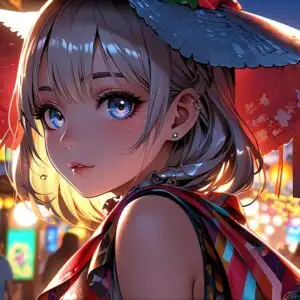
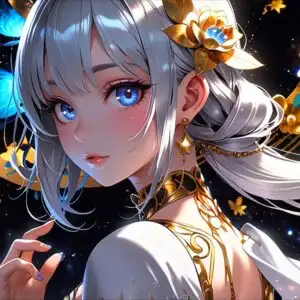
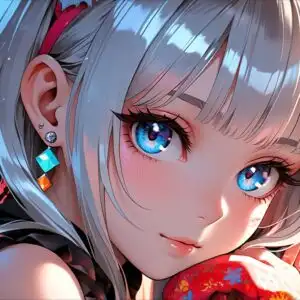
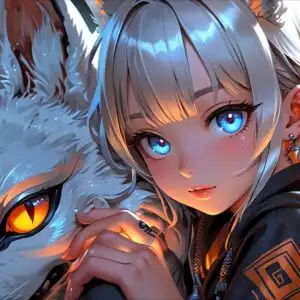
This 4K wallpaper is the best choice for testing your OLED professional display resolution. Compared to others, our high-performance tool provides a premium look for any high-end smartphone or desktop setup.


"Personalize this wallpaper or upload your own image to create the perfect mobile background 👇"
Customize Futuristic Cyber Girl Holding Neon Katana for Mobile Wallpapers
iPhone • Samsung • Xiaomi • Google Pixel • Android • Huawei • (Others)
720×1600 • 1080×1920 • 1080×2340 • 1080×2400 • 1284×2778 • 1440×3088Please use Portrait Mode for a better experience (Optional)
Overview – Futuristic Cyber Girl Holding Neon Katana
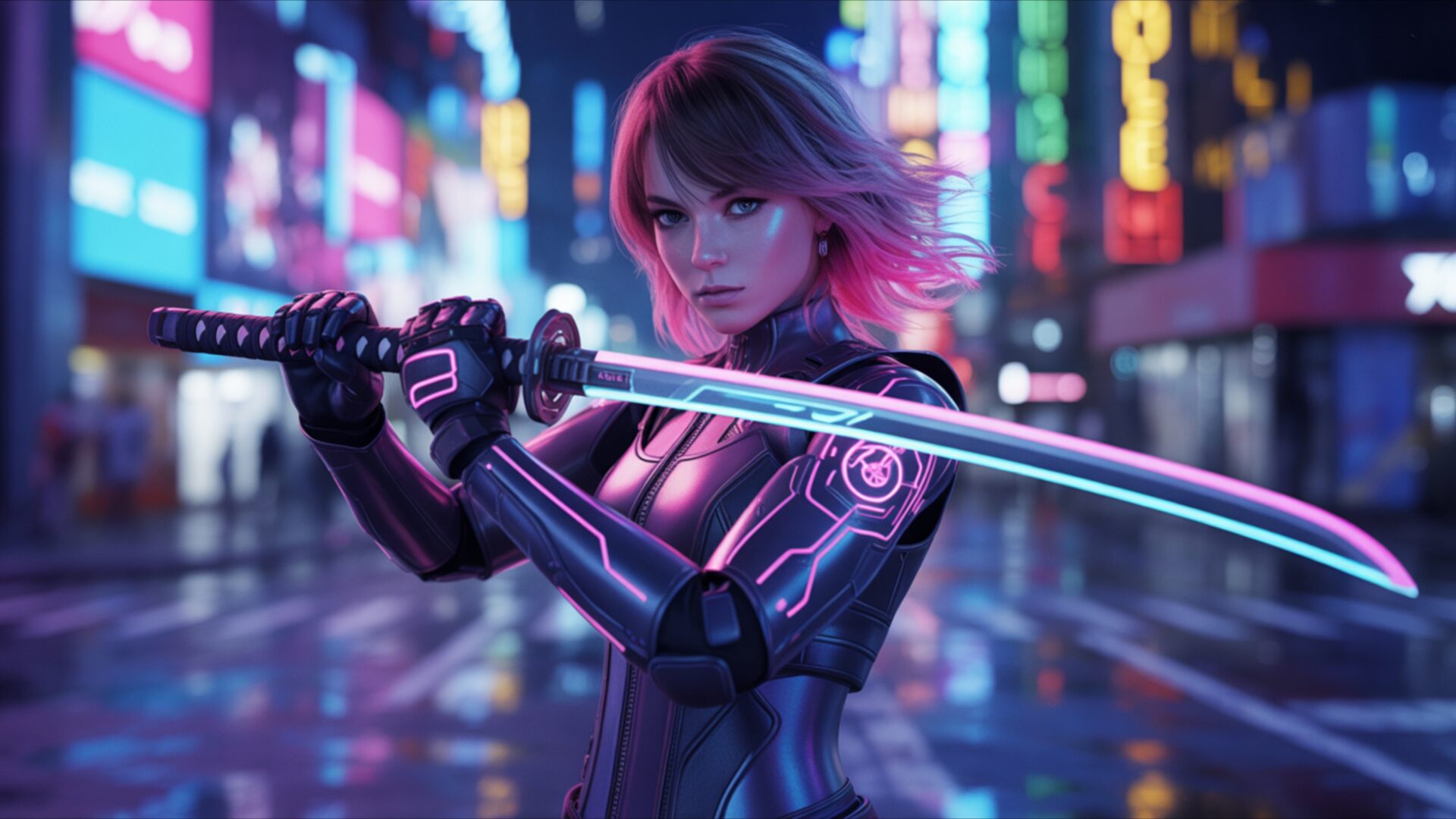
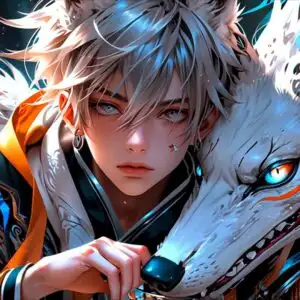
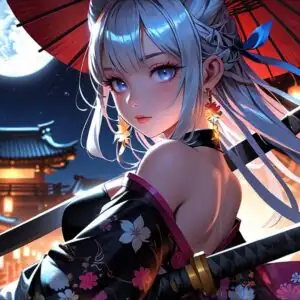
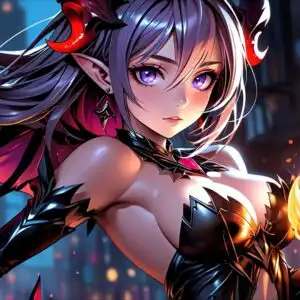
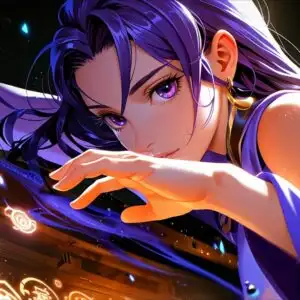
Futuristic Cyber Girl Holding Neon Katana presents a striking visual theme from the Anime & Games Fantasy category, diving into a world where technology and artistry converge. The image captures a powerful warrior girl, rendered in high-resolution detail, ready to bring a futuristic edge to your computer screen background. The composition immediately draws the eye to the central figure, a cyberpunk girl clad in tech armor, her stance suggesting both strength and agility.
The focal point is undoubtedly the neon katana she wields, its glowing blade casting an ethereal light that reflects off her armor and illuminates the surrounding space. This light play creates a dynamic contrast, highlighting the intricate details of the digital illustration. The artist has skillfully employed a palette of vibrant neon colors against darker, more muted tones, enhancing the futuristic aesthetic layout. The overall effect is one of depth and dimension, pulling the viewer into a sci-fi anime world.
Every element, from the texture of the armor to the sharpness of the katana’s edge, is meticulously crafted, showcasing the artist’s attention to detail. The anime aesthetic is evident in the character’s design, with expressive eyes and stylized features that capture the essence of the genre. It is a stylish HD artwork that is sure to personalize your desktop. The cyber elements are seamlessly integrated, creating a believable and immersive environment.
The wallpaper is more than just a pretty picture; it’s a narrative captured in pixels. It speaks of a world where warriors are forged in the crucible of technology, where glowing blades cut through the darkness, and where the line between human and machine blurs. This mobile background offers a glimpse into a world of endless possibilities, inviting you to explore the boundaries of imagination. It is a digital illustration that embodies the spirit of cyberpunk, offering a unique and captivating visual experience.
If you’re looking to download wallpaper that makes a statement, this 4k wallpaper is an excellent choice. It’s available free of charge, offering an instant download to transform your device’s display. Beyond the stunning Ultra HD (UHD) version, Futuristic Cyber Girl Holding Neon Katana is also readily available in 2K and Full HD versions, ensuring compatibility with a wide range of screens.
Wallpaper license: CC BY-NC-ND 4.0 · Credit: HDPeek.com
Remove Black Bars | Fit to Any Screen Size | CSS Fixer & Minifier | Compress Image Online | Image Converter Online | What Is My Screen Resolution? | Wallpaper Upscaler Online
Explore Categories
💡 How to Install Wallpaper on Different Devices
Windows PC:
Right-click on the wallpaper image. Select "Set as desktop background" or "Set as wallpaper". Adjust the fit (Fill, Fit, Stretch, Tile, Center) in Settings > Personalization > Background.Mac:
Right-click on the wallpaper image. Select "Set Desktop Picture". Alternatively, go to System Preferences > Desktop & Screen Saver and choose your image.iPhone / iPad (iOS):
Open the wallpaper image in Photos. Tap the Share button and select "Use as Wallpaper". Move and scale the image, then tap "Set" > Choose "Set Lock Screen", "Set Home Screen", or "Set Both".Android:
Open the wallpaper image in your Gallery app. Tap the Menu or Options button, then select "Set as wallpaper". Choose Home screen, Lock screen, or Both. Adjust the crop if needed and confirm.Linux (Ubuntu / others):
Right-click on the wallpaper image. Select "Set as Desktop Background" or "Set as Wallpaper". Adjust settings if your desktop environment allows multiple monitors.
Tips:
- For best quality, download the image in the resolution that matches your screen.
- Use 16:9 for widescreens, 1:1 for square displays.
- On mobile devices, choose "Set Both" for a consistent look on Home and Lock screens.
