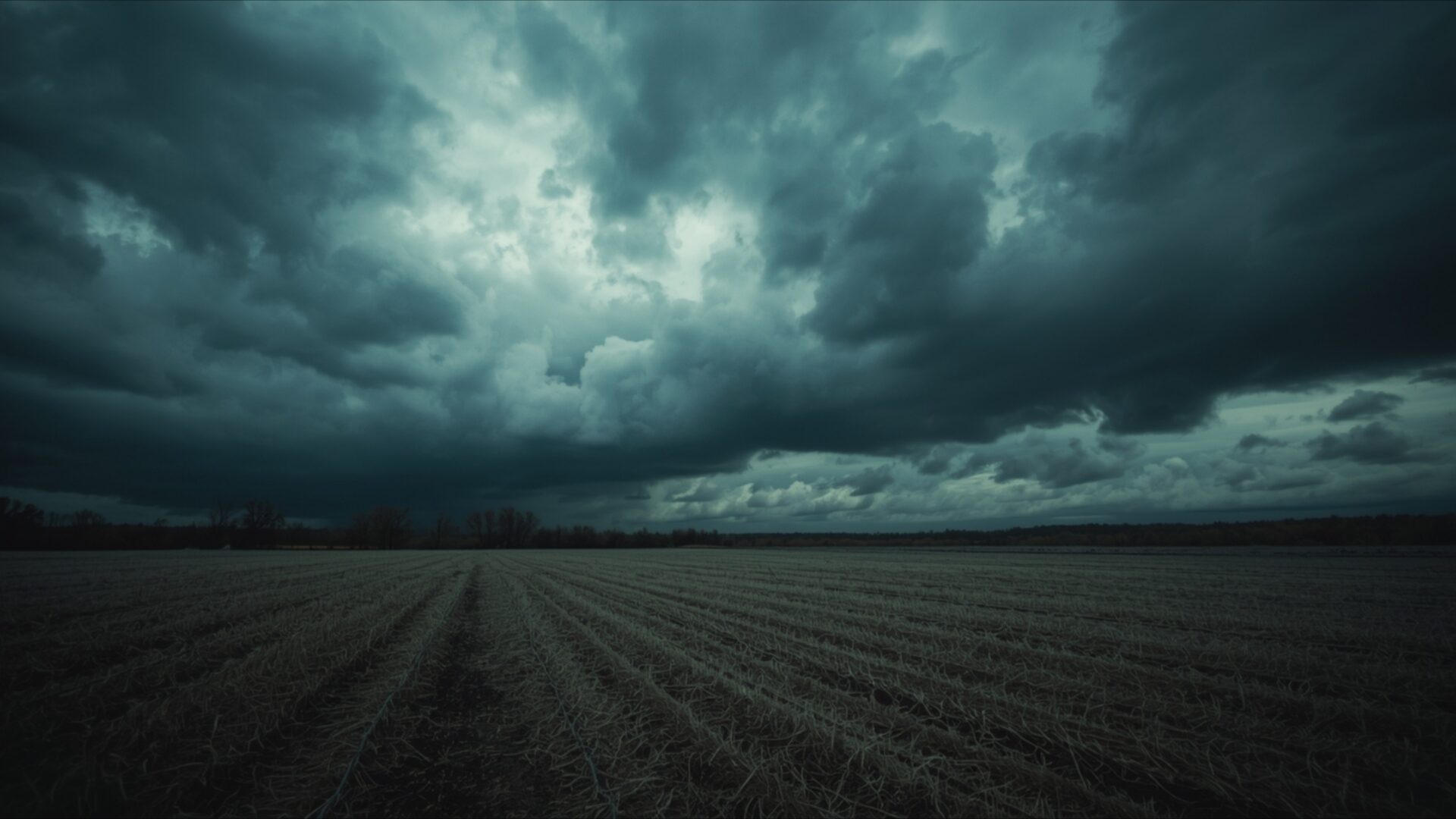
🌑 Dark Clouds Over Empty Field 4K UHD (3840x2160) Wallpaper


❤ Share this wallpaper:
WhatsApp Facebook Twitter / X Pinterest LinkedIn Copy Link for Instagram Telegram Reddit Email





💡 Below is relevant information on how to install wallpapers on different devices 👇






This 4K wallpaper is the best choice for testing your OLED professional display resolution. Compared to others, our high-performance tool provides a premium look for any high-end smartphone or desktop setup.






"Personalize this wallpaper or upload your own image to create the perfect mobile background 👇"
Customize Dark Clouds Over Empty Field for Mobile Wallpapers
iPhone • Samsung • Xiaomi • Google Pixel • Android • Huawei • (Others)
720×1600 • 1080×1920 • 1080×2340 • 1080×2400 • 1284×2778 • 1440×3088Please use Portrait Mode for a better experience (Optional)
Overview – Dark Clouds Over Empty Field
Dark Clouds Over Empty Field captures the essence of the Dark & Moody category with its somber tones and evocative scene. This image presents a stark, open field dominated by a sky heavy with dark clouds, creating a powerful visual theme that speaks to feelings of isolation and quiet contemplation. The composition draws the eye across the expansive field, leading to the horizon where the dark clouds gather, suggesting an approaching storm or the aftermath of one. The lighting is subdued, emphasizing the textures of the field and the dramatic formations in the sky.
The scene composition evokes a sense of solitude, with the empty field stretching out under the watchful gaze of the moody sky. The contrast between the dark, looming clouds and the open space below creates a compelling visual tension. The high-resolution detail in this 3840×2160 4k wallpaper allows you to appreciate the subtle gradations of color in the sky, from the deep grays and blues to the occasional hint of light breaking through. The textures of the field, with its dry grasses and uneven terrain, add depth and realism to the scene. It’s a desktop background that invites reflection and provides a calming, yet powerful, presence on your computer screen.
The emotional tone of this image is undeniable. It speaks to the quiet moments of introspection, the times when we feel a sense of loneliness or isolation. However, there is also a sense of peace to be found in this quiet place, a reminder that even in the midst of darkness, there is beauty and stillness. The dramatic weather depicted in the wallpaper adds to the overall feeling of intensity, creating a visual experience that is both captivating and thought-provoking. This stylish HD artwork is perfect to personalize your desktop.
For those seeking a visually striking and emotionally resonant mobile background, this image offers a unique aesthetic layout. The starkness of the empty field against the backdrop of the dark clouds creates a powerful statement. The high-resolution quality ensures that every detail is crisp and clear, even on smaller screens. You can download wallpaper and instantly transform your device into a window onto this dramatic landscape. It is a free wallpaper that brings a touch of the sublime to your digital life.
This Dark Clouds Over Empty Field is available as a 4k wallpaper, ensuring the highest possible quality for your devices. In addition to the stunning 4K version, this impactful image can also be obtained in 2K and Full HD, making it suitable for a wide range of devices, from older monitors to the latest high-resolution displays.
Wallpaper license: CC BY-NC-ND 4.0 · Credit: HDPeek.com
Remove Black Bars | Fit to Any Screen Size | CSS Fixer & Minifier | Compress Image Online | Image Converter Online | What Is My Screen Resolution? | Wallpaper Upscaler Online
Explore Categories
💡 How to Install Wallpaper on Different Devices
Windows PC:
Right-click on the wallpaper image. Select "Set as desktop background" or "Set as wallpaper". Adjust the fit (Fill, Fit, Stretch, Tile, Center) in Settings > Personalization > Background.Mac:
Right-click on the wallpaper image. Select "Set Desktop Picture". Alternatively, go to System Preferences > Desktop & Screen Saver and choose your image.iPhone / iPad (iOS):
Open the wallpaper image in Photos. Tap the Share button and select "Use as Wallpaper". Move and scale the image, then tap "Set" > Choose "Set Lock Screen", "Set Home Screen", or "Set Both".Android:
Open the wallpaper image in your Gallery app. Tap the Menu or Options button, then select "Set as wallpaper". Choose Home screen, Lock screen, or Both. Adjust the crop if needed and confirm.Linux (Ubuntu / others):
Right-click on the wallpaper image. Select "Set as Desktop Background" or "Set as Wallpaper". Adjust settings if your desktop environment allows multiple monitors.
Tips:
- For best quality, download the image in the resolution that matches your screen.
- Use 16:9 for widescreens, 1:1 for square displays.
- On mobile devices, choose "Set Both" for a consistent look on Home and Lock screens.
