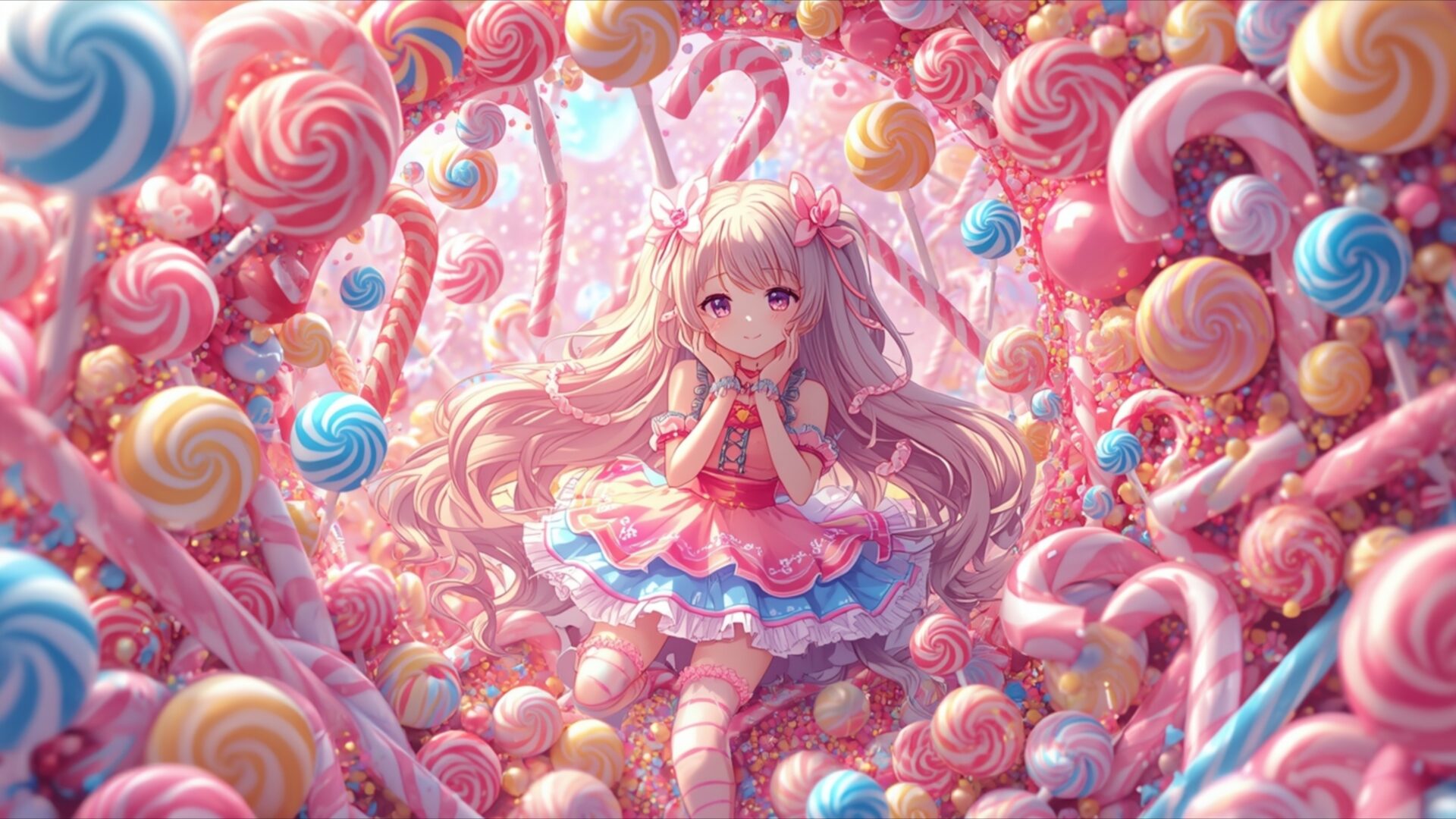
🔮 Cute Girl Candy Wonderland 4K UHD (3840x2160) Wallpaper


❤ Share this wallpaper:
WhatsApp Facebook Twitter / X Pinterest LinkedIn Copy Link for Instagram Telegram Reddit Email





💡 Below is relevant information on how to install wallpapers on different devices 👇






This 4K wallpaper is the best choice for testing your OLED professional display resolution. Compared to others, our high-performance tool provides a premium look for any high-end smartphone or desktop setup.






"Personalize this wallpaper or upload your own image to create the perfect mobile background 👇"
Customize Cute Girl Candy Wonderland for Mobile Wallpapers
iPhone • Samsung • Xiaomi • Google Pixel • Android • Huawei • (Others)
720×1600 • 1080×1920 • 1080×2340 • 1080×2400 • 1284×2778 • 1440×3088Please use Portrait Mode for a better experience (Optional)
Overview – Cute Girl Candy Wonderland
Cute Girl Candy Wonderland invites you into a delightful anime fantasy world, a truly sweet scene composition. The image is bathed in a soft, diffused light that emanates from within the candy-filled environment, creating a gentle glow across the entire frame. The color palette is dominated by a spectrum of pastel pinks, soft blues, and creamy yellows, all interwoven with the vibrant swirls of various candies. This creates an atmosphere of pure sweetness and childlike wonder. The central focus is a charming anime girl with flowing, light blonde hair, her eyes wide and innocent, framed by an abundance of lollipops, gumdrops, and other sugary treats. The textures are varied, from the smooth, glossy surfaces of the candies to the delicate fabric of the girl’s dress, rendered with exceptional detail. The composition draws the viewer’s eye directly to the girl, surrounded by a whimsical, edible landscape that feels both dreamlike and inviting. This visual theme is perfect for anyone seeking a touch of playful fantasy for their screen.
The lighting plays a crucial role in establishing the mood, casting soft shadows that add depth without detracting from the overall brightness. It feels as though the light itself is made of sugar, contributing to the ethereal quality of the scene. The arrangement of candies forms an almost archway around the girl, further emphasizing her as the heart of this confectionary realm. Each candy appears meticulously crafted, from the spiraling patterns on the lollipops to the rounded forms of the gumdrops, contributing to the rich visual tapestry. This is more than just a pretty picture; it’s an escape into a world where imagination reigns supreme and every element is designed to evoke joy. The overall aesthetic is one of pure, unadulterated sweetness, a visual treat for the eyes.
This high-resolution image, captured at 3840×2160, offers incredible clarity, allowing you to appreciate every sugary detail. It’s an ideal choice for anyone looking to enhance their digital space with a touch of fantasy and charm. You can download this wallpaper for free, bringing this delightful candy wonderland to your desktop. Whether you’re a fan of anime or simply appreciate vibrant, imaginative art, this piece provides a unique visual experience. We offer this stunning visual theme in 4K, 2K, and Full HD versions, ensuring it looks perfect on your chosen device. Cute Girl Candy Wonderland is ready for your instant download.
Wallpaper license: CC BY-NC-ND 4.0 · Credit: HDPeek.com
Remove Black Bars | Fit to Any Screen Size | CSS Fixer & Minifier | Compress Image Online | Image Converter Online | What Is My Screen Resolution? | Wallpaper Upscaler Online
Explore Categories
💡 How to Install Wallpaper on Different Devices
Windows PC:
Right-click on the wallpaper image. Select "Set as desktop background" or "Set as wallpaper". Adjust the fit (Fill, Fit, Stretch, Tile, Center) in Settings > Personalization > Background.Mac:
Right-click on the wallpaper image. Select "Set Desktop Picture". Alternatively, go to System Preferences > Desktop & Screen Saver and choose your image.iPhone / iPad (iOS):
Open the wallpaper image in Photos. Tap the Share button and select "Use as Wallpaper". Move and scale the image, then tap "Set" > Choose "Set Lock Screen", "Set Home Screen", or "Set Both".Android:
Open the wallpaper image in your Gallery app. Tap the Menu or Options button, then select "Set as wallpaper". Choose Home screen, Lock screen, or Both. Adjust the crop if needed and confirm.Linux (Ubuntu / others):
Right-click on the wallpaper image. Select "Set as Desktop Background" or "Set as Wallpaper". Adjust settings if your desktop environment allows multiple monitors.
Tips:
- For best quality, download the image in the resolution that matches your screen.
- Use 16:9 for widescreens, 1:1 for square displays.
- On mobile devices, choose "Set Both" for a consistent look on Home and Lock screens.
