🔮 Anime Girl Transforming Into Wolf Spirit 4K UHD (3840x2160) Wallpaper

❤ Share this wallpaper:
WhatsApp Facebook Twitter / X Pinterest LinkedIn Copy Link for Instagram Telegram Reddit Email




💡 Below is relevant information on how to install wallpapers on different devices 👇

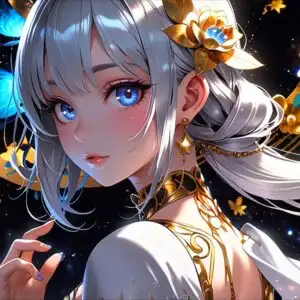
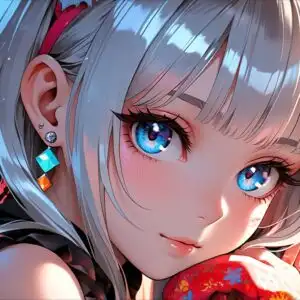
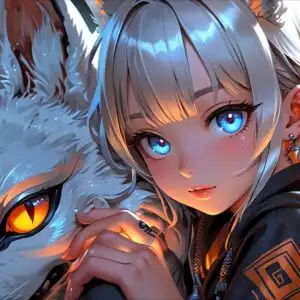
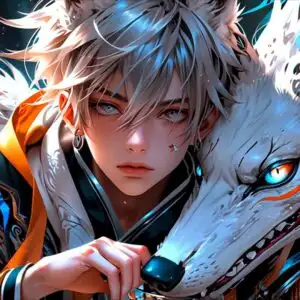
This 4K wallpaper is the best choice for testing your OLED professional display resolution. Compared to others, our high-performance tool provides a premium look for any high-end smartphone or desktop setup.



"Personalize this wallpaper or upload your own image to create the perfect mobile background 👇"
Customize Anime Girl Transforming Into Wolf Spirit for Mobile Wallpapers
iPhone • Samsung • Xiaomi • Google Pixel • Android • Huawei • (Others)
720×1600 • 1080×1920 • 1080×2340 • 1080×2400 • 1284×2778 • 1440×3088Please use Portrait Mode for a better experience (Optional)
Overview – Anime Girl Transforming Into Wolf Spirit
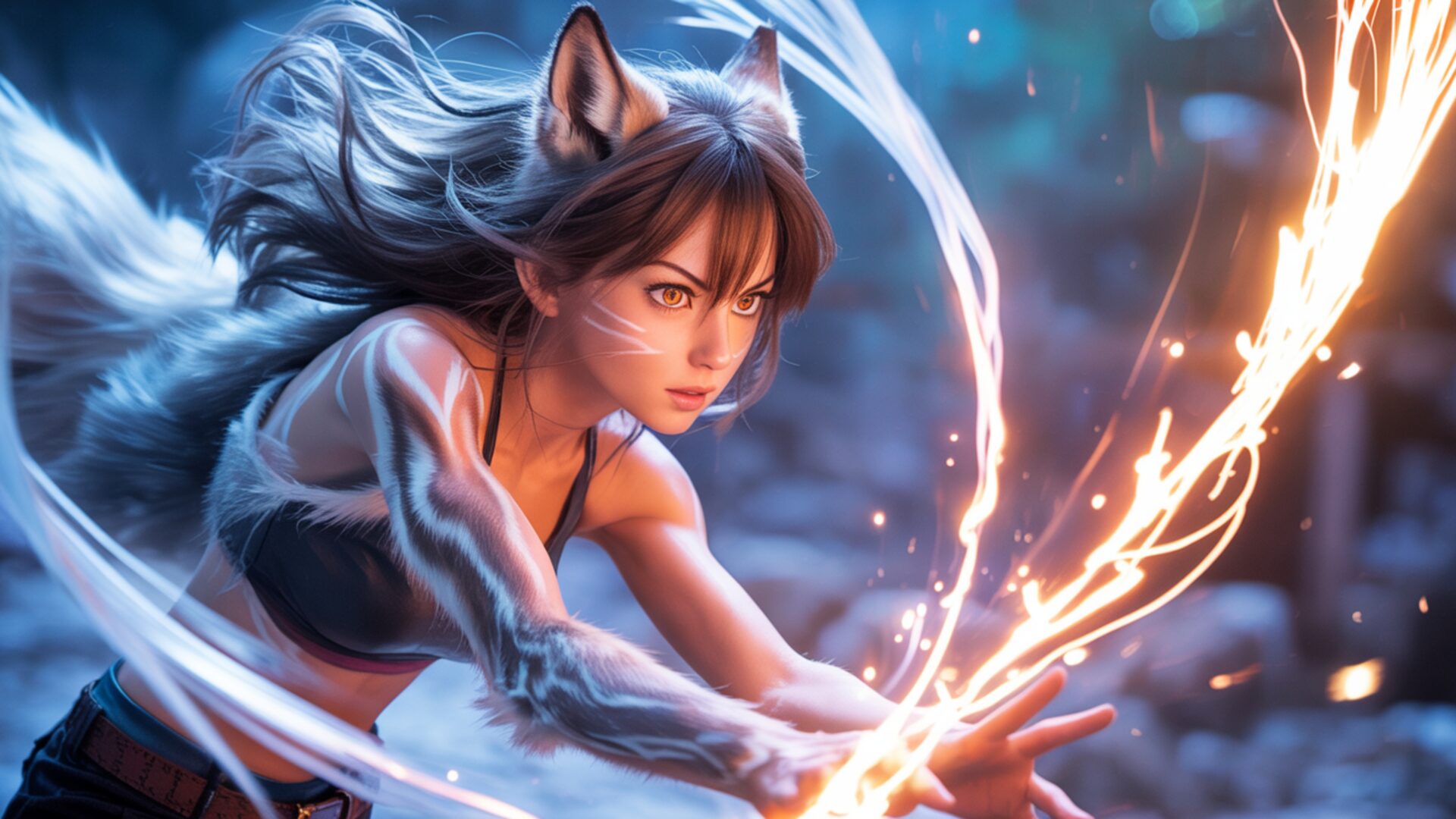
Anime Girl Transforming Into Wolf Spirit captures a pivotal moment within the Anime & Games Fantasy genre. This high-resolution image depicts a young woman mid-transformation, her features blending with those of a wolf. Her ears are distinctly lupine, and her hair flows with a wild, untamed quality, mirroring the fur of the creature she is becoming. The lighting is dramatic, with a strong source illuminating her face from the side, casting deep shadows and highlighting the intensity in her eyes. A vibrant, almost electric orange energy swirls around her hands and arms, suggesting the raw power of this magical shift. This visual theme emphasizes the raw, untamed nature of fantasy.
The color palette is rich and contrasting. Deep blues and purples form the backdrop, hinting at a mystical or nocturnal setting, while the fiery oranges and yellows of the energy create a striking focal point. Particles of light, like embers or magical dust, are scattered throughout the scene, adding to the ethereal atmosphere. The texture of her hair and the implied fur is rendered with a softness that contrasts with the sharp, defined lines of her facial features and the energetic tendrils of magic. The composition draws the viewer’s eye directly to the character, her determined expression and the dynamic energy flow creating a sense of imminent action. This scene composition is designed to evoke a sense of wonder and power.
The overall mood is one of intense focus and burgeoning power. It’s a snapshot of a magical metamorphosis, a hybrid being emerging from human form. The artist has skillfully used light and color to convey the emotional and supernatural aspects of the transformation. This is more than just a static image; it’s a narrative moment frozen in time, inviting contemplation of the character’s journey and the forces at play. The visual theme is compelling for anyone drawn to fantasy narratives and the exploration of inner strength. You can download this wallpaper for your PC.
This stunning visual, presented in 3840×2160 resolution, offers an exceptional level of detail. For those seeking alternative viewing experiences, 4K, 2K, and Full HD versions are also available, ensuring this captivating scene looks perfect on any monitor. This free wallpaper provides an instant download for your desktop background. Anime Girl Transforming Into Wolf Spirit is ready to enhance your digital space.
Wallpaper license: CC BY-NC-ND 4.0 · Credit: HDPeek.com
Remove Black Bars | Fit to Any Screen Size | CSS Fixer & Minifier | Compress Image Online | Image Converter Online | What Is My Screen Resolution? | Wallpaper Upscaler Online
Explore Categories
💡 How to Install Wallpaper on Different Devices
Windows PC:
Right-click on the wallpaper image. Select "Set as desktop background" or "Set as wallpaper". Adjust the fit (Fill, Fit, Stretch, Tile, Center) in Settings > Personalization > Background.Mac:
Right-click on the wallpaper image. Select "Set Desktop Picture". Alternatively, go to System Preferences > Desktop & Screen Saver and choose your image.iPhone / iPad (iOS):
Open the wallpaper image in Photos. Tap the Share button and select "Use as Wallpaper". Move and scale the image, then tap "Set" > Choose "Set Lock Screen", "Set Home Screen", or "Set Both".Android:
Open the wallpaper image in your Gallery app. Tap the Menu or Options button, then select "Set as wallpaper". Choose Home screen, Lock screen, or Both. Adjust the crop if needed and confirm.Linux (Ubuntu / others):
Right-click on the wallpaper image. Select "Set as Desktop Background" or "Set as Wallpaper". Adjust settings if your desktop environment allows multiple monitors.
Tips:
- For best quality, download the image in the resolution that matches your screen.
- Use 16:9 for widescreens, 1:1 for square displays.
- On mobile devices, choose "Set Both" for a consistent look on Home and Lock screens.
