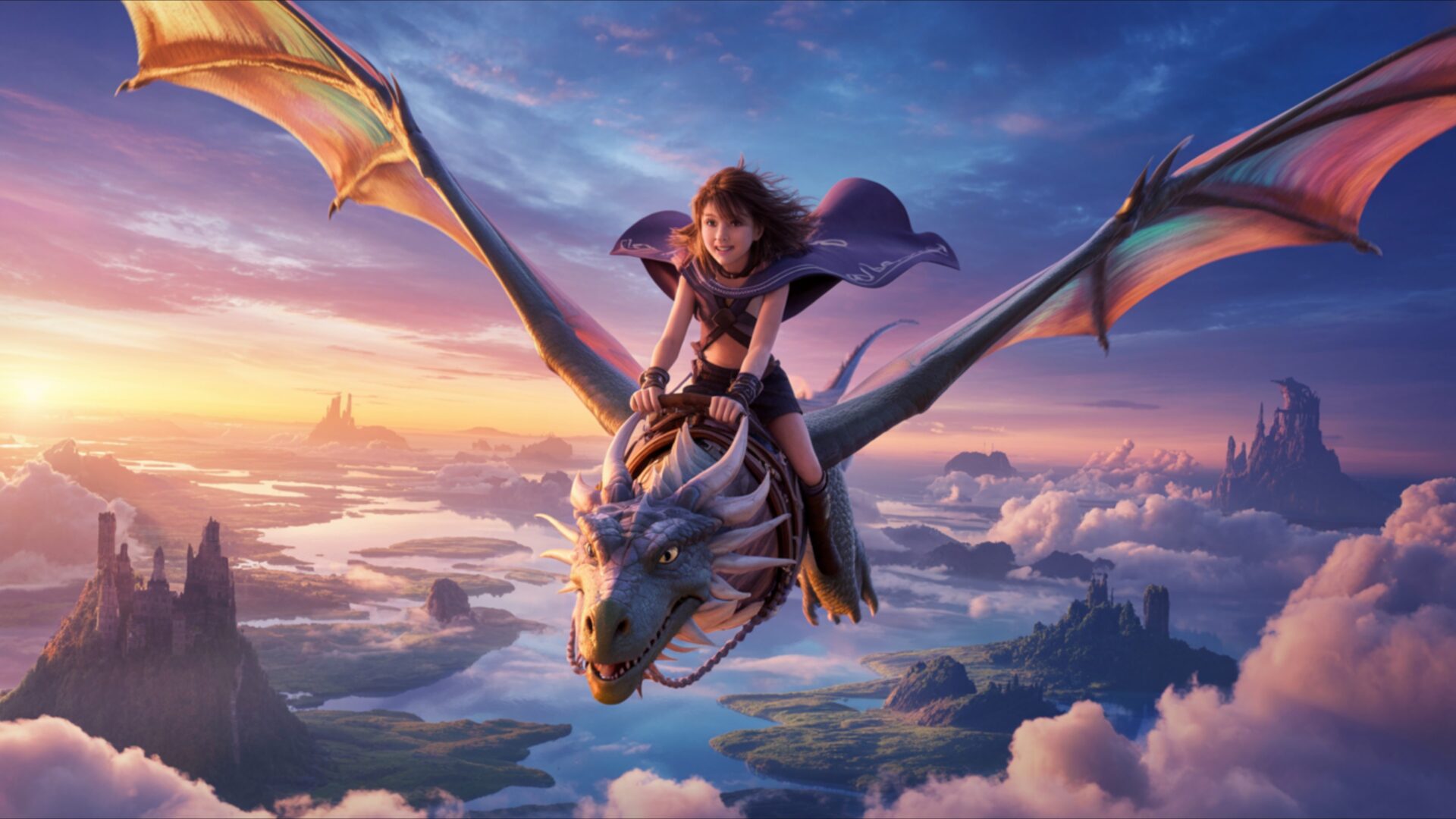
🔮 Anime Girl Riding A Dragon 4K UHD (3840x2160) Wallpaper


❤ Share this wallpaper:
WhatsApp Facebook Twitter / X Pinterest LinkedIn Copy Link for Instagram Telegram Reddit Email





💡 Below is relevant information on how to install wallpapers on different devices 👇



This 4K wallpaper is the best choice for testing your OLED professional display resolution. Compared to others, our high-performance tool provides a premium look for any high-end smartphone or desktop setup.




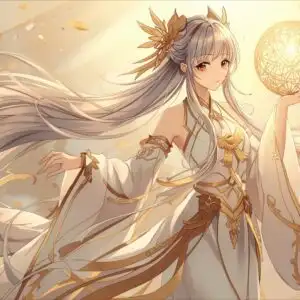
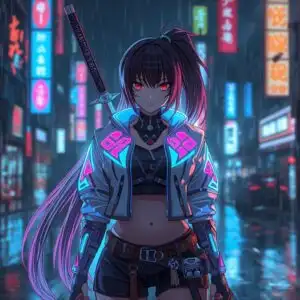
"Personalize this wallpaper or upload your own image to create the perfect mobile background 👇"
Customize Anime Girl Riding A Dragon for Mobile Wallpapers
iPhone • Samsung • Xiaomi • Google Pixel • Android • Huawei • (Others)
720×1600 • 1080×1920 • 1080×2340 • 1080×2400 • 1284×2778 • 1440×3088Please use Portrait Mode for a better experience (Optional)
Overview – Anime Girl Riding A Dragon
Anime Girl Riding A Dragon captures the essence of the Anime & Games Fantasy category with a dynamic scene composition that blends action and adventure. The image presents a stylish HD artwork, depicting an anime girl soaring through a vibrant sky atop a majestic dragon. The artist has skillfully rendered the scene, emphasizing the power and grace of both characters. The dragon’s scales shimmer with intricate detail, reflecting light in a way that suggests both strength and a mystical quality.
The color palette is rich and varied, creating a visually stunning experience. Hues of deep blues and purples dominate the sky, providing a dramatic backdrop for the fiery oranges and reds that emanate from the dragon. The anime girl’s attire complements the scene, featuring flowing fabrics and intricate designs that add to the overall sense of movement and energy. This high-resolution 4k wallpaper is designed to personalize your desktop with a touch of fantasy and excitement.
The composition of the digital canvas draws the eye towards the center, where the anime girl and dragon are locked in perfect harmony. The dragon’s wings are spread wide, creating a sense of upward motion and freedom. The girl’s posture conveys confidence and determination, suggesting a shared journey filled with challenges and triumphs. The lighting is carefully crafted, casting subtle shadows that enhance the depth and dimension of the scene. This attention to detail elevates the visual theme beyond a simple illustration, transforming it into a captivating story.
Consider this visual theme as a way to bring an epic scene to your computer screen background. The adventure vibe is palpable, making it a great choice for anyone who enjoys fantasy and action. The powerful pair depicted in this 3840×2160 resolution image embodies strength and resilience, offering a daily dose of inspiration. The sky fantasy elements add a touch of whimsy and imagination, transporting you to another world every time you glance at your screen. It’s a fantastic option for a laptop wallpaper, adding a unique touch to your device.
If you are looking to download wallpaper that is free of charge, this is an excellent choice. It is an instant download, allowing you to quickly personalize your desktop with this stunning artwork. This 4k wallpaper is also available in 2K and Full HD versions, ensuring compatibility with a wide range of devices, from older monitors to the latest super-resolution displays. Get it now and experience the thrill of Anime Girl Riding A Dragon every day.
Wallpaper license: CC BY-NC-ND 4.0 · Credit: HDPeek.com
Remove Black Bars | Fit to Any Screen Size | CSS Fixer & Minifier | Compress Image Online | Image Converter Online | What Is My Screen Resolution? | Wallpaper Upscaler Online
Explore Categories
💡 How to Install Wallpaper on Different Devices
Windows PC:
Right-click on the wallpaper image. Select "Set as desktop background" or "Set as wallpaper". Adjust the fit (Fill, Fit, Stretch, Tile, Center) in Settings > Personalization > Background.Mac:
Right-click on the wallpaper image. Select "Set Desktop Picture". Alternatively, go to System Preferences > Desktop & Screen Saver and choose your image.iPhone / iPad (iOS):
Open the wallpaper image in Photos. Tap the Share button and select "Use as Wallpaper". Move and scale the image, then tap "Set" > Choose "Set Lock Screen", "Set Home Screen", or "Set Both".Android:
Open the wallpaper image in your Gallery app. Tap the Menu or Options button, then select "Set as wallpaper". Choose Home screen, Lock screen, or Both. Adjust the crop if needed and confirm.Linux (Ubuntu / others):
Right-click on the wallpaper image. Select "Set as Desktop Background" or "Set as Wallpaper". Adjust settings if your desktop environment allows multiple monitors.
Tips:
- For best quality, download the image in the resolution that matches your screen.
- Use 16:9 for widescreens, 1:1 for square displays.
- On mobile devices, choose "Set Both" for a consistent look on Home and Lock screens.
