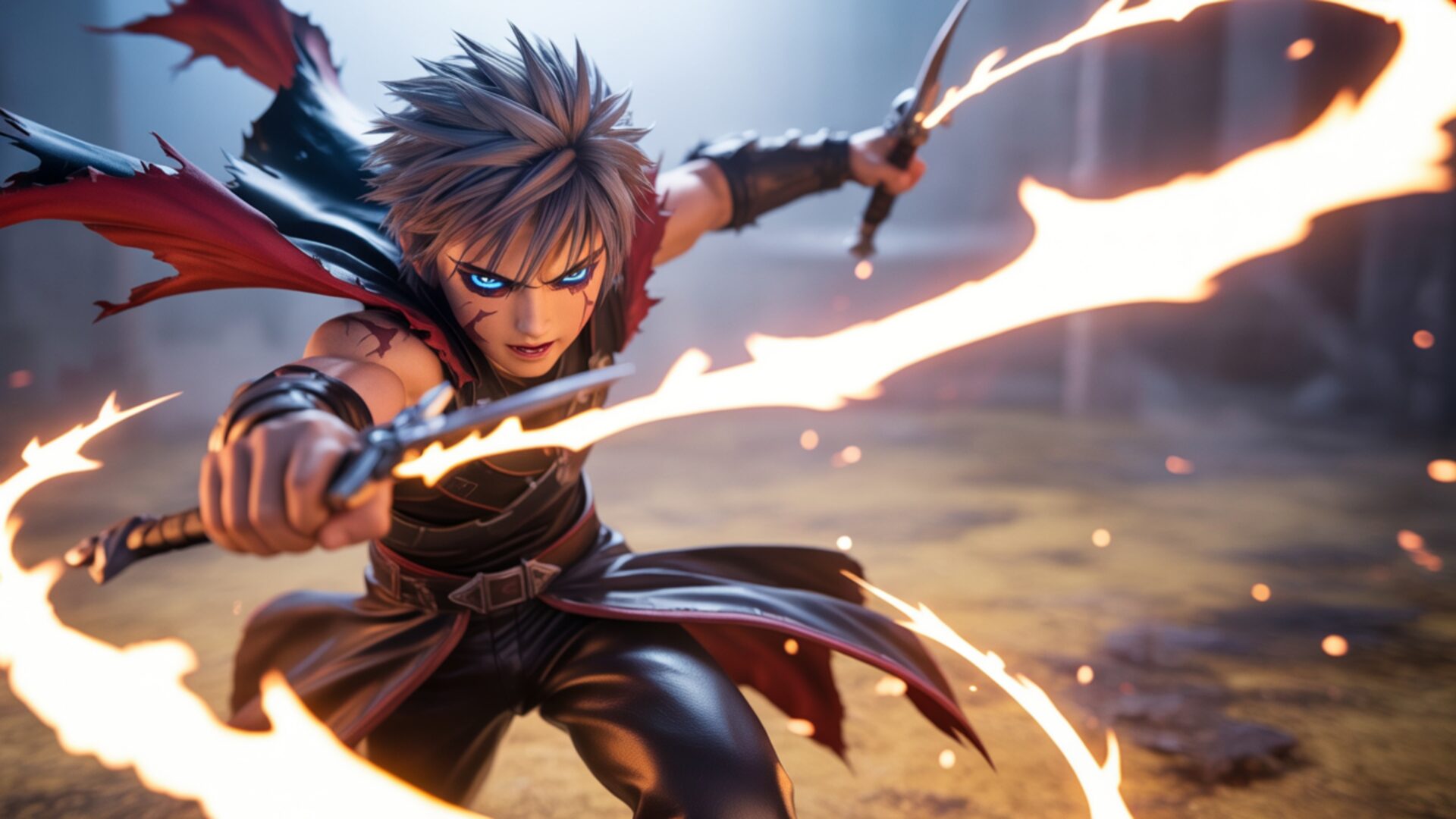
🔮 Anime Boy With Twin Blades 4K UHD (3840x2160) Wallpaper
❤ Share this wallpaper:
WhatsApp Facebook Twitter / X Pinterest LinkedIn Copy Link for Instagram Telegram Reddit Email



💡 Below is relevant information on how to install wallpapers on different devices 👇
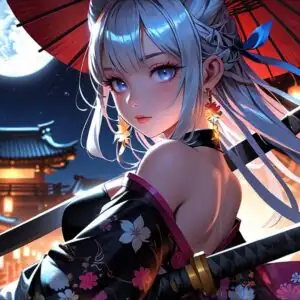
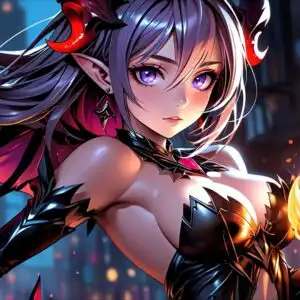

This 4K wallpaper is the best choice for testing your OLED professional display resolution. Compared to others, our high-performance tool provides a premium look for any high-end smartphone or desktop setup.




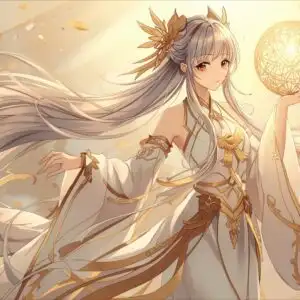
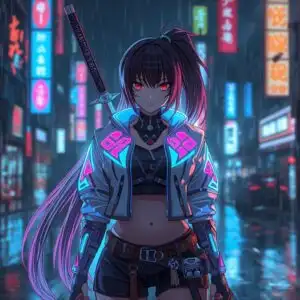
"Personalize this wallpaper or upload your own image to create the perfect mobile background 👇"
Customize Anime Boy With Twin Blades for Mobile Wallpapers
iPhone • Samsung • Xiaomi • Google Pixel • Android • Huawei • (Others)
720×1600 • 1080×1920 • 1080×2340 • 1080×2400 • 1284×2778 • 1440×3088Please use Portrait Mode for a better experience (Optional)
Overview – Anime Boy With Twin Blades
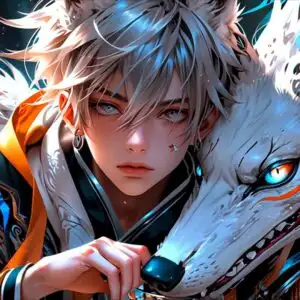
Anime Boy With Twin Blades captures a dynamic moment from the Anime & Games Fantasy realm, presenting a young warrior poised for action. The lighting in this image is dramatic, with a warm, fiery glow emanating from the energy trails around his twin blades, casting sharp highlights on his determined face and spiky, ash-blonde hair. His eyes, accentuated with striking blue markings, convey intense focus. The color palette leans towards earthy tones in the background, with muted greens and browns suggesting a natural, perhaps forested, environment, contrasted by the vibrant oranges and yellows of the energy effects. This visual theme emphasizes a sense of controlled power and imminent conflict.
The composition places the central figure prominently, his body angled forward in a powerful, lunging pose. The twin blades are held with precision, one forward and the other slightly back, creating a sense of movement and readiness. The flowing cape, with its dark red lining, adds to the dynamic feel, appearing to whip around him as if caught in a gust of wind or the force of his attack. Textures are rendered with a high degree of detail, from the worn leather of his armor and bracers to the sharp edges of the blades and the wisps of energy. This scene composition is designed to draw the viewer into the intensity of the moment.
This high-resolution artwork is perfect for anyone who appreciates the energy and artistry found in anime and fantasy settings. The character’s sharp look and the combat vibe are palpable, making it an engaging visual for a desktop background. The artist has skillfully blended the elements to create a scene that feels both grounded in its environment and otherworldly with its magical effects. The overall mood is one of fierce resolve and the thrill of battle, making it a compelling choice for a PC wallpaper.
The detail and clarity of this 3840×2160 image make it suitable for large displays, allowing every element to be appreciated. Whether you are looking for a new visual theme for your computer or simply admire the style, this artwork offers a striking depiction of a fantasy warrior. You can download wallpaper of this quality to enhance your digital space. Versions in 4K, 2K, and Full HD are available for your convenience.
Wallpaper license: CC BY-NC-ND 4.0 · Credit: HDPeek.com
Remove Black Bars | Fit to Any Screen Size | CSS Fixer & Minifier | Compress Image Online | Image Converter Online | What Is My Screen Resolution? | Wallpaper Upscaler Online
Explore Categories
💡 How to Install Wallpaper on Different Devices
Windows PC:
Right-click on the wallpaper image. Select "Set as desktop background" or "Set as wallpaper". Adjust the fit (Fill, Fit, Stretch, Tile, Center) in Settings > Personalization > Background.Mac:
Right-click on the wallpaper image. Select "Set Desktop Picture". Alternatively, go to System Preferences > Desktop & Screen Saver and choose your image.iPhone / iPad (iOS):
Open the wallpaper image in Photos. Tap the Share button and select "Use as Wallpaper". Move and scale the image, then tap "Set" > Choose "Set Lock Screen", "Set Home Screen", or "Set Both".Android:
Open the wallpaper image in your Gallery app. Tap the Menu or Options button, then select "Set as wallpaper". Choose Home screen, Lock screen, or Both. Adjust the crop if needed and confirm.Linux (Ubuntu / others):
Right-click on the wallpaper image. Select "Set as Desktop Background" or "Set as Wallpaper". Adjust settings if your desktop environment allows multiple monitors.
Tips:
- For best quality, download the image in the resolution that matches your screen.
- Use 16:9 for widescreens, 1:1 for square displays.
- On mobile devices, choose "Set Both" for a consistent look on Home and Lock screens.
