🐉 Ancient Guardian Stone Statue in Mist 4K UHD (3840x2160) Wallpaper

❤ Share this wallpaper:
WhatsApp Facebook Twitter / X Pinterest LinkedIn Copy Link for Instagram Telegram Reddit Email




💡 Below is relevant information on how to install wallpapers on different devices 👇

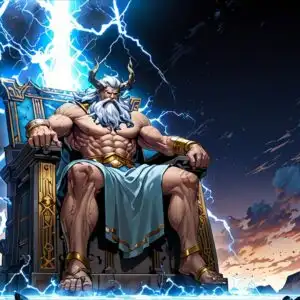



This 4K wallpaper is the best choice for testing your OLED professional display resolution. Compared to others, our high-performance tool provides a premium look for any high-end smartphone or desktop setup.




"Personalize this wallpaper or upload your own image to create the perfect mobile background 👇"
Customize Ancient Guardian Stone Statue in Mist for Mobile Wallpapers
iPhone • Samsung • Xiaomi • Google Pixel • Android • Huawei • (Others)
720×1600 • 1080×1920 • 1080×2340 • 1080×2400 • 1284×2778 • 1440×3088Please use Portrait Mode for a better experience (Optional)
Overview – Ancient Guardian Stone Statue in Mist
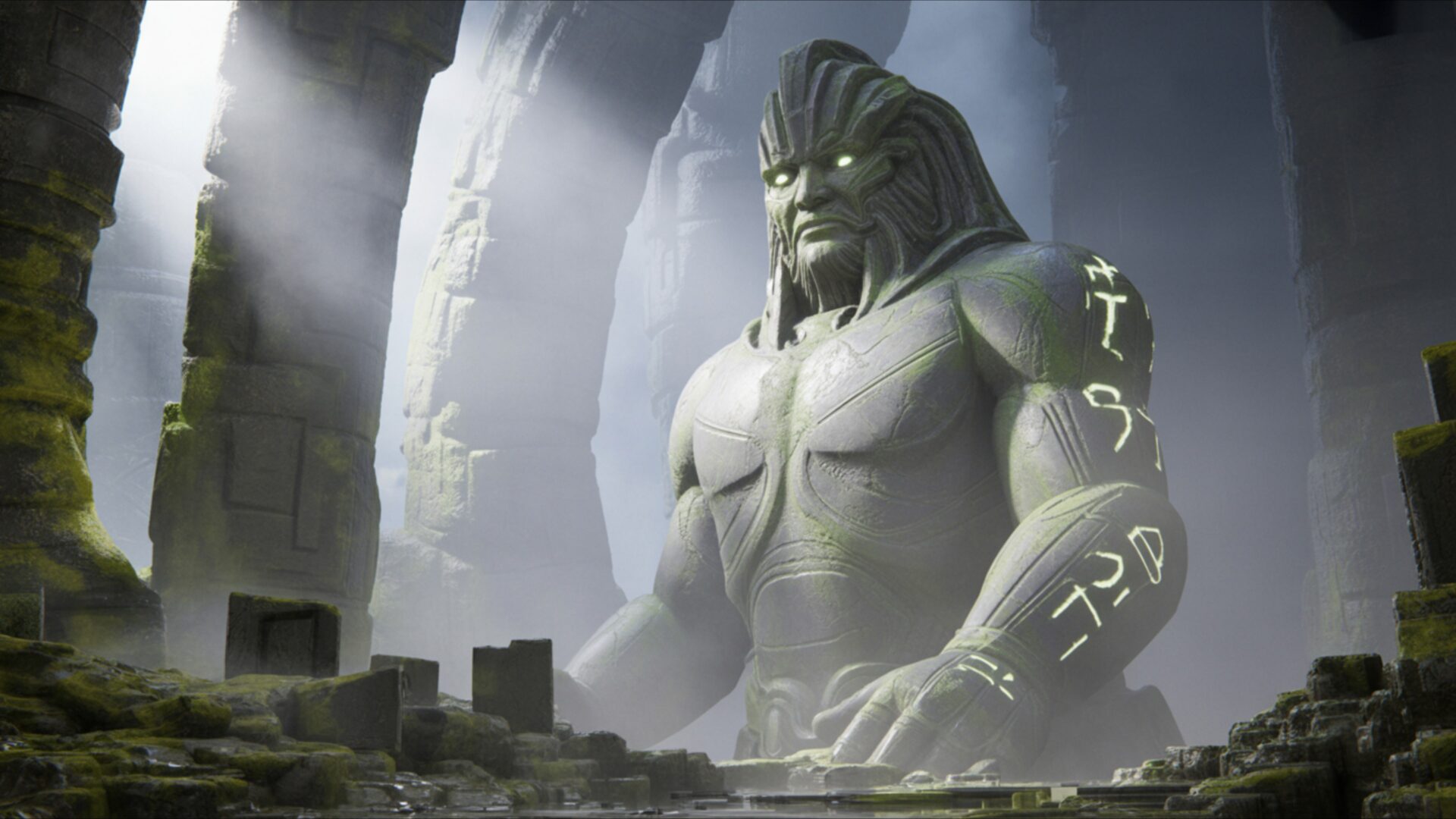
Ancient Guardian Stone Statue in Mist captures the essence of the Fantasy category with its evocative depiction of a weathered sentinel shrouded in mystery. The image presents a stone statue, its features softened by the pervasive mist, creating a cold atmosphere that speaks of forgotten ages. It’s a scene composition that immediately draws you into a world of mythical feel and ancient ruins.
The lighting plays a crucial role, with diffused light filtering through the mist, casting long, subtle shadows that accentuate the statue’s aged texture. Notice how the artist uses the cool color palette to enhance the moody tone, emphasizing the statue’s isolation and the surrounding environment’s desolation. The mist itself is rendered with remarkable detail, its swirling patterns adding a dynamic element to the otherwise still scene. This 4k wallpaper offers a high-resolution glimpse into a realm where history and myth intertwine.
The statue, the focal point of this desktop background, is not merely an object but a symbol of enduring strength and silent vigilance. Its weathered surface tells a story of countless years spent guarding secrets, while the mist obscures its true form, inviting the viewer to imagine its past. The surrounding ruins, barely visible through the fog, hint at a once-grand civilization, now lost to time. The overall aesthetic layout is carefully balanced, with the statue positioned to command attention without overwhelming the scene.
This stylish HD artwork is perfect to personalize your desktop. The high-resolution detail ensures that every crack and crevice of the stone, every wisp of mist, is rendered with clarity, even on large displays. The artist’s attention to detail is evident in the subtle textures and the way the light interacts with the stone surface. It’s more than just a wallpaper; it’s a window into another world, a visual theme that can transform your computer screen background into a portal of fantasy.
If you are looking to download wallpaper to enhance your digital experience, this mobile background is an excellent choice. This Ancient Guardian Stone Statue in Mist is available for quick download, ensuring you can instantly transform your screen. While the highest quality 4K version offers the most detailed experience, 2K and Full HD versions are also available, providing options for various screen sizes and resolutions.
Wallpaper license: CC BY-NC-ND 4.0 · Credit: HDPeek.com
Remove Black Bars | Fit to Any Screen Size | CSS Fixer & Minifier | Compress Image Online | Image Converter Online | What Is My Screen Resolution? | Wallpaper Upscaler Online
Explore Categories
💡 How to Install Wallpaper on Different Devices
Windows PC:
Right-click on the wallpaper image. Select "Set as desktop background" or "Set as wallpaper". Adjust the fit (Fill, Fit, Stretch, Tile, Center) in Settings > Personalization > Background.Mac:
Right-click on the wallpaper image. Select "Set Desktop Picture". Alternatively, go to System Preferences > Desktop & Screen Saver and choose your image.iPhone / iPad (iOS):
Open the wallpaper image in Photos. Tap the Share button and select "Use as Wallpaper". Move and scale the image, then tap "Set" > Choose "Set Lock Screen", "Set Home Screen", or "Set Both".Android:
Open the wallpaper image in your Gallery app. Tap the Menu or Options button, then select "Set as wallpaper". Choose Home screen, Lock screen, or Both. Adjust the crop if needed and confirm.Linux (Ubuntu / others):
Right-click on the wallpaper image. Select "Set as Desktop Background" or "Set as Wallpaper". Adjust settings if your desktop environment allows multiple monitors.
Tips:
- For best quality, download the image in the resolution that matches your screen.
- Use 16:9 for widescreens, 1:1 for square displays.
- On mobile devices, choose "Set Both" for a consistent look on Home and Lock screens.
