💕 Abstract Brush Strokes Red Pink Canvas Passion 4K UHD (3840x2160) Wallpaper


❤ Share this wallpaper:
WhatsApp Facebook Twitter / X Pinterest LinkedIn Copy Link for Instagram Telegram Reddit Email





💡 Below is relevant information on how to install wallpapers on different devices 👇






This 4K wallpaper is the best choice for testing your OLED professional display resolution. Compared to others, our high-performance tool provides a premium look for any high-end smartphone or desktop setup.






"Personalize this wallpaper or upload your own image to create the perfect mobile background 👇"
Customize Abstract Brush Strokes Red Pink Canvas Passion for Mobile Wallpapers
iPhone • Samsung • Xiaomi • Google Pixel • Android • Huawei • (Others)
720×1600 • 1080×1920 • 1080×2340 • 1080×2400 • 1284×2778 • 1440×3088Please use Portrait Mode for a better experience (Optional)
Overview – Abstract Brush Strokes Red Pink Canvas Passion
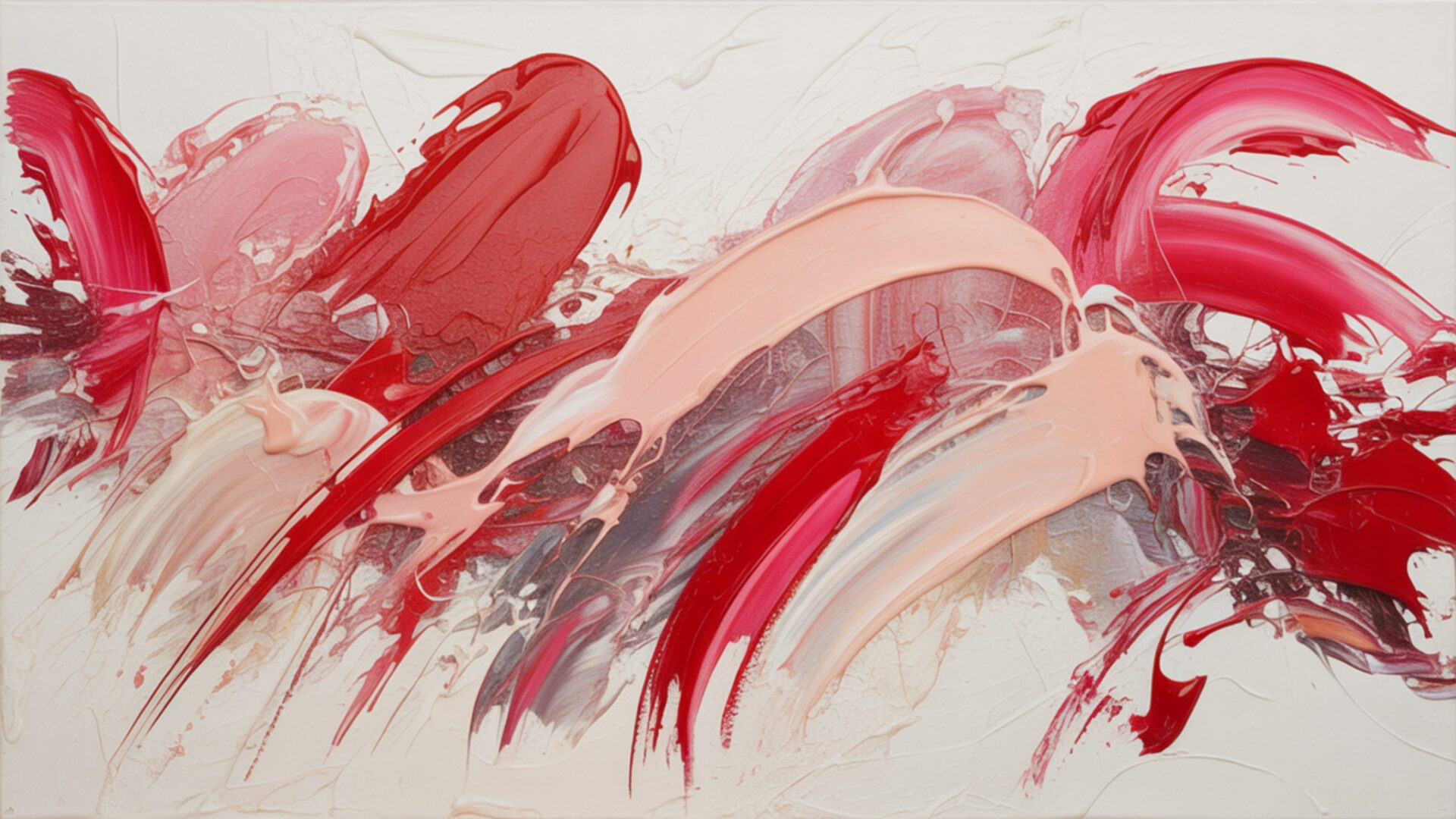
Abstract Brush Strokes Red Pink Canvas Passion captures the essence of the Love & Couples category through a dynamic interplay of color and texture, evoking deep emotion. This desktop background presents a visually compelling arrangement of abstract forms, where the passionate hues of red and pink blend and collide, creating a sense of movement and depth. The artistic composition suggests a canvas brought to life with fluid brush strokes, each mark contributing to the overall expression of raw emotion.
The high-resolution details of this digital background reveal subtle variations in tone and texture, mimicking the look and feel of an actual painted surface. It is a stylish HD artwork that brings a touch of modern artistry to your computer screen background. The composition is carefully balanced, drawing the eye across the image and inviting contemplation. The interplay of light and shadow further enhances the three-dimensional quality of the abstract forms, adding to the overall visual impact. The swirling patterns and energetic lines convey a sense of passion and vitality, making it a captivating choice for those seeking to personalize your desktop with a touch of artistic flair.
Consider the way the colors interact; the bold reds convey intensity and desire, while the softer pinks offer a sense of tenderness and affection. The canvas texture, though digitally rendered, adds a layer of authenticity and depth to the image. The overall effect is one of dynamic energy and emotional resonance, making it a striking visual statement for your laptop wallpaper. This image background is more than just a pretty picture; it’s an expression of feeling, captured in a moment of artistic creation.
The abstract nature of the design allows for individual interpretation, inviting viewers to project their own emotions and experiences onto the artwork. Whether you’re drawn to the bold colors, the fluid lines, or the textured surface, this smartphone wallpaper offers a unique and engaging visual experience. It’s a way to bring a touch of artistic passion into your daily life, transforming your monitor wallpaper into a source of inspiration and visual delight. The 3840×2160 resolution ensures that every detail is crisp and clear, allowing you to fully appreciate the nuances of the design.
This free wallpaper is designed to enhance your digital environment with its vibrant colors and dynamic composition. It is an instant download, allowing you to quickly and easily update your desktop background with this captivating image. Available in various resolutions, including the crisp clarity of 4K, the balanced detail of 2K, and the reliable quality of Full HD, ensuring it looks great on any screen size. Abstract Brush Strokes Red Pink Canvas Passion offers a blend of artistic expression and technical precision.
Wallpaper license: CC BY-NC-ND 4.0 · Credit: HDPeek.com
Remove Black Bars | Fit to Any Screen Size | CSS Fixer & Minifier | Compress Image Online | Image Converter Online | What Is My Screen Resolution? | Wallpaper Upscaler Online
Explore Categories
💡 How to Install Wallpaper on Different Devices
Windows PC:
Right-click on the wallpaper image. Select "Set as desktop background" or "Set as wallpaper". Adjust the fit (Fill, Fit, Stretch, Tile, Center) in Settings > Personalization > Background.Mac:
Right-click on the wallpaper image. Select "Set Desktop Picture". Alternatively, go to System Preferences > Desktop & Screen Saver and choose your image.iPhone / iPad (iOS):
Open the wallpaper image in Photos. Tap the Share button and select "Use as Wallpaper". Move and scale the image, then tap "Set" > Choose "Set Lock Screen", "Set Home Screen", or "Set Both".Android:
Open the wallpaper image in your Gallery app. Tap the Menu or Options button, then select "Set as wallpaper". Choose Home screen, Lock screen, or Both. Adjust the crop if needed and confirm.Linux (Ubuntu / others):
Right-click on the wallpaper image. Select "Set as Desktop Background" or "Set as Wallpaper". Adjust settings if your desktop environment allows multiple monitors.
Tips:
- For best quality, download the image in the resolution that matches your screen.
- Use 16:9 for widescreens, 1:1 for square displays.
- On mobile devices, choose "Set Both" for a consistent look on Home and Lock screens.
