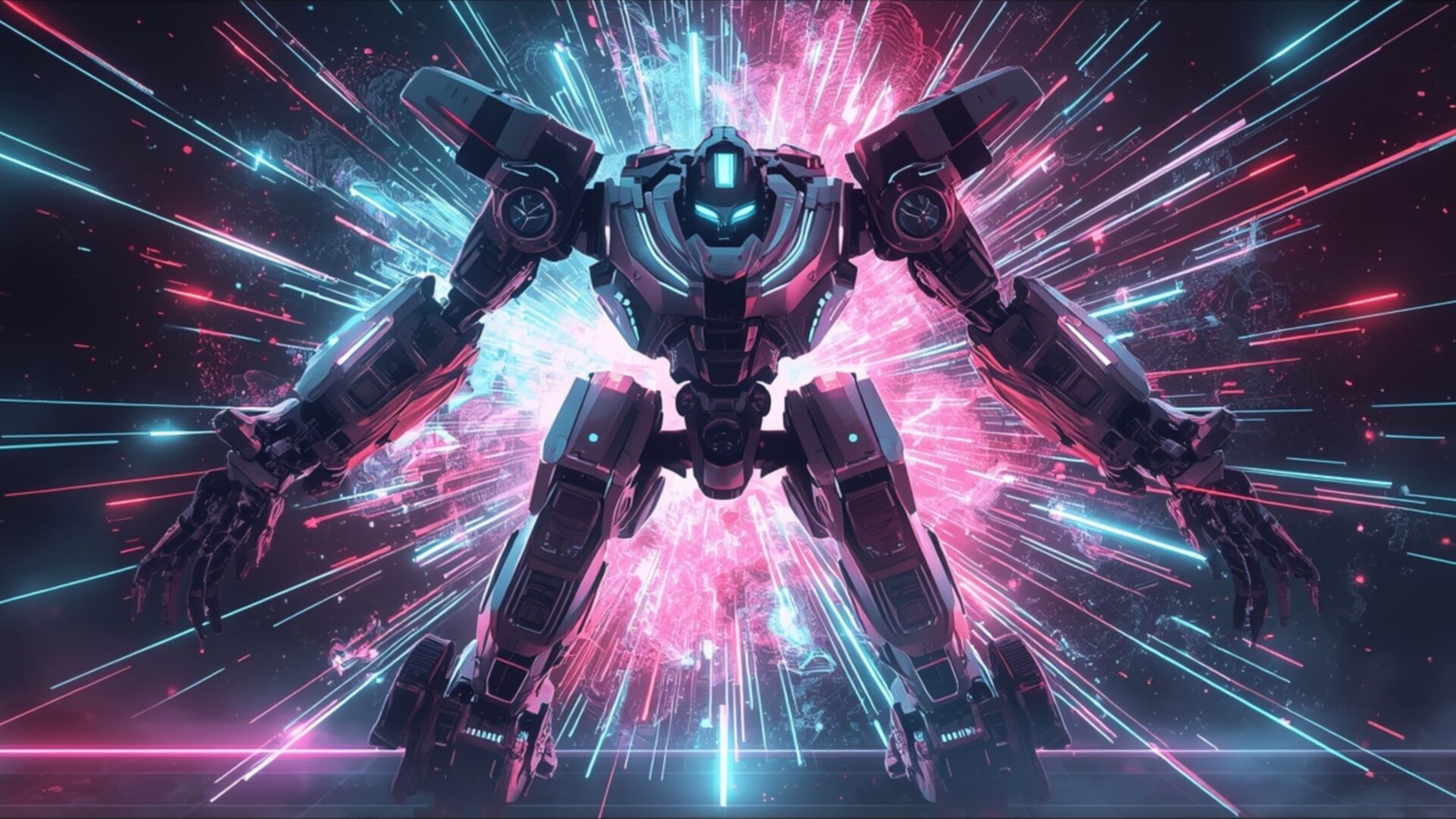
👽️ Colossus Mech Breaking Through Holo Barrier 4K UHD (3840x2160) Wallpaper


❤ Share this wallpaper:
WhatsApp Facebook Twitter / X Pinterest LinkedIn Copy Link for Instagram Telegram Reddit Email





💡 Below is relevant information on how to install wallpapers on different devices 👇






This 4K wallpaper is the best choice for testing your OLED professional display resolution. Compared to others, our high-performance tool provides a premium look for any high-end smartphone or desktop setup.






"Personalize this wallpaper or upload your own image to create the perfect mobile background 👇"
Customize Colossus Mech Breaking Through Holo Barrier for Mobile Wallpapers
iPhone • Samsung • Xiaomi • Google Pixel • Android • Huawei • (Others)
720×1600 • 1080×1920 • 1080×2340 • 1080×2400 • 1284×2778 • 1440×3088Please use Portrait Mode for a better experience (Optional)
Overview – Colossus Mech Breaking Through Holo Barrier
Colossus Mech Breaking Through Holo Barrier presents a striking science fiction scene, capturing a colossal mech in the act of shattering a vibrant holographic barrier. The central figure, a massive, intricately detailed robot, dominates the frame with its imposing presence. Its metallic body, rendered in shades of grey and black, contrasts with the explosive energy erupting around it. The lighting is dramatic, with a powerful surge of neon light emanating from the point of impact, casting a dynamic glow across the mech’s form.
The color palette is a vivid interplay of electric blues and hot pinks, creating a sense of intense energy and technological power. These colors radiate outwards from the center, suggesting a forceful breach of the barrier. Streaks of light, like digital fragments, explode in all directions, adding to the visual dynamism of the composition. The overall mood is one of raw power and unstoppable force, as the mech pushes through an unseen obstacle. The artistic style leans towards a digital render, emphasizing sharp lines and a polished, futuristic aesthetic. This visual theme is perfect for anyone who appreciates advanced robotics and dramatic sci-fi imagery.
The composition places the mech squarely in the viewer’s sightline, its arms outstretched as if in a triumphant emergence. The background is a blur of light and color, focusing all attention on the central action. This scene composition effectively conveys the immense scale and power of the colossal machine. The intricate detailing on the mech, from its segmented limbs to its glowing optical sensors, adds depth and realism to the digital artwork. It’s a powerful visual that speaks to themes of breakthrough and overcoming limitations within a futuristic context. This image is a true spectacle.
For those seeking a high-resolution visual experience, this 4k wallpaper is available. The image captures every detail with exceptional clarity, making it an ideal choice for a PC wallpaper. You can download this wallpaper free of charge to enhance your desktop. The vibrant energy and detailed rendering make it a compelling addition to any digital space. We offer this stunning visual in 3840×2160 resolution, with 4K, 2K, and Full HD versions also accessible for your convenience. Colossus Mech Breaking Through Holo Barrier is ready for your download.
Wallpaper license: CC BY-NC-ND 4.0 · Credit: HDPeek.com
Remove Black Bars | Fit to Any Screen Size | CSS Fixer & Minifier | Compress Image Online | Image Converter Online | What Is My Screen Resolution? | Wallpaper Upscaler Online
Explore Categories
💡 How to Install Wallpaper on Different Devices
Windows PC:
Right-click on the wallpaper image. Select "Set as desktop background" or "Set as wallpaper". Adjust the fit (Fill, Fit, Stretch, Tile, Center) in Settings > Personalization > Background.Mac:
Right-click on the wallpaper image. Select "Set Desktop Picture". Alternatively, go to System Preferences > Desktop & Screen Saver and choose your image.iPhone / iPad (iOS):
Open the wallpaper image in Photos. Tap the Share button and select "Use as Wallpaper". Move and scale the image, then tap "Set" > Choose "Set Lock Screen", "Set Home Screen", or "Set Both".Android:
Open the wallpaper image in your Gallery app. Tap the Menu or Options button, then select "Set as wallpaper". Choose Home screen, Lock screen, or Both. Adjust the crop if needed and confirm.Linux (Ubuntu / others):
Right-click on the wallpaper image. Select "Set as Desktop Background" or "Set as Wallpaper". Adjust settings if your desktop environment allows multiple monitors.
Tips:
- For best quality, download the image in the resolution that matches your screen.
- Use 16:9 for widescreens, 1:1 for square displays.
- On mobile devices, choose "Set Both" for a consistent look on Home and Lock screens.
