🌃️ New York City Skyline Under Full Moon 4K UHD (3840x2160) Wallpaper
❤ Share this wallpaper:
WhatsApp Facebook Twitter / X Pinterest LinkedIn Copy Link for Instagram Telegram Reddit Email



💡 Below is relevant information on how to install wallpapers on different devices 👇
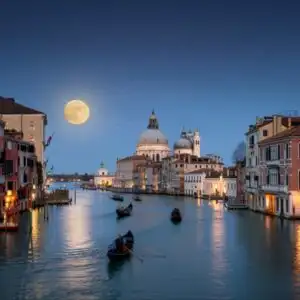
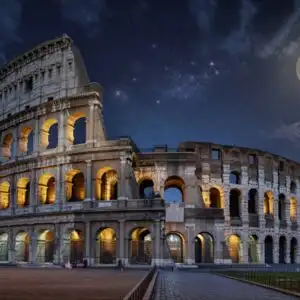
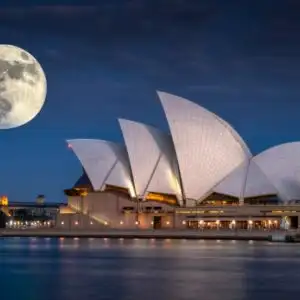
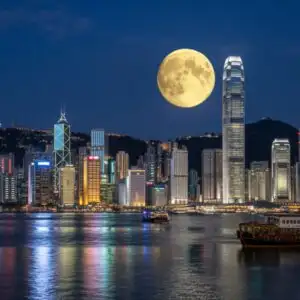
This 4K wallpaper is the best choice for testing your OLED professional display resolution. Compared to others, our high-performance tool provides a premium look for any high-end smartphone or desktop setup.
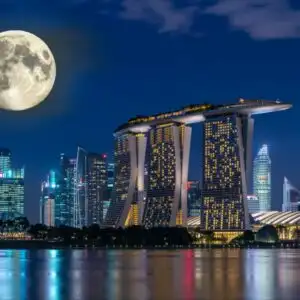
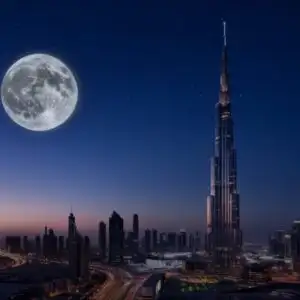



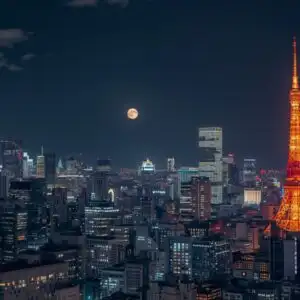
"Personalize this wallpaper or upload your own image to create the perfect mobile background 👇"
Customize New York City Skyline Under Full Moon for Mobile Wallpapers
iPhone • Samsung • Xiaomi • Google Pixel • Android • Huawei • (Others)
720×1600 • 1080×1920 • 1080×2340 • 1080×2400 • 1284×2778 • 1440×3088Please use Portrait Mode for a better experience (Optional)
Overview – New York City Skyline Under Full Moon
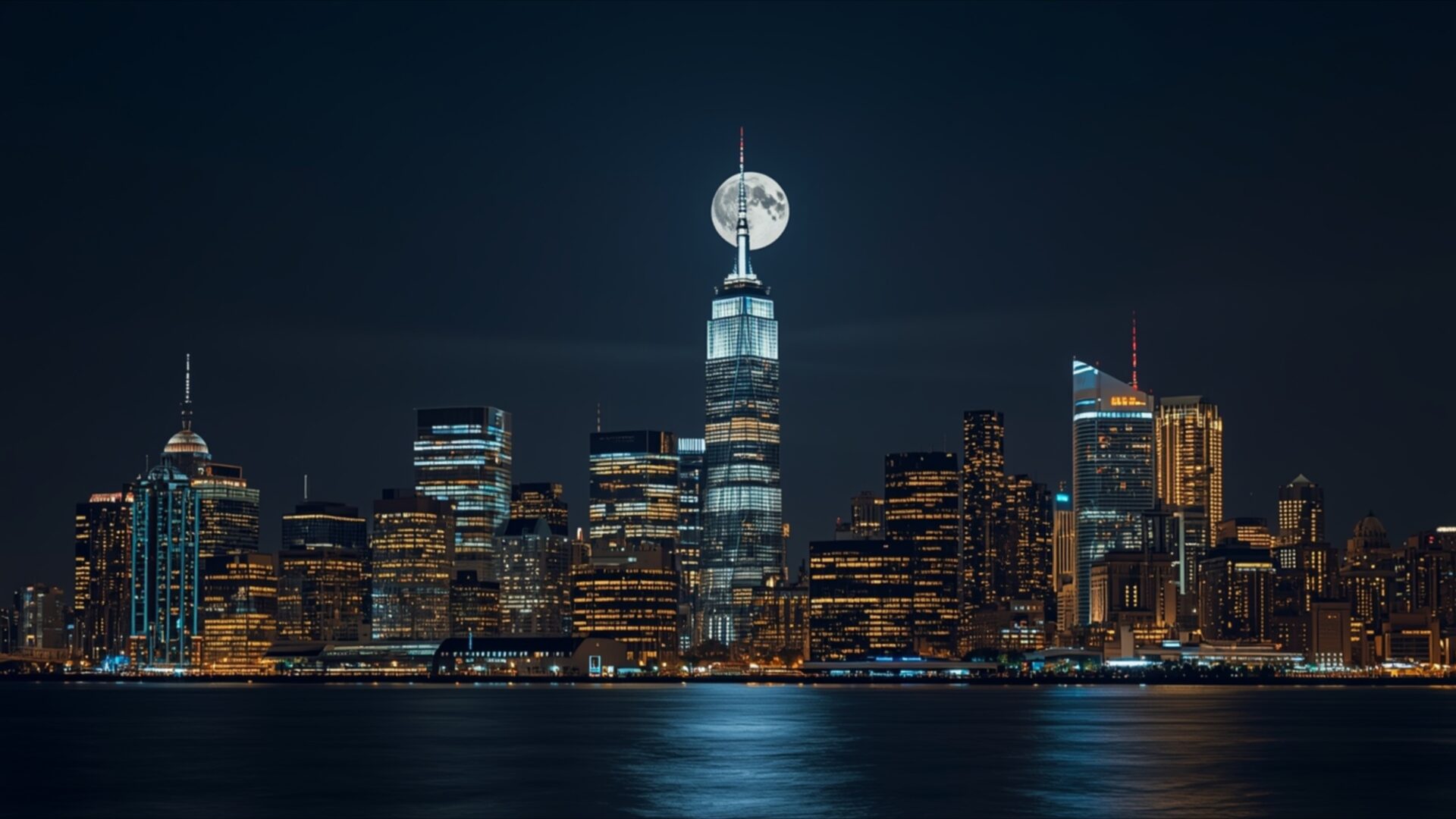
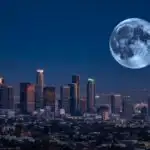
New York City Skyline Under Full Moon presents a captivating Cities & Architecture visual theme. The image draws the viewer into a nocturnal panorama of the iconic Manhattan skyline, bathed in the soft glow of a prominent full moon. This celestial body is positioned directly above the tallest skyscraper, creating a striking focal point that dominates the upper portion of the frame. The moon itself is rendered with a luminous, almost ethereal quality, its surface details subtly visible against the deep, inky blue of the night sky.
The city below is a tapestry of light and shadow. Countless windows in the towering structures emit warm, inviting glows of yellow and orange, contrasting with the cooler, more distant blue and white lights that punctuate the urban landscape. These lights are reflected in the dark, still water that stretches across the foreground, creating shimmering, elongated streaks that add depth and a sense of calm to the scene. The water’s surface acts as a dark mirror, doubling the illuminated cityscape and enhancing the overall dramatic effect.
The composition is balanced, with the dense cluster of buildings forming a solid base that grounds the image. The lighting is primarily artificial, emanating from the city itself and the moon, with the natural darkness of the night serving as a canvas. This interplay of light sources creates a mood that is both grand and serene, capturing the enduring allure of New York City after dark. The overall aesthetic is one of sophisticated urban beauty, where human architecture and natural celestial phenomena converge. This high-resolution image is perfect for anyone appreciating urban vistas.
The detail captured in this 3840×2160 resolution is exceptional, allowing for a truly immersive viewing experience. Whether you are looking for a desktop background or a striking visual for your monitor, this scene offers a unique perspective. You can download wallpaper in various resolutions, including 4K, 2K, and Full HD, to suit your needs.
Wallpaper license: CC BY-NC-ND 4.0 · Credit: HDPeek.com
Remove Black Bars | Fit to Any Screen Size | CSS Fixer & Minifier | Compress Image Online | Image Converter Online | What Is My Screen Resolution? | Wallpaper Upscaler Online
Explore Categories
💡 How to Install Wallpaper on Different Devices
Windows PC:
Right-click on the wallpaper image. Select "Set as desktop background" or "Set as wallpaper". Adjust the fit (Fill, Fit, Stretch, Tile, Center) in Settings > Personalization > Background.Mac:
Right-click on the wallpaper image. Select "Set Desktop Picture". Alternatively, go to System Preferences > Desktop & Screen Saver and choose your image.iPhone / iPad (iOS):
Open the wallpaper image in Photos. Tap the Share button and select "Use as Wallpaper". Move and scale the image, then tap "Set" > Choose "Set Lock Screen", "Set Home Screen", or "Set Both".Android:
Open the wallpaper image in your Gallery app. Tap the Menu or Options button, then select "Set as wallpaper". Choose Home screen, Lock screen, or Both. Adjust the crop if needed and confirm.Linux (Ubuntu / others):
Right-click on the wallpaper image. Select "Set as Desktop Background" or "Set as Wallpaper". Adjust settings if your desktop environment allows multiple monitors.
Tips:
- For best quality, download the image in the resolution that matches your screen.
- Use 16:9 for widescreens, 1:1 for square displays.
- On mobile devices, choose "Set Both" for a consistent look on Home and Lock screens.
