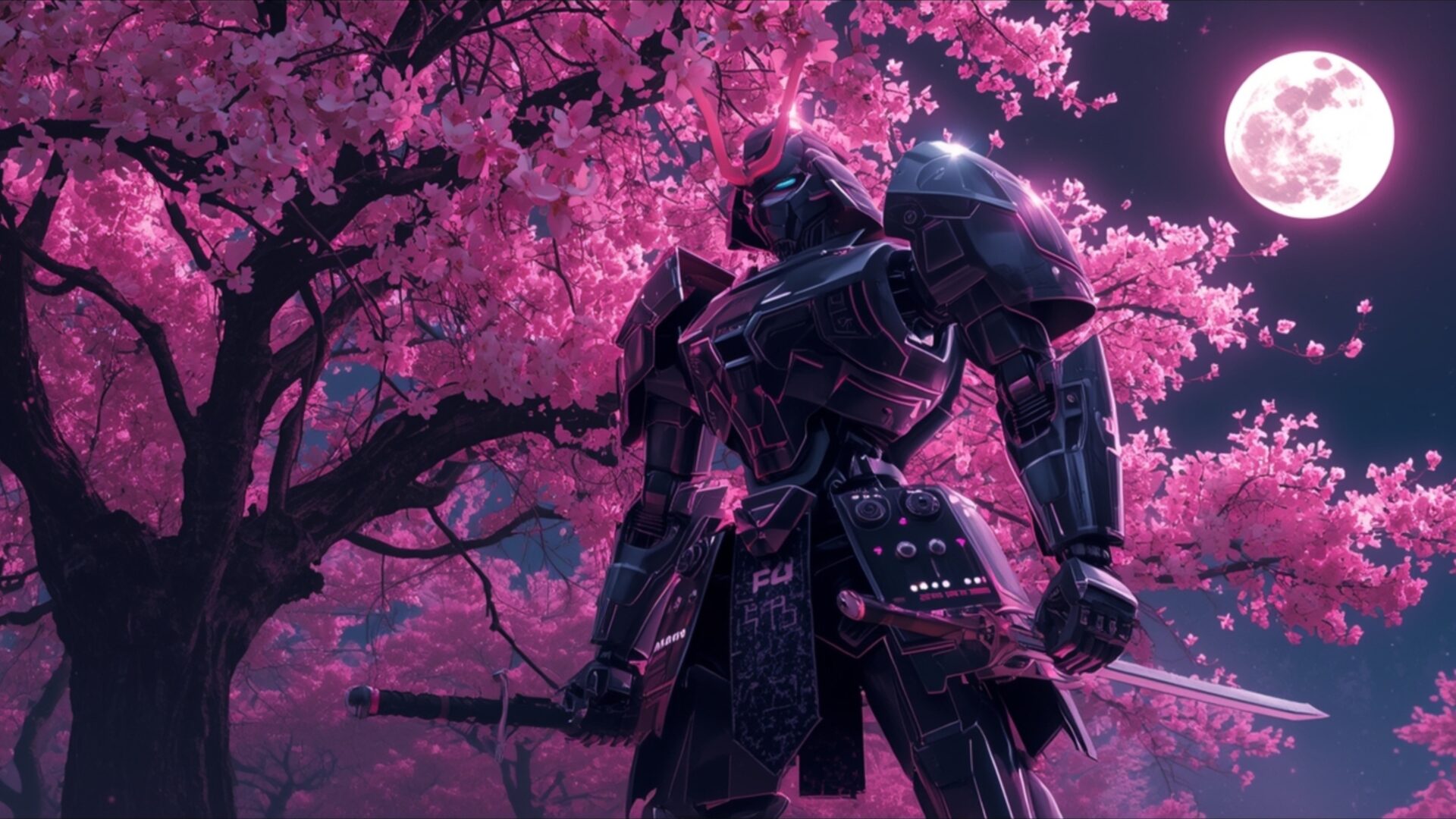
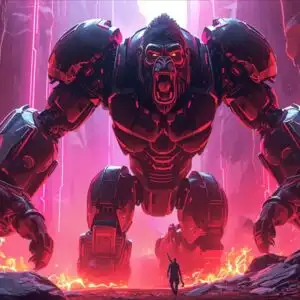
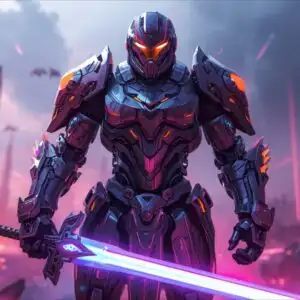
👽️ Steel Samurai Mech Under Cherry Neon Sky 4K UHD (3840x2160) Wallpaper
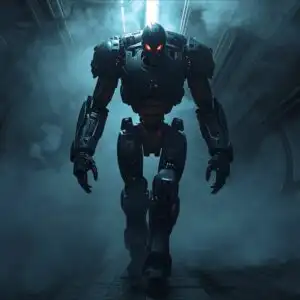
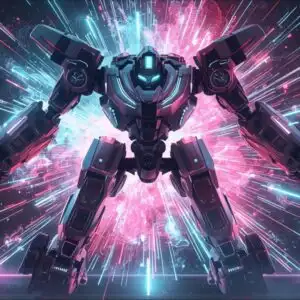
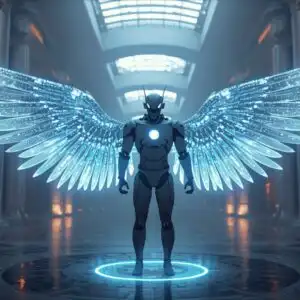
 Prototype Android Floating in Futuristic Anti Gravity Chamber
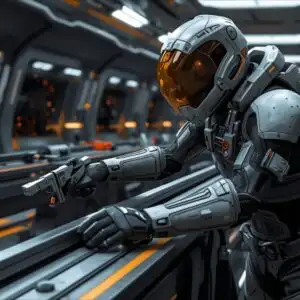
 Mecha Commander Overseeing Starship Assembly
❤ Share this wallpaper:
WhatsApp Facebook Twitter / X Pinterest LinkedIn Copy Link for Instagram Telegram Reddit Email



💡 Below is relevant information on how to install wallpapers on different devices 👇


This 4K wallpaper is the best choice for testing your OLED professional display resolution. Compared to others, our high-performance tool provides a premium look for any high-end smartphone or desktop setup.


"Personalize this wallpaper or upload your own image to create the perfect mobile background 👇"
Customize Steel Samurai Mech Under Cherry Neon Sky for Mobile Wallpapers
iPhone • Samsung • Xiaomi • Google Pixel • Android • Huawei • (Others)
720×1600 • 1080×1920 • 1080×2340 • 1080×2400 • 1284×2778 • 1440×3088Please use Portrait Mode for a better experience (Optional)
Overview – Steel Samurai Mech Under Cherry Neon Sky
Steel Samurai Mech Under Cherry Neon Sky presents a striking visual theme within the Science Fiction genre. This image captures a formidable samurai mech, rendered in deep, metallic blacks and grays, standing stoically beneath a canopy of vibrant pink cherry blossoms. The lighting is soft and diffused, emanating from the blossoms themselves, which cast a gentle, almost ethereal glow across the scene. A full moon, tinged with the same pink hue, hangs in the twilight sky, adding to the dreamlike atmosphere. The mech’s armor is detailed, suggesting a blend of traditional samurai aesthetics with advanced, futuristic engineering. Its posture is one of quiet readiness, the katana held at its side, hinting at a story untold. The composition places the mech slightly off-center, drawing the viewer’s eye towards its imposing silhouette against the delicate, blooming branches. The overall mood is one of serene power, a juxtaposition of the organic beauty of nature and the cold, hard lines of advanced technology. This particular image is presented in 3840×2160 resolution, offering exceptional clarity and detail.
The rich, saturated pinks of the cherry blossoms create a captivating contrast with the dark, imposing form of the robot. This visual interplay is further enhanced by the subtle, atmospheric haze that softens the edges of the distant elements, contributing to the overall depth and immersive quality of the scene. The texture of the mech’s armor appears to be a polished, dark metal, reflecting the ambient light in subtle highlights. The branches of the cherry tree are intricately depicted, their dark forms providing a strong visual anchor for the explosion of pink flowers. The artist has skillfully used light to sculpt the form of the mech, highlighting its powerful shoulders and the sharp angles of its helmet. This is a scene that invites contemplation, blending elements of Japanese culture with a distinctly science fiction narrative. The visual theme is both familiar and alien, creating a unique aesthetic.
This high-resolution visual is perfect for anyone seeking a unique desktop background that blends cultural influences with futuristic concepts. The striking color palette and detailed rendering make it a compelling choice for a computer screen background. The image evokes a sense of wonder and a touch of melancholy, a solitary warrior amidst fleeting beauty. It’s a powerful visual statement that can transform your digital space. The intricate details within the image are best appreciated at higher resolutions, making the 3840×2160 version particularly impactful. You can download wallpaper in various resolutions, including 4K, 2K, and Full HD, to suit your display needs. Steel Samurai Mech Under Cherry Neon Sky is a truly captivating piece.
Wallpaper license: CC BY-NC-ND 4.0 · Credit: HDPeek.com
Remove Black Bars | Fit to Any Screen Size | CSS Fixer & Minifier | Compress Image Online | Image Converter Online | What Is My Screen Resolution? | Wallpaper Upscaler Online
Explore Categories
💡 How to Install Wallpaper on Different Devices
Windows PC:
Right-click on the wallpaper image. Select "Set as desktop background" or "Set as wallpaper". Adjust the fit (Fill, Fit, Stretch, Tile, Center) in Settings > Personalization > Background.Mac:
Right-click on the wallpaper image. Select "Set Desktop Picture". Alternatively, go to System Preferences > Desktop & Screen Saver and choose your image.iPhone / iPad (iOS):
Open the wallpaper image in Photos. Tap the Share button and select "Use as Wallpaper". Move and scale the image, then tap "Set" > Choose "Set Lock Screen", "Set Home Screen", or "Set Both".Android:
Open the wallpaper image in your Gallery app. Tap the Menu or Options button, then select "Set as wallpaper". Choose Home screen, Lock screen, or Both. Adjust the crop if needed and confirm.Linux (Ubuntu / others):
Right-click on the wallpaper image. Select "Set as Desktop Background" or "Set as Wallpaper". Adjust settings if your desktop environment allows multiple monitors.
Tips:
- For best quality, download the image in the resolution that matches your screen.
- Use 16:9 for widescreens, 1:1 for square displays.
- On mobile devices, choose "Set Both" for a consistent look on Home and Lock screens.
