👽️ Prototype Android Floating in Futuristic Anti Gravity Chamber 4K UHD (3840x2160) Wallpaper
❤ Share this wallpaper:
WhatsApp Facebook Twitter / X Pinterest LinkedIn Copy Link for Instagram Telegram Reddit Email



💡 Below is relevant information on how to install wallpapers on different devices 👇




This 4K wallpaper is the best choice for testing your OLED professional display resolution. Compared to others, our high-performance tool provides a premium look for any high-end smartphone or desktop setup.


"Personalize this wallpaper or upload your own image to create the perfect mobile background 👇"
Customize Prototype Android Floating in Futuristic Anti Gravity Chamber for Mobile Wallpapers
iPhone • Samsung • Xiaomi • Google Pixel • Android • Huawei • (Others)
720×1600 • 1080×1920 • 1080×2340 • 1080×2400 • 1284×2778 • 1440×3088Please use Portrait Mode for a better experience (Optional)
Overview – Prototype Android Floating in Futuristic Anti Gravity Chamber
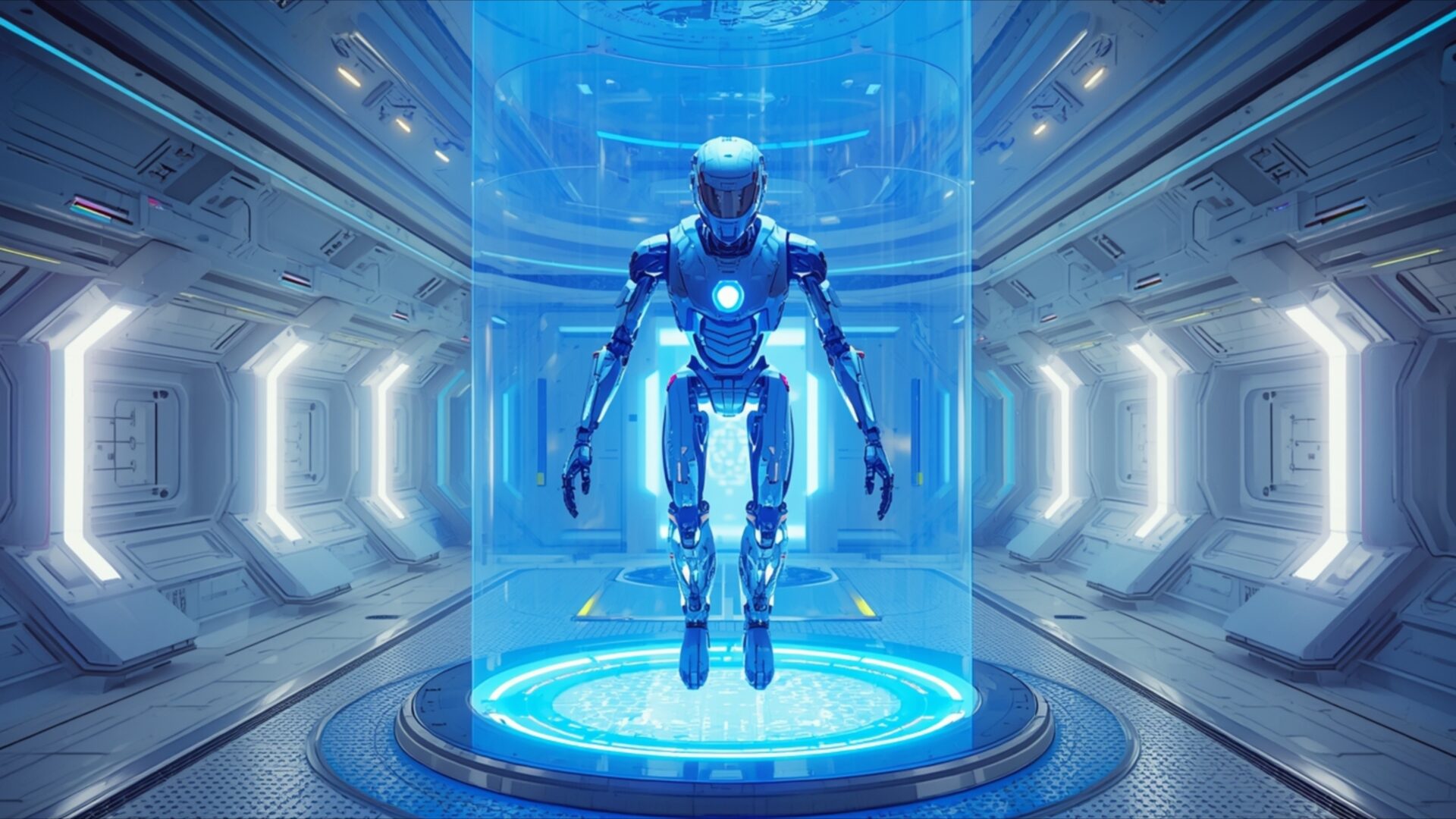
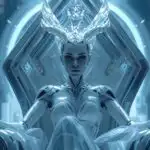
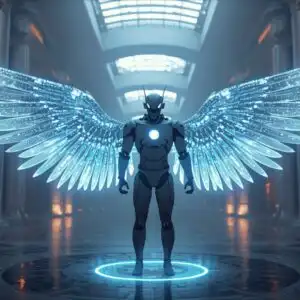
Prototype Android Floating in Futuristic Anti Gravity Chamber offers a striking visual theme for any science fiction enthusiast. This high-resolution image plunges you into a sterile, yet advanced, laboratory environment where a humanoid android is suspended in mid-air. The lighting is predominantly cool and artificial, emanating from the glowing blue energy field surrounding the android and the linear illumination strips embedded within the chamber’s walls. This creates a sense of clinical precision and technological marvel.
The android itself is rendered in metallic blues and grays, with subtle hints of internal illumination suggesting active systems. Its form is sleek and streamlined, hinting at advanced robotics and artificial intelligence. The chamber’s architecture is characterized by clean lines, geometric patterns, and reflective surfaces, reinforcing the futuristic aesthetic. The perspective draws your eye directly to the central figure, emphasizing its isolation and the advanced technology at play. The overall mood is one of quiet contemplation and scientific progress, a snapshot of a future where artificial life is being developed and tested.
The composition is balanced, with the android positioned centrally within the cylindrical energy containment. The surrounding chamber, with its repeating architectural elements, provides a sense of depth and scale without distracting from the main subject. The subtle glow from the base of the energy field adds another layer of visual interest, hinting at the power source or the mechanism of anti-gravity. This scene composition is ideal for anyone interested in the intersection of technology and human-like creation.
This particular image captures a moment of suspended animation, a prototype in a controlled environment. The cool color palette, dominated by blues and whites with metallic accents, evokes a feeling of advanced technology and scientific exploration. The detailed rendering of the android and the futuristic chamber makes it a compelling visual for your desktop background. You can download this wallpaper for free, enjoying its intricate details and immersive atmosphere. The image is presented in 3840×2160 resolution, with 4K, 2K, and Full HD versions also available for your viewing pleasure.
Wallpaper license: CC BY-NC-ND 4.0 · Credit: HDPeek.com
Remove Black Bars | Fit to Any Screen Size | CSS Fixer & Minifier | Compress Image Online | Image Converter Online | What Is My Screen Resolution? | Wallpaper Upscaler Online
Explore Categories
💡 How to Install Wallpaper on Different Devices
Windows PC:
Right-click on the wallpaper image. Select "Set as desktop background" or "Set as wallpaper". Adjust the fit (Fill, Fit, Stretch, Tile, Center) in Settings > Personalization > Background.Mac:
Right-click on the wallpaper image. Select "Set Desktop Picture". Alternatively, go to System Preferences > Desktop & Screen Saver and choose your image.iPhone / iPad (iOS):
Open the wallpaper image in Photos. Tap the Share button and select "Use as Wallpaper". Move and scale the image, then tap "Set" > Choose "Set Lock Screen", "Set Home Screen", or "Set Both".Android:
Open the wallpaper image in your Gallery app. Tap the Menu or Options button, then select "Set as wallpaper". Choose Home screen, Lock screen, or Both. Adjust the crop if needed and confirm.Linux (Ubuntu / others):
Right-click on the wallpaper image. Select "Set as Desktop Background" or "Set as Wallpaper". Adjust settings if your desktop environment allows multiple monitors.
Tips:
- For best quality, download the image in the resolution that matches your screen.
- Use 16:9 for widescreens, 1:1 for square displays.
- On mobile devices, choose "Set Both" for a consistent look on Home and Lock screens.
