🌸 Stay Wild Retro Font Design 4K UHD (3840x2160) Wallpaper

❤ Share this wallpaper:
WhatsApp Facebook Twitter / X Pinterest LinkedIn Copy Link for Instagram Telegram Reddit Email


💡 Below is relevant information on how to install wallpapers on different devices 👇



This 4K wallpaper is the best choice for testing your OLED professional display resolution. Compared to others, our high-performance tool provides a premium look for any high-end smartphone or desktop setup.



"Personalize this wallpaper or upload your own image to create the perfect mobile background 👇"
Customize Stay Wild Retro Font Design for Mobile Wallpapers
iPhone • Samsung • Xiaomi • Google Pixel • Android • Huawei • (Others)
720×1600 • 1080×1920 • 1080×2340 • 1080×2400 • 1284×2778 • 1440×3088Please use Portrait Mode for a better experience (Optional)
Overview – Stay Wild Retro Font Design
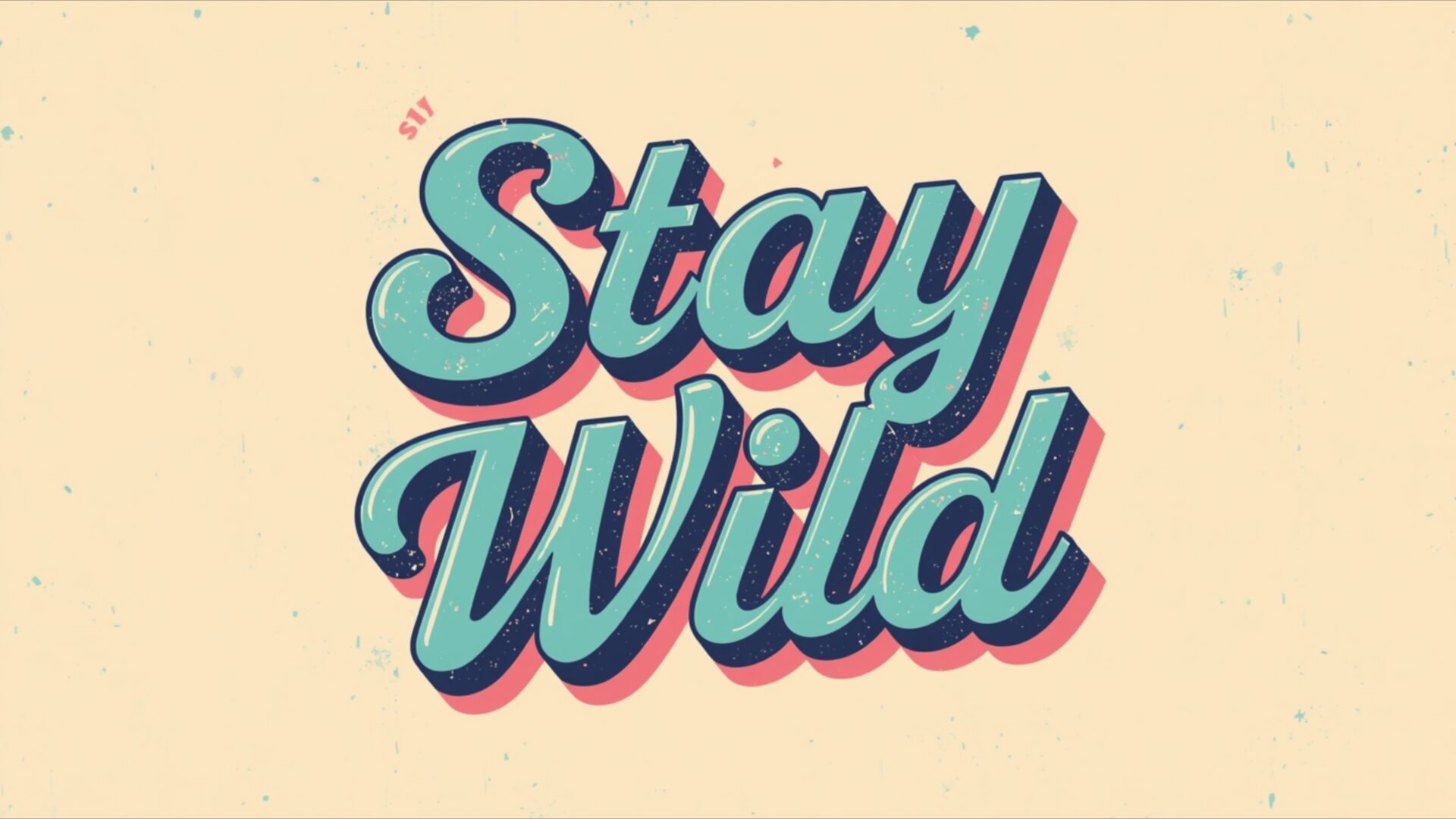
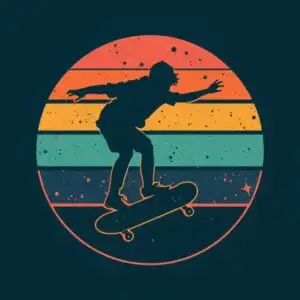
Stay Wild Retro Font Design introduces a captivating visual theme centered on a motivational phrase rendered in a distinct retro style. This aesthetic layout features the words Stay Wild prominently displayed, crafted with a bold, three-dimensional typography that evokes a sense of nostalgia. The color palette is soft and inviting, dominated by a creamy, pale yellow for the background, which is subtly textured with faint speckles, adding a touch of vintage charm. The lettering itself is a beautiful blend of a muted teal or aqua for the main fill, outlined with a darker, almost navy blue. A distinct shadow effect, rendered in a soft pink or magenta, gives the text a pronounced depth, making it appear to pop off the screen.
The lighting in this image appears to be diffused, contributing to the gentle, almost dreamy quality of the overall composition. There are no harsh shadows or bright highlights, which enhances the retro feel and makes the design easy on the eyes. The artistic style leans heavily into a mid-20th-century graphic design sensibility, reminiscent of vintage signage or album covers. This particular visual theme is perfect for anyone looking to infuse their digital space with a positive and inspiring message, presented in a visually appealing and unique manner. The simplicity of the design, focusing solely on the typography and its execution, makes it a strong statement piece without being overwhelming.
This high-resolution image is ideal for enhancing your desktop background, offering a clean and stylish look. The careful attention to detail in the font’s shading and outline creates a tangible sense of dimension, making the phrase Stay Wild feel almost tactile. It’s a design that speaks to a free spirit and a love for the outdoors, all conveyed through expertly chosen fonts and colors. The overall mood is one of gentle encouragement and a reminder to embrace one’s natural inclinations. This is a wonderful choice for anyone appreciating retro aesthetics and motivational content. You can download this wallpaper in its 3840×2160 resolution, with 4K, 2K, and Full HD versions also available for your convenience.
Wallpaper license: CC BY-NC-ND 4.0 · Credit: HDPeek.com
Remove Black Bars | Fit to Any Screen Size | CSS Fixer & Minifier | Compress Image Online | Image Converter Online | What Is My Screen Resolution? | Wallpaper Upscaler Online
Explore Categories
💡 How to Install Wallpaper on Different Devices
Windows PC:
Right-click on the wallpaper image. Select "Set as desktop background" or "Set as wallpaper". Adjust the fit (Fill, Fit, Stretch, Tile, Center) in Settings > Personalization > Background.Mac:
Right-click on the wallpaper image. Select "Set Desktop Picture". Alternatively, go to System Preferences > Desktop & Screen Saver and choose your image.iPhone / iPad (iOS):
Open the wallpaper image in Photos. Tap the Share button and select "Use as Wallpaper". Move and scale the image, then tap "Set" > Choose "Set Lock Screen", "Set Home Screen", or "Set Both".Android:
Open the wallpaper image in your Gallery app. Tap the Menu or Options button, then select "Set as wallpaper". Choose Home screen, Lock screen, or Both. Adjust the crop if needed and confirm.Linux (Ubuntu / others):
Right-click on the wallpaper image. Select "Set as Desktop Background" or "Set as Wallpaper". Adjust settings if your desktop environment allows multiple monitors.
Tips:
- For best quality, download the image in the resolution that matches your screen.
- Use 16:9 for widescreens, 1:1 for square displays.
- On mobile devices, choose "Set Both" for a consistent look on Home and Lock screens.
