🚀 Solar System Planets Alignment Fantasy Art 2K QHD (2560x1440) Wallpaper
❤ Share this wallpaper:
WhatsApp Facebook Twitter / X Pinterest LinkedIn Copy Link for Instagram Telegram Reddit Email




💡 Below is relevant information on how to install wallpapers on different devices 👇

This 4K wallpaper is the best choice for testing your OLED professional display resolution. Compared to others, our high-performance tool provides a premium look for any high-end smartphone or desktop setup.

"Personalize this wallpaper or upload your own image to create the perfect mobile background 👇"
Customize Solar System Planets Alignment Fantasy Art for Mobile Wallpapers
iPhone • Samsung • Xiaomi • Google Pixel • Android • Huawei • (Others)
720×1600 • 1080×1920 • 1080×2340 • 1080×2400 • 1284×2778 • 1440×3088Please use Portrait Mode for a better experience (Optional)
Overview – Solar System Planets Alignment Fantasy Art
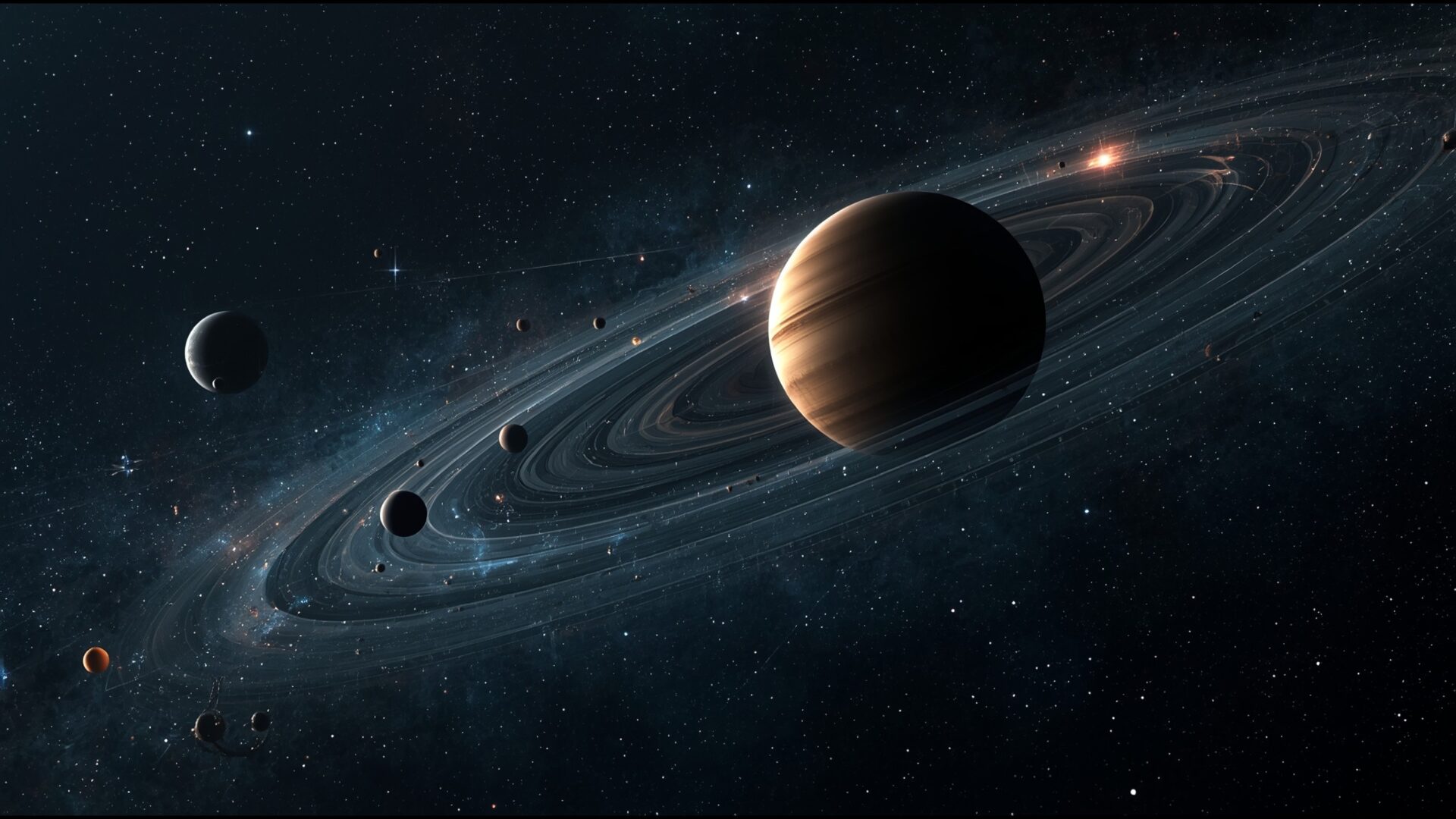
“Solar System Planets Alignment Fantasy Art” brings the wonders of the Space & Science category to your screen, showcasing a stunning celestial arrangement. This HD wallpaper presents a unique take on astronomy, blending scientific elements with artistic fantasy. The high resolution of 2560×1440 ensures that every detail is crisp and clear, making it an excellent choice to personalize your desktop.
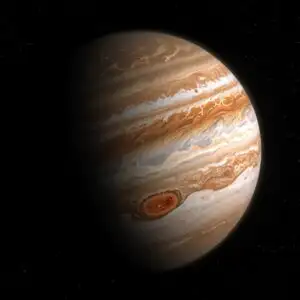
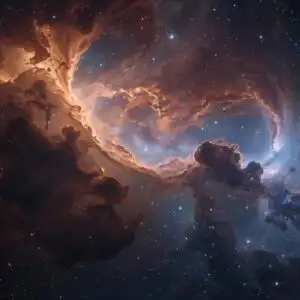
The image depicts the planets of our solar system in a visually striking alignment, set against a backdrop of swirling nebulae and distant galaxies. It is more than just a desktop background; it’s a window into a fantastical interpretation of the cosmos. The artist’s rendition offers a fresh perspective on the familiar planets, enhancing their natural beauty with imaginative flair. The composition draws the eye across the arrangement, inviting contemplation of the vastness and mystery of space.
If you are looking to add a touch of cosmic wonder to your digital environment, this HD artwork is a superb option. The fantasy art style gives a unique and stylish HD artwork, making it a conversation starter. The alignment theme is not only visually appealing but also intellectually stimulating, prompting thoughts about the order and harmony of the universe. It serves as a reminder of the beauty and complexity that exists beyond our world.
This HD Photo is perfect for anyone who appreciates the beauty of space, astronomy, or simply enjoys captivating digital art. Let this stunning “Solar System Planets Alignment Fantasy Art” transform your screen into a portal to the stars.
Wallpaper license: CC BY-NC-ND 4.0 · Credit: HDPeek.com
Remove Black Bars | Fit to Any Screen Size | CSS Fixer & Minifier | Compress Image Online | Image Converter Online | What Is My Screen Resolution? | Wallpaper Upscaler Online
Explore Categories
💡 How to Install Wallpaper on Different Devices
Windows PC:
Right-click on the wallpaper image. Select "Set as desktop background" or "Set as wallpaper". Adjust the fit (Fill, Fit, Stretch, Tile, Center) in Settings > Personalization > Background.Mac:
Right-click on the wallpaper image. Select "Set Desktop Picture". Alternatively, go to System Preferences > Desktop & Screen Saver and choose your image.iPhone / iPad (iOS):
Open the wallpaper image in Photos. Tap the Share button and select "Use as Wallpaper". Move and scale the image, then tap "Set" > Choose "Set Lock Screen", "Set Home Screen", or "Set Both".Android:
Open the wallpaper image in your Gallery app. Tap the Menu or Options button, then select "Set as wallpaper". Choose Home screen, Lock screen, or Both. Adjust the crop if needed and confirm.Linux (Ubuntu / others):
Right-click on the wallpaper image. Select "Set as Desktop Background" or "Set as Wallpaper". Adjust settings if your desktop environment allows multiple monitors.
Tips:
- For best quality, download the image in the resolution that matches your screen.
- Use 16:9 for widescreens, 1:1 for square displays.
- On mobile devices, choose "Set Both" for a consistent look on Home and Lock screens.
