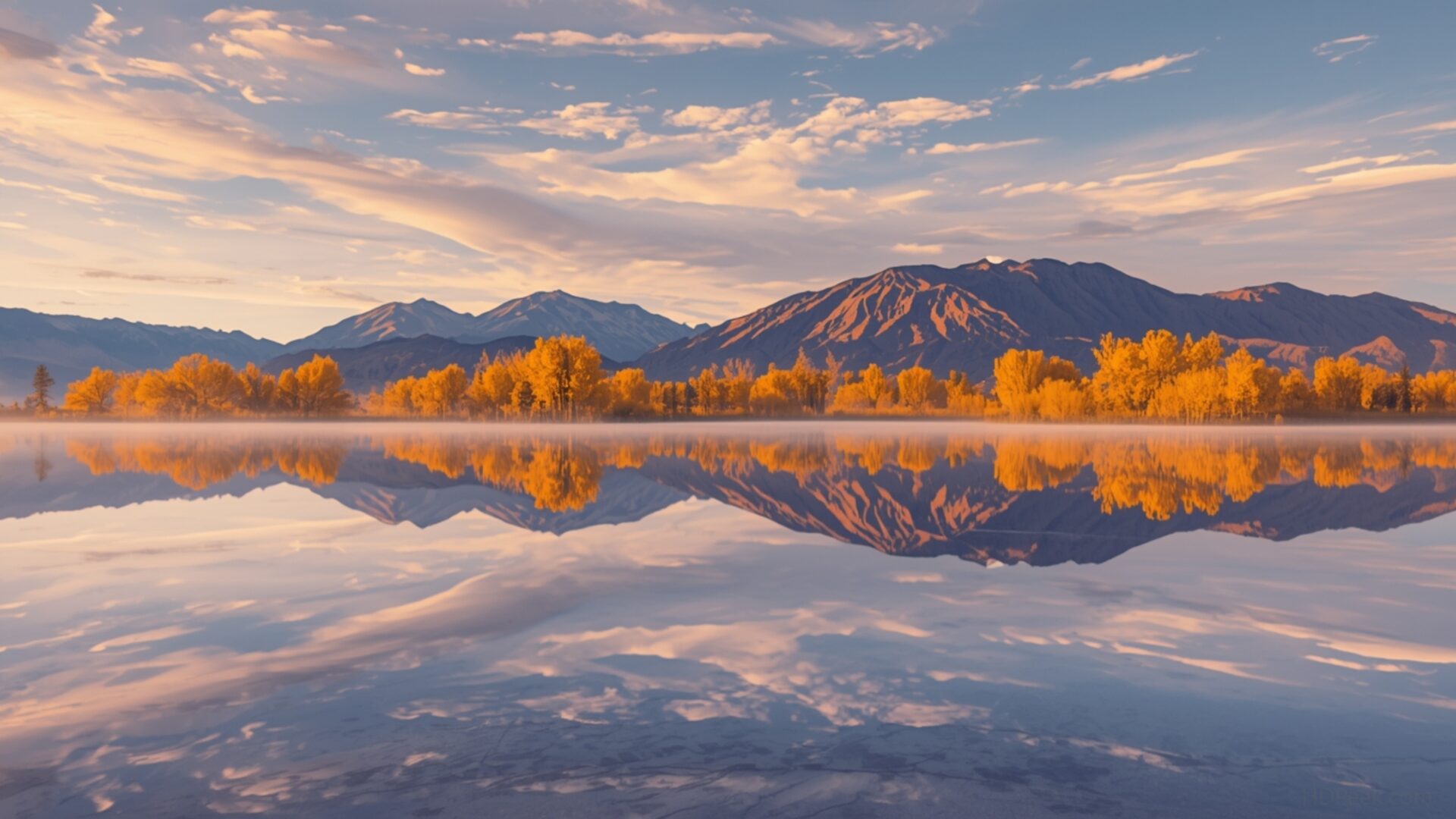
🌿 Salar De Uyuni Salt Flats Reflection Mirror Effect Surreal 4K UHD (3840x2160) Wallpaper
 Vineyard Autumn Colors Harvesting Season Warm Glow
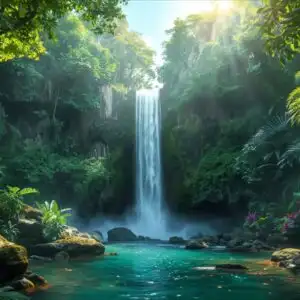
 Waterfall Cave Hidden Grotto Lush Entrance Tropical
❤ Share this wallpaper:
WhatsApp Facebook Twitter / X Pinterest LinkedIn Copy Link for Instagram Telegram Reddit Email




💡 Below is relevant information on how to install wallpapers on different devices 👇




This 4K wallpaper is the best choice for testing your OLED professional display resolution. Compared to others, our high-performance tool provides a premium look for any high-end smartphone or desktop setup.

"Personalize this wallpaper or upload your own image to create the perfect mobile background 👇"
Customize Salar De Uyuni Salt Flats Reflection Mirror Effect Surreal for Mobile Wallpapers
iPhone • Samsung • Xiaomi • Google Pixel • Android • Huawei • (Others)
720×1600 • 1080×1920 • 1080×2340 • 1080×2400 • 1284×2778 • 1440×3088Please use Portrait Mode for a better experience (Optional)
Overview – Salar De Uyuni Salt Flats Reflection Mirror Effect Surreal
“Salar De Uyuni Salt Flats Reflection Mirror Effect Surreal” captures the ethereal beauty of the Nature category, presenting a landscape where the sky merges seamlessly with the earth. The still surface of the Salar de Uyuni in Bolivia creates a perfect mirror effect, blurring the lines between reality and illusion. This stunning composition invites viewers to lose themselves in its surreal atmosphere.
The horizon vanishes, replaced by a seemingly endless expanse of blue, reflecting the sky above with remarkable clarity. The subtle variations in tone and texture on the salt flats add depth to the image, preventing it from appearing flat or monotonous. Instead, the ground becomes a canvas, mirroring the clouds and sky in a way that challenges our perception. The high-resolution detail allows you to appreciate the subtle nuances of the landscape, from the delicate patterns in the salt to the wispy formations of the clouds.
This desktop background offers a tranquil escape, transforming your computer screen into a window overlooking one of the world’s most extraordinary landscapes. The composition draws the eye into the center of the image, creating a sense of depth and immersion. It’s a stylish HD artwork that brings a touch of the otherworldly to your digital space. The mirror effect amplifies the sense of vastness, making the landscape feel even more expansive and boundless.
Personalize your desktop with this captivating image, and experience the unique beauty of the Salar de Uyuni every time you use your computer. This 3840×2160 image is more than just a photograph; it’s an invitation to dream and explore. The surreal quality of the reflection creates a sense of wonder, making it an ideal choice for those who appreciate the beauty of the natural world. It serves as a reminder of the hidden wonders that exist on our planet.
This image is ideally suited as a laptop wallpaper, bringing a sense of calm and serenity to your mobile background. The crisp details and vibrant colors make it a visually stunning addition to any device. You can download wallpaper and instantly transform your screen into a portal to this breathtaking location. The available resolutions ensure that the image looks sharp and clear, regardless of the screen size. The 4K wallpaper version offers the highest level of detail, while 2K and Full HD versions are also available for those seeking slightly smaller file sizes, ensuring optimal performance across a range of devices. Experience the captivating allure of “Salar De Uyuni Salt Flats Reflection Mirror Effect Surreal” today.
Wallpaper license: CC BY-NC-ND 4.0 · Credit: HDPeek.com
Remove Black Bars | Fit to Any Screen Size | CSS Fixer & Minifier | Compress Image Online | Image Converter Online | What Is My Screen Resolution? | Wallpaper Upscaler Online
Explore Categories
💡 How to Install Wallpaper on Different Devices
Windows PC:
Right-click on the wallpaper image. Select "Set as desktop background" or "Set as wallpaper". Adjust the fit (Fill, Fit, Stretch, Tile, Center) in Settings > Personalization > Background.Mac:
Right-click on the wallpaper image. Select "Set Desktop Picture". Alternatively, go to System Preferences > Desktop & Screen Saver and choose your image.iPhone / iPad (iOS):
Open the wallpaper image in Photos. Tap the Share button and select "Use as Wallpaper". Move and scale the image, then tap "Set" > Choose "Set Lock Screen", "Set Home Screen", or "Set Both".Android:
Open the wallpaper image in your Gallery app. Tap the Menu or Options button, then select "Set as wallpaper". Choose Home screen, Lock screen, or Both. Adjust the crop if needed and confirm.Linux (Ubuntu / others):
Right-click on the wallpaper image. Select "Set as Desktop Background" or "Set as Wallpaper". Adjust settings if your desktop environment allows multiple monitors.
Tips:
- For best quality, download the image in the resolution that matches your screen.
- Use 16:9 for widescreens, 1:1 for square displays.
- On mobile devices, choose "Set Both" for a consistent look on Home and Lock screens.
