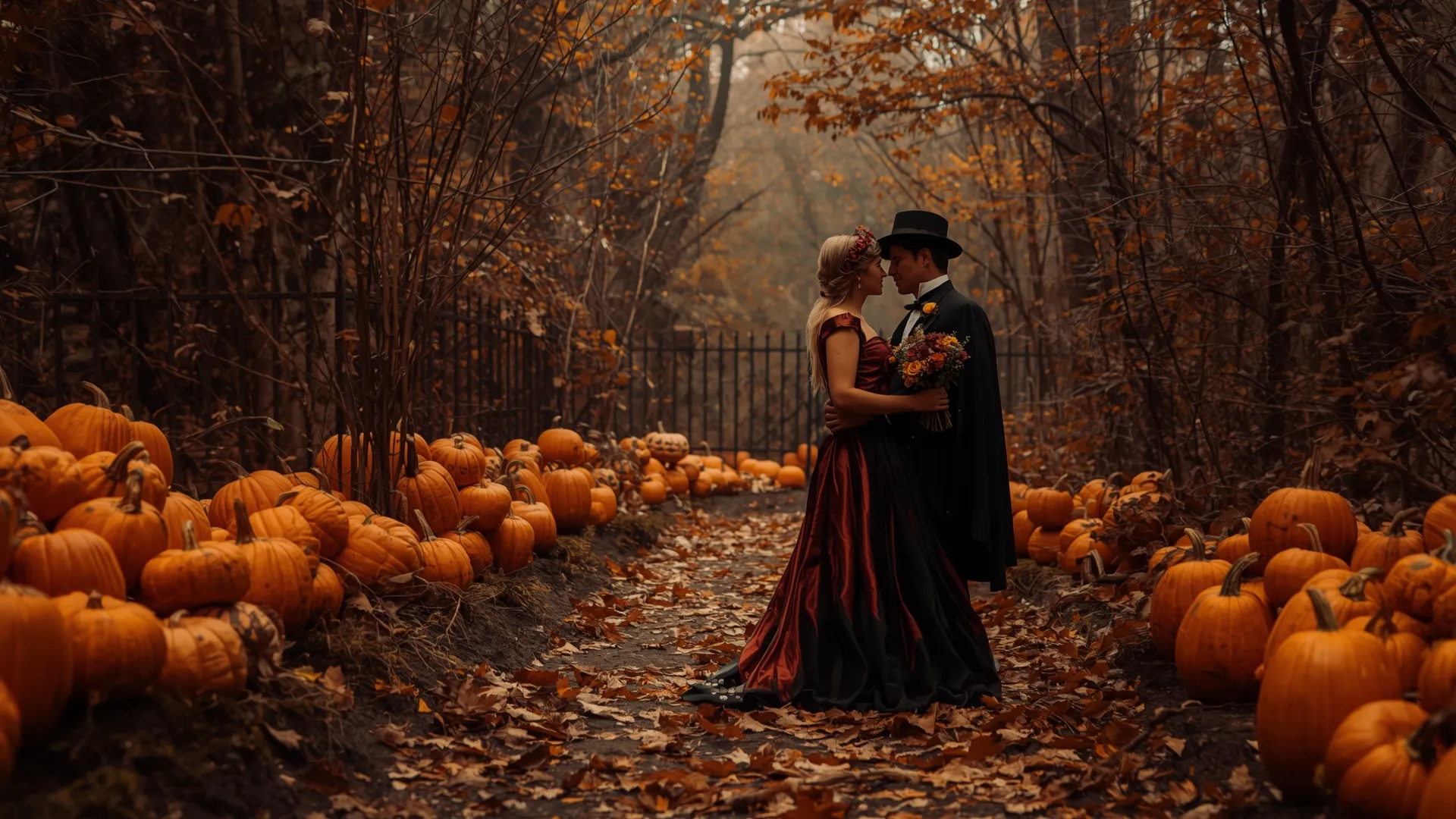
🎃 Pumpkin Lovers on Halloween Night 1920x1080 (Full HD) Wallpaper

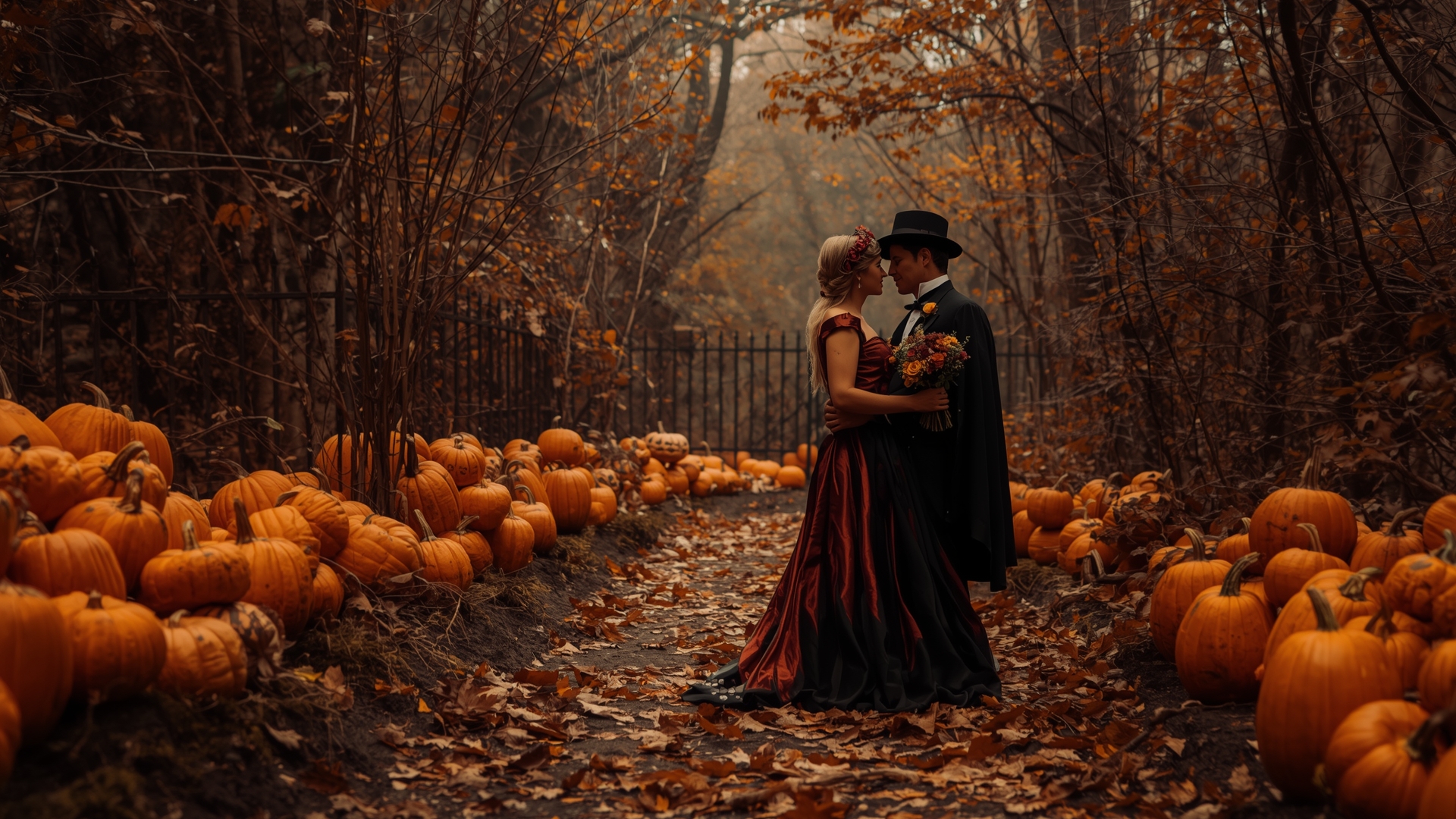

❤ Share this wallpaper:
WhatsApp Facebook Twitter / X Pinterest LinkedIn Copy Link for Instagram Telegram Reddit Email




💡 Below is relevant information on how to install wallpapers on different devices 👇
This 4K wallpaper is the best choice for testing your OLED professional display resolution. Compared to others, our high-performance tool provides a premium look for any high-end smartphone or desktop setup.


"Personalize this wallpaper or upload your own image to create the perfect mobile background 👇"
Customize Pumpkin Lovers on Halloween Night for Mobile Wallpapers
iPhone • Samsung • Xiaomi • Google Pixel • Android • Huawei • (Others)
720×1600 • 1080×1920 • 1080×2340 • 1080×2400 • 1284×2778 • 1440×3088Please use Portrait Mode for a better experience (Optional)
Overview – Pumpkin Lovers on Halloween Night
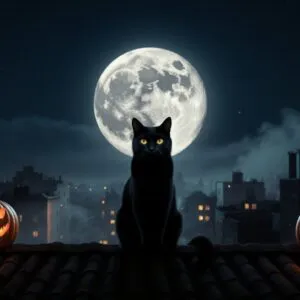
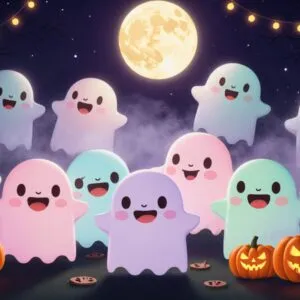
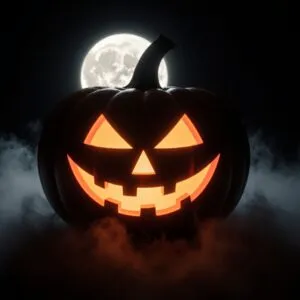
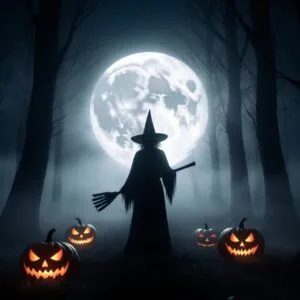
Halloween is just around the corner, and what better way to get into the spirit than with a fresh look for your screen? We have something special that captures the essence of the season. Imagine a scene filled with glowing jack-o’-lanterns, their carved faces smiling under a moonlit sky. This digital art brings that festive atmosphere right to your desktop. You might notice the warm glow emanating from each pumpkin, creating a cozy yet spooky vibe. It’s a delightful visual, suitable for anyone who enjoys the magic of October 31st. The details here and there truly make it stand out, offering a glimpse into a fun, autumnal evening.
“Pumpkin Lovers on Halloween Night” – HD Wallpaper
This desktop image showcases a charming gathering of these iconic gourds, each with its own character. The dark backdrop of the night sky provides a striking contrast, making the vibrant orange hues pop. It’s an HD Photo, ensuring every detail, from the flickering light within to the subtle textures of the pumpkins, appears crisp and clear on your display. You’ll appreciate the quality, whether you’re working or just browsing. This visual offers a wonderful way to celebrate the holiday, bringing a touch of festive cheer to your daily routine. It’s more than just a background; it’s a little piece of Halloween joy for your computer. Get ready to transform your screen and embrace the holiday spirit, download Pumpkin Lovers on Halloween Night.
Wallpaper license: CC BY-NC-ND 4.0 · Credit: HDPeek.com
Remove Black Bars | Fit to Any Screen Size | CSS Fixer & Minifier | Compress Image Online | Image Converter Online | What Is My Screen Resolution? | Wallpaper Upscaler Online
Explore Categories
💡 How to Install Wallpaper on Different Devices
Windows PC:
Right-click on the wallpaper image. Select "Set as desktop background" or "Set as wallpaper". Adjust the fit (Fill, Fit, Stretch, Tile, Center) in Settings > Personalization > Background.Mac:
Right-click on the wallpaper image. Select "Set Desktop Picture". Alternatively, go to System Preferences > Desktop & Screen Saver and choose your image.iPhone / iPad (iOS):
Open the wallpaper image in Photos. Tap the Share button and select "Use as Wallpaper". Move and scale the image, then tap "Set" > Choose "Set Lock Screen", "Set Home Screen", or "Set Both".Android:
Open the wallpaper image in your Gallery app. Tap the Menu or Options button, then select "Set as wallpaper". Choose Home screen, Lock screen, or Both. Adjust the crop if needed and confirm.Linux (Ubuntu / others):
Right-click on the wallpaper image. Select "Set as Desktop Background" or "Set as Wallpaper". Adjust settings if your desktop environment allows multiple monitors.
Tips:
- For best quality, download the image in the resolution that matches your screen.
- Use 16:9 for widescreens, 1:1 for square displays.
- On mobile devices, choose "Set Both" for a consistent look on Home and Lock screens.