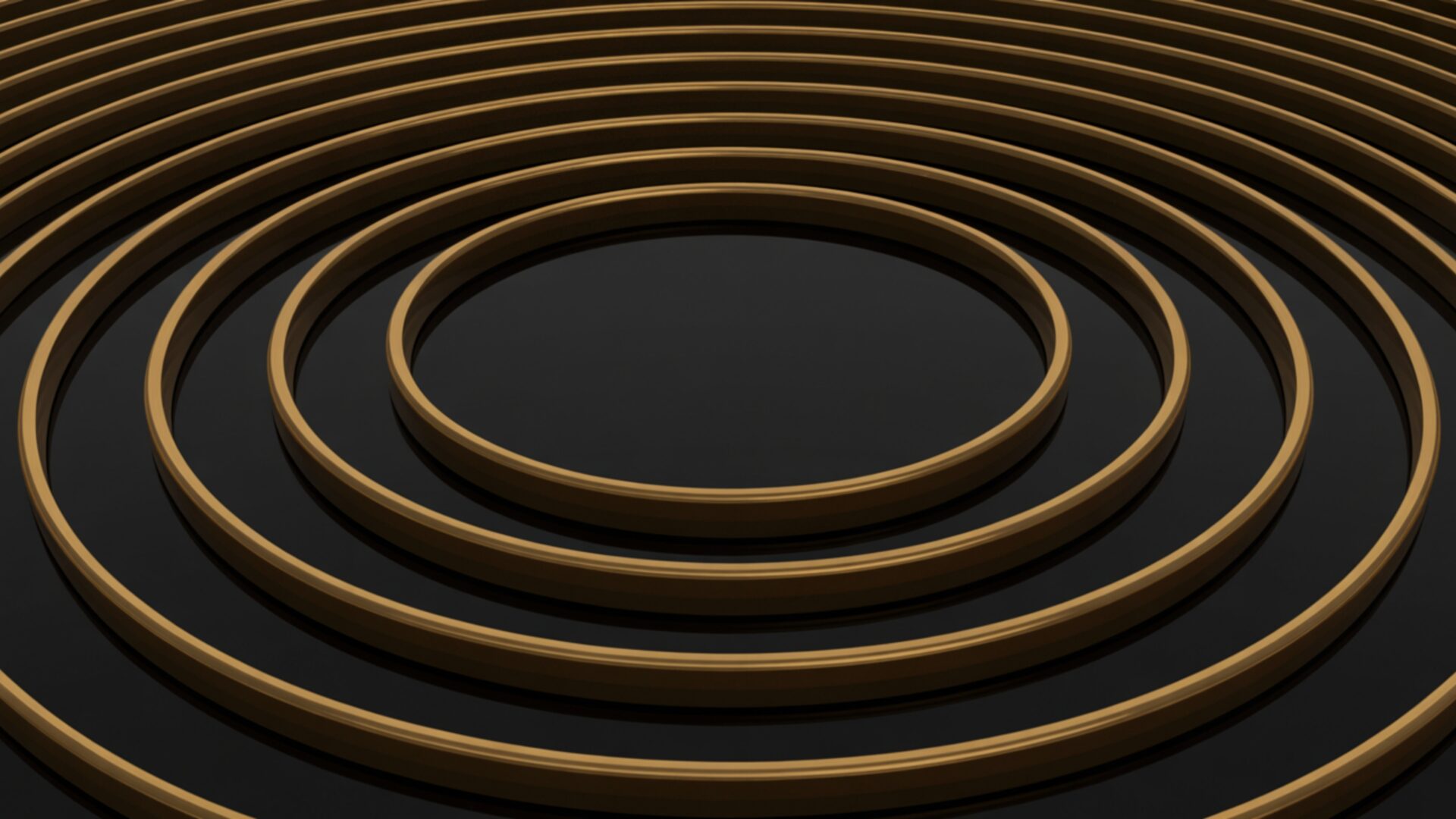
🌀 Minimalist Concentric Circles Line Art 4K UHD (3840x2160) Wallpaper
❤ Share this wallpaper:
WhatsApp Facebook Twitter / X Pinterest LinkedIn Copy Link for Instagram Telegram Reddit Email




💡 Below is relevant information on how to install wallpapers on different devices 👇



This 4K wallpaper is the best choice for testing your OLED professional display resolution. Compared to others, our high-performance tool provides a premium look for any high-end smartphone or desktop setup.





"Personalize this wallpaper or upload your own image to create the perfect mobile background 👇"
Customize Minimalist Concentric Circles Line Art for Mobile Wallpapers
iPhone • Samsung • Xiaomi • Google Pixel • Android • Huawei • (Others)
720×1600 • 1080×1920 • 1080×2340 • 1080×2400 • 1284×2778 • 1440×3088Please use Portrait Mode for a better experience (Optional)
Overview – Minimalist Concentric Circles Line Art
Minimalist Concentric Circles Line Art offers a striking example of the Abstract & Patterns category, presenting a clean and sophisticated visual theme that can transform your computer screen background. The composition centers around a series of precisely drawn concentric circles, creating a sense of depth and movement within its simplicity. The line art is executed with a fine touch, emphasizing clarity and precision, making it a stylish HD artwork.
It is a design choice that speaks to those who appreciate understated elegance. The absence of color further enhances the minimalist aesthetic layout, allowing the form itself to take center stage. Each circle is carefully placed to maintain balance and harmony, resulting in a visually pleasing and calming effect. The geometric nature of the design lends itself well to modern digital spaces, providing a clean and uncluttered desktop background.
The interplay of lines creates subtle shadows and highlights, adding dimension to the otherwise flat surface. This attention to detail elevates the design beyond mere simplicity, offering a nuanced visual experience. The concentric arrangement draws the eye inward, creating a focal point that is both captivating and unobtrusive. This image is ideal for those seeking to personalize your desktop with a touch of modern sophistication.
Consider how this design might influence the overall feel of your digital workspace. A minimalist approach can reduce distractions and promote focus, making it an excellent choice for professionals and creatives alike. The clean lines and geometric precision offer a sense of order and control, which can be particularly beneficial in today’s fast-paced world. It is a design that adapts well to various screen sizes and resolutions, ensuring a seamless visual experience across different devices. You can download wallpaper for your laptop and other devices.
Available as a 4k wallpaper, this design ensures crisp lines and sharp details on even the largest displays. The high-resolution quality of the image means that every line and curve is rendered with utmost clarity, enhancing the overall visual impact. This makes it a superb choice for those who demand the highest level of detail in their digital visuals. For those seeking alternative resolutions, this Minimalist Concentric Circles Line Art is also available in 2K and Full HD versions, ensuring compatibility with a wide range of devices and screen sizes.
Wallpaper license: CC BY-NC-ND 4.0 · Credit: HDPeek.com
Remove Black Bars | Fit to Any Screen Size | CSS Fixer & Minifier | Compress Image Online | Image Converter Online | What Is My Screen Resolution? | Wallpaper Upscaler Online
Explore Categories
💡 How to Install Wallpaper on Different Devices
Windows PC:
Right-click on the wallpaper image. Select "Set as desktop background" or "Set as wallpaper". Adjust the fit (Fill, Fit, Stretch, Tile, Center) in Settings > Personalization > Background.Mac:
Right-click on the wallpaper image. Select "Set Desktop Picture". Alternatively, go to System Preferences > Desktop & Screen Saver and choose your image.iPhone / iPad (iOS):
Open the wallpaper image in Photos. Tap the Share button and select "Use as Wallpaper". Move and scale the image, then tap "Set" > Choose "Set Lock Screen", "Set Home Screen", or "Set Both".Android:
Open the wallpaper image in your Gallery app. Tap the Menu or Options button, then select "Set as wallpaper". Choose Home screen, Lock screen, or Both. Adjust the crop if needed and confirm.Linux (Ubuntu / others):
Right-click on the wallpaper image. Select "Set as Desktop Background" or "Set as Wallpaper". Adjust settings if your desktop environment allows multiple monitors.
Tips:
- For best quality, download the image in the resolution that matches your screen.
- Use 16:9 for widescreens, 1:1 for square displays.
- On mobile devices, choose "Set Both" for a consistent look on Home and Lock screens.
