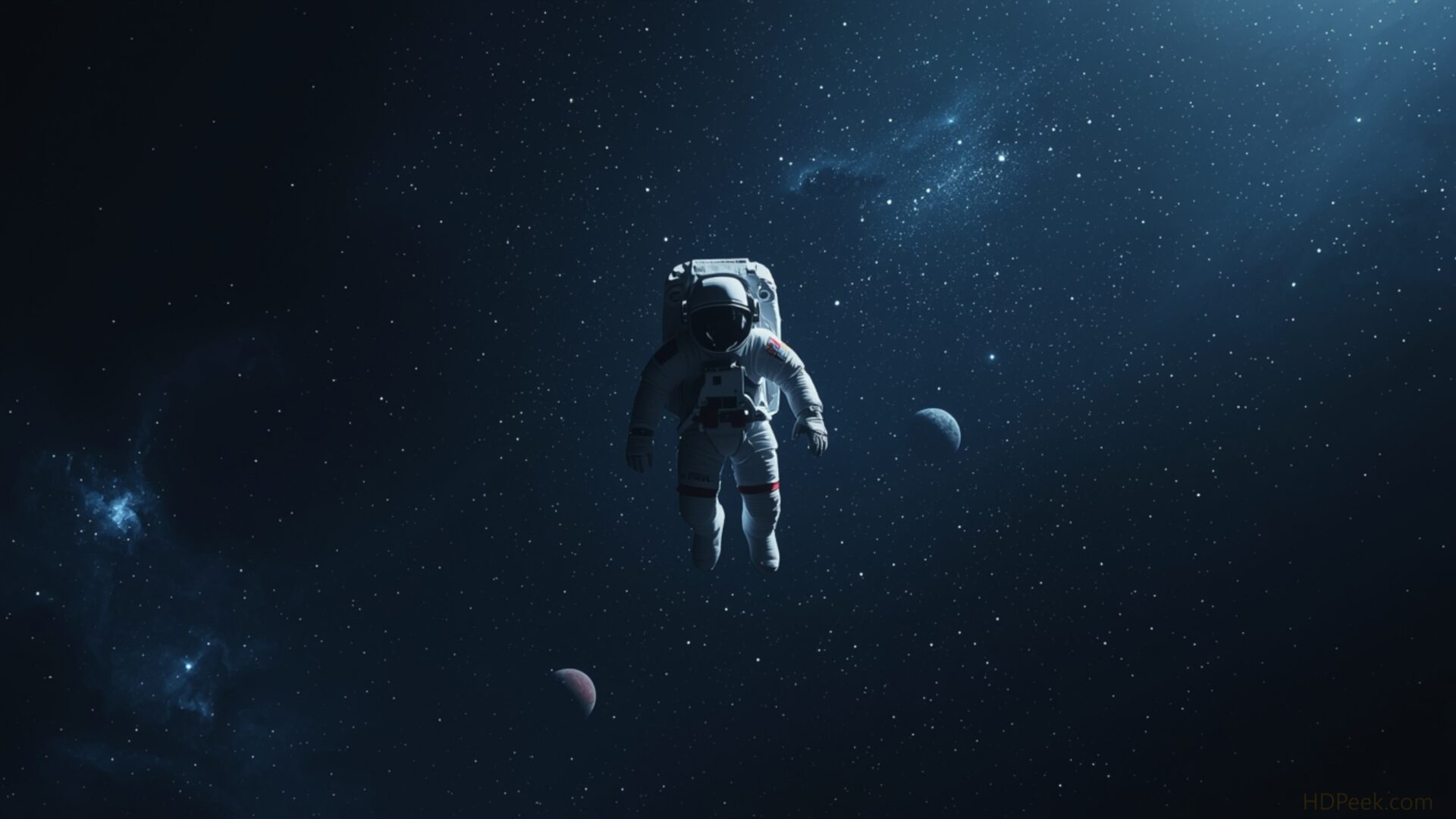
🚀 Minimalist Astronaut Floating Space Dark 4K UHD (3840x2160) Wallpaper
❤ Share this wallpaper:
WhatsApp Facebook Twitter / X Pinterest LinkedIn Copy Link for Instagram Telegram Reddit Email




💡 Below is relevant information on how to install wallpapers on different devices 👇


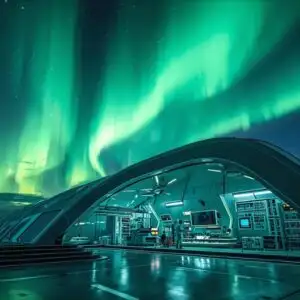
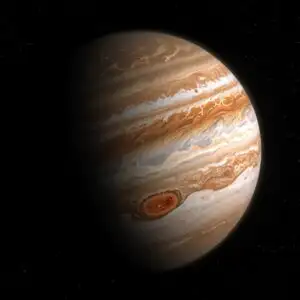
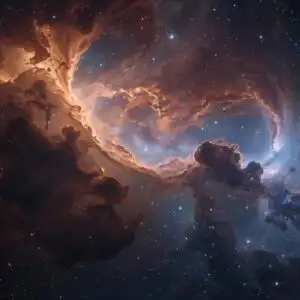
This 4K wallpaper is the best choice for testing your OLED professional display resolution. Compared to others, our high-performance tool provides a premium look for any high-end smartphone or desktop setup.


"Personalize this wallpaper or upload your own image to create the perfect mobile background 👇"
Customize Minimalist Astronaut Floating Space Dark for Mobile Wallpapers
iPhone • Samsung • Xiaomi • Google Pixel • Android • Huawei • (Others)
720×1600 • 1080×1920 • 1080×2340 • 1080×2400 • 1284×2778 • 1440×3088Please use Portrait Mode for a better experience (Optional)
Overview – Minimalist Astronaut Floating Space Dark
“Minimalist Astronaut Floating Space Dark” brings the vastness of the Space & Science category to your screen with a study in contrasts, presenting a lone figure against an infinite backdrop. This hd wallpaper captures a sense of quiet exploration, the astronaut rendered in a minimalist style that emphasizes the stark beauty of the cosmos. The composition draws the eye to the central figure, seemingly suspended in the void, while subtle gradations of dark hues create depth and dimension.
The image evokes a feeling of solitude and wonder, inviting contemplation on the scale of the universe. It is a desktop background that is both visually striking and subtly thought-provoking. The artist has skillfully used negative space to amplify the feeling of isolation, making the astronaut appear even more vulnerable and yet resilient against the cosmic expanse. The interplay of light and shadow adds a layer of complexity, highlighting the texture of the spacesuit and the subtle details of the surrounding darkness. This wallpaper pc offers a unique way to personalize your desktop.
For those seeking a stylish HD artwork that speaks to the spirit of discovery, this laptop wallpaper provides a captivating visual experience. The high resolution detail ensures that every nuance of the design is preserved, making it a stunning addition to any screen. It’s a desktop wallpaper that is both modern and timeless, appealing to those who appreciate minimalist aesthetics and the allure of space exploration. You can download wallpaper and transform your digital environment with this captivating scene.
Available as a free wallpaper, this image is optimized for a variety of screen sizes, including the crisp detail of 3840×2160 4K resolution, ensuring a sharp and immersive visual experience. The 4K version offers the highest quality, bringing out the subtle textures and color gradations in stunning clarity. Furthermore, it is also available in 2K and Full HD versions, providing options for various devices and screen resolutions, ensuring everyone can enjoy the beauty of “Minimalist Astronaut Floating Space Dark”.
Wallpaper license: CC BY-NC-ND 4.0 · Credit: HDPeek.com
Remove Black Bars | Fit to Any Screen Size | CSS Fixer & Minifier | Compress Image Online | Image Converter Online | What Is My Screen Resolution? | Wallpaper Upscaler Online
Explore Categories
💡 How to Install Wallpaper on Different Devices
Windows PC:
Right-click on the wallpaper image. Select "Set as desktop background" or "Set as wallpaper". Adjust the fit (Fill, Fit, Stretch, Tile, Center) in Settings > Personalization > Background.Mac:
Right-click on the wallpaper image. Select "Set Desktop Picture". Alternatively, go to System Preferences > Desktop & Screen Saver and choose your image.iPhone / iPad (iOS):
Open the wallpaper image in Photos. Tap the Share button and select "Use as Wallpaper". Move and scale the image, then tap "Set" > Choose "Set Lock Screen", "Set Home Screen", or "Set Both".Android:
Open the wallpaper image in your Gallery app. Tap the Menu or Options button, then select "Set as wallpaper". Choose Home screen, Lock screen, or Both. Adjust the crop if needed and confirm.Linux (Ubuntu / others):
Right-click on the wallpaper image. Select "Set as Desktop Background" or "Set as Wallpaper". Adjust settings if your desktop environment allows multiple monitors.
Tips:
- For best quality, download the image in the resolution that matches your screen.
- Use 16:9 for widescreens, 1:1 for square displays.
- On mobile devices, choose "Set Both" for a consistent look on Home and Lock screens.
