🌀 Ink Splatter Explosion Frozen in Mid-Air 4K UHD (3840x2160) Wallpaper
❤ Share this wallpaper:
WhatsApp Facebook Twitter / X Pinterest LinkedIn Copy Link for Instagram Telegram Reddit Email


💡 Below is relevant information on how to install wallpapers on different devices 👇

This 4K wallpaper is the best choice for testing your OLED professional display resolution. Compared to others, our high-performance tool provides a premium look for any high-end smartphone or desktop setup.
"Personalize this wallpaper or upload your own image to create the perfect mobile background 👇"
Customize Ink Splatter Explosion Frozen in Mid-Air for Mobile Wallpapers
iPhone • Samsung • Xiaomi • Google Pixel • Android • Huawei • (Others)
720×1600 • 1080×1920 • 1080×2340 • 1080×2400 • 1284×2778 • 1440×3088Please use Portrait Mode for a better experience (Optional)
Overview – Ink Splatter Explosion Frozen in Mid-Air
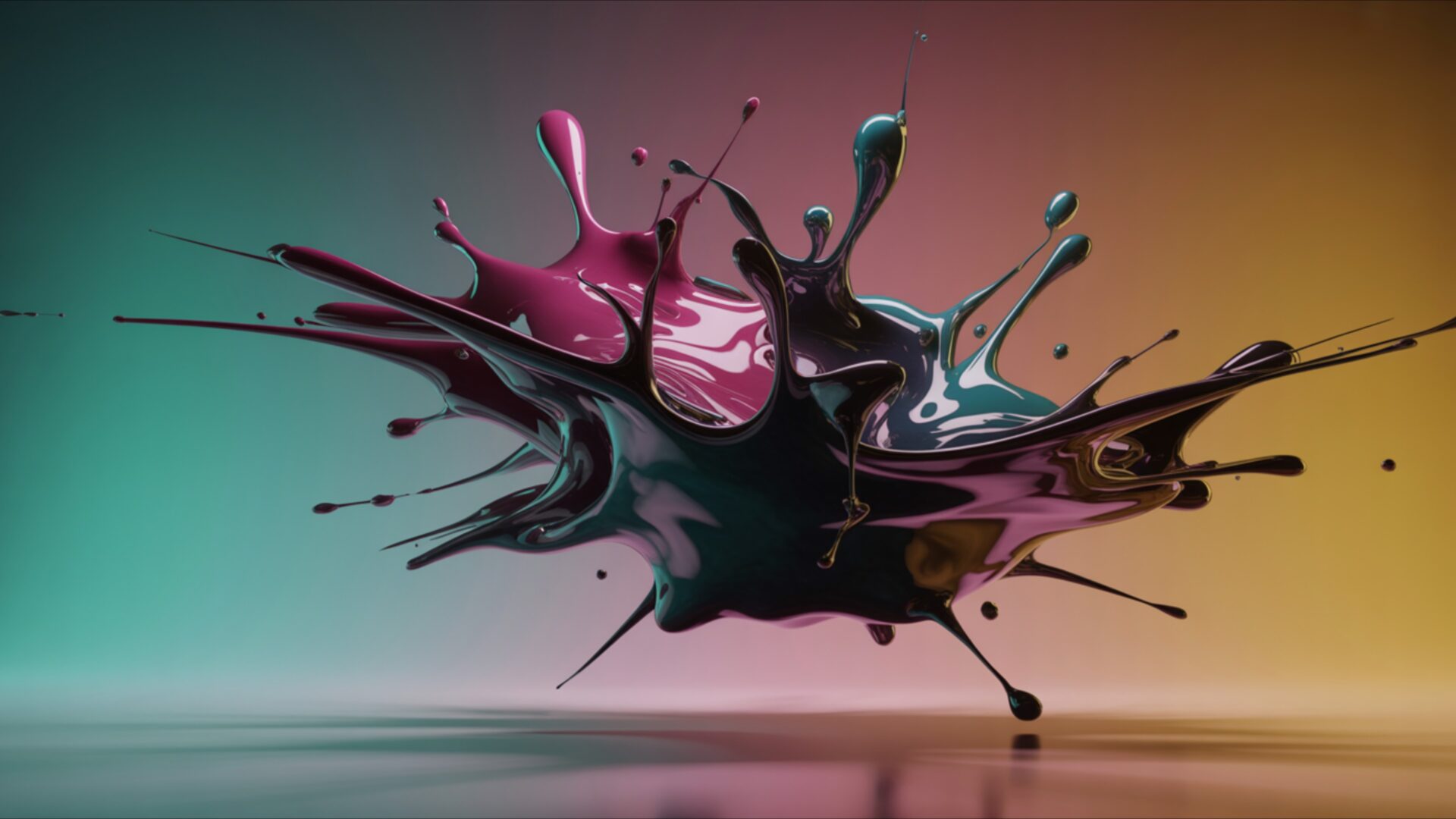
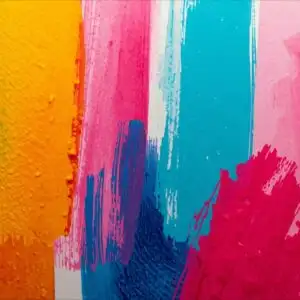
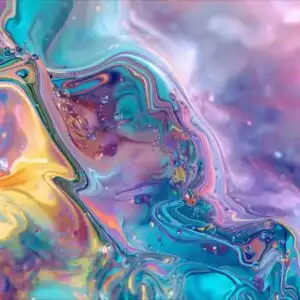
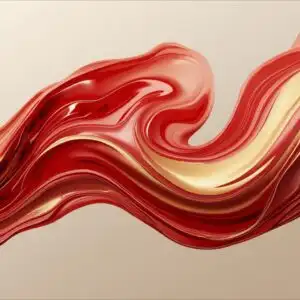
Ink Splatter Explosion Frozen in Mid-Air captures the essence of the Abstract & Patterns category with its chaotic yet controlled visual energy. The image presents a moment of pure, unadulterated dynamism, where vibrant inks collide and disperse in a simulated explosion, all seemingly suspended in time. It’s a study in controlled chaos, offering a captivating visual experience.
The composition draws the eye to the center, where the initial impact occurred. From there, tendrils of color radiate outwards, creating a sense of expanding energy. The freeze effect enhances the detail, allowing the viewer to appreciate the intricate patterns formed by the colliding pigments. Each splatter and streak tells a story of force and movement, despite the overall stillness of the scene. The lighting plays a crucial role, highlighting the textures and nuances within the ink. Shadows deepen the sense of depth, while brighter areas emphasize the vibrancy of the colors. This interplay of light and shadow adds another layer of complexity to the already fascinating visual.
The color palette is rich and varied, with a range of hues blending and contrasting to create a visually stimulating effect. From deep blues and purples to vibrant reds and yellows, the colors interact in unexpected ways, resulting in a dynamic and engaging scene composition. The use of contrasting colors further enhances the sense of movement and energy, drawing the eye across the screen. The overall effect is one of controlled chaos, where the randomness of the ink splatters is balanced by the deliberate composition and color choices. This makes it a stylish HD artwork to personalize your desktop.
This high-resolution 4k wallpaper is perfect as a desktop background for those who appreciate abstract art and dynamic visual themes. It’s a striking visual that can add a touch of energy and creativity to your computer screen background. The intricate details and vibrant colors make it a captivating addition to any laptop wallpaper or tablet background. If you are looking to download wallpaper that offers a unique and visually stimulating experience, this is an excellent choice.
This visual theme is available as a free wallpaper, allowing you to instantly download wallpaper and refresh your screen with this captivating image. It’s a quick download to get it now and transform your mobile background or phone background with this unique piece of digital art. The 3840×2160 resolution ensures a crisp and detailed image, even on large screens. For those seeking alternative resolutions, this Ink Splatter Explosion Frozen in Mid-Air is also available in 2K and Full HD (FHD) versions to suit a variety of devices and screen sizes.
Wallpaper license: CC BY-NC-ND 4.0 · Credit: HDPeek.com
Remove Black Bars | Fit to Any Screen Size | CSS Fixer & Minifier | Compress Image Online | Image Converter Online | What Is My Screen Resolution? | Wallpaper Upscaler Online
Explore Categories
💡 How to Install Wallpaper on Different Devices
Windows PC:
Right-click on the wallpaper image. Select "Set as desktop background" or "Set as wallpaper". Adjust the fit (Fill, Fit, Stretch, Tile, Center) in Settings > Personalization > Background.Mac:
Right-click on the wallpaper image. Select "Set Desktop Picture". Alternatively, go to System Preferences > Desktop & Screen Saver and choose your image.iPhone / iPad (iOS):
Open the wallpaper image in Photos. Tap the Share button and select "Use as Wallpaper". Move and scale the image, then tap "Set" > Choose "Set Lock Screen", "Set Home Screen", or "Set Both".Android:
Open the wallpaper image in your Gallery app. Tap the Menu or Options button, then select "Set as wallpaper". Choose Home screen, Lock screen, or Both. Adjust the crop if needed and confirm.Linux (Ubuntu / others):
Right-click on the wallpaper image. Select "Set as Desktop Background" or "Set as Wallpaper". Adjust settings if your desktop environment allows multiple monitors.
Tips:
- For best quality, download the image in the resolution that matches your screen.
- Use 16:9 for widescreens, 1:1 for square displays.
- On mobile devices, choose "Set Both" for a consistent look on Home and Lock screens.
