🚀 Galaxy Core With Bright Swirling Stars 4K UHD (3840x2160) Wallpaper


❤ Share this wallpaper:
WhatsApp Facebook Twitter / X Pinterest LinkedIn Copy Link for Instagram Telegram Reddit Email





💡 Below is relevant information on how to install wallpapers on different devices 👇






This 4K wallpaper is the best choice for testing your OLED professional display resolution. Compared to others, our high-performance tool provides a premium look for any high-end smartphone or desktop setup.






"Personalize this wallpaper or upload your own image to create the perfect mobile background 👇"
Customize Galaxy Core With Bright Swirling Stars for Mobile Wallpapers
iPhone • Samsung • Xiaomi • Google Pixel • Android • Huawei • (Others)
720×1600 • 1080×1920 • 1080×2340 • 1080×2400 • 1284×2778 • 1440×3088Please use Portrait Mode for a better experience (Optional)
Overview – Galaxy Core With Bright Swirling Stars
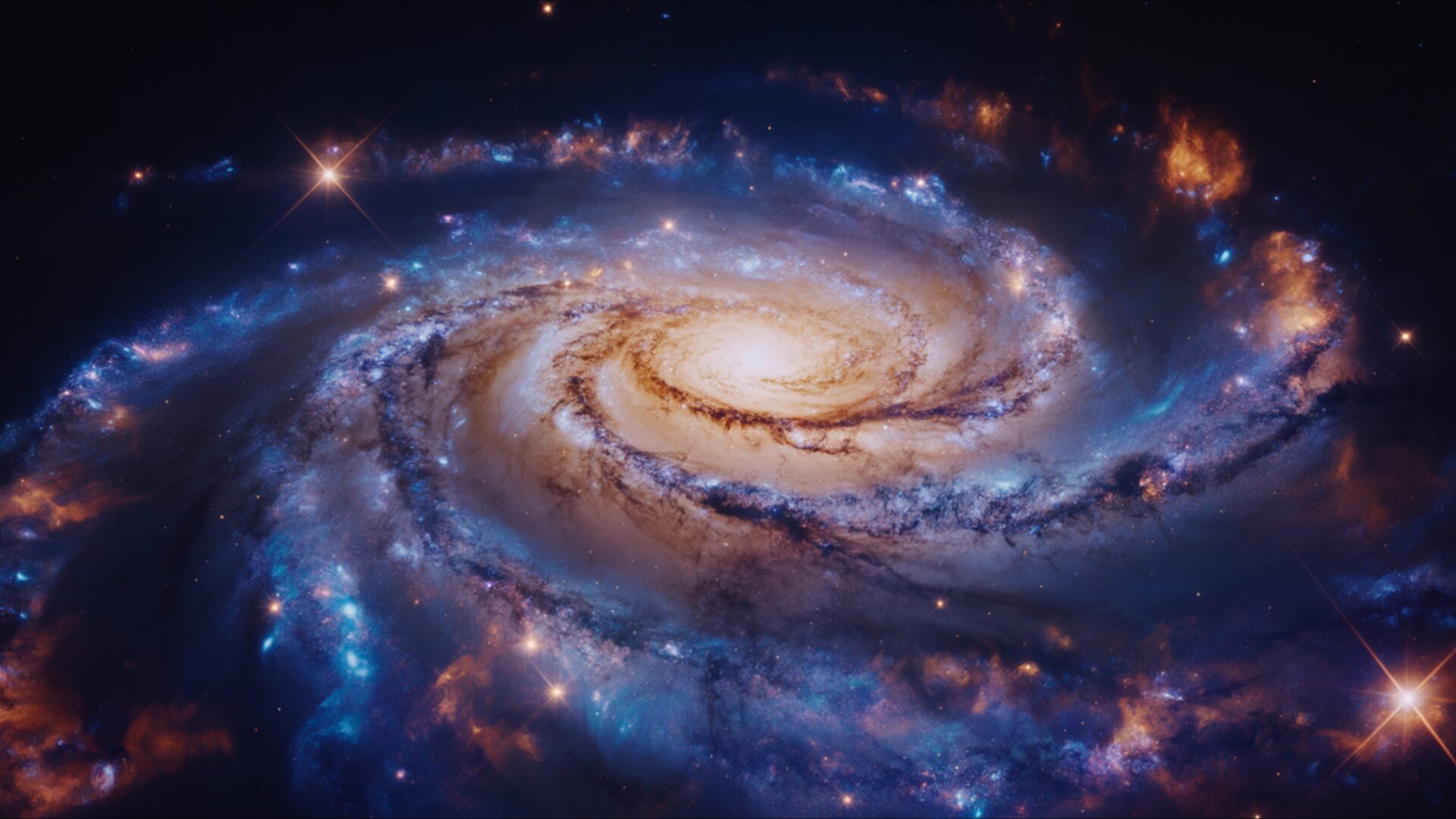
Galaxy Core With Bright Swirling Stars captures the vast beauty of the Space & Science category, presenting a captivating glimpse into the heart of a galaxy. The image showcases a vibrant core, alive with bright swirls of cosmic dust and gas, illuminated by the radiant glow of countless stars. It’s a visual journey into cosmic depth, inviting the viewer to contemplate the sheer scale and wonder of the universe.
The composition draws the eye towards the galaxy center, a region teeming with energy and activity. Notice the interplay of light and shadow, creating a sense of depth and dimension that pulls you into the scene. The swirling patterns, rendered in exquisite detail, reveal the dynamic forces at play within this celestial structure. This stylish HD artwork is more than just a pretty picture; it’s a window into the fundamental processes that shape our cosmos.
Consider the color palette – a symphony of blues, purples, reds, and golds, blending seamlessly to create a breathtaking spectacle. Each hue contributes to the overall sense of awe and wonder, evoking the mystery and grandeur of deep sky exploration. The meticulous rendering of the star cluster adds another layer of complexity, highlighting the sheer density of stars packed within this galactic core. It’s a testament to the power and beauty of nature, captured in stunning detail.
This 4k wallpaper offers a unique opportunity to personalize your desktop with a piece of the universe. Imagine having this awe-inspiring scene as your computer screen background, a constant reminder of the vastness and beauty that lies beyond our world. The high-resolution detail ensures that every nuance of the image is preserved, from the faintest glimmer of distant stars to the intricate patterns of the swirling gases. It transforms your monitor wallpaper into a portal to another world, a source of inspiration and wonder.
This visual theme is perfect for anyone who appreciates the beauty of space and the wonders of science. It’s a chance to bring a touch of the cosmos into your everyday life, transforming your desktop background into a work of art. The 3840×2160 resolution ensures a crisp and clear image, even on the largest displays. Get it now and experience the beauty of the universe in stunning detail. This aesthetic layout is also available as a laptop wallpaper, a phone background, or a tablet background, allowing you to carry a piece of the cosmos with you wherever you go. You can quick download this Galaxy Core With Bright Swirling Stars in a range of resolutions, including 2K and Full HD, ensuring a perfect fit for any screen size.
Wallpaper license: CC BY-NC-ND 4.0 · Credit: HDPeek.com
Remove Black Bars | Fit to Any Screen Size | CSS Fixer & Minifier | Compress Image Online | Image Converter Online | What Is My Screen Resolution? | Wallpaper Upscaler Online
Explore Categories
💡 How to Install Wallpaper on Different Devices
Windows PC:
Right-click on the wallpaper image. Select "Set as desktop background" or "Set as wallpaper". Adjust the fit (Fill, Fit, Stretch, Tile, Center) in Settings > Personalization > Background.Mac:
Right-click on the wallpaper image. Select "Set Desktop Picture". Alternatively, go to System Preferences > Desktop & Screen Saver and choose your image.iPhone / iPad (iOS):
Open the wallpaper image in Photos. Tap the Share button and select "Use as Wallpaper". Move and scale the image, then tap "Set" > Choose "Set Lock Screen", "Set Home Screen", or "Set Both".Android:
Open the wallpaper image in your Gallery app. Tap the Menu or Options button, then select "Set as wallpaper". Choose Home screen, Lock screen, or Both. Adjust the crop if needed and confirm.Linux (Ubuntu / others):
Right-click on the wallpaper image. Select "Set as Desktop Background" or "Set as Wallpaper". Adjust settings if your desktop environment allows multiple monitors.
Tips:
- For best quality, download the image in the resolution that matches your screen.
- Use 16:9 for widescreens, 1:1 for square displays.
- On mobile devices, choose "Set Both" for a consistent look on Home and Lock screens.
