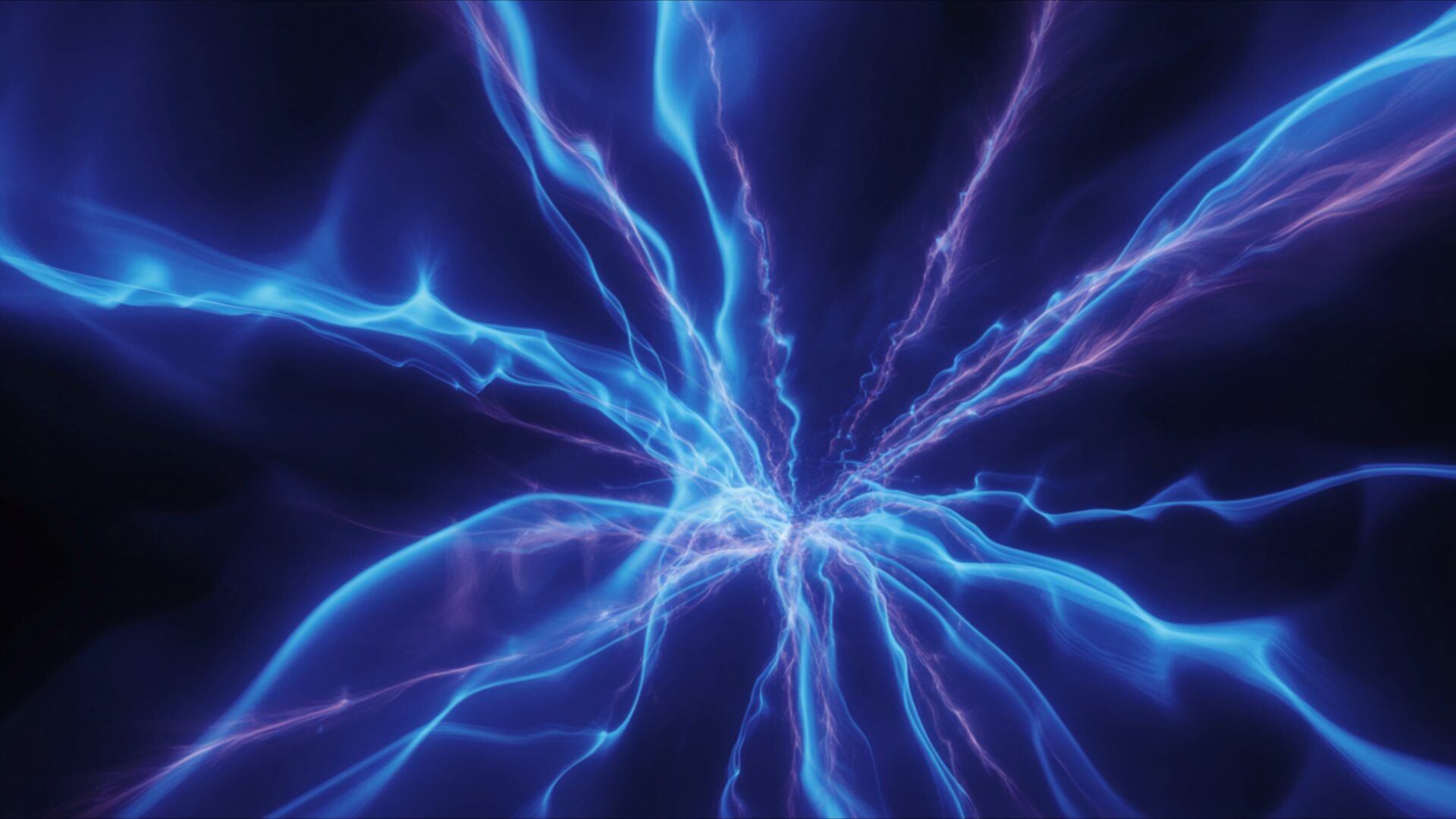
🌀 Electric Blue Plasma Bursting Into Light Trails 4K UHD (3840x2160) Wallpaper
❤ Share this wallpaper:
WhatsApp Facebook Twitter / X Pinterest LinkedIn Copy Link for Instagram Telegram Reddit Email





💡 Below is relevant information on how to install wallpapers on different devices 👇


This 4K wallpaper is the best choice for testing your OLED professional display resolution. Compared to others, our high-performance tool provides a premium look for any high-end smartphone or desktop setup.


"Personalize this wallpaper or upload your own image to create the perfect mobile background 👇"
Customize Electric Blue Plasma Bursting Into Light Trails for Mobile Wallpapers
iPhone • Samsung • Xiaomi • Google Pixel • Android • Huawei • (Others)
720×1600 • 1080×1920 • 1080×2340 • 1080×2400 • 1284×2778 • 1440×3088Please use Portrait Mode for a better experience (Optional)
Overview – Electric Blue Plasma Bursting Into Light Trails
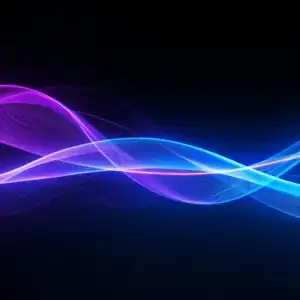
Electric Blue Plasma Bursting Into Light Trails captures the essence of the Abstract & Patterns category with its dynamic composition and vibrant color palette. This digital canvas presents a captivating display of simulated energy, where electric blue hues dominate the scene, creating a sense of depth and movement. The central burst radiates outwards, forming intricate light trails that weave and intersect, adding complexity to the overall design. The high-resolution image showcases a mesmerizing interplay of light and shadow, giving the impression of a powerful force being unleashed.
The composition is carefully balanced, drawing the eye towards the focal point while allowing the surrounding details to contribute to the overall aesthetic layout. The textures within the plasma burst appear almost tangible, with subtle variations in color and intensity that enhance the visual impact. It’s a stylish HD artwork that brings a modern and energetic feel to any digital space. The electric blue tones are not only visually striking but also evoke a sense of technological advancement and innovation.
Consider this 4k wallpaper as a way to personalize your desktop with a touch of abstract artistry. The flowing lines and radiant glow create a sense of constant motion, making it a dynamic and engaging desktop background. The design is both intricate and bold, offering a unique visual theme that can transform your computer screen background into a work of art. The burst of light trails adds a sense of depth and dimension, making it feel as though the energy is leaping off the screen.
This vibrant and energetic scene composition is perfect as a laptop wallpaper, adding a touch of modern flair to your mobile background. The electric blue color palette is both calming and stimulating, creating a visually appealing contrast that can enhance your digital experience. The high-resolution details ensure that every nuance of the design is preserved, even on larger screens. It’s a way to bring a sense of energy and creativity to your daily routine.
This unique design is available for quick download, allowing you to instantly transform your digital space with this captivating image. The 3840×2160 resolution ensures that you’re getting the highest quality image possible, perfect for showcasing the intricate details and vibrant colors of the plasma burst. Whether you’re looking to refresh your desktop background or add a touch of modern art to your devices, Electric Blue Plasma Bursting Into Light Trails offers a visually stunning and engaging option. For those seeking alternative resolutions, this design is also available in 2K and Full HD versions, ensuring compatibility with a wide range of devices.
Wallpaper license: CC BY-NC-ND 4.0 · Credit: HDPeek.com
Remove Black Bars | Fit to Any Screen Size | CSS Fixer & Minifier | Compress Image Online | Image Converter Online | What Is My Screen Resolution? | Wallpaper Upscaler Online
Explore Categories
💡 How to Install Wallpaper on Different Devices
Windows PC:
Right-click on the wallpaper image. Select "Set as desktop background" or "Set as wallpaper". Adjust the fit (Fill, Fit, Stretch, Tile, Center) in Settings > Personalization > Background.Mac:
Right-click on the wallpaper image. Select "Set Desktop Picture". Alternatively, go to System Preferences > Desktop & Screen Saver and choose your image.iPhone / iPad (iOS):
Open the wallpaper image in Photos. Tap the Share button and select "Use as Wallpaper". Move and scale the image, then tap "Set" > Choose "Set Lock Screen", "Set Home Screen", or "Set Both".Android:
Open the wallpaper image in your Gallery app. Tap the Menu or Options button, then select "Set as wallpaper". Choose Home screen, Lock screen, or Both. Adjust the crop if needed and confirm.Linux (Ubuntu / others):
Right-click on the wallpaper image. Select "Set as Desktop Background" or "Set as Wallpaper". Adjust settings if your desktop environment allows multiple monitors.
Tips:
- For best quality, download the image in the resolution that matches your screen.
- Use 16:9 for widescreens, 1:1 for square displays.
- On mobile devices, choose "Set Both" for a consistent look on Home and Lock screens.
