🌿 Dolomites Mountain Peaks and Alpine Meadow Path 4K UHD (3840x2160) Wallpaper
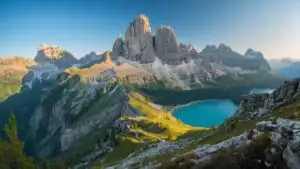 Dolomites Italy Mountain Peaks Hiking Alpine View
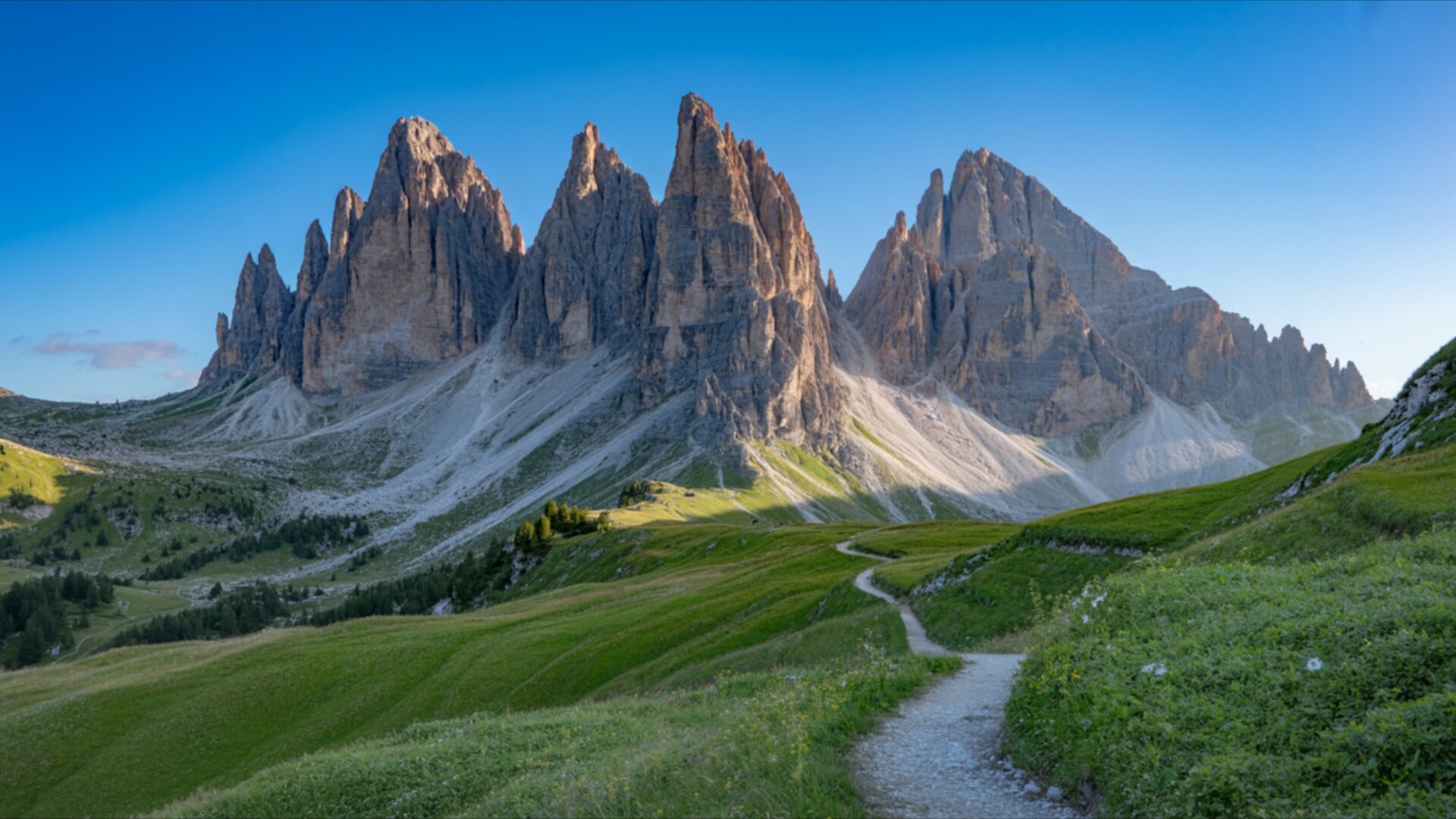
 Dolomites Alpine Meadow with Jagged Mountain Peaks
❤ Share this wallpaper:
WhatsApp Facebook Twitter / X Pinterest LinkedIn Copy Link for Instagram Telegram Reddit Email




💡 Below is relevant information on how to install wallpapers on different devices 👇


This 4K wallpaper is the best choice for testing your OLED professional display resolution. Compared to others, our high-performance tool provides a premium look for any high-end smartphone or desktop setup.

"Personalize this wallpaper or upload your own image to create the perfect mobile background 👇"
Customize Dolomites Mountain Peaks and Alpine Meadow Path for Mobile Wallpapers
iPhone • Samsung • Xiaomi • Google Pixel • Android • Huawei • (Others)
720×1600 • 1080×1920 • 1080×2340 • 1080×2400 • 1284×2778 • 1440×3088Please use Portrait Mode for a better experience (Optional)
Overview – Dolomites Mountain Peaks and Alpine Meadow Path
Dolomites Mountain Peaks and Alpine Meadow Path invites you into a breathtaking Nature scene, capturing the grandeur of the Italian Alps. This high-resolution image presents a dramatic vista where jagged, imposing mountain peaks pierce a clear, vibrant blue sky. The lighting suggests early morning or late afternoon, with the sun casting long shadows across the rugged slopes, highlighting the textured rock faces and the subtle gradients of grey and brown. The peaks themselves are sharp and angular, creating a powerful silhouette against the serene sky.
In the foreground, a lush alpine meadow unfolds, painted in rich shades of green. The grass appears soft and verdant, catching the sunlight and creating a gentle glow. A winding dirt path meanders through this idyllic landscape, inviting exploration. This visual theme draws the eye from the foreground, leading it towards the majestic mountain range in the distance. The path’s gentle curve adds a sense of depth and perspective to the overall composition, making the viewer feel as though they are embarking on a journey through this stunning natural environment. The contrast between the sharp, imposing mountains and the soft, rolling meadow creates a compelling visual dynamic.
The overall mood is one of tranquility and awe, a perfect escape into the wild beauty of the mountains. This scene composition is ideal for anyone seeking a peaceful yet inspiring visual for their digital space. The clarity of the image allows for appreciation of every detail, from the individual blades of grass to the intricate formations of the rock faces. It’s a snapshot of nature at its most impressive, a reminder of the vastness and beauty of the world. This particular image is presented in 3840×2160 resolution, offering exceptional detail. For those seeking alternative options, 4K, 2K, and Full HD versions are also available for download.
Wallpaper license: CC BY-NC-ND 4.0 · Credit: HDPeek.com
Remove Black Bars | Fit to Any Screen Size | CSS Fixer & Minifier | Compress Image Online | Image Converter Online | What Is My Screen Resolution? | Wallpaper Upscaler Online
Explore Categories
💡 How to Install Wallpaper on Different Devices
Windows PC:
Right-click on the wallpaper image. Select "Set as desktop background" or "Set as wallpaper". Adjust the fit (Fill, Fit, Stretch, Tile, Center) in Settings > Personalization > Background.Mac:
Right-click on the wallpaper image. Select "Set Desktop Picture". Alternatively, go to System Preferences > Desktop & Screen Saver and choose your image.iPhone / iPad (iOS):
Open the wallpaper image in Photos. Tap the Share button and select "Use as Wallpaper". Move and scale the image, then tap "Set" > Choose "Set Lock Screen", "Set Home Screen", or "Set Both".Android:
Open the wallpaper image in your Gallery app. Tap the Menu or Options button, then select "Set as wallpaper". Choose Home screen, Lock screen, or Both. Adjust the crop if needed and confirm.Linux (Ubuntu / others):
Right-click on the wallpaper image. Select "Set as Desktop Background" or "Set as Wallpaper". Adjust settings if your desktop environment allows multiple monitors.
Tips:
- For best quality, download the image in the resolution that matches your screen.
- Use 16:9 for widescreens, 1:1 for square displays.
- On mobile devices, choose "Set Both" for a consistent look on Home and Lock screens.
