⚔️ Cute Anime Idol Girl With Heart Glowstick 4K UHD (3840x2160) Wallpaper


❤ Share this wallpaper:
WhatsApp Facebook Twitter / X Pinterest LinkedIn Copy Link for Instagram Telegram Reddit Email





💡 Below is relevant information on how to install wallpapers on different devices 👇

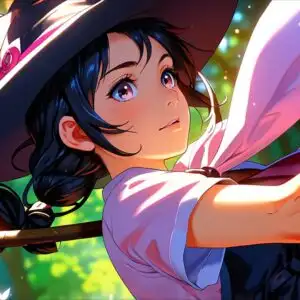
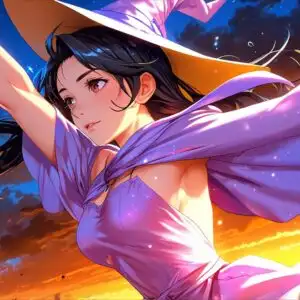
This 4K wallpaper is the best choice for testing your OLED professional display resolution. Compared to others, our high-performance tool provides a premium look for any high-end smartphone or desktop setup.




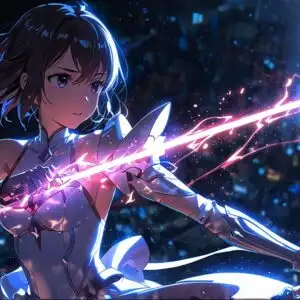

"Personalize this wallpaper or upload your own image to create the perfect mobile background 👇"
Customize Cute Anime Idol Girl With Heart Glowstick for Mobile Wallpapers
iPhone • Samsung • Xiaomi • Google Pixel • Android • Huawei • (Others)
720×1600 • 1080×1920 • 1080×2340 • 1080×2400 • 1284×2778 • 1440×3088Please use Portrait Mode for a better experience (Optional)
Overview – Cute Anime Idol Girl With Heart Glowstick
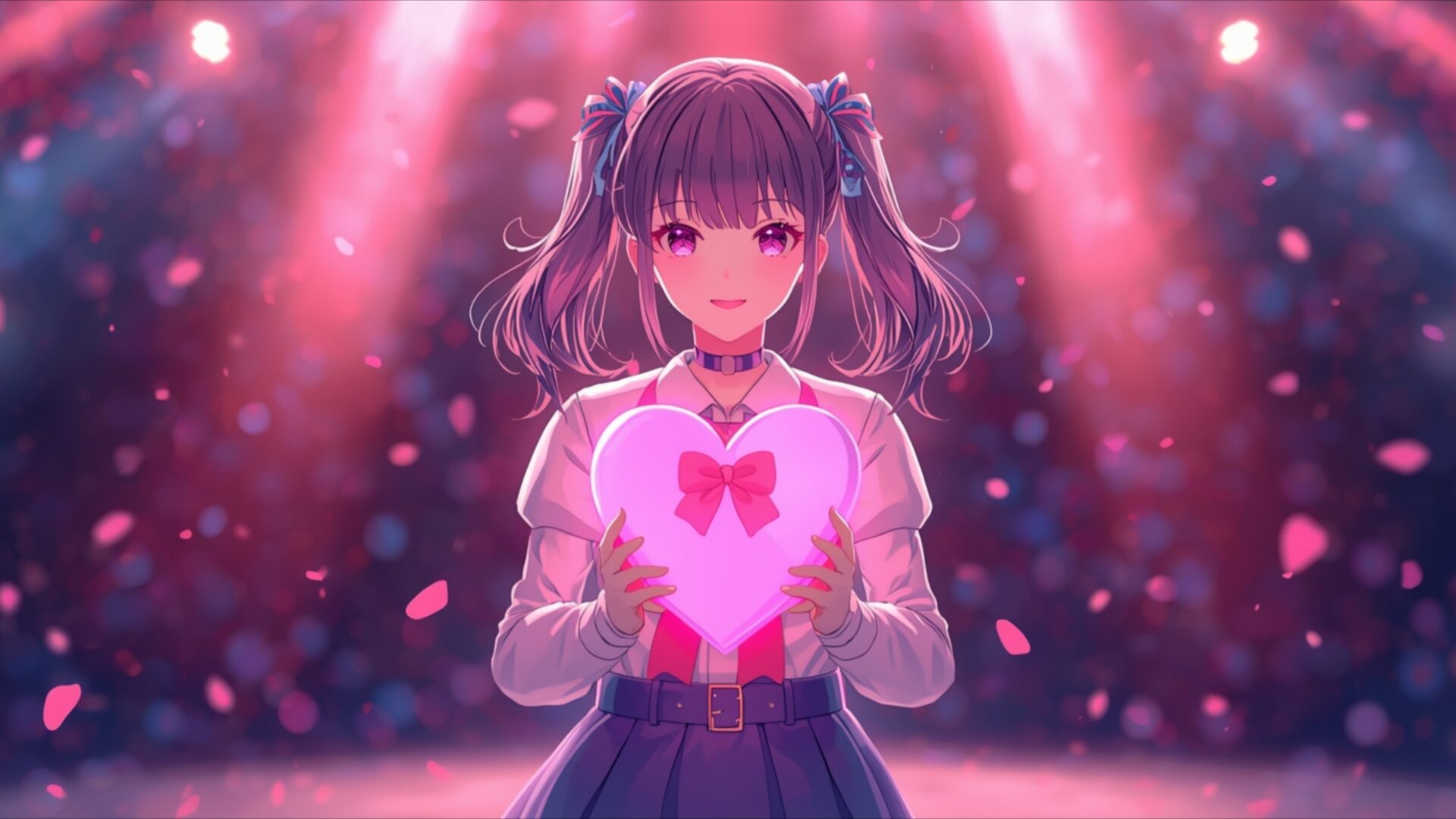
Cute Anime Idol Girl With Heart Glowstick captures the vibrant energy of the Anime category, presenting a visually striking scene composition perfect for fans of Japanese animation and pop culture. The image focuses on a charming anime girl, radiating youthful exuberance and stage presence. Her design incorporates classic kawaii anime elements, from her large, expressive eyes to her meticulously styled hair, all rendered in crisp detail in this 3840×2160 resolution 4k wallpaper.
The central element is the heart-shaped glowstick she holds aloft, casting a soft, warm glow that illuminates her face and adds a touch of magic to the scene. This light interacts dynamically with the surrounding stage lights, creating a dazzling display of color that enhances the overall idol aesthetic. The use of light and shadow is carefully balanced, drawing the viewer’s eye to the focal point while maintaining a sense of depth and dimension. The stylish HD artwork emphasizes the textures of her clothing and accessories, from the delicate ruffles of her skirt to the subtle sheen of her hair ornaments.
The background is a blur of vibrant colors, suggesting a lively concert atmosphere filled with cheering fans. This intentional blur helps to isolate the anime idol girl, making her the clear subject of the image. The composition is dynamic and engaging, capturing a fleeting moment of performance and connection. It’s a design that aims to personalize your desktop with a touch of playful charm.
This desktop background is more than just a pretty picture; it’s a celebration of the idol culture phenomenon, bringing the energy and excitement of a live performance to your computer screen background. The overall visual theme is one of joy, optimism, and youthful energy, making it an ideal choice for anyone who appreciates the kawaii aesthetic and the world of anime. It’s a fantastic way to infuse your digital space with a bit of fun and personality.
If you are looking to download wallpaper that is both visually appealing and high-resolution, this is a great option. This notebook wallpaper offers a delightful escape into a world of colorful lights and charming characters. The high-resolution details ensure that every aspect of the image is crisp and clear, even on larger screens. Get it now and transform your digital workspace into a vibrant and engaging environment. Versions of Cute Anime Idol Girl With Heart Glowstick are also readily available, free of charge, in 2K and Full HD formats, ensuring compatibility with a wide range of devices.
Wallpaper license: CC BY-NC-ND 4.0 · Credit: HDPeek.com
Remove Black Bars | Fit to Any Screen Size | CSS Fixer & Minifier | Compress Image Online | Image Converter Online | What Is My Screen Resolution? | Wallpaper Upscaler Online
Explore Categories
💡 How to Install Wallpaper on Different Devices
Windows PC:
Right-click on the wallpaper image. Select "Set as desktop background" or "Set as wallpaper". Adjust the fit (Fill, Fit, Stretch, Tile, Center) in Settings > Personalization > Background.Mac:
Right-click on the wallpaper image. Select "Set Desktop Picture". Alternatively, go to System Preferences > Desktop & Screen Saver and choose your image.iPhone / iPad (iOS):
Open the wallpaper image in Photos. Tap the Share button and select "Use as Wallpaper". Move and scale the image, then tap "Set" > Choose "Set Lock Screen", "Set Home Screen", or "Set Both".Android:
Open the wallpaper image in your Gallery app. Tap the Menu or Options button, then select "Set as wallpaper". Choose Home screen, Lock screen, or Both. Adjust the crop if needed and confirm.Linux (Ubuntu / others):
Right-click on the wallpaper image. Select "Set as Desktop Background" or "Set as Wallpaper". Adjust settings if your desktop environment allows multiple monitors.
Tips:
- For best quality, download the image in the resolution that matches your screen.
- Use 16:9 for widescreens, 1:1 for square displays.
- On mobile devices, choose "Set Both" for a consistent look on Home and Lock screens.
