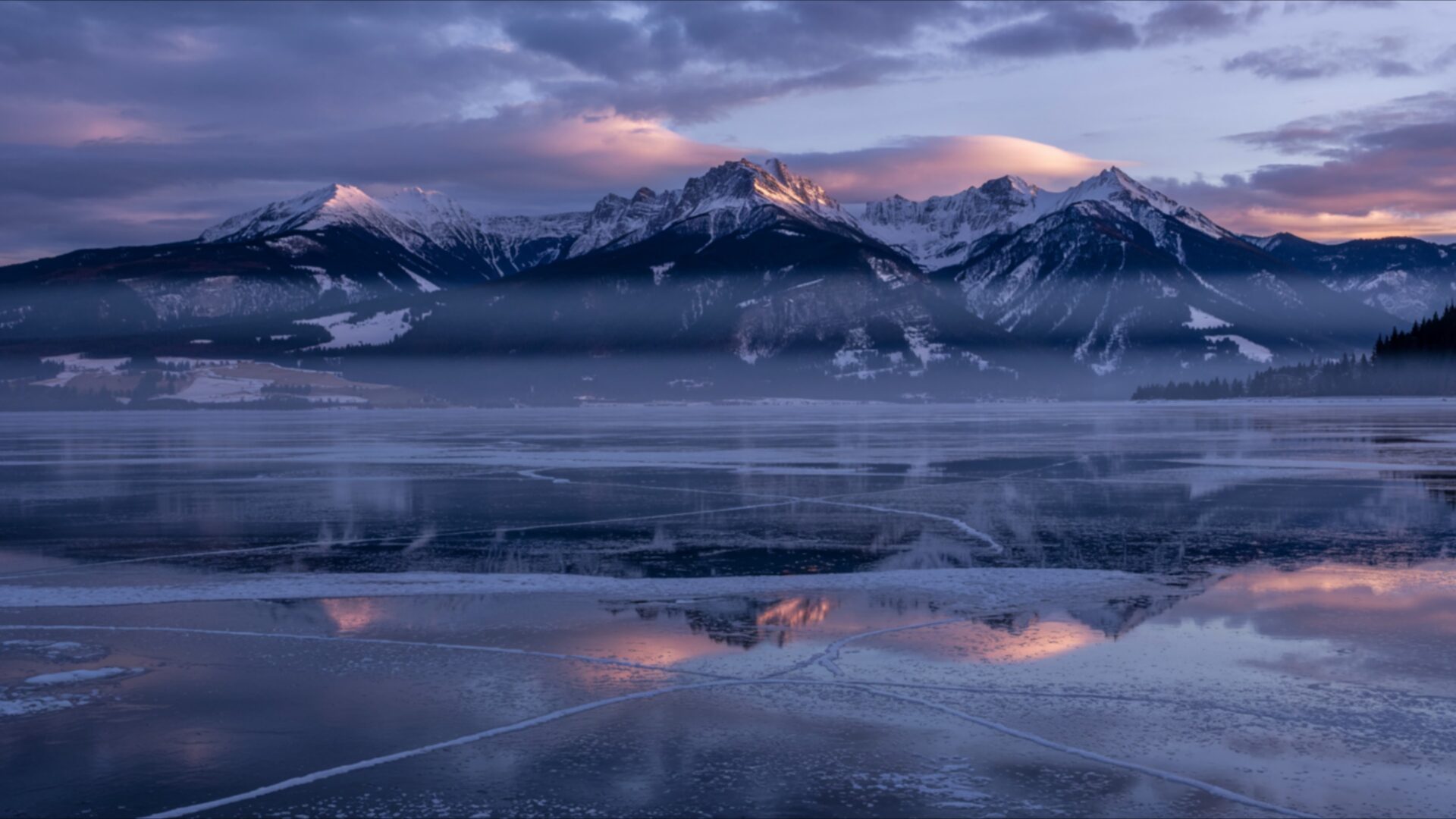
🏞️ Frozen Lake With Distant Mountains 4K UHD (3840x2160) Wallpaper
❤ Share this wallpaper:
WhatsApp Facebook Twitter / X Pinterest LinkedIn Copy Link for Instagram Telegram Reddit Email


💡 Below is relevant information on how to install wallpapers on different devices 👇

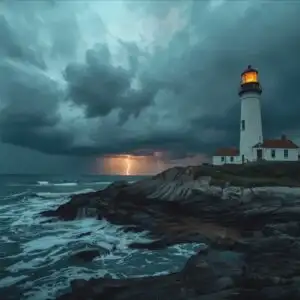
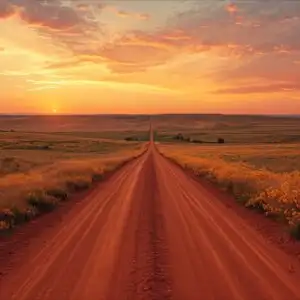

This 4K wallpaper is the best choice for testing your OLED professional display resolution. Compared to others, our high-performance tool provides a premium look for any high-end smartphone or desktop setup.

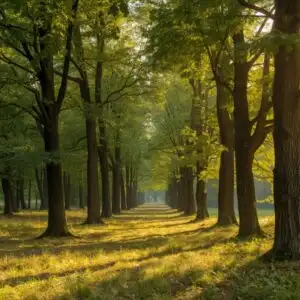
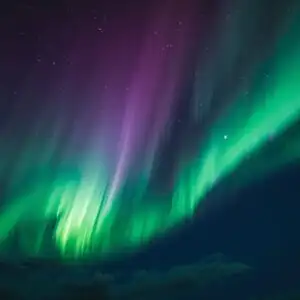
"Personalize this wallpaper or upload your own image to create the perfect mobile background 👇"
Customize Frozen Lake With Distant Mountains for Mobile Wallpapers
iPhone • Samsung • Xiaomi • Google Pixel • Android • Huawei • (Others)
720×1600 • 1080×1920 • 1080×2340 • 1080×2400 • 1284×2778 • 1440×3088Please use Portrait Mode for a better experience (Optional)
Overview – Frozen Lake With Distant Mountains
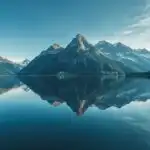
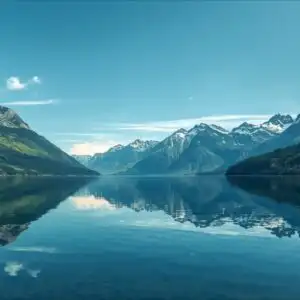
Frozen Lake With Distant Mountains captures the serene beauty of the Landscapes category, presenting a vista of icy stillness and majestic peaks. The scene composition draws the eye across the expansive frozen lake, its surface reflecting the soft, diffused light of a winter sky. Distant mountains, capped with snow, rise against the horizon, adding depth and scale to the image. The prevailing blue tones evoke a sense of cold winter, while the subtle gradations in color suggest the crisp, quiet air of a remote location.
The image emphasizes the textures of the natural world. The frozen lake displays a network of cracks and patterns, hinting at the powerful forces at play beneath the icy surface. The snowy mountains exhibit a rugged texture, shaped by wind and weather over countless years. This attention to detail enhances the overall sense of realism, inviting viewers to immerse themselves in the peaceful scene. The lighting is soft and even, creating a tranquil mood that is both calming and contemplative.
This high-resolution image is a stylish HD artwork, ideal to personalize your desktop with a touch of icy nature. The cool palette and balanced composition make it a versatile choice for any desktop background, adding a touch of sophistication and tranquility to your digital workspace. The visual theme is one of quiet beauty, offering a respite from the hustle and bustle of daily life. It’s a scene that invites contemplation, encouraging viewers to pause and appreciate the simple elegance of the natural world.
The 3840×2160 resolution ensures that every detail is rendered with exceptional clarity, making it a stunning 4k wallpaper for your computer screen background. The crispness of the image allows you to fully appreciate the subtle nuances of color and texture, from the delicate patterns on the frozen lake to the rugged contours of the snowy mountains. It’s a desktop background that will transform your monitor wallpaper into a window onto a world of icy beauty.
If you are looking to download wallpaper and refresh your mobile background or laptop wallpaper, this image is a perfect choice. Get it now and experience the beauty of Frozen Lake With Distant Mountains on your devices. For those seeking alternative resolutions, this captivating scene is also available in 2K and Full HD versions, ensuring a perfect fit for a wide range of devices.
Wallpaper license: CC BY-NC-ND 4.0 · Credit: HDPeek.com
Remove Black Bars | Fit to Any Screen Size | CSS Fixer & Minifier | Compress Image Online | Image Converter Online | What Is My Screen Resolution? | Wallpaper Upscaler Online
Explore Categories
💡 How to Install Wallpaper on Different Devices
Windows PC:
Right-click on the wallpaper image. Select "Set as desktop background" or "Set as wallpaper". Adjust the fit (Fill, Fit, Stretch, Tile, Center) in Settings > Personalization > Background.Mac:
Right-click on the wallpaper image. Select "Set Desktop Picture". Alternatively, go to System Preferences > Desktop & Screen Saver and choose your image.iPhone / iPad (iOS):
Open the wallpaper image in Photos. Tap the Share button and select "Use as Wallpaper". Move and scale the image, then tap "Set" > Choose "Set Lock Screen", "Set Home Screen", or "Set Both".Android:
Open the wallpaper image in your Gallery app. Tap the Menu or Options button, then select "Set as wallpaper". Choose Home screen, Lock screen, or Both. Adjust the crop if needed and confirm.Linux (Ubuntu / others):
Right-click on the wallpaper image. Select "Set as Desktop Background" or "Set as Wallpaper". Adjust settings if your desktop environment allows multiple monitors.
Tips:
- For best quality, download the image in the resolution that matches your screen.
- Use 16:9 for widescreens, 1:1 for square displays.
- On mobile devices, choose "Set Both" for a consistent look on Home and Lock screens.
